Make images, audio and video in real tools, then a piece of your own.
The whole first lesson, as your class sees it. No sign-in needed.
The same lesson opens on each student's own device, to follow in class and finish at home.

Everything a teacher needs to teach Exploring Digital Media this year.
The whole books come with the course, in each class's Resources.
Every lesson is mapped to the specification. This course teaches 11 of the 42 outcomes for this class.
Tap any outcome to read it. The coloured ones are taught in this course. The curriculum does not include official reference codes for individual learning outcomes, so we have assigned a code scheme to make it easier to identify and track coverage.
16 lessons in 4 modules. The lesson marked Sample opens in full.
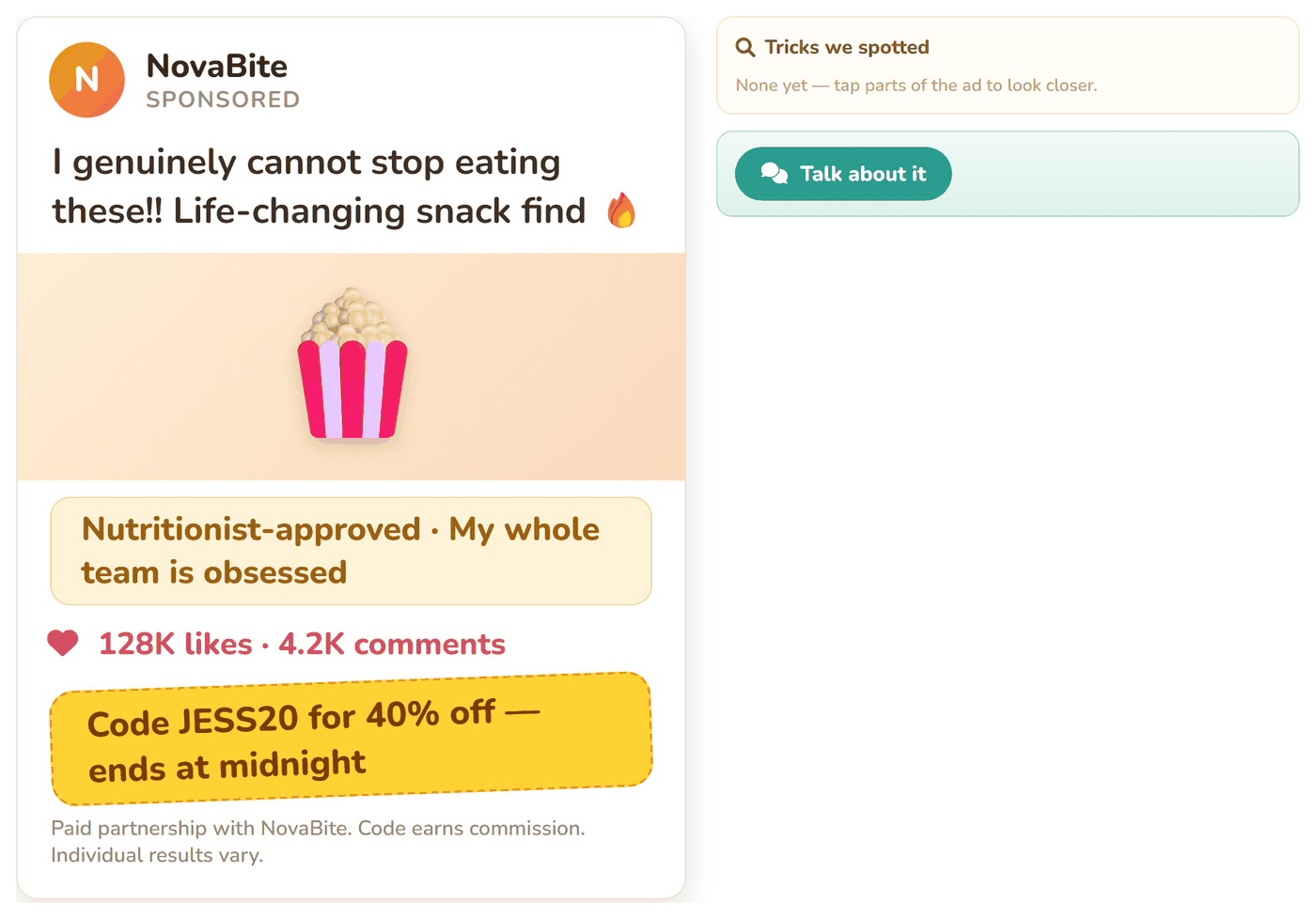
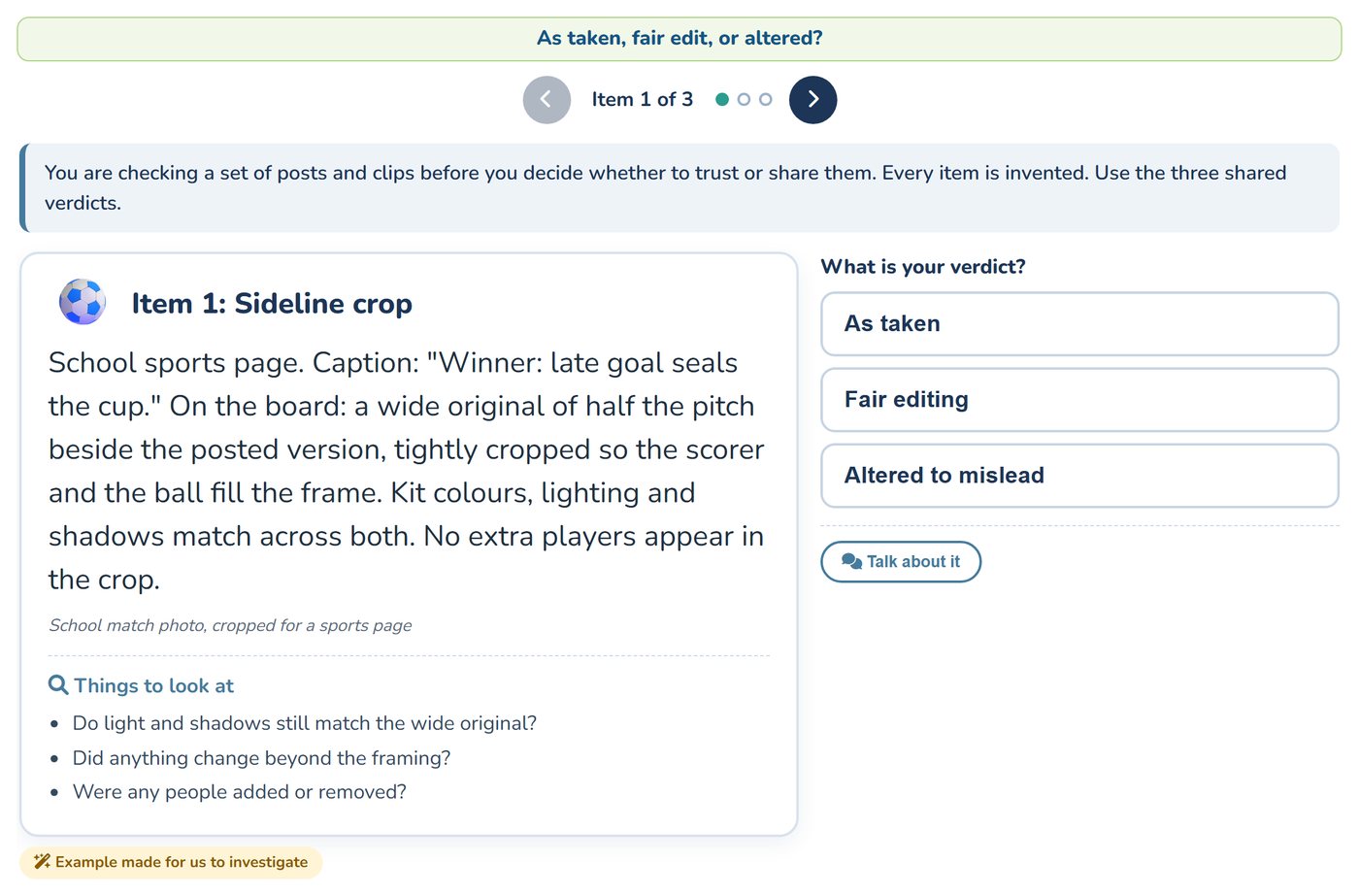
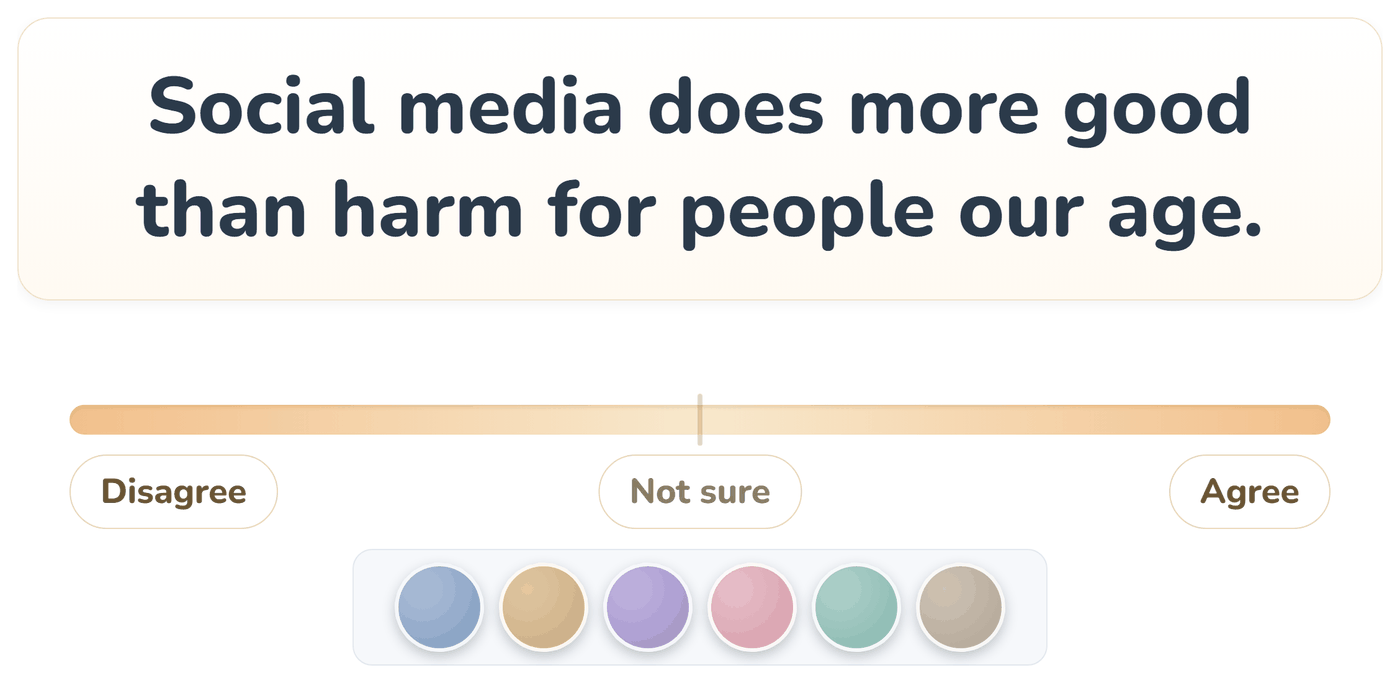
A Transition Year module of 16 lessons in which students make digital media rather than read about it. They start with what is in front of them online: why a feed shows them what it does, how an influencer's post is built to sell, and how far to trust an AI chat tool's answer. They find material they are allowed to use and log where it came from, then learn three real browser tools, Canva for images, AudioMass for audio and Snip Studio for video, two lessons each. They use what they have made to spot images, audio and video that were edited or made to mislead, and argue both sides of a question about technology in a class debate. The module ends with crediting and showing: students write complete references, make a short piece of their own from the material they logged and credit every borrowed part, then show one piece at a class showcase, where a classmate reviews it and they act on one note.
The NCCA guidelines give teachers significant flexibility in designing and delivering Transition Year modules, allowing them to tailor them to their school's context and students' needs. This module is designed for an 8 to 10 week rotation of about 11 classroom hours, and can be integrated into the TY programme as a standalone unit or combined with other components. Schools may adapt it, including teaching approaches and school-based assessments such as portfolios or projects, to reflect specific learning priorities and align with the broader aims of the TY Programme Statement.
Used in some of the lessons. Students can share in groups of two or three.
This module is one of 10 Transition Year modules you can combine into a complete Year-Long TY Digital Skills Programme, shaped around your timetable and the students in front of you.
Run the same pathway for every student, or set different pathways for different groups. Students also get access to the modules they're not doing in class, which is ideal for the keen ones who finish early or want to explore further on their own time.
Prefer a deeper tech focus? Swap in Advanced Coding or Robotics and Automation. Each module is 10 to 16 lessons of 40-60 minutes, leaving room for school events, mid-terms and everything else TY throws at you.
Get in touch to discuss pricing and ordering for your school.
Back to Transition Year courses