 When you make a media project, the pictures and sounds have to come from somewhere. Today you will look at where that material comes from and whether you are allowed to use it.
- First you will sort situations into free or not free.
- Then you will collect a picture and a video clip from websites that allow reuse, and log where each one came from.
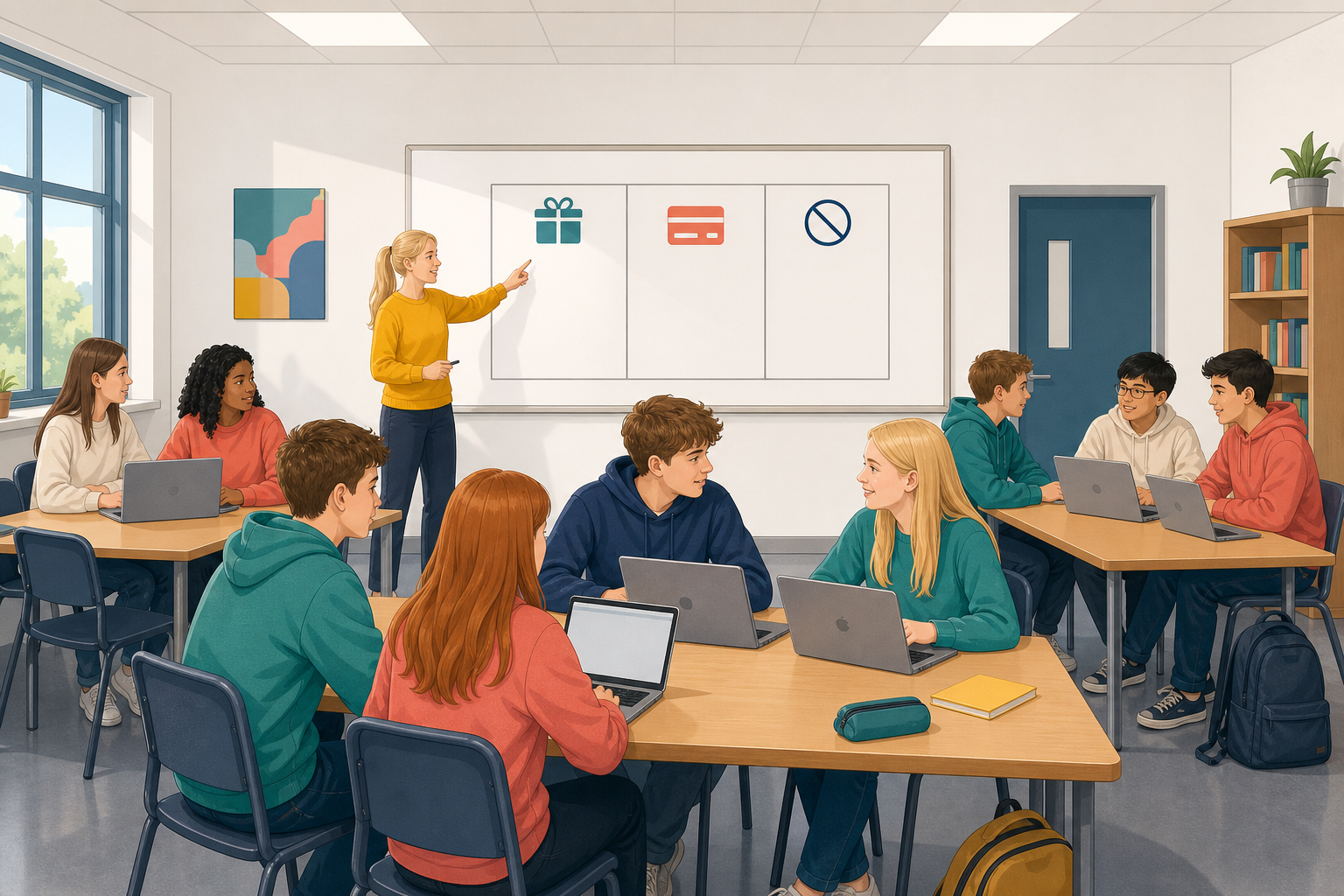 Finding something on the internet does not mean you are allowed to use it. A licence is the permission that says what you may do with a file and whether you must credit, or name, its creator.
There are three groups: free without credit, free with credit and not free.
Pixabay is a website with pictures, clips and some sounds, and Freesound has sound effects. Many files have Creative Commons labels, which are free licences. CC0 (C C zero) means the file belongs to everyone, so no credit is needed. CC BY means you must name the creator when you use it.
The class does this activity together, and a different pair places each card.
- Free to reuse without credit: you do not need to name the creator, as with CC0 files.
- Free to reuse with credit: you may use it if you name the creator, as with CC BY files.
- Not free to reuse: there is no clear licence, or it is someone's own photo or post, or something a company sells, such as a preview of a song or photo you have not paid for.
A card that lands in a right box shows a green tick, and in a wrong box a red cross. A line under the boxes says why. The class agrees where a red card goes.
Free to reuse or not?
Watch your teacher find an image on Pixabay, read its licence and write a line in a source log. Then take about 10 minutes to do the same for two files of your own.
Choose files for a short media piece about one of your interests, such as sport or music. Use Pixabay, not random search results, and skip anything marked Sponsored or iStock, because those are paid. Only use Freesound if your teacher has set it up.
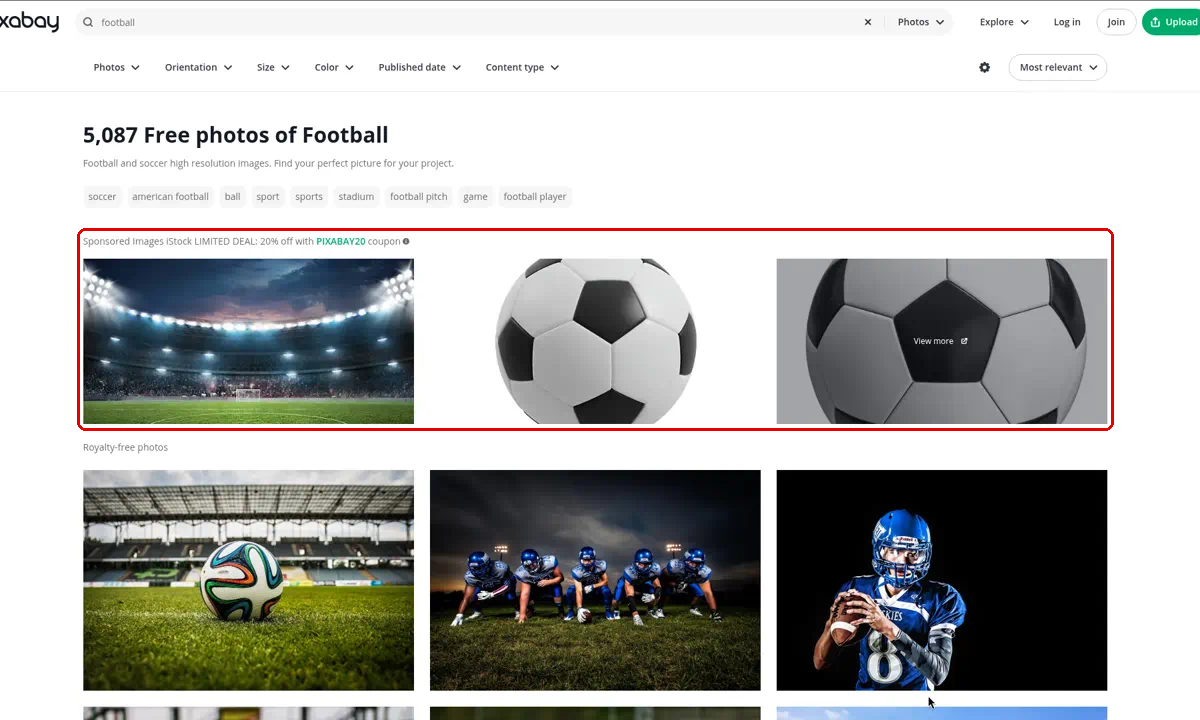
Make one file an image and the other a short video clip, because you will make a video from your clips later in the course. Only add a sound if your teacher says so. Two files fully logged are better than three half logged.
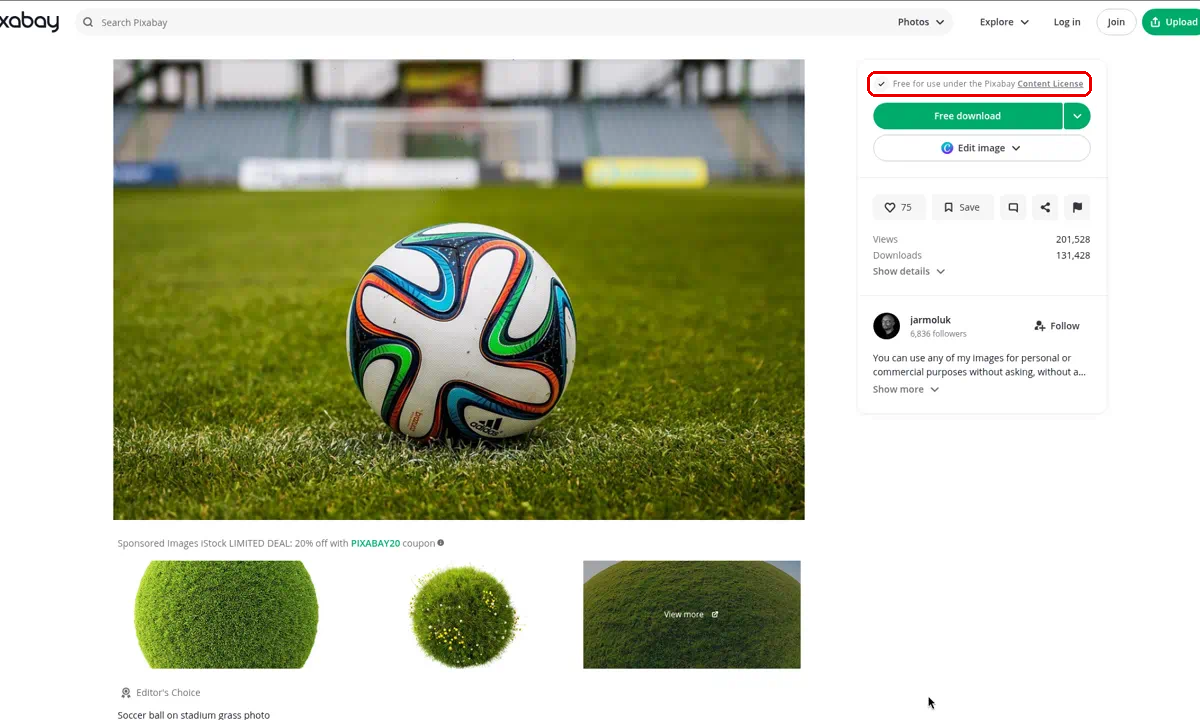
On Pixabay, open the file and read the licence line under the Download button. It says "Free for use under the Pixabay Content License", so you can use the file without naming the creator. Skip any file with no clear licence.
For every file, write one line in your source log, like the examples below.
- sunset_pitch.jpg | Pixabay | Pixabay Content License | Credit needed: no
- crowd_cheer.mp4 | Pixabay | Pixabay Content License | Credit needed: no
- Only if your teacher has set up Freesound: rain_on_glass (bookmarked) | Freesound page | CC BY | Credit needed: yes, Creator: Jane Murphy
If you bookmark a Freesound page, which means saving its link instead of downloading the file, write "(bookmarked)" after its name.
Save your log where your teacher says, on a copybook page or your school drive. If you finish early, add a third picture or clip.
Unlock the full learning experience
You're previewing this lesson. Get full access to this lesson and hundreds more — each one ready to teach, with interactive activities, printable resources and pupil progress tracking built in.
This lesson is copyright of Coding Ireland 2017 - 2026. Unauthorised use, copying or distribution is not allowed.