Intermediate
40 mins
Teacher/Student led
+70 XP
 Chromebooks, laptops, and PCs are crucial tools for coding and digital skills education. Chromebooks are ideal for web-based applications and collaborative projects, while laptops and PCs support a wider range of programming environments and software for more intensive tasks like software development and data analysis.
Editing Video with Snip Studio, Part 2: Transitions, Sound and Export
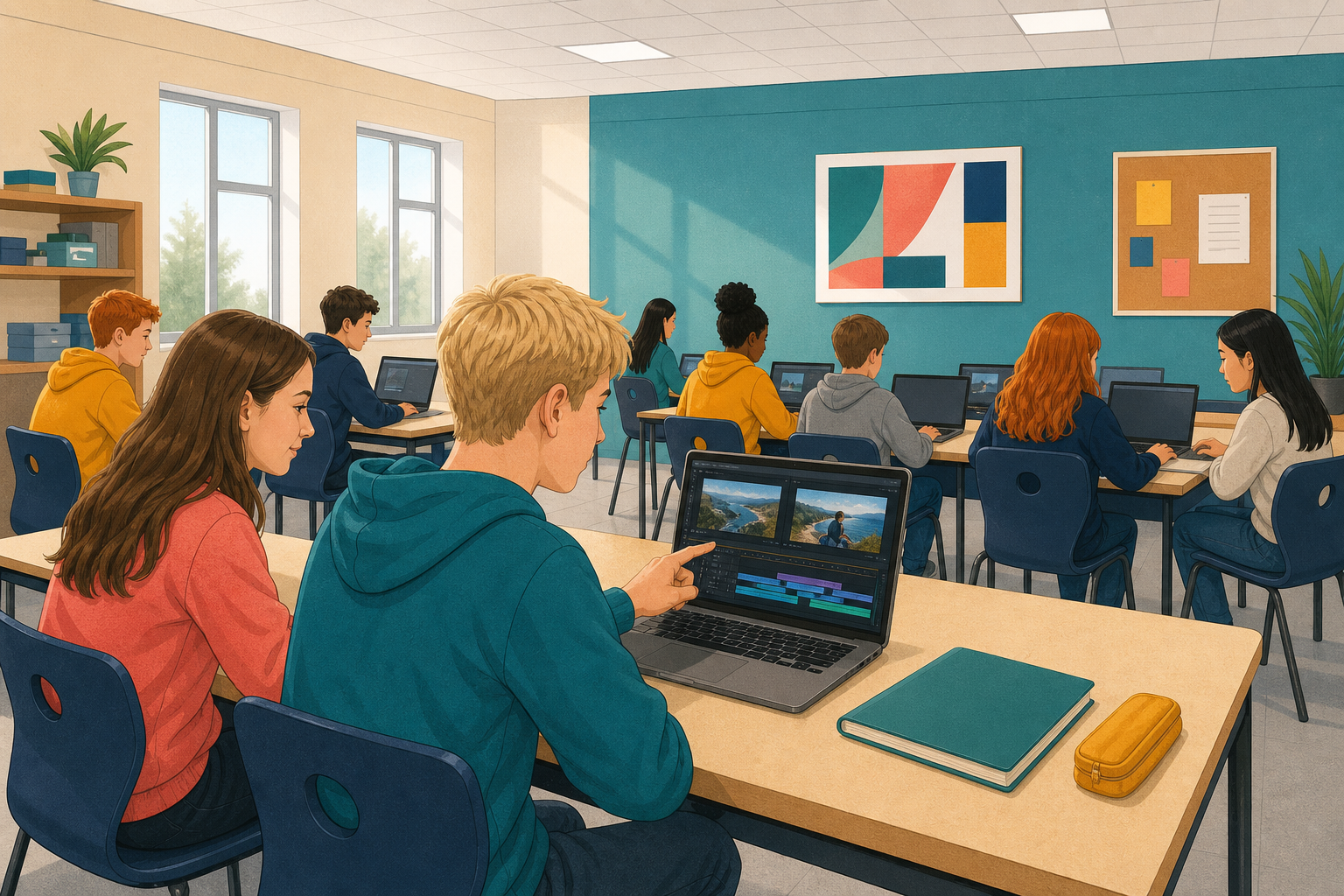
Students finish last lesson's sequence with a transition, colour matching and a sound effect timed to a cut, export it, then re-cut the same clips to see how order carries meaning.
 Open the project you saved last lesson. Go to