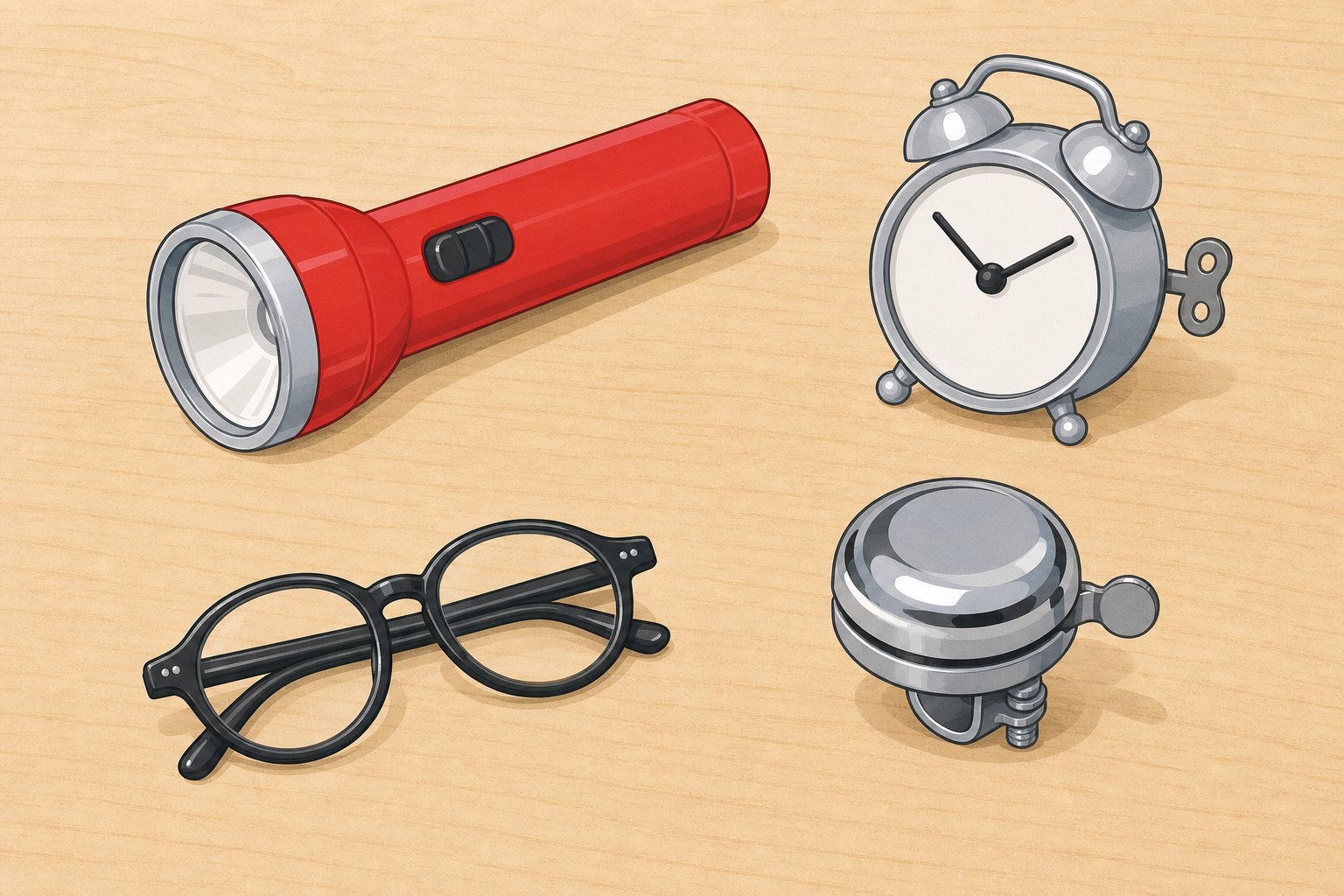
Look around our classroom. What tools and machines help us every day?
Hands up: name one thing that helps you see, hear, travel, talk or keep time.
Keep this beat light and curious. Hold up one everyday object if you wish (a torch or a classroom clock) only as a spark, not a full tray reveal.
Key questions: What jobs do tools do for us? Which ones do we use at home and at school?
Capture three or four quick ideas on the board under the five purpose words: see, hear, travel, talk, keep time. Do not sort digital and non-digital yet.
Today we meet two big words.
Technology means a tool or machine that helps us do a job.
Purpose means the job it is meant to do.
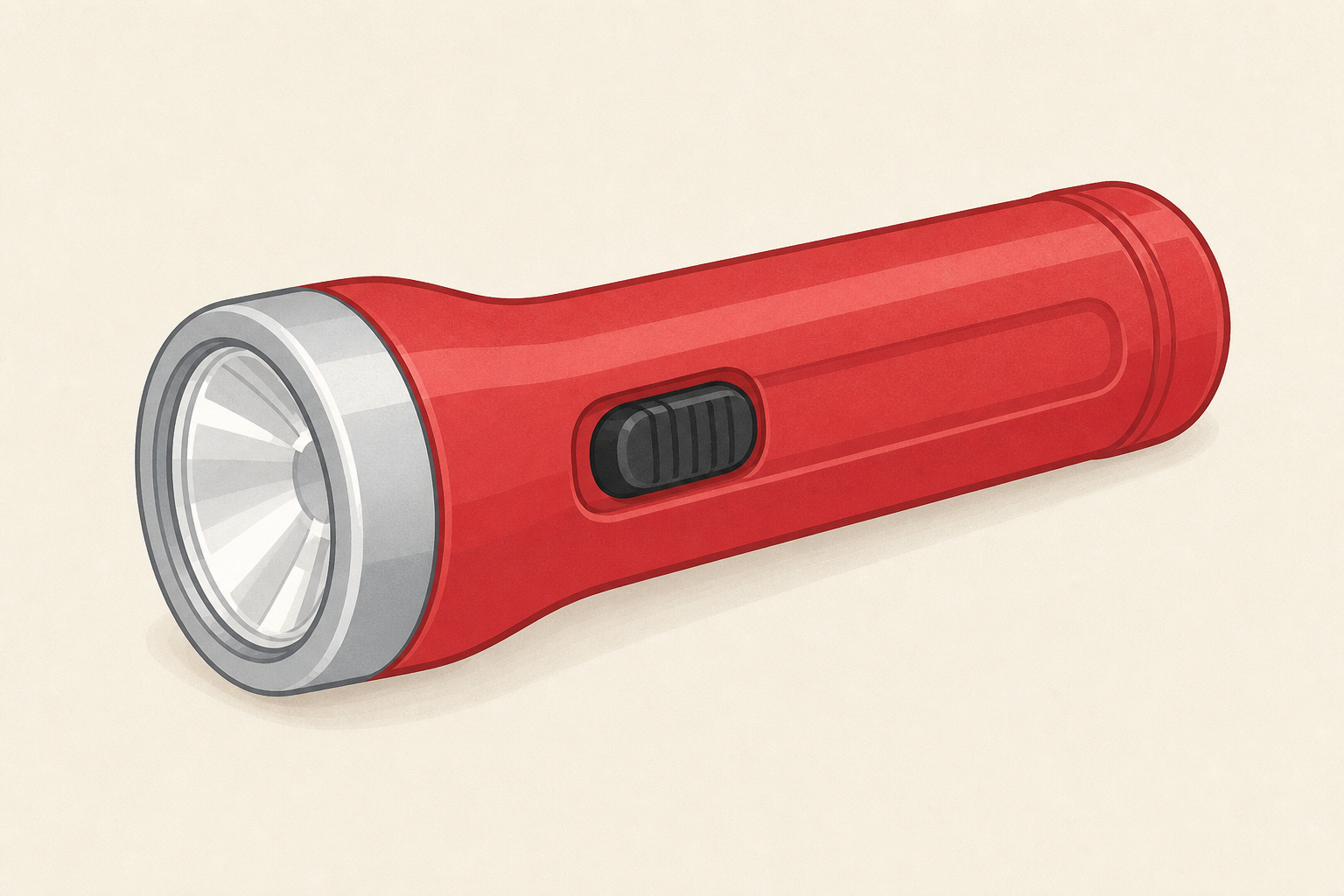
Look at this torch. What job does it do for people?
Project only the short board text (technology and purpose). Hold digital and non-digital until after the tray and table sort. Use the table below as your teaching reference for the two core words now.
| Concept | Why it matters | Example |
|---|---|---|
| Technology — a tool or machine people invent to help us do a job | Almost everything we use to see, hear, travel, talk or keep time is technology, not just computers | A torch, a bicycle, a phone and a wall clock are all technologies |
| Purpose — the job a technology is meant to do for people | Sorting by purpose helps us notice why people invent things and choose them for different jobs | Glasses help us see; a radio helps us hear; a bus helps us travel |
Modelled think-aloud (purpose only): Hold a torch. I notice this is a tool people made. Its purpose is to help us see in the dark. I will put it with "helps us see".
Misconception to head off: children often think technology only means phones, tablets and computers. Widen it gently to tools and machines that help people do jobs.
Differentiation: pair a less confident pupil with a talk partner for the purpose words.
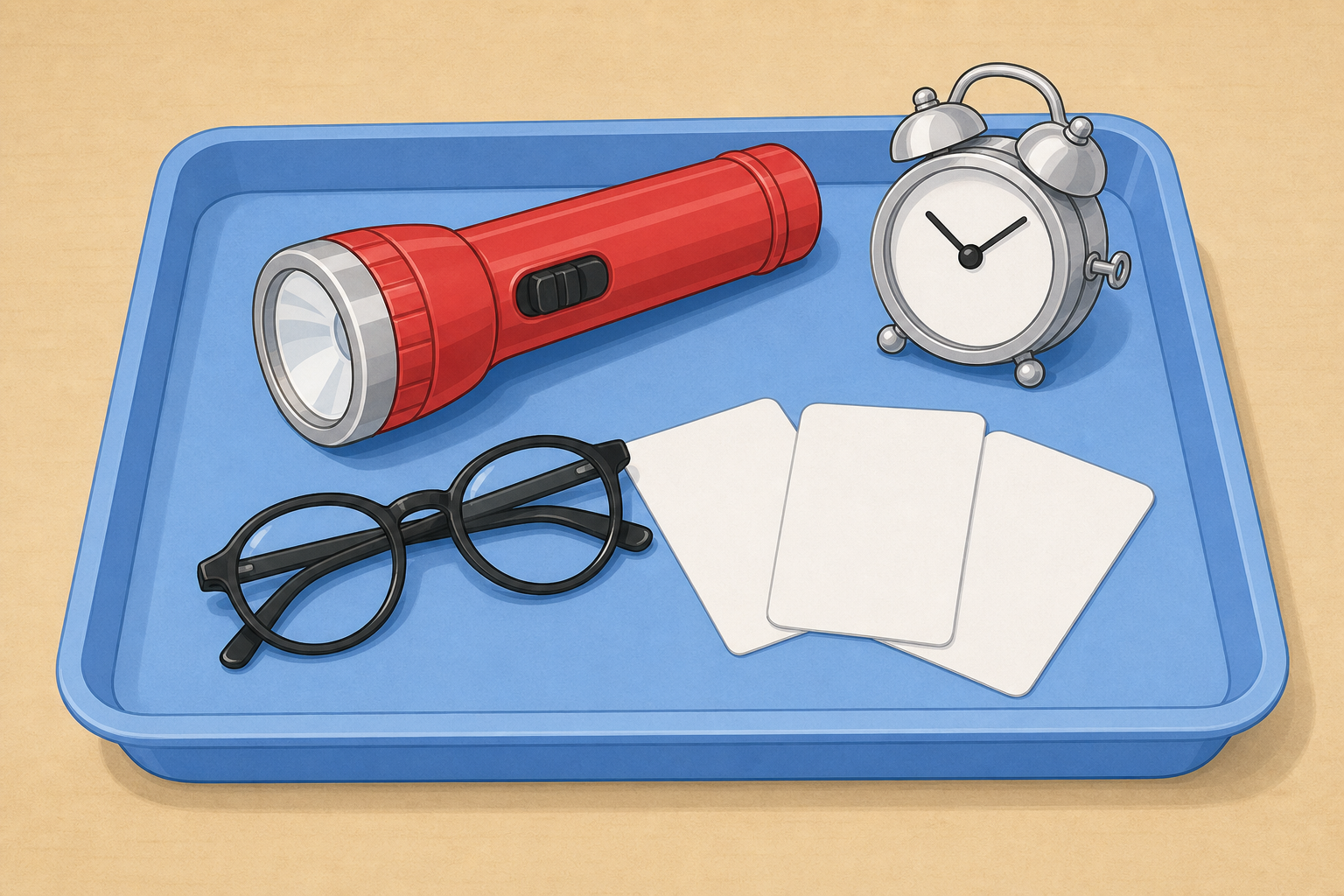
In your group, carefully look at and handle the safe objects and picture cards on your tray.
For each one, talk about: What is it? What job does it do? Have you seen one like it at home or school?
Each card shows a picture and the short name only. Full set:
Circulate and ask: What does it do? Who might use it? Where have you seen it? Keep handling gentle. Real objects stay on the tray when not being examined. Use a short hand-out and tidy-up routine so the transition does not steal the next beat.
Look-fors: pupils naming a job in everyday words; noticing familiar objects from home and school.
Sort your cards and objects into five purpose groups: helps us see, helps us hear, helps us travel, helps us talk, helps us keep time.
Talk about why each one belongs in its group. If something could fit more than one group, choose the main job and say why.
Lay out five purpose areas on each group's table using the printed purpose labels. Pupils place cards and objects into the matching purpose. Keep this step purpose only; digital and non-digital come next on the board.
Suggested placements (teacher answer key, not for pupils):
Key questions: Why did you put it there? Could it belong in more than one group? What is its main job for people?
STEM eyes: invite one notice from the school day (classroom clock, school bell, PE whistle, interactive whiteboard) without turning this into a second hunt.
Call out where each card should go. We will sort them together into five purpose groups: helps us see, helps us hear, helps us travel, helps us talk, or helps us keep time.
When the purpose sort is finished, we meet two new words that go together: digital and non-digital.
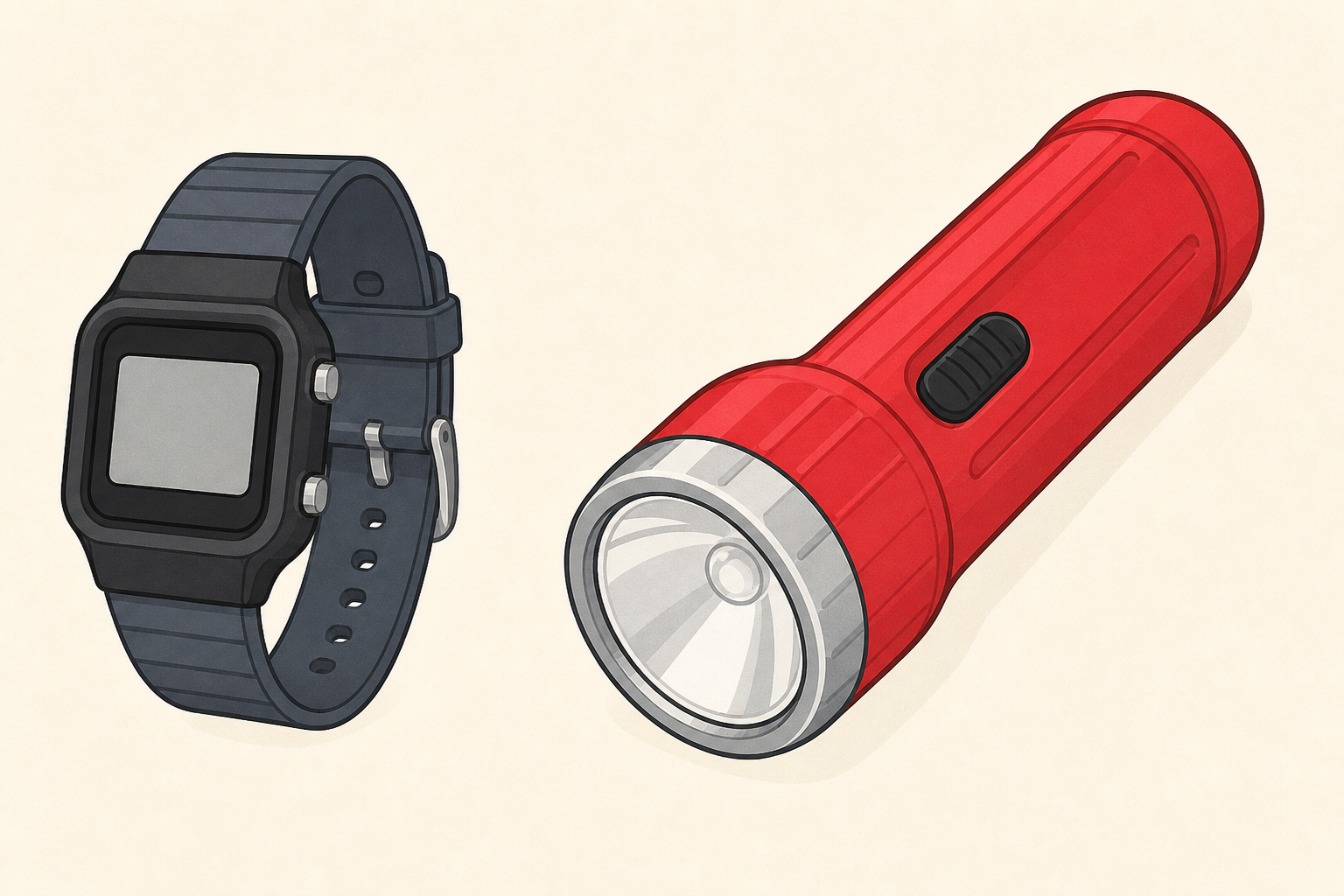
Digital means it has a screen, or buttons that show numbers or menus.
Non-digital means a plain switch and simple parts with no screen, like our torch.
Spot one digital and one non-digital card still on the board, and say how you know.
Drive the sorting-tree interactive on the IWB in explore mode. Read the five group names aloud before the first card. Pupils call out where each card goes; you drag it. Fold the watchers in: Do you agree? Why?
Show only the purpose-sort board text first. Reveal the short digital / non-digital lines after the purpose sort is finished so pupils do one job at a time.
If the tablet or mobile phone sparks debate, pause and accept a justified purpose, then place it and move on. Main job for the phone in this lesson is talk; accept a justified second purpose the same way as the tablet.
After the purpose sort, introduce digital and non-digital as one contrast pair with one reusable clue phrase: Hold the torch again. This has a plain switch and a bulb. No screen and no buttons that show numbers or menus, so it is non-digital. Point to the tablet card. This has a screen and can show apps and information, so it is digital. Keep the board clue as: screen or buttons that show numbers or menus versus plain switch / simple parts / no screen. Avoid "buttons that light up" (the torch lights up) and avoid "electronic insides" language (a battery torch can have a circuit yet still be non-digital). Chip language stays in teacher notes only if you need it for yourself.
Default digital / non-digital reading for the provided cards (visible-clue rule):
If a real classroom object differs (for example a digital radio or a walkie-talkie with a clear small screen), classify by the visible clue the class was taught, not by the card default.
Invite the class to point to two digital cards and two non-digital cards still on screen, each with one simple reason using the same clue phrase.
What good looks like: pupils give a purpose reason, not just a guess; they begin to use digital and non-digital with one simple clue (screen / number buttons vs plain switch and no screen).
You're previewing this lesson. Get full access to this lesson and hundreds more — each one ready to teach, with interactive activities, printable resources and pupil progress tracking built in.