Microbit Teacher Training
Beginner
35 mins
Teacher/Student led
+175 XP

What you need:
Chromebook/Laptop/PC
Microbit

Microbit Tutorial

Learn about microbits and how you can program them!
Teacher Class Feed

Load previous activity

    1 - What is a Microbit?

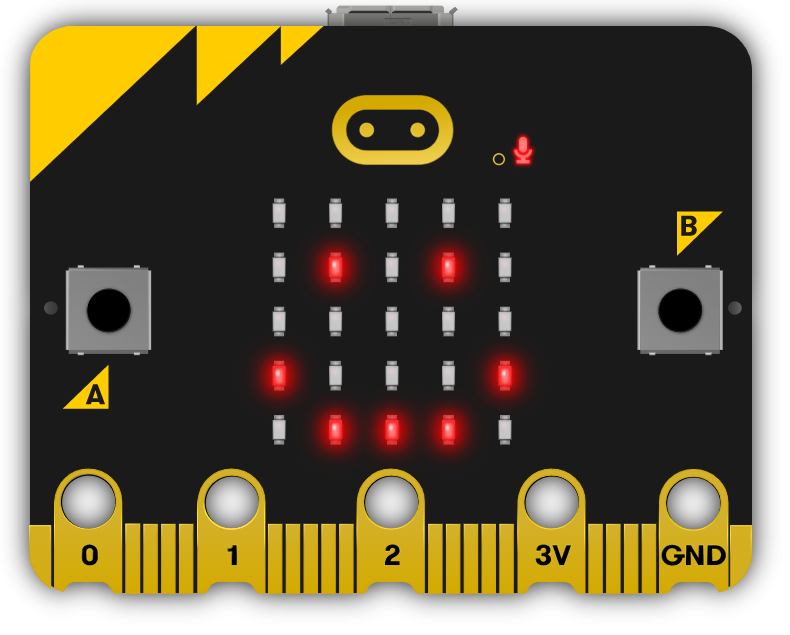
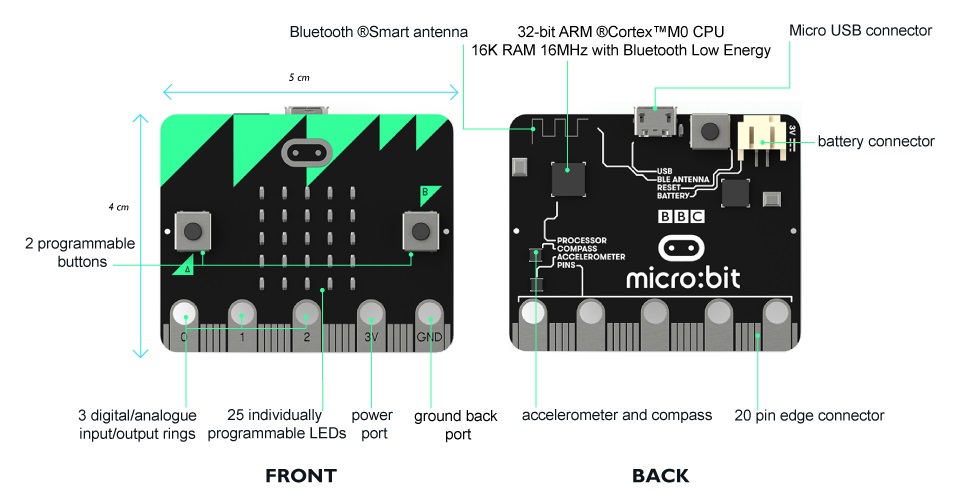
    The Microbit is a tiny programmable computer, designed especially for learning and teaching coding.

    It has a processor inside it (like the brain of the computer) and has the following:

    1. an accelerometer (for sensing movement).
    2. a compass (for sensing direction).
    3. a microphone.
    4. a speaker.
    5. Bluetooth and USB port for connectivity.
    6. a display consisting of 25 LEDs lights.
    7. two programmable buttons.
    8. and can be powered by either USB or an external battery pack.

    Watch this short video to see how we can create code and program it.

    Duration: 3:45


    2 - Exploring the Capabilities of a Microbit

    Your Microbit is a versatile mini-computer that you can program to perform a wide array of tasks. It's equipped with buttons, LEDs, and various sensors that you can manipulate to create engaging projects. For instance, you can program your Microbit to function as a pedometer, a compass, or even a musical instrument. The possibilities are nearly limitless, and it's all up to your creativity and programming skills.


    3 - How do you program it?

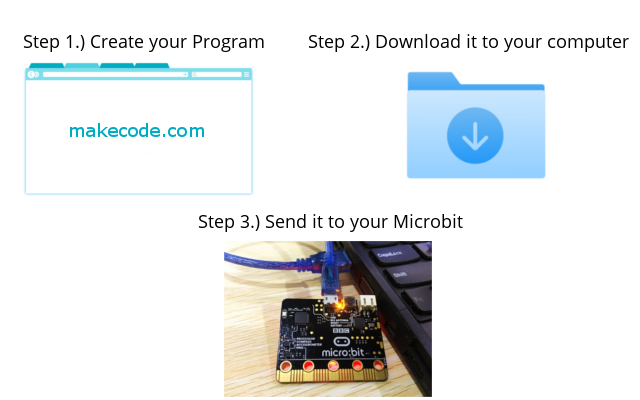
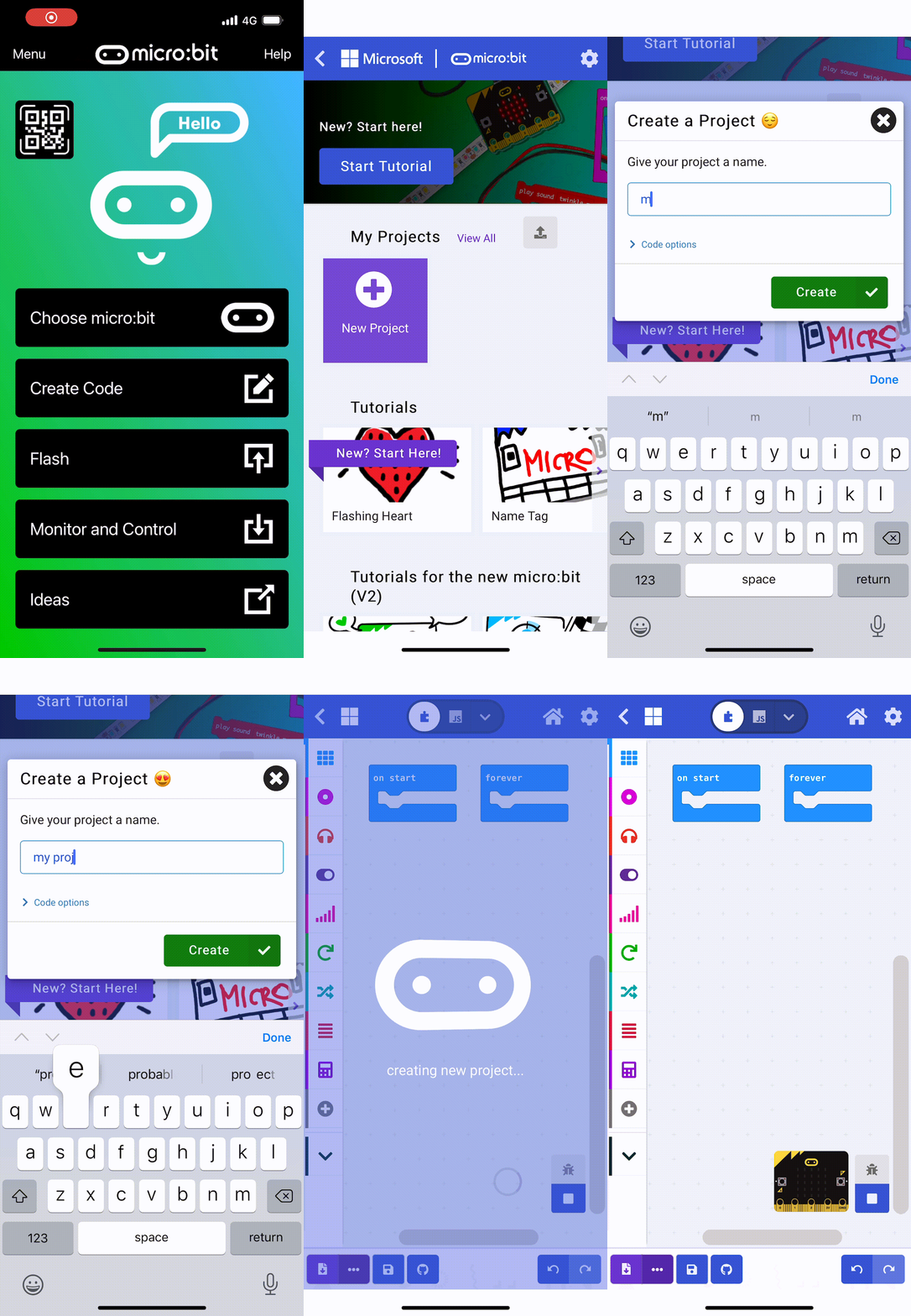
    In a similar way to Scratch, you can create programs using a special website but you then need to download the program to your computer and then send the program to the Microbit.

    1. Create your program using makecode.com
    2. Download the program to your computer
    3. Send the program to your Microbit by USB cable

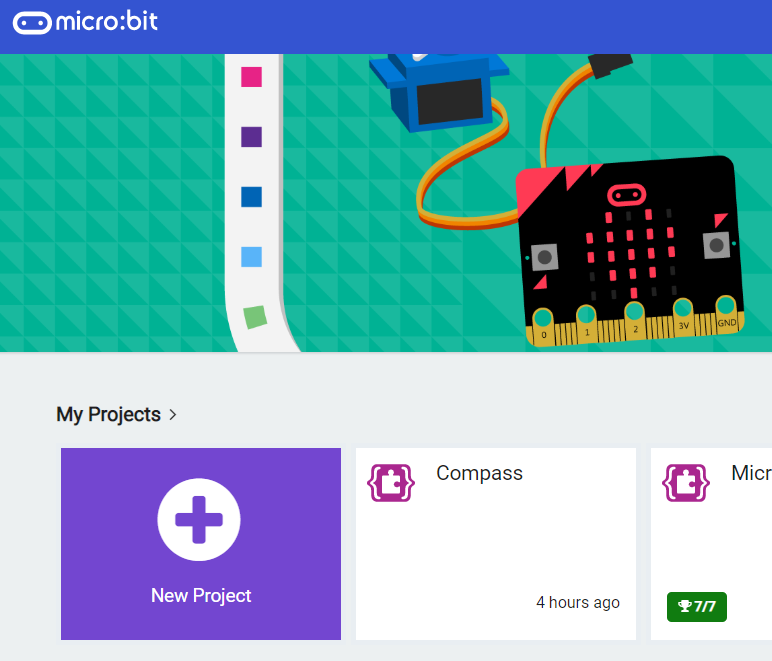
    4 - The makecode.com website

    The makecode.com website is a website provided by Microsoft that lets you create code for different devices such as the Microbit.

    123learn · Online learning platform

    Unlock the full learning experience

    You're previewing this lesson. Get full access to this lesson and hundreds more — each one ready to teach, with interactive activities, printable resources and pupil progress tracking built in.

    Hundreds of curriculum-aligned lessons
    Interactive activities in every lesson
    Printable resources & progress tracking
    Copyright Notice
    This lesson is copyright of Coding Ireland 2017 - 2026. Unauthorised use, copying or distribution is not allowed.
    🍪 Our website uses cookies to make your browsing experience better. By using our website you agree to our use of cookies. Learn more