Game Microbit
Advanced
60 mins
Teacher/Student led
+160 XP

What you need:
Chromebook/Laptop/PC
Microbit

Microbit Bop It Game

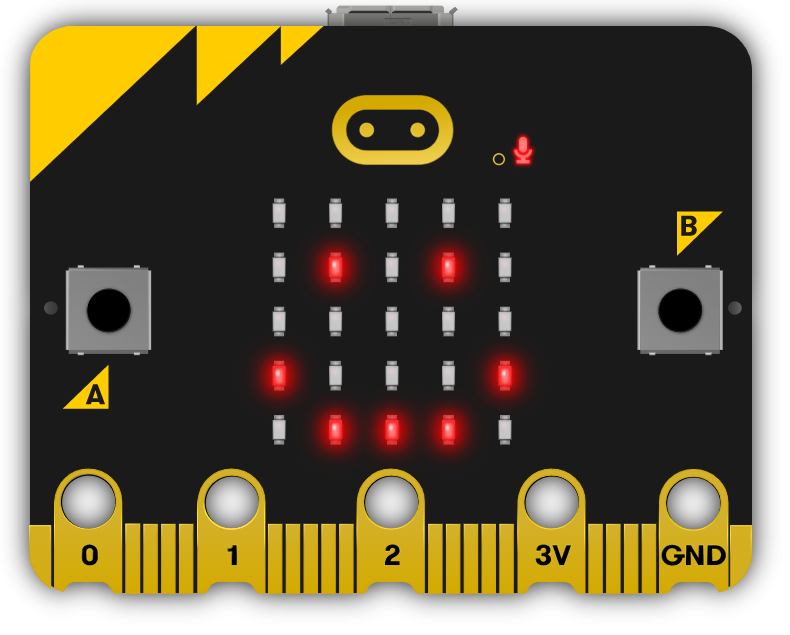
In this project we will turn our Microbit into a Bop It game using the different inputs in the Microbit. The Microbit will show a random image and you must perform the correct action for that image.

You have 20 seconds to see how many you can get right!
Teacher Class Feed

Load previous activity

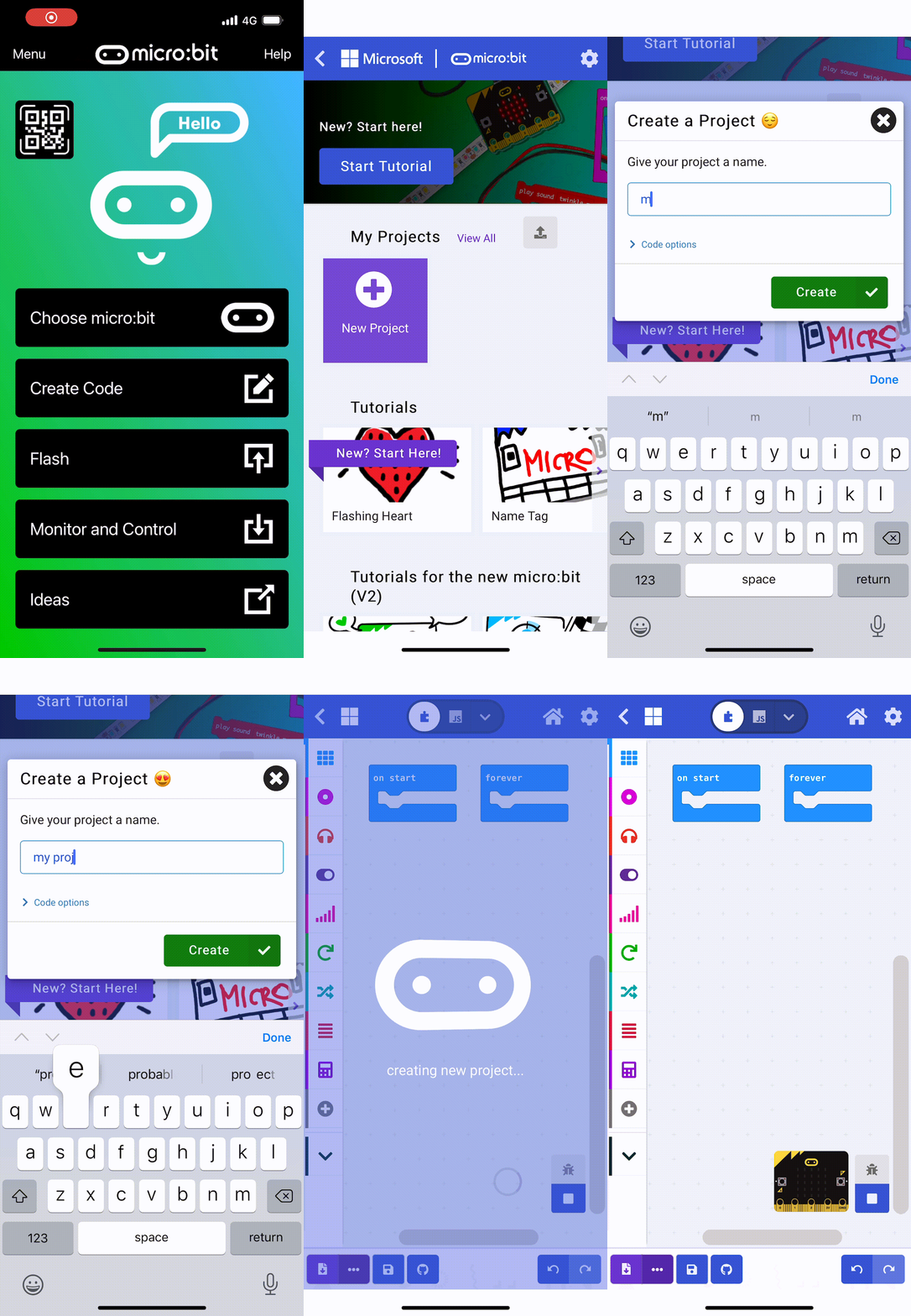
    1 - Create a new Microbit project

    In this lesson, we are going to create an exciting game called 'Bop It' on our Microbit. The game will display a random image on the Microbit's LED display, and you will have to perform the correct action corresponding to that image. You will have 20 seconds to see how many actions you can get right!

    To start, we need to create a new Microbit project.

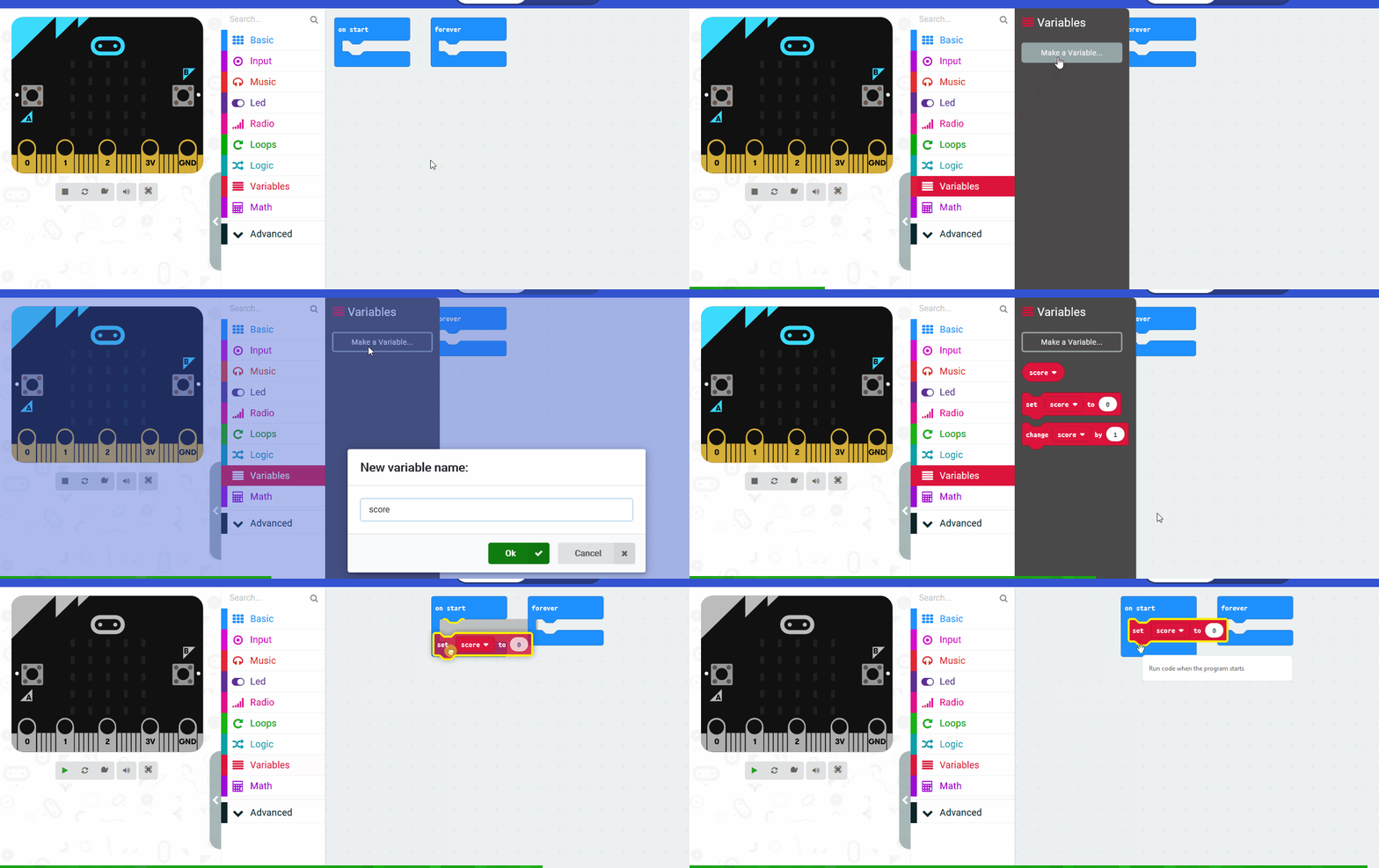
    2 - Create a variable called ‘action’

    Create a variable called ‘action’, we will use this variable to store and remember a random action. In the on start block, set ‘action’ to -1 by adding this code:

    let action = -1
    

    3 - Add a start countdown block

    Add a start countdown block and set it to 20000 milliseconds (which is 20 seconds).

    let action = -1 
    game.startCountdown(20000)
    

    This means the player has 20 seconds to get as many correct actions as they can!

    4 - Set 'action' to a random number

    In the forever block we want to check if ‘action’ is equal to -1, if it is then we want to set ‘action’ to a random number between 0 and 2.

    basic.forever(function () {
        if (action == -1) {
            action = Math.randomRange(0, 2)
        }
    })
    

    We choose a random number between 0 and 2 as that will give us three possibilities: 0, 1 and 2.

    123learn · Online learning platform

    Unlock the full learning experience

    You're previewing this lesson. Get full access to this lesson and hundreds more — each one ready to teach, with interactive activities, printable resources and pupil progress tracking built in.

    Hundreds of curriculum-aligned lessons
    Interactive activities in every lesson
    Printable resources & progress tracking
    Copyright Notice
    This lesson is copyright of Coding Ireland 2017 - 2026. Unauthorised use, copying or distribution is not allowed.
    🍪 Our website uses cookies to make your browsing experience better. By using our website you agree to our use of cookies. Learn more