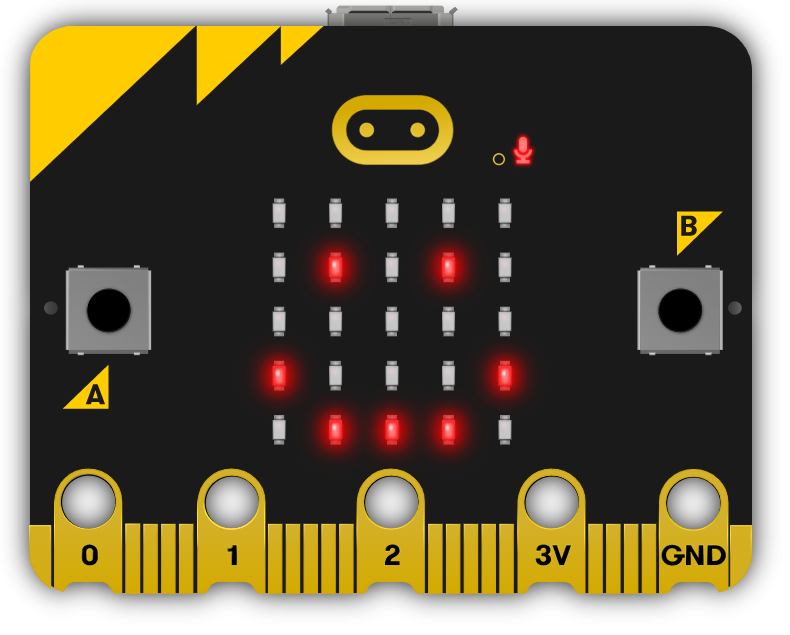
In this lesson, you will learn about variables in Python, how to declare and assign them, their types, and good naming conventions. You will also create a higher or lower game using the Microbits Python editor.
Variables are used to store values in a program. They have a name and can store different types of data such as numbers, text, and more. In Python, you don't need to specify the type of data a variable will store, as it automatically detects the type based on the value you assign to it.
Let's take a look at some examples of declaring and assigning variables of different types:
age = 42
message = "Hello, World!"
isOpen = True
productPrice = 3.14In this example, we have created four variables:
To declare and assign a variable in Python, you simply write the variable name followed by an equal sign and the value you want to store. For example:
my_variable = 10This creates a variable named 'my_variable' and assigns it the value 10.
Python has several variable types, including:
Python automatically detects the variable type based on the value you assign to it. For example:
number_variable = 5
float_variable = 5.5
string_variable = 'Hello'
boolean_variable = True
You're previewing this lesson. Get full access to this lesson and hundreds more — each one ready to teach, with interactive activities, printable resources and pupil progress tracking built in.