Mathematics Game Microbit
Advanced
60 mins
Teacher/Student led
+160 XP

What you need:
Chromebook/Laptop/PC
Microbit

Higher or Lower Game

In this lesson we will create a game on the Microbit to display a random number between 1 and 100. Using the A and B buttons on the Microbit, the player has to guess if the next number will be higher or lower. See who can get the highest score!
Teacher Class Feed

Load previous activity

    1 - Create a new Microbit project

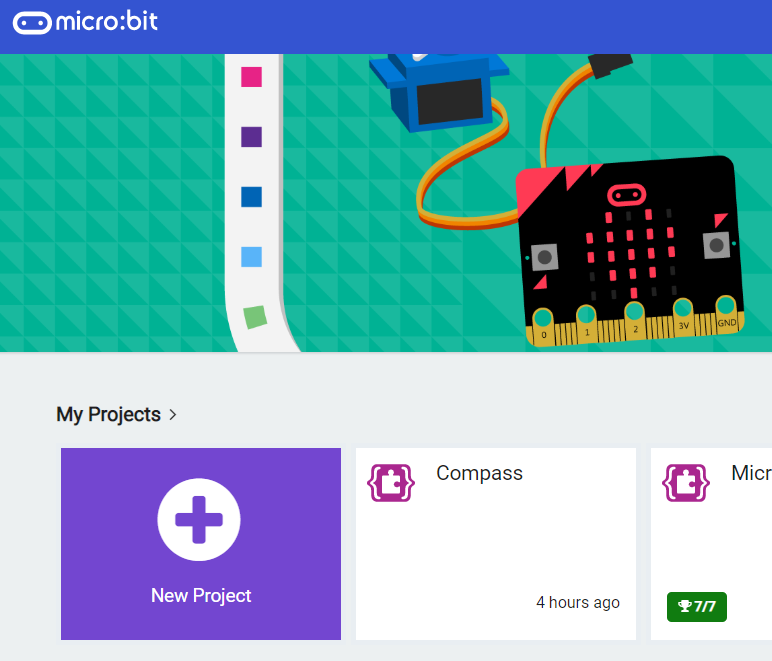
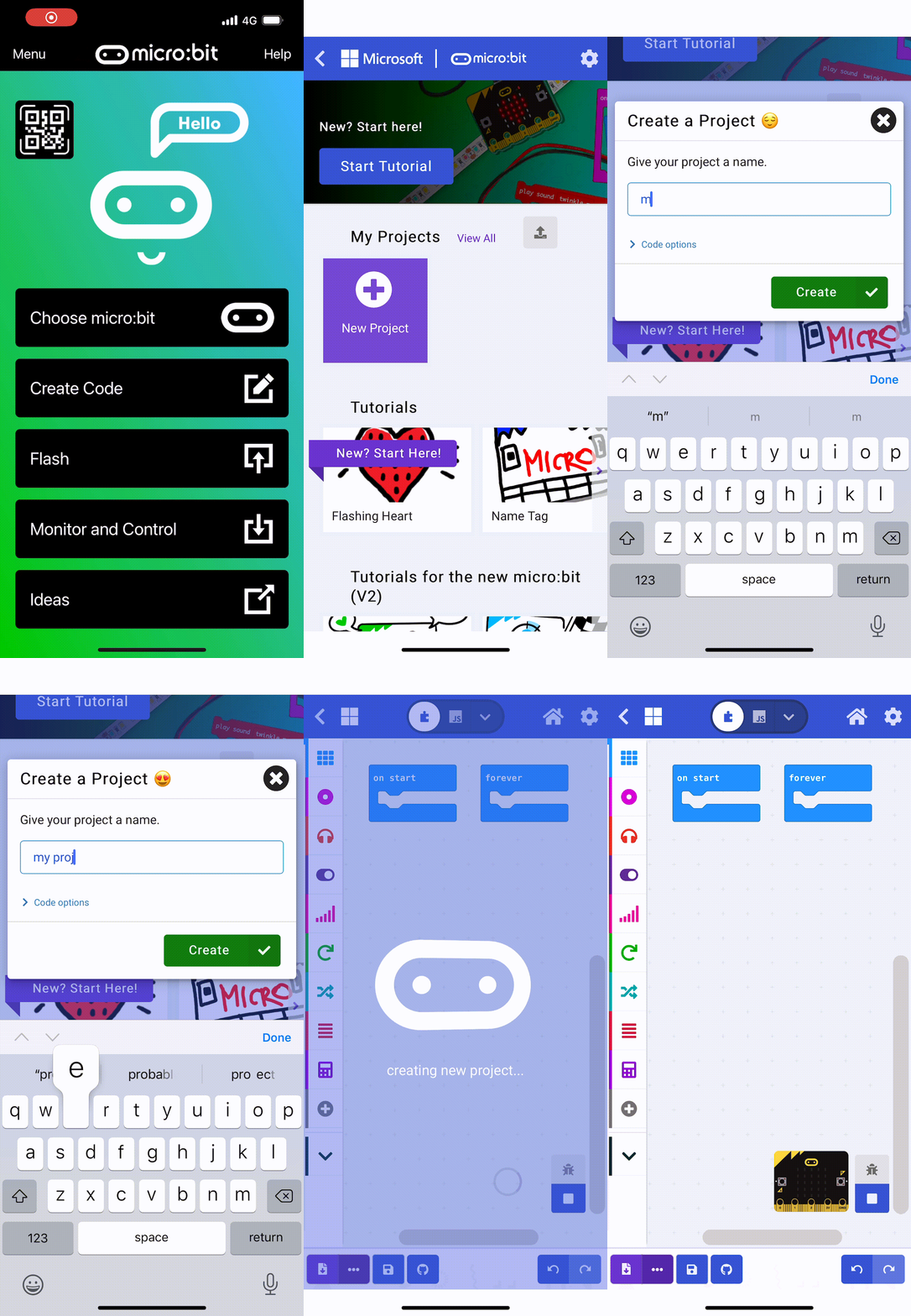
    Go to the https://makecode.microbit.org website and create a new project.

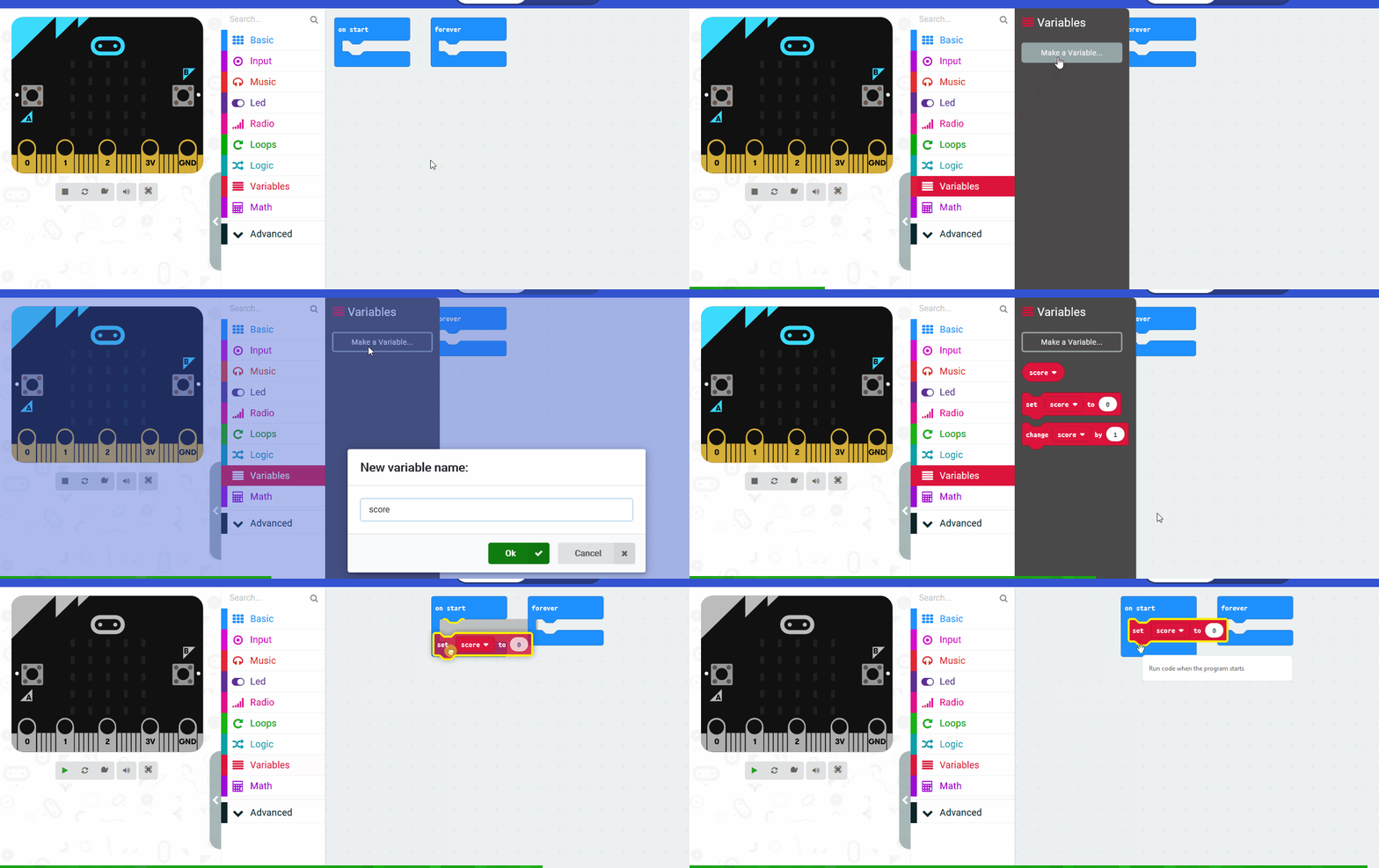
    2 - Create 2 variables

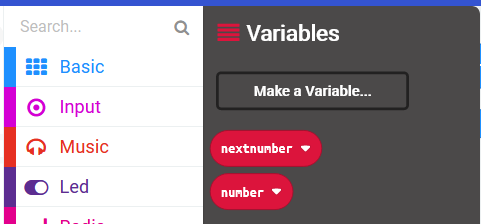
    Create 2 new variables called 'number' and 'nextnumber'.

    We will use these to store the number that displays on the screen and the next number that the player needs to guess if it's higher or lower.


    3 - Setup the start of the game

    At the start of the game we're going to set the 'number' variable to a random number between 1 and 100, and we'll also set the 'nextnumber' variable to a random number between 1 and 100.

    Once we've set the numbers we'll display the 'number' variable on our Microbit.

    Add the following code.

    let number = randint(1, 100)
    let nextnumber = randint(1, 100)
    basic.showNumber(number)


    4 - Choosing lower

    To play the game, the player needs to guess if the next number will be higher or lower than the number that's currently being displayed.

    To guess lower they will press the A button, to guess higher they will press the B button.

    Program the A button to guess lower
    Add the following code to program the A button to:

    1. pause half a second
    2. check if the 'nextnumber' is less than or equal to 'number'
      • if it is then show the correct icon as they guessed correctly
      • else show the incorrect icon as they guessed incorrectly
    input.onButtonPressed(Button.A, function () {
        basic.pause(500)
        if (nextnumber <= number) {
            basic.showIcon(IconNames.Yes)
        } else {
            basic.showIcon(IconNames.No)
        }
    })
    
    
    123learn · Online learning platform

    Unlock the full learning experience

    You're previewing this lesson. Get full access to this lesson and hundreds more — each one ready to teach, with interactive activities, printable resources and pupil progress tracking built in.

    Hundreds of curriculum-aligned lessons
    Interactive activities in every lesson
    Printable resources & progress tracking
    Copyright Notice
    This lesson is copyright of Coding Ireland 2017 - 2026. Unauthorised use, copying or distribution is not allowed.
    🍪 Our website uses cookies to make your browsing experience better. By using our website you agree to our use of cookies. Learn more