Computer Applications
Beginner
60 mins
Teacher/Student led
+95 XP

What you need:
Chromebook/Laptop/PC

Creating Your First Slide

In this lesson, you'll learn how to create your first PowerPoint slide, complete with a title, subtitle, and background color.

Teacher Class Feed

Load previous activity

    1 - Open PowerPoint

    Microsoft PowerPoint is a presentation software that allows you to create visually engaging slideshows. You can add text, images, videos, and more to your slides to create an interactive and informative presentation. In this step, you'll learn how to open PowerPoint on your computer.

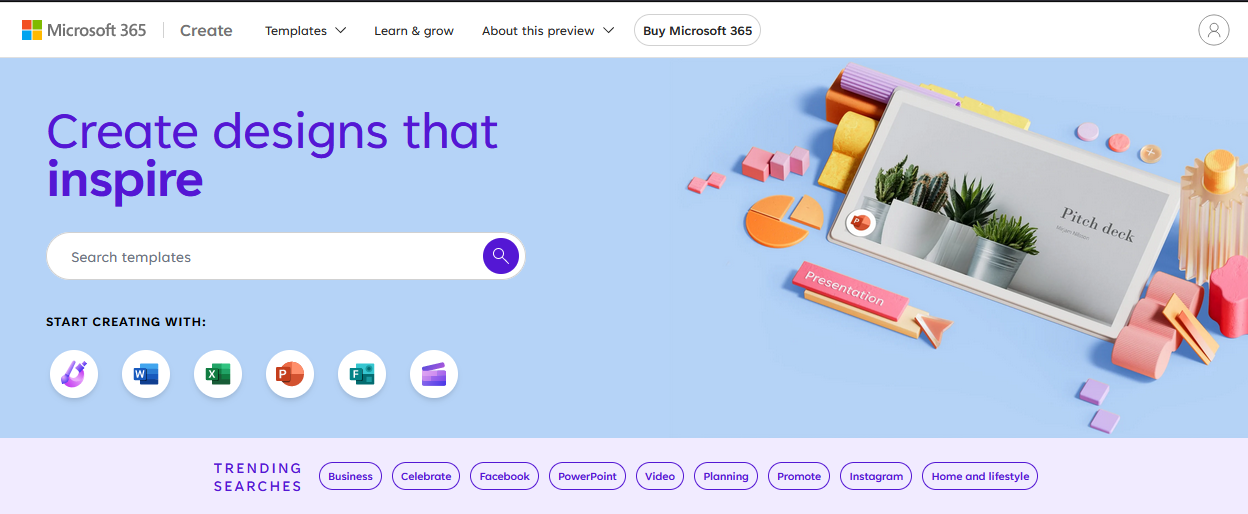
    Open Microsoft PowerPoint on your computer. If you don't have it installed, you can use the online version by visiting create.microsoft.com and signing in with your Microsoft account.


    2 - Create a New Presentation

    Create new presentation.


    3 - Add a Title

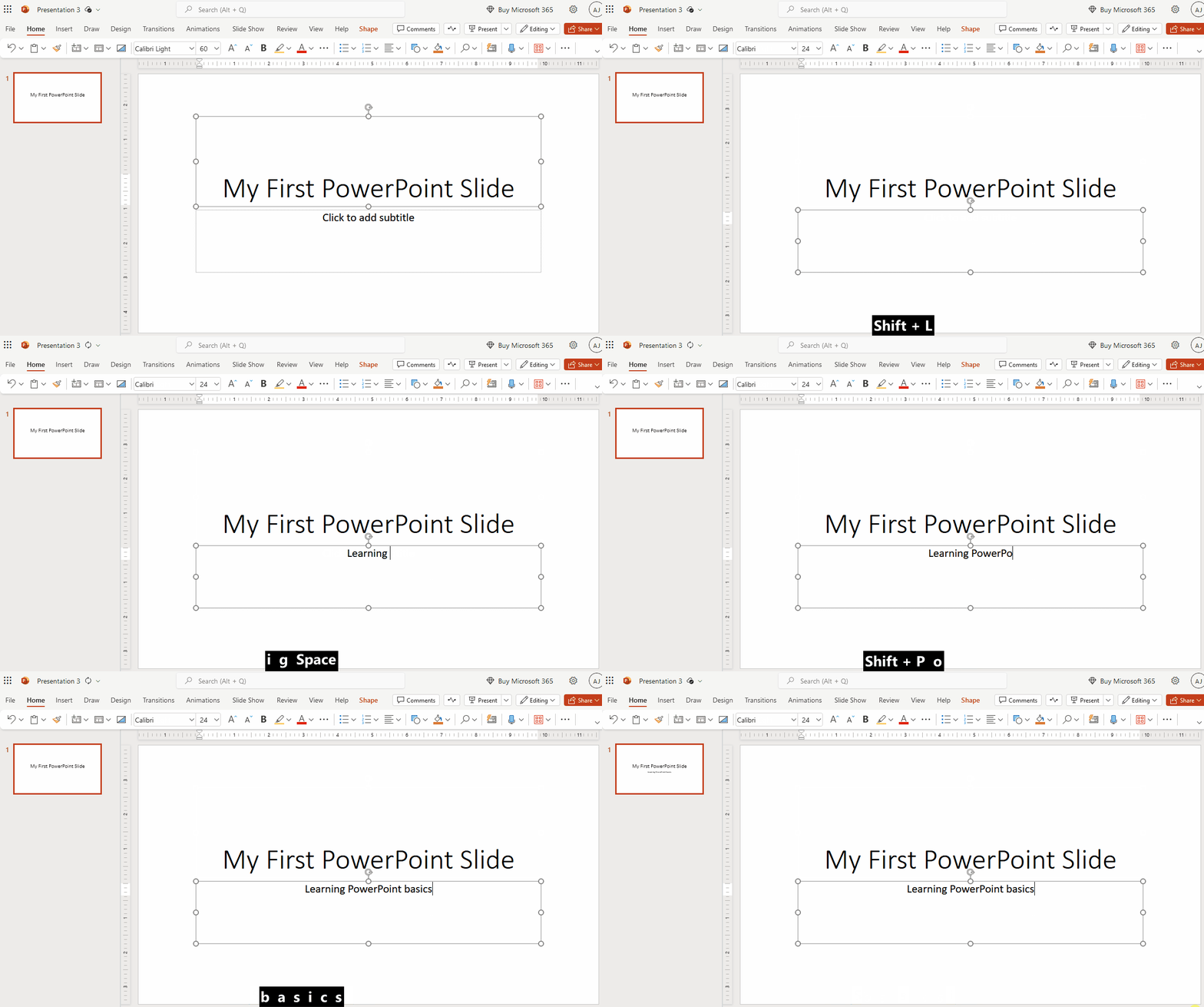
    Click inside the text box labeled 'Click to add title' and type a title for your slide. This will be the main heading of your slide. For example, you can type 'My First PowerPoint Slide'.


    4 - Add a Subtitle

    Click inside the text box labeled 'Click to add subtitle' and type a subtitle for your slide. This will be the secondary heading or a brief description of your slide. For example, you can type 'Learning PowerPoint Basics'.


    123learn · Online learning platform

    Unlock the full learning experience

    You're previewing this lesson. Get full access to this lesson and hundreds more — each one ready to teach, with interactive activities, printable resources and pupil progress tracking built in.

    Hundreds of curriculum-aligned lessons
    Interactive activities in every lesson
    Printable resources & progress tracking
    Copyright Notice
    This lesson is copyright of Coding Ireland 2017 - 2026. Unauthorised use, copying or distribution is not allowed.
    🍪 Our website uses cookies to make your browsing experience better. By using our website you agree to our use of cookies. Learn more