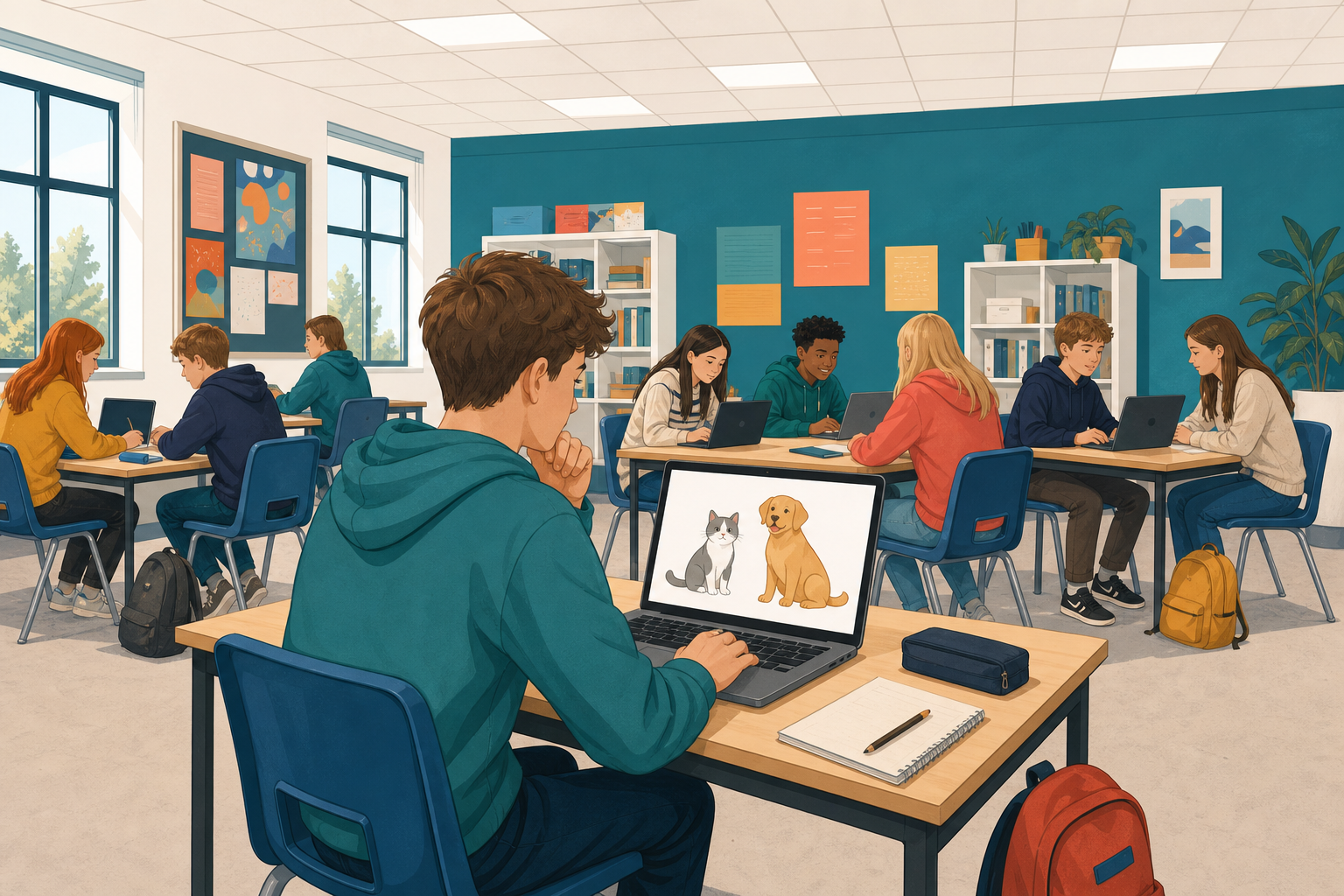
 Software decides things for you all day: what appears at the top of a feed, whether a photo has your face in it, what word you meant when you mistyped. The part of a program that decides is called an AI model.
Today you meet the main kinds, then you build one yourself in Scratch: a guesser made of rules that tells a cat from a dog. It works on the easy cases and falls apart on the awkward ones, and that is exactly the problem you solve next lesson.
Five real things software does are coming up on the board, one at a time. For each one, call out the kind of model behind it before the answer appears.
- It recommends the next video you should watch.
- It turns a sentence you typed into a picture.
- It finishes the line of code you started.
- It spots a face in a photo.
- It books a table at a restaurant for you, on its own.
| Kind | What it does | Where you meet it when coding |
|---|---|---|
| Generative | Produces something new: text, an image, code | An assistant that drafts a function or explains code |
| Recommendation | Ranks options for one person | What a shop or a feed shows a given user |
| Classifier | Sorts an input into categories | Cat or dog, spam or not, rock or paper |
| Agent | Takes a goal, plans, uses tools, acts in a loop | Software that carries out a multi-step task |
The one you are about to build is a classifier. It takes something in and puts a label on it, and it is the simplest of the four to build by hand.
Go to scratch.mit.edu and click Create to start a new project. Call it Cat or Dog.
You will write all of today's code on the cat sprite that is already there, so you do not need to add anything.
Your guesser asks yes-or-no questions. The player presses y for yes or n for no.
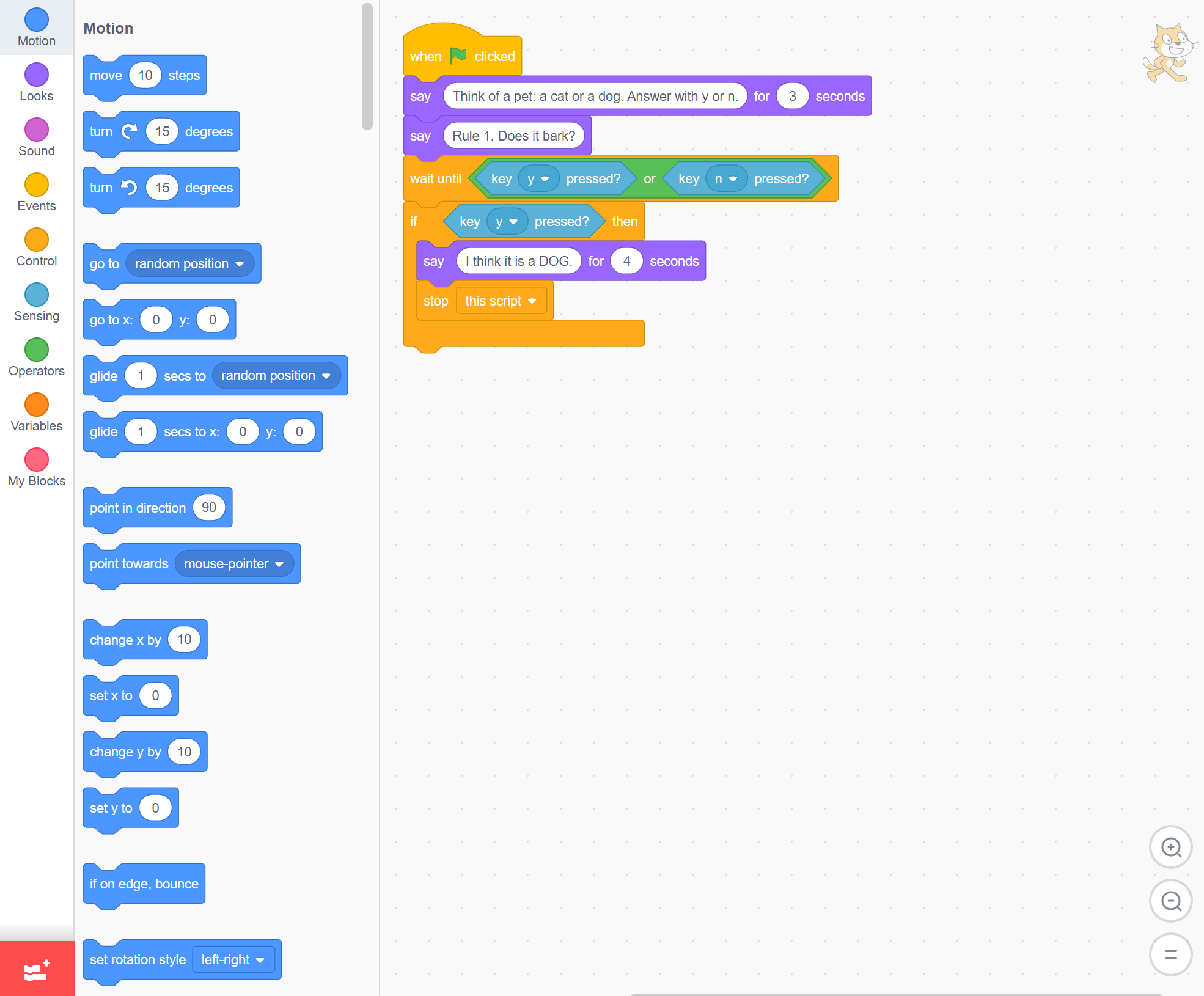
Build this from Events (gold), Looks (purple), Control (gold), Sensing (light blue) and Operators (green, where the or block lives). The wait until block holds the script until a key goes down.
Read it and predict: if you answer n, what will the cat do?
when green flag clicked
say [Think of a pet: a cat or a dog. Answer with y or n.] for (3) seconds
say [Rule 1. Does it bark?]
wait until <<key [y v] pressed?> or <key [n v] pressed?>>
if <key [y v] pressed?> then
say [I think it is a DOG.] for (4) seconds
stop [this script]
end
Unlock the full learning experience
You're previewing this lesson. Get full access to this lesson and hundreds more — each one ready to teach, with interactive activities, printable resources and pupil progress tracking built in.
This lesson is copyright of Coding Ireland 2017 - 2025. Unauthorised use, copying or distribution is not allowed.
Scratch is developed by the Lifelong Kindergarten Group at the MIT Media Lab. It is available for free at https://scratch.mit.edu