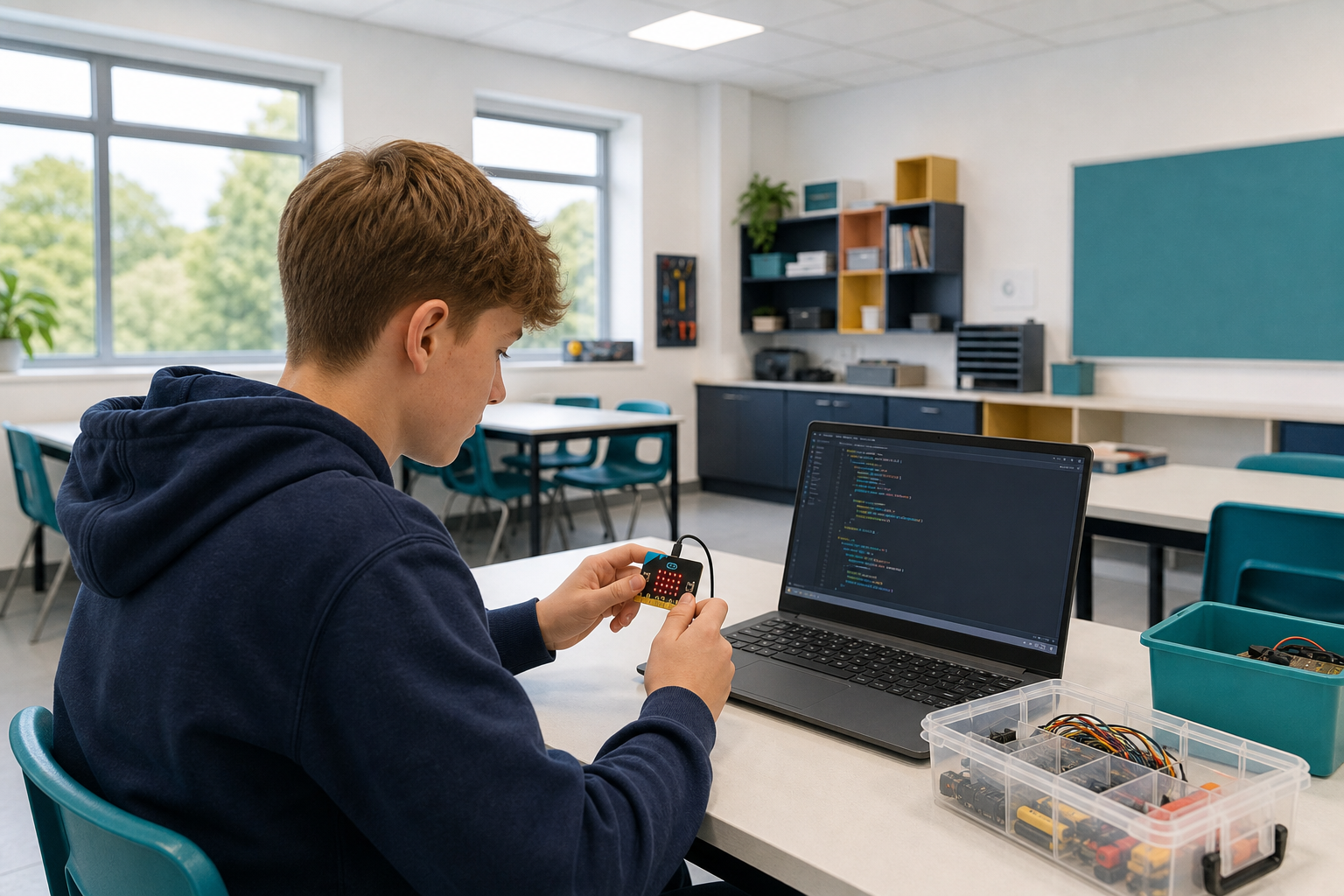
 You can already run short Python programs and change what appears on the screen.
Today you will build a higher or lower game in Python on the micro:bit. You will use variables to store values, take input from the buttons, and show output on the display. You will predict, build, run and fix as you go.
Once you know how variables work, you will build a guessing game in four parts:
- Store a secret number the player cannot see.
- Take a guess as input.
- Compare the guess with the secret number and say higher or lower.
- Repeat until the guess is right.
Every one of those needs a variable to hold something that changes while the program runs. That is what the first half of the lesson is for.
Variables are used to store values in a program. They have a name and can store different types of data such as numbers, text, and more. In Python, you don't need to specify the type of data a variable will store, as it automatically detects the type based on the value you assign to it.
Let's take a look at some examples of declaring and assigning variables of different types:
age = 42
message = "Hello, World!"
isOpen = True
productPrice = 3.14
In this example, we have created four variables:
- 'age' stores an integer
- 'message' stores some text
- 'isOpen' stores a true/false value
- 'productPrice' stores a decimal number
To declare and assign a variable in Python, you simply write the variable name followed by an equal sign and the value you want to store. For example:
my_variable = 10This creates a variable named 'my_variable' and assigns it the value 10.
Python has several variable types, including:
- int: integer values (e.g., 5)
- float: decimal values (e.g., 5.5)
- str: string values (e.g., 'Hello')
- bool: boolean values (e.g., True or False)
Python automatically detects the variable type based on the value you assign to it. For example:
number_variable = 5
float_variable = 5.5
string_variable = 'Hello'
boolean_variable = TrueUnlock the full learning experience
You're previewing this lesson. Get full access to this lesson and hundreds more — each one ready to teach, with interactive activities, printable resources and pupil progress tracking built in.
This lesson is copyright of Coding Ireland 2017 - 2025. Unauthorised use, copying or distribution is not allowed.