Computer Science
Beginner
200 mins
Teacher/Student led
 Chromebooks, laptops, and PCs are crucial tools for coding and digital skills education. Chromebooks are ideal for web-based applications and collaborative projects, while laptops and PCs support a wider range of programming environments and software for more intensive tasks like software development and data analysis.
User Needs and Planning the Database
In this lesson, you'll explore how to identify user needs through user-centred design principles. You'll plan a database schema, assign team roles, discuss ethical considerations, and create an initial plan document to guide your interactive information system project.
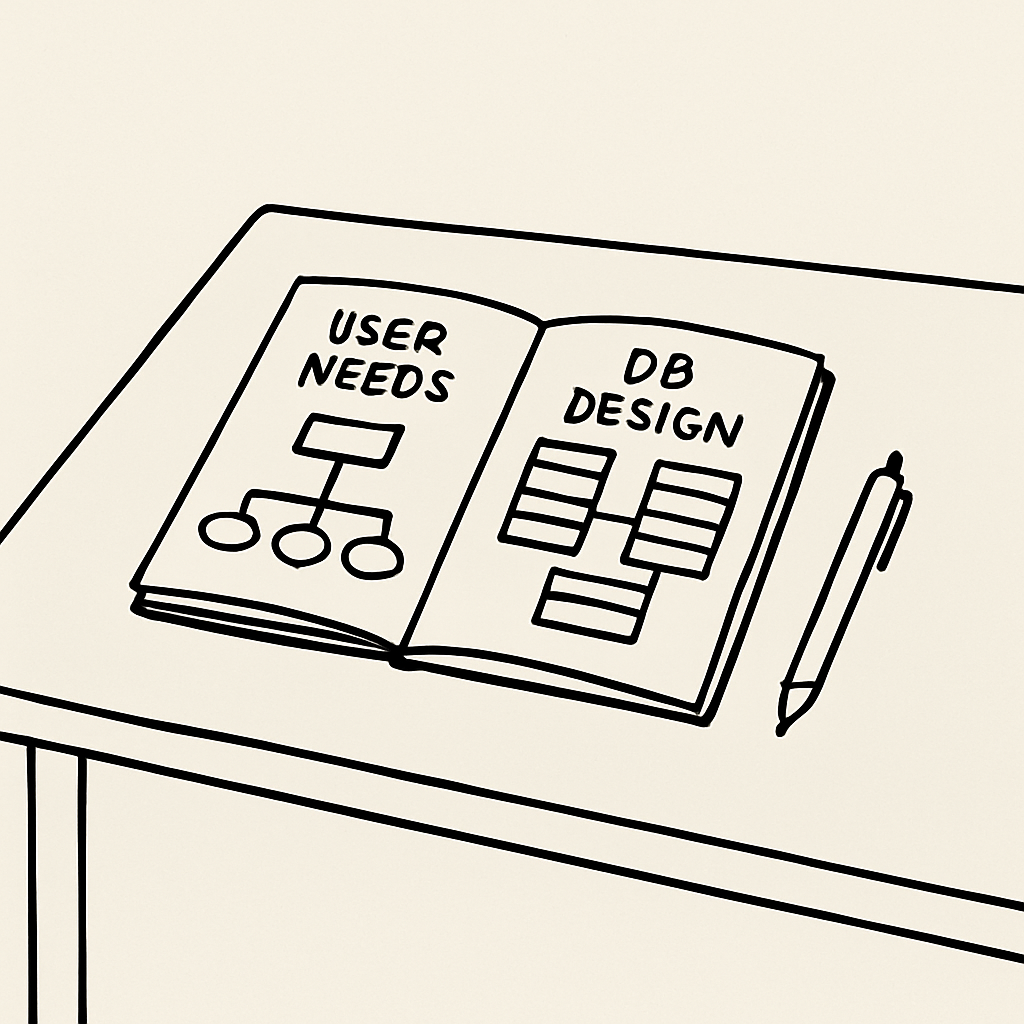 In this lesson, you'll learn how to identify user needs using user-centered design principles, which put the user at the center of everything. You'll also plan your database schema, assign team roles, discuss ethical considerations, and create an initial plan document.
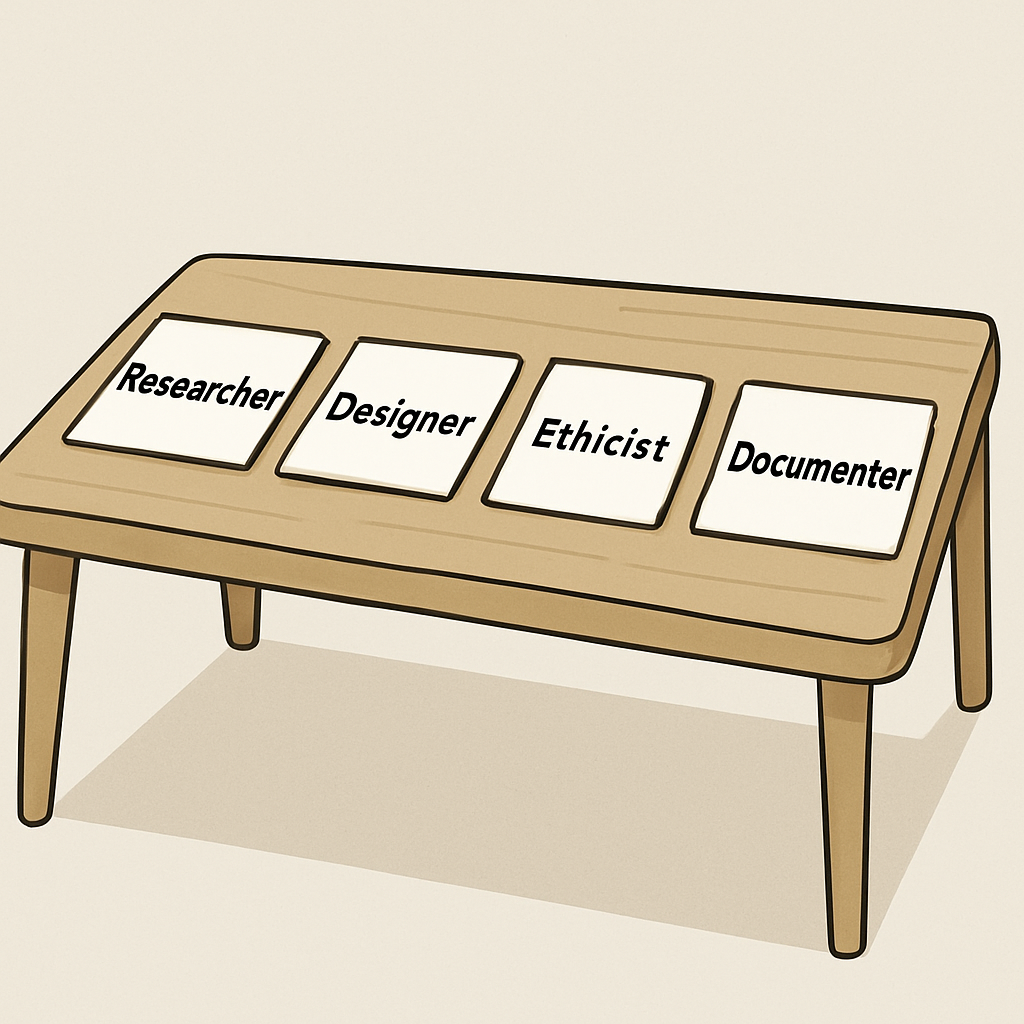 Work with your team to assign roles for this planning phase. This builds on the team formation from the overview lesson.
 User-centered design focuses on putting the user at the heart of the development process. This means identifying who your users are, what problems they face, and how your system can solve them effectively.
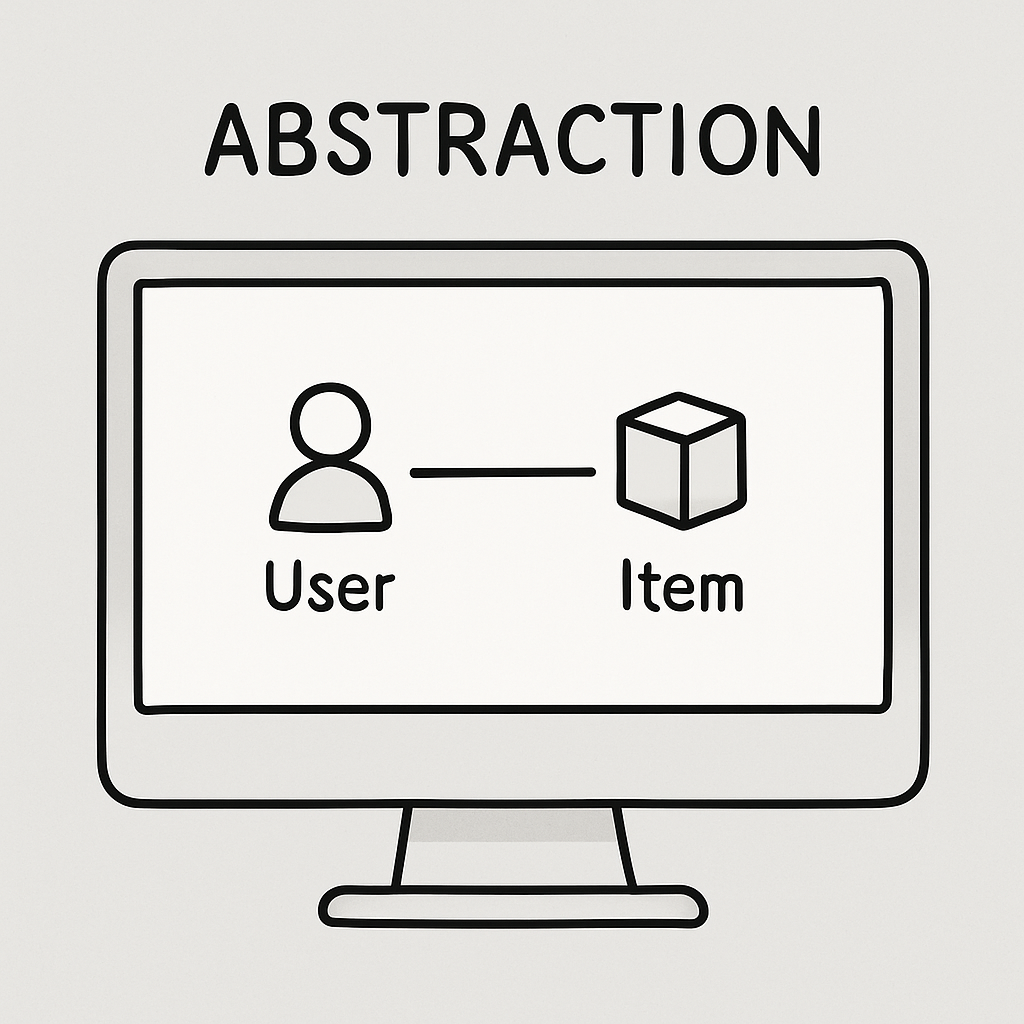 Now, let's define the needs for your interactive information system. This step is crucial for abstraction – you're representing real-world data in a simplified way. By focusing on what users truly require, you'll ensure your database is efficient and relevant, avoiding unnecessary complexity.