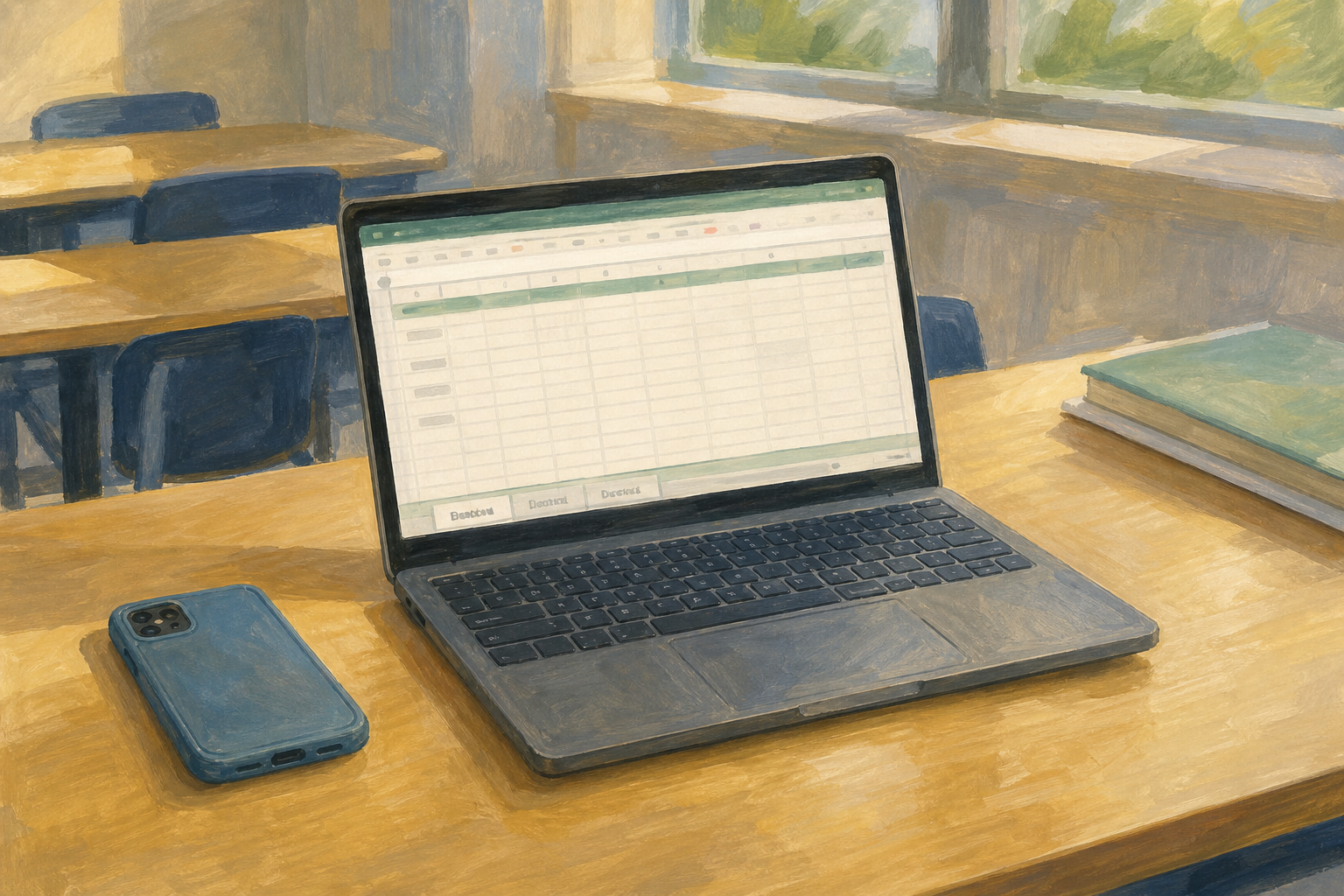
Today you will
- check a small demo workbook with your teacher
- fix the gaps in your own project workbook
- write a short reflection for your portfolio
Aoife's phone-case workbook has three tabs called {{code:data}}, {{code:summary}} and {{code:charts}}. Give a thumbs up if your own file has three clearly named tabs. Give a thumbs sideways if you still have {{code:Sheet1}} or only one sheet.
Check your workbook for these four things.
- A multi-sheet workbook is one file with several named sheets, and each sheet has one job.
- Clean data means headings in row 1, no blank rows in the middle and one type of value per column.
- A summary formula like SUM or AVERAGE pulls numbers from the data sheet.
- An IF formula makes a decision based on a condition.
Example
{{formula:=SUM(data!C2:C6)}} adds up Aoife's total stock. {{formula:=IF(B2>=40,"Stock healthy","Top up soon")}} tells her if she needs to buy more.
You will build a small demo workbook called {{code:sm3_unit1_demo}} and check it with your teacher. Follow the steps in the box below. When the steps tell you, copy the whole table in this box and paste it into cell {{cell:A1}}.
Aoife's phone-case data
| Item | Net price (€) | Quantity | Supplier | Stock flag |
|---|---|---|---|---|
| Clear case | 8.50 | 12 | Galway Case Co | OK |
| Matte black case | 10.00 | 3 | Galway Case Co | Low |
| Glitter case | 9.50 | 6 | Sparkle Supplies | OK |
| Ring holder | 3.00 | 15 | Sparkle Supplies | OK |
| Screen protector | 4.99 | 8 | ScreenSafe Cork | OK |
Common issues
- My tabs are still called Sheet1. Double-click each tab and rename it after its job.
- Sort mixed up my prices. Undo the sort, select the whole table with its headings, then sort again.
- My formula shows 0 or an error. Check the sheet name in the formula matches the tab name exactly.
- I have totals but no IF. Add one IF that answers a question about your project.
Independent Practice
- Open your {{code:sm3_from_template}} workbook in {{code:09_specialism}}, then {{code:sm3}}.
- Give at least three sheets clear names, like {{code:data}}, {{code:summary}} and {{code:charts}}.
- Put headings in row 1 and remove any blank rows in the middle.
- On the summary sheet, add one SUM, AVERAGE or COUNT and one IF.
- In {{code:sm3}}, make a document called {{code:sm3_unit1_reflection}} and write a sentence or two under each heading below.
Three Unit 1 habits I can do
One habit still to practise
One concrete way Unit 1 improved a project decision
- My workbook has three clearly named sheets.
- My data has headings and no blank rows in the middle.
- My summary sheet has a working total and a working IF.
- My reflection is saved in {{code:sm3}} with all three headings filled in.
Unlock the full learning experience
You're previewing this lesson. Get full access to this lesson and hundreds more — each one ready to teach, with interactive activities, printable resources and pupil progress tracking built in.
This lesson is copyright of Coding Ireland 2017 - 2026. Unauthorised use, copying or distribution is not allowed.