Intermediate
60 mins
Teacher/Student led
+65 XP

Unit 1 Recap and Design Critique Workshop

Today you will work with a partner to critique your rough VET sketch using a structured Works Change Question approach. You will bank an updated sketch and confirm a solid concept before starting to build in software.

Teacher Class Feed

Load previous activity

    1 - Introduction ~5 mins

    Welcome

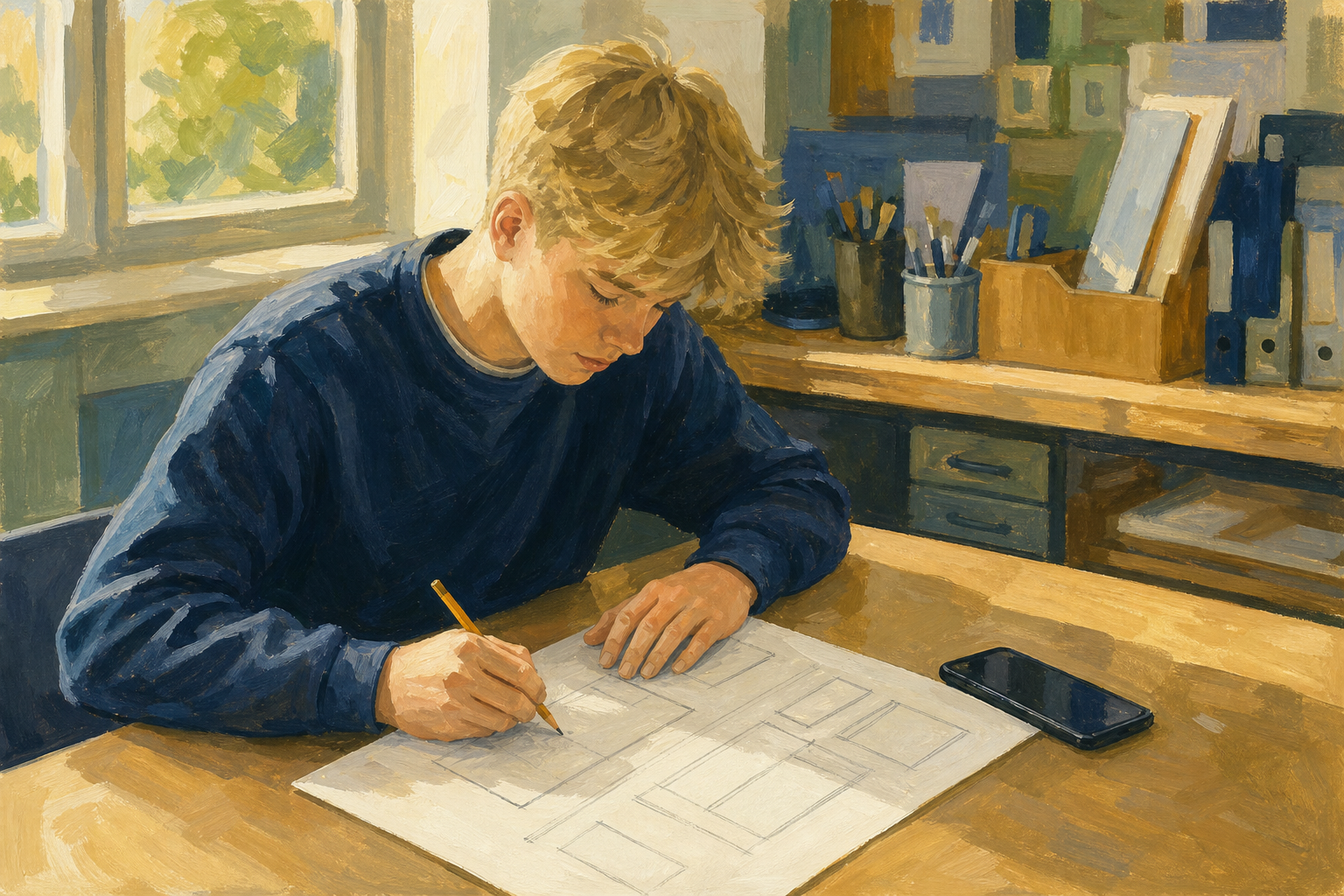
    Illustration for IntroductionUnit 1 of Module 2 ends today with a design critique workshop. You already have a rough VET sketch from last day. Today a partner helps you pressure-test it before you build anything in software. Clear feedback now saves hours of rework later, and it is exactly the kind of review that strengthens your Vocational Education Task interview piece.

    No sketch yet? Your teacher has a 3-minute emergency slip (topic, audience, purpose, three boxes, takeaway). Fill it quickly, then photograph it into {{code:sm2}} as {{code:sm2_vet_sketch_v1.png}}.

    By the end of this lesson, you will be able to:

    • Give and receive structured pair critique on VET sketches
    • Update the sketch based on feedback
    • Confirm a workable VET concept before building begins

    Warm-up

    Look at the board. With your own sketch or your emergency slip in front of you, answer silently: topic, audience, and the one takeaway you want them to walk away knowing. If a stranger saw only that page, would those three things be obvious? Hold that answer. You will test it with a partner today.

    2 - Key Concepts ~5 mins

    Today you use Unit 1 design language to critique a sketch, not a finished deck. Start with the feedback shape you will use in pairs.

    Board shape: Works / Change / Question

    • Works: one thing that already helps the examiner
    • Change: one concrete fix (name a design idea if you can)
    • Question: one thing you still need to check

    Worked example: sample critique

    Fictional student: Jamie. Something Real: a small enterprise pitch for custom GAA county phone cases sold at local club events. Format plan: short slide deck for the VET interview.

    What Jamie's sketch shows: cover with product name, three middle sections (who it is for, costs, how sales would work), and a closing ask.

    • Works: The purpose is clear in one line: convince the examiner the idea is realistic, not just fun.
    • Change: The middle has no visual hierarchy. Price, audience, and sales steps all look the same weight, so nothing leads the eye.
    • Question: Where is accessibility? If this becomes slides, will text still read from the back of a room?

    Jamie's update for {{code:sm2_vet_sketch_v2.png}}: enlarge the purpose line, number the three middle blocks, and add a note "large sans-serif text, high contrast". Notice Jamie did not rebuild the whole pitch. Three small fixes made it workable and ready to build.

    Unit 1 words to use in Change and Question

    Key point

    Contrast, Repetition, Alignment, Proximity, purpose, audience, accessibility, universal design. Name one of these instead of "make it nicer".

    Quick recap

    Quick recap: structured critique means one Works, one Change, one Question; acting on feedback means you decide what changes (or stays) and show it on v2.

    3 - Step-by-step Task ~17 mins

    Your teacher models one full critique first. Then you set up one notes file only. After the file is ready, you close in on the partner round (laptops stay open only so the owner can type what they hear).

    Partner round (timed classroom protocol)

    Classroom clock split (teacher calls each swap out loud):

    • File setup ~4 min
    • A presents ~90 seconds (sketch mostly) / B critiques ~2 min
    • Swap: B presents ~90 seconds / A critiques ~2 min
    • Decision line ~2 min
    • Share-back only if time (~2 min); otherwise it moves to Reflection

    Mode: file setup first, then partner talk. Owner keeps {{code:sm2_critique_notes}} open and types what the partner says under Works, Change, and Question. Partner speaks; owner records. (If you both prefer, share the file with edit access so the partner can type instead.)

    Two tabs is fine (sketch in one, notes in the other), or prop the paper sketch between you. Do not waste the round hunting the image again.

    First critiques feel awkward. That is normal. Stick to the three lines and one design word; kind and specific beats vague praise.

    1. Student A presents the sketch for about 90 seconds (sketch mostly, minimal talking).
    2. Student B gives Works / Change / Question using Unit 1 language. Owner types.
    3. Swap roles and repeat.
    4. Each owner writes under My decision after feedback one or two concrete updates (or what they will keep and why).

    Sentence stems (use these if you get stuck):

    • Works: The purpose is clear because…
    • Change: Proximity / contrast / audience would improve if…
    • Question: Will the examiner understand…?
    • My decision: I will change… / I will keep… because…

    You create the Unit 1 Reflection page later. Do not start a second document in this step.

    4 - Common Issues ~3 mins

    Common Issues

    IssueSolution
    I cannot find {{code:sm2_vet_sketch_v1.png}}Check {{code:Project_Portfolio}} → {{code:09_specialism}} → {{code:sm2}}. If the file is still only on paper or on your phone, photograph it now, upload it into {{code:sm2}}, and name it {{code:sm2_vet_sketch_v1.png}} before the pair round.
    My partner only says "it looks grand"Ask them to finish this sentence: "One thing I would change for the examiner is…" Push for a design word: contrast, clutter, purpose, audience, text size, or order of sections. Use the stems on your notes page.
    I disagree with the feedbackThat is allowed. Write the decision anyway. Keep what you can justify for the VET audience, and change at least one thing that genuinely improves clarity.
    I do not know how to make {{code:sm2_vet_sketch_v2.png}}Paper path: redraw or annotate the sketch (number sections, enlarge purpose, add accessibility note), photograph it, upload into {{code:sm2}}, rename the stem to {{code:sm2_vet_sketch_v2.png}} and keep the real extension from your camera (usually {{code:.jpg}}, sometimes {{code:.png}}). Digital path: edit your sketch file or export an image, upload into {{code:sm2}}, rename the same way. Do not overwrite v1 if you can keep both. Do not force {{code:.png}} onto a photo that is really a {{code:.jpg}}.

    5 - Update Sketch and Set up Reflection ~8 mins

    Your teacher shows one quick change on the model sketch, then how to bank it as {{code:sm2_vet_sketch_v2.png}} (keep the real photo extension: usually {{code:.jpg}}, sometimes {{code:.png}}).

    Priority order

    Priority order in this block:

    1. Non-negotiable first: make one labelled change and bank {{code:sm2_vet_sketch_v2.png}} in {{code:sm2}}.
    2. Next if time: create the Unit 1 Reflection page with four headings ready for the next activity.
    Tip

    If upload is slow, use the spare classroom device or cable your teacher has ready. Leave blank lines under the reflection headings for now. In the next activity you will write at least two short sections about your own VET project.

    123learn · Online learning platform

    Unlock the full learning experience

    You're previewing this lesson. Get full access to this lesson and hundreds more — each one ready to teach, with interactive activities, printable resources and pupil progress tracking built in.

    Hundreds of curriculum-aligned lessons
    Interactive activities in every lesson
    Printable resources & progress tracking
    Copyright Notice
    This lesson is copyright of Coding Ireland 2017 - 2025. Unauthorised use, copying or distribution is not allowed.
    🍪 Our website uses cookies to make your browsing experience better. By using our website you agree to our use of cookies. Learn more