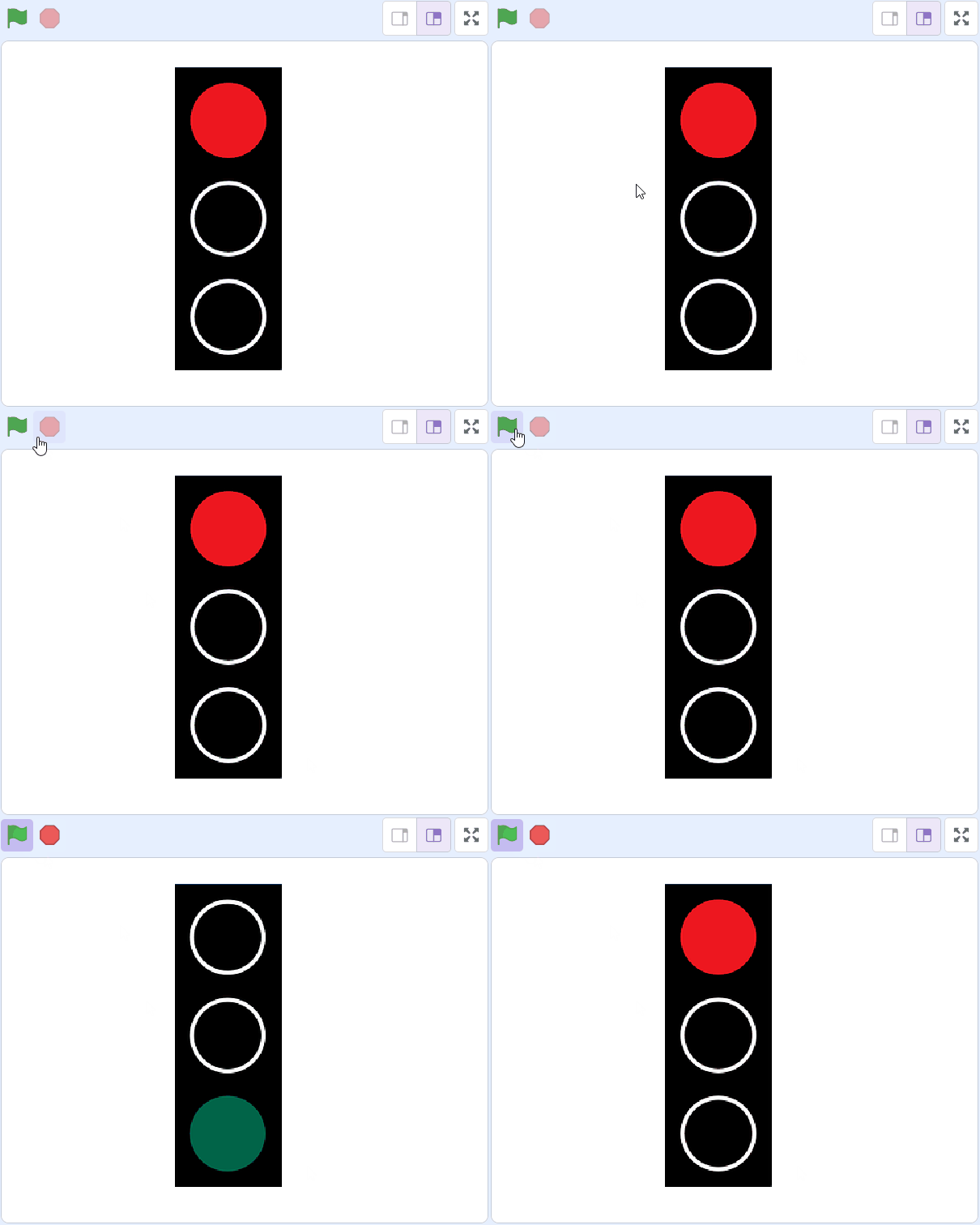
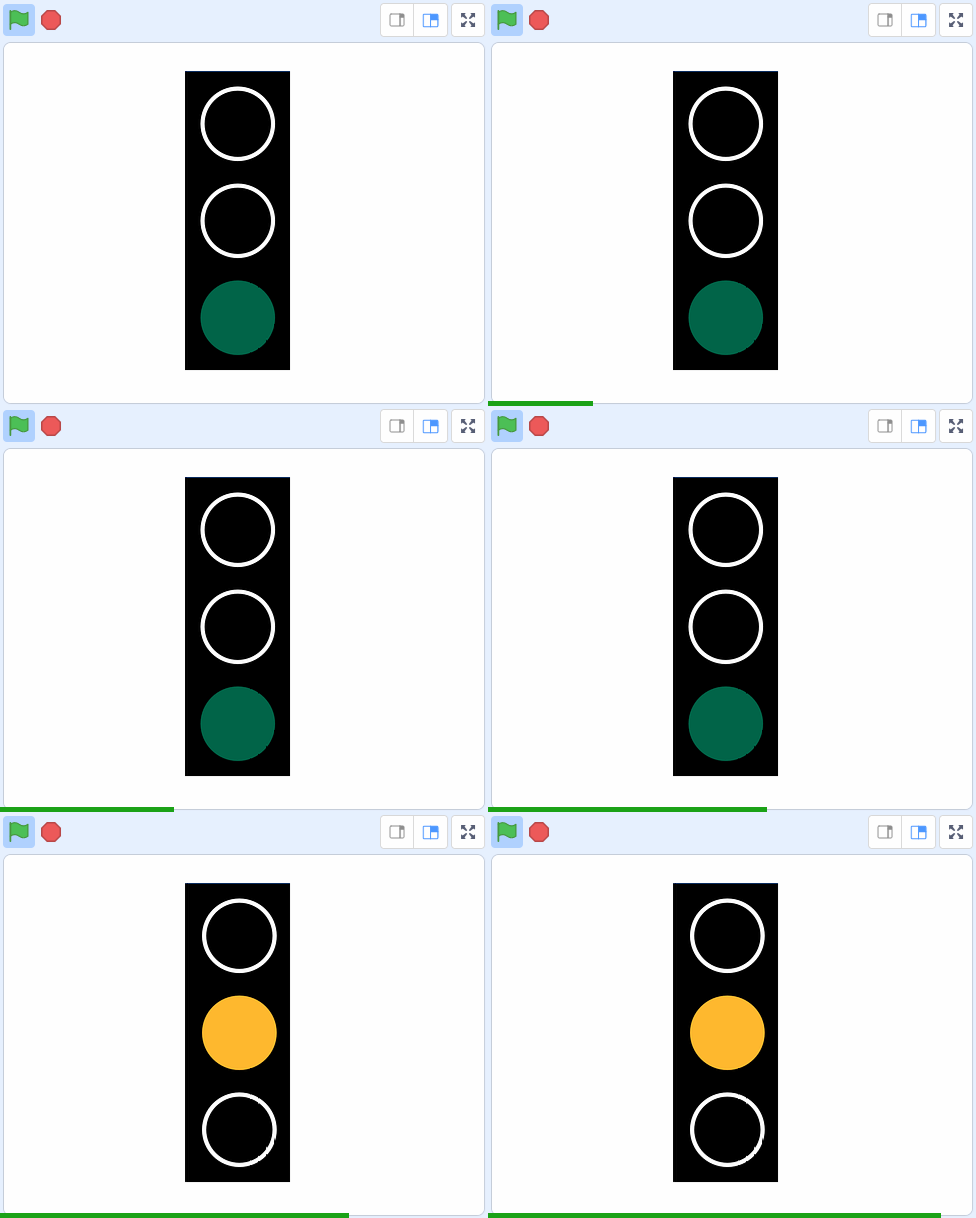
Welcome to our exciting project! Today, we are going to program a set of traffic lights to display the lights in the right order. But before we start, let's talk about what a sequence is.
A sequence is like a list of instructions that we follow in a specific order. Just like when we get ready for school, we first brush our teeth, then we get dressed, and finally, we have breakfast. In coding, a sequence is a set of instructions that a computer follows one after the other.
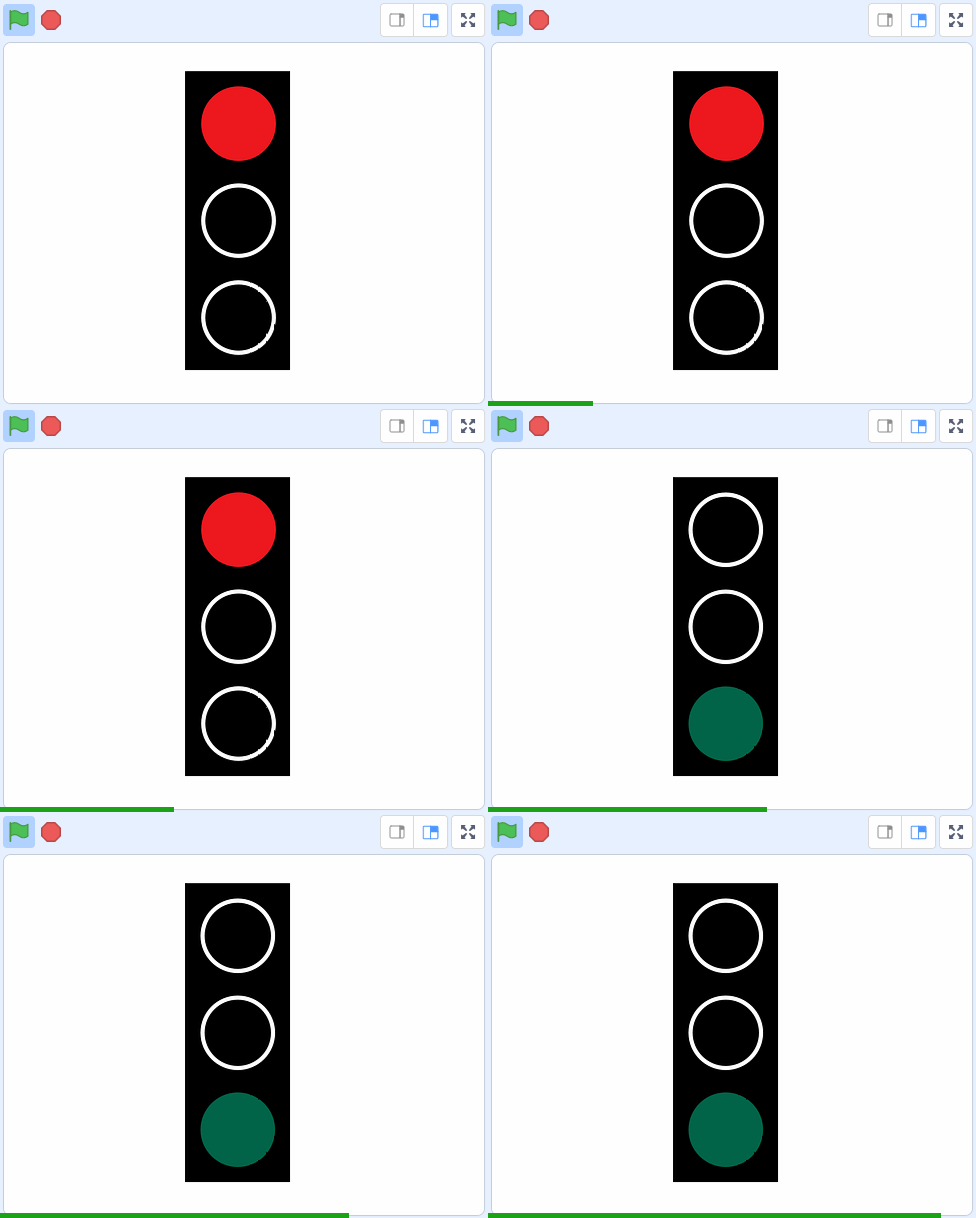
In our project, we will create a sequence for our traffic lights to change from red, to green, and then to orange. Are you ready to start? Let's go!
In this lesson we are going to program a set of traffic lights to display the lights in the right order.
Click on the link below to open a starter project that already has a traffic light sprite added to it.
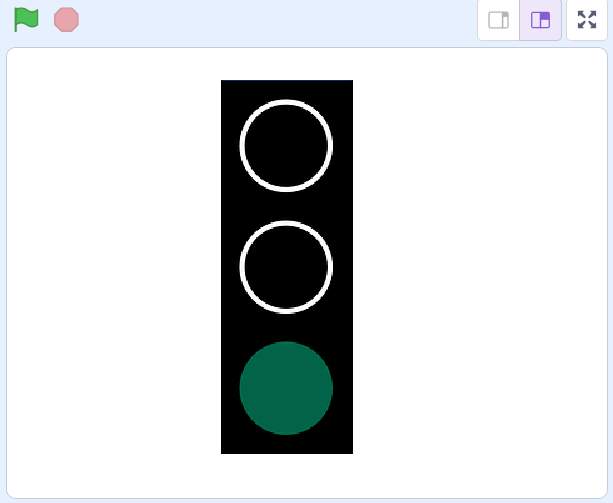
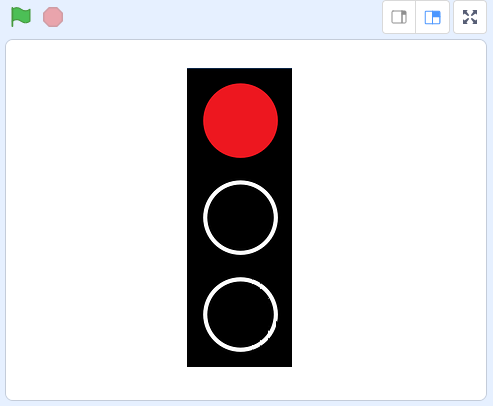
The traffic lights sprite has 3 costumes, a red costume, an orange costume and a green costume.
Let's program the traffic light to show the red light for 5 seconds. Add the following code to the traffic light sprite.
when green flag clicked
switch costume to (red v)
wait (5) seconds
Now let's program the traffic light to show the green light for 10 seconds after the red light is finished. Add the following code blocks to the traffic light sprite.
when green flag clicked
switch costume to (red v)
wait (5) seconds // add them under here
switch costume to (green v)
wait (10) seconds
Now let's program the traffic light to show the orange light for 3 seconds after the green light is finished. Add the following code blocks to the traffic light sprite.
when green flag clicked
switch costume to (red v)
wait (5) seconds
switch costume to (green v)
wait (10) seconds // add them under here
switch costume to (orange v)
wait (3) seconds
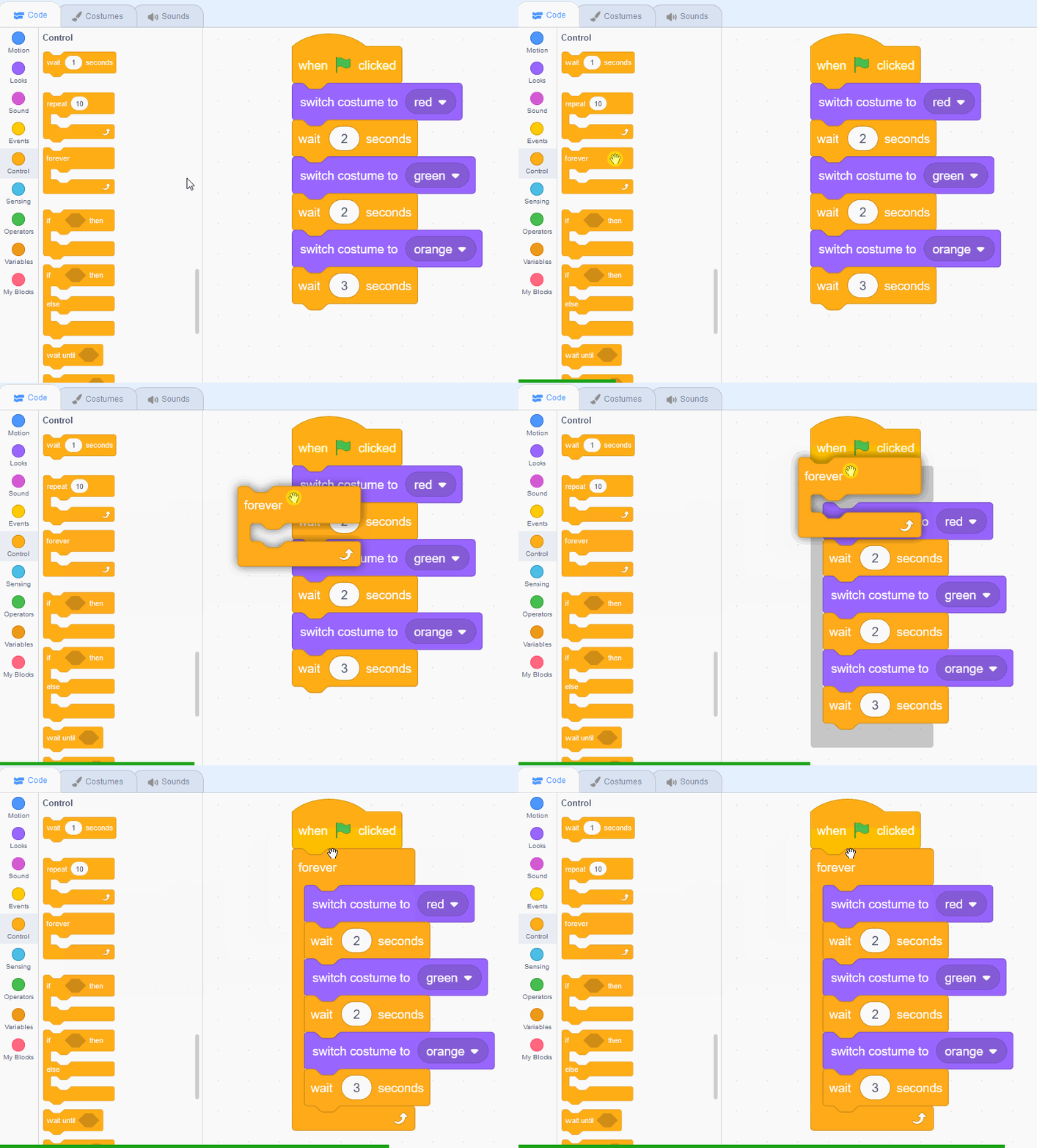
Traffic lights don't just do their sequence of lights once, they keep doing them forever! So let's make ours do the same.
Add in a forever block and under the when clicked and make sure the other code blocks go inside it. This will make the sequence repeat or loop forever!
when green flag clicked
forever
switch costume to (red v)
wait (5) seconds
switch costume to (green v)
wait (10) seconds
switch costume to (orange v)
wait (3) seconds
end
Great job! You've successfully programmed a set of traffic lights to display the lights in the right order. You've learned about sequences and how to use them in coding. You've also learned how to make your sequence repeat forever using the 'forever' block. This is how real traffic lights work! They keep repeating their sequence of red, green, and orange lights. Now you can create your own sequences in Scratch. Keep practicing and exploring more with Scratch. Happy coding!
Every lesson in the course is ready to teach like this one. See what else comes with it, and how to order it.