Scratch
Beginner
30 mins
Teacher/Student led
+115 XP

What you need:
Chromebook/Laptop/PC or iPad/Tablet

Traffic Light Sequence

Can you program some traffic lights in the correct order!
Teacher Class Feed

Load previous activity

    1 - Create a new Scratch project

    Create a new Scratch project and delete the cat sprite.

    https://scratch.mit.edu/

    2 - Upload the Traffic Lights sprite

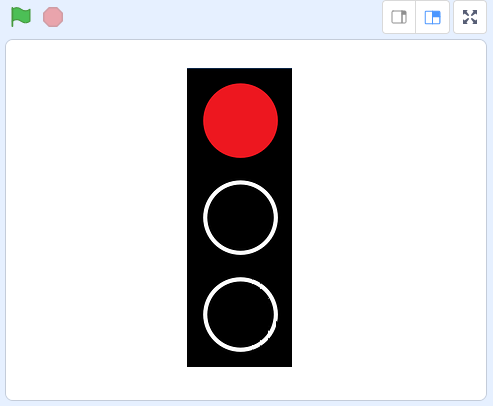
    In this lesson we are going to program a set of traffic lights to display the lights in the right order. 

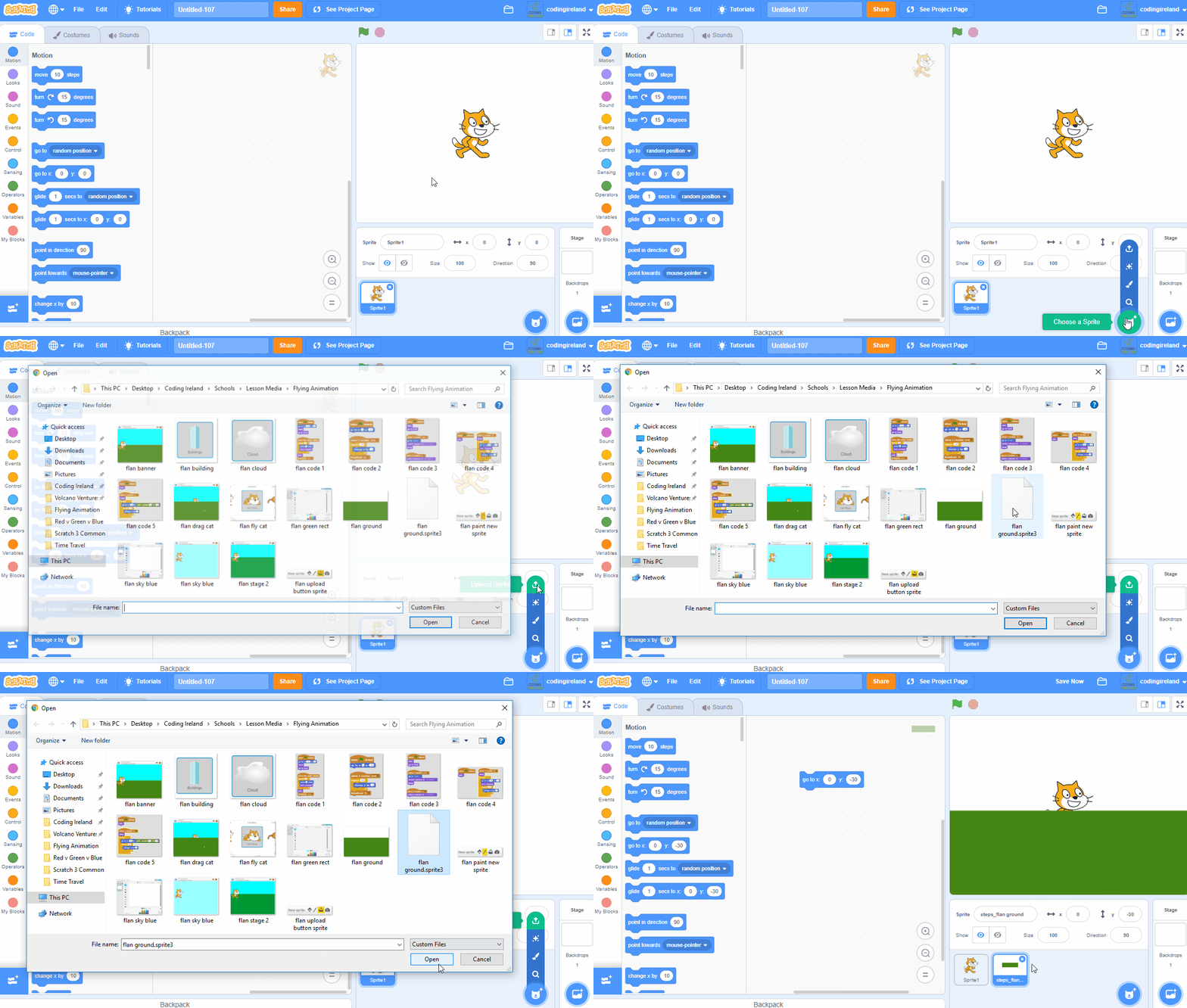
    There is a traffic lights sprite file included with this step called "traffic lights.sprite3". Download it to your computer by right clicking on it and clicking "Save Link As...". Then once you've saved it to your computer, upload it into your Scratch project.

    3 - What is a sequence?

    We are going to program the traffic lights to show the lights in a sequence. In coding, a 'sequence' is the order in which instructions happen. For example if you were programming a robot to put on her shoe, the sequence would be:

    1. put on her sock
    2. put on her shoe
    3. tie her laces

    For our traffic lights we are going to program them to go through this sequence:

    1. show red light for 5 seconds
    2. show green light for 10 seconds
    3. show orange light for 3 seconds

    4 - Set it to red

    The traffic lights sprite has 3 costumes, a red costume, an orange costume and a green costume.

    Let's program the traffic light to show the red light for 5 seconds. Add the following code to the traffic light sprite.

    when green flag clicked switch costume to (red v) wait (5) seconds


    123learn · Online learning platform

    Unlock the full learning experience

    You're previewing this lesson. Get full access to this lesson and hundreds more — each one ready to teach, with interactive activities, printable resources and pupil progress tracking built in.

    Hundreds of curriculum-aligned lessons
    Interactive activities in every lesson
    Printable resources & progress tracking
    Copyright Notice
    This lesson is copyright of Coding Ireland 2017 - 2026. Unauthorised use, copying or distribution is not allowed.

    Scratch is developed by the Lifelong Kindergarten Group at the MIT Media Lab. It is available for free at https://scratch.mit.edu
    🍪 Our website uses cookies to make your browsing experience better. By using our website you agree to our use of cookies. Learn more