 Today you are coding in Python on the micro:bit editor. You will build a Rock-Paper-Scissors game step by step: predict what a round should do, then build, run and fix.
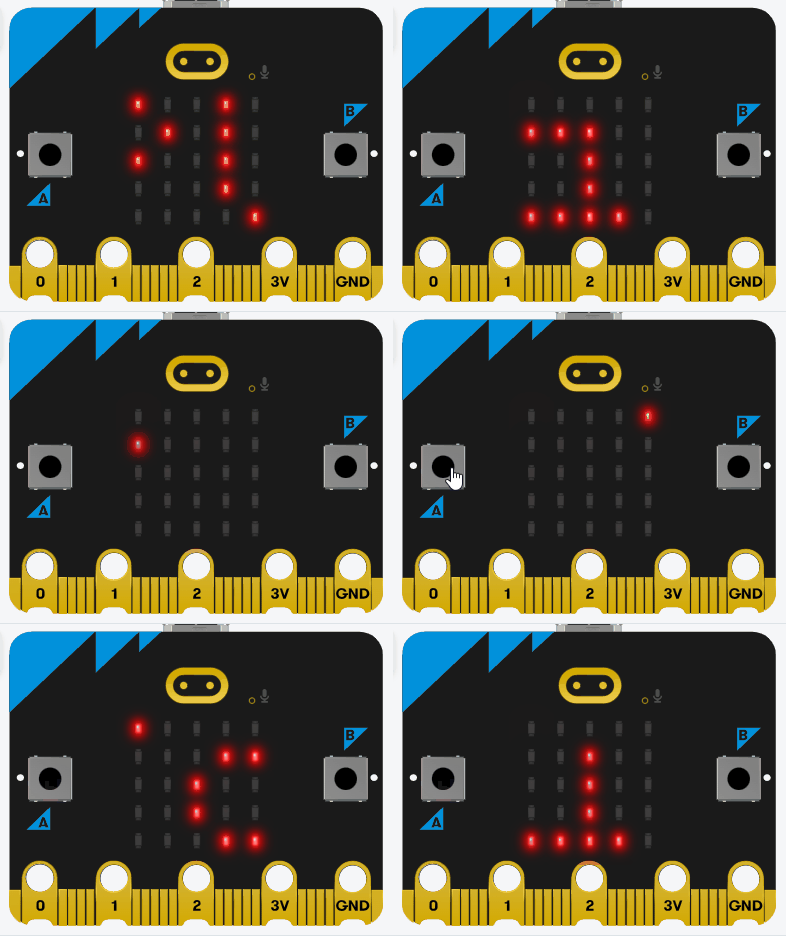
You can already use simple Python and make the micro:bit respond. By the end you will have a full game where you press buttons for rock, paper or scissors, the micro:bit picks at random, and the display shows who won.
Before you run anything, think: if you choose rock and the micro:bit chooses scissors, who should win, and what should appear on the screen?
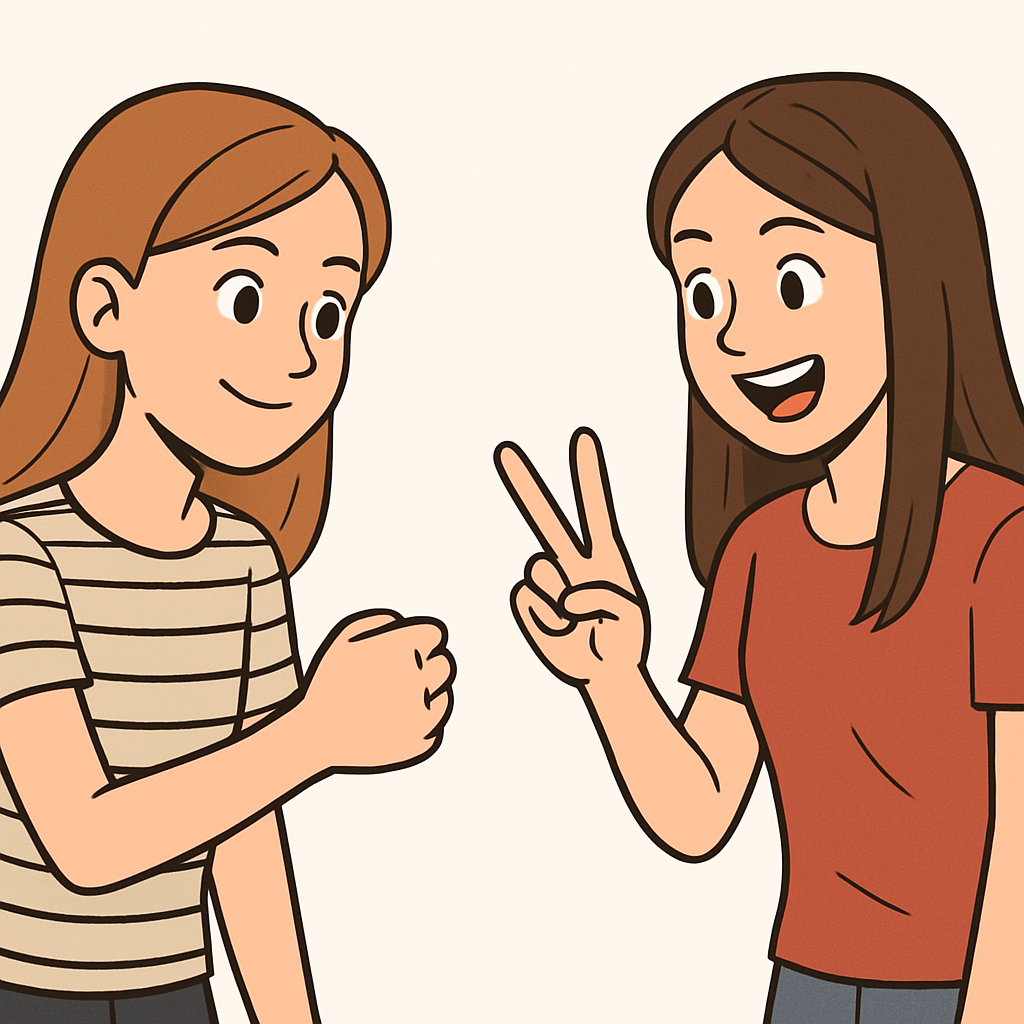 In this lesson you'll create a Rock-Paper-Scissors game using your Micro:bit and the Micro:bit will act as your opponent. You'll use the buttons to make your choice, generate a random choice for the computer using the random module, compare the outcomes with if-else statements, and display the results on the LED screen with messages like 'You win!'. We'll store the possible choices in a list to practise list handling.
By the end of this lesson, you'll have a fully interactive game. Open the Micro:bit Python editor at python.microbit.org and start a new project.
In this step, we'll import the necessary modules. We need the microbit module for hardware access and the random module to generate the computer's choice.
Start by adding the following complete code to your editor:
from microbit import *
import randomNext, we'll create a list to store the possible choices: rock, paper, and scissors. Lists are great for holding multiple related items, and we'll use this to select the computer's choice randomly.
Update your code to the following complete version:
from microbit import *
import random

choices = ["rock", "paper", "scissors"]
display.scroll("Ready")Unlock the full learning experience
You're previewing this lesson. Get full access to this lesson and hundreds more — each one ready to teach, with interactive activities, printable resources and pupil progress tracking built in.
This lesson is copyright of Coding Ireland 2017 - 2026. Unauthorised use, copying or distribution is not allowed.