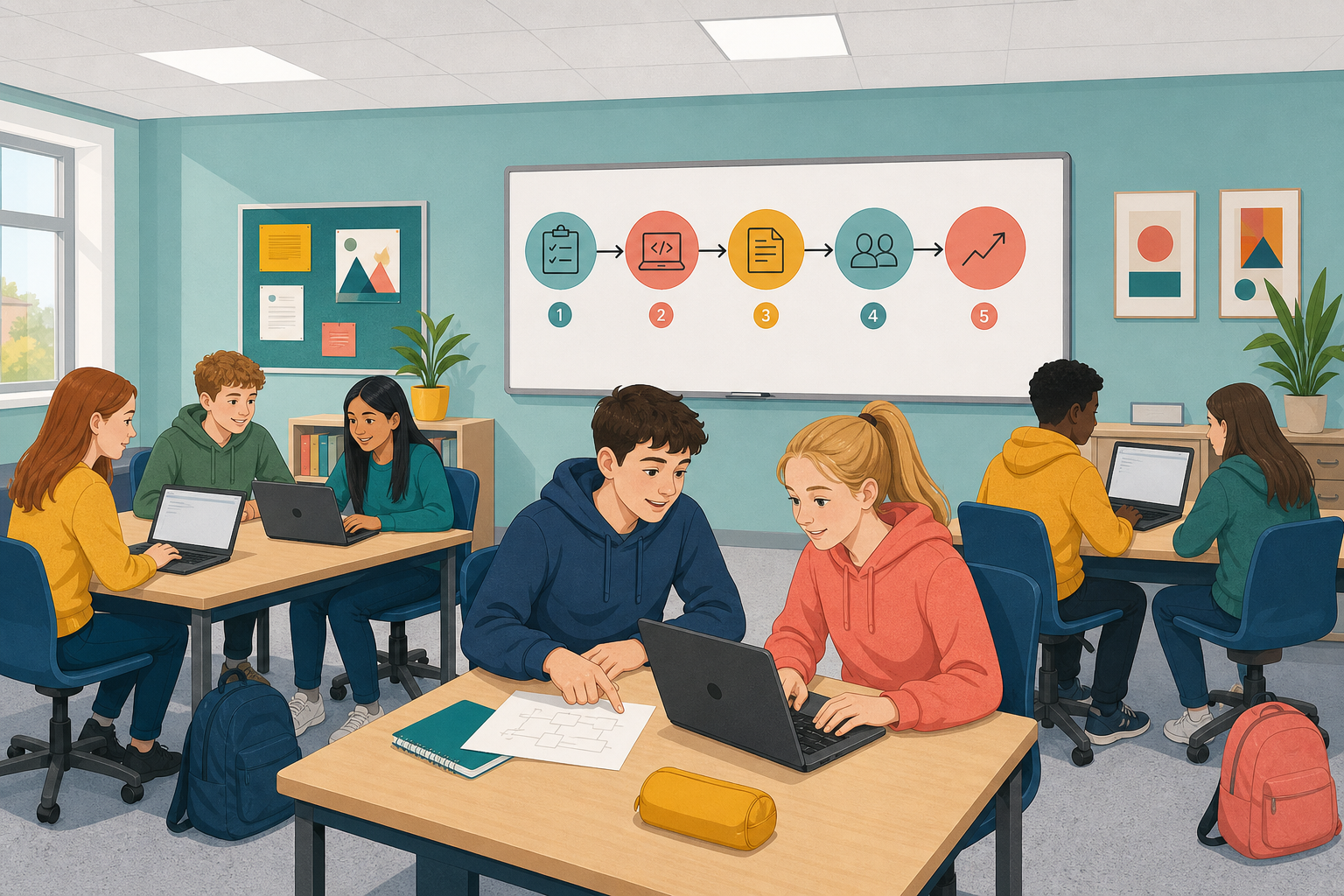
 You have written Python, documented it so someone else can follow it, and analysed code that was not your own. Today you put all of that together.
You will plan, build, document and test a small Python program that solves a problem you choose. Then you will watch someone who did not build it try it out, and use what you see to improve it.

Pick a small problem a short Python program could help with. Keep the scope small enough to finish today: a short program that works and is tested beats a big idea that never runs.
Stuck for an idea? Try one of these, or invent your own:
- a GAA score helper that works out the total from goals and points
- a packing advisor that suggests a jacket or raincoat from a temperature and a yes/no rain answer
- a short quiz on a subject you care about, with a running score
- a fixtures or shopping list you can add to, show, and search
- a tip splitter that divides a bill in euros between a group
Your finished build must:
- solve one clear problem with input, a decision or a list
- use clear names and comments, and run without crashing on normal use
- be tried by someone who did not build it, then include one change from what you saw
Before you code, write a short plan (pseudo-code or a quick flow chart). Note one data or fairness question your program raises. Example: for a GAA scorer, should a player's name be stored with their score?
Start here. Open a new Python file and build from your plan. Partway through this step your teacher will call a freeze: from that moment you stop adding new features and polish what you already have. Before that freeze, aim to hit everything on the Must list below. Hitting those three things alone is enough to go on to the swap, where someone else tries your program.
Must (hit these before the freeze):
- the program runs end to end on the normal path
- a top comment names what it does and any ethical or legal note
- your plan is still visible (on paper or in that top comment)
How to get there:
- Put a short comment at the top: what the program does, and any ethical or legal note you spotted.
- Code the core path first so it runs end to end on normal, expected inputs.
- Add clear names for variables and any functions. Comment the parts that would confuse a classmate.
- Test it yourself. If something breaks, use the debugging routine: read the error, find the line, form a hypothesis, test it.
- When your teacher calls freeze on new features, stop adding features and polish what you have so a stranger could try it without you talking them through it.
Need a start? Write each line below as a comment in your file, then fill the code under it.
- Ask the user for one input (a number, a word, or a yes/no answer).
- If a condition is true, do one thing; else do another. Or put values in a list and show or search the list.
- Print a clear result in a full sentence.
Unlock the full learning experience
You're previewing this lesson. Get full access to this lesson and hundreds more — each one ready to teach, with interactive activities, printable resources and pupil progress tracking built in.
This lesson is copyright of Coding Ireland 2017 - 2025. Unauthorised use, copying or distribution is not allowed.