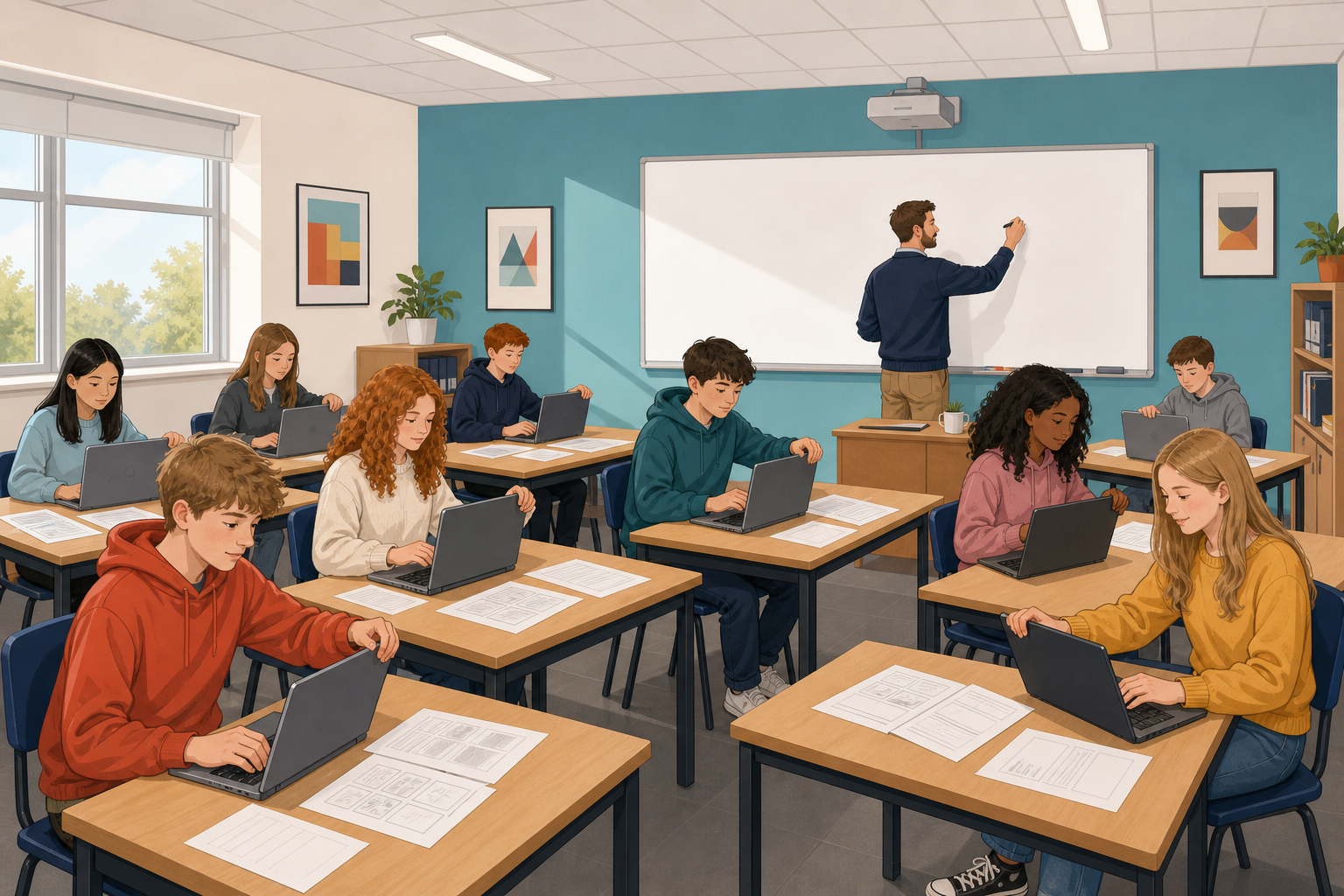
 Today you will collect the pictures, sounds and clips for your montage, and write each one in your source log. Each file should come with a licence, a short note saying how you may use it. If a file's licence does not let you use it, find a different file today.
If your plan is not finished, draw three boxes for the beginning, middle and end, saying what happens in each. Then collect one image and one sound, and log both.
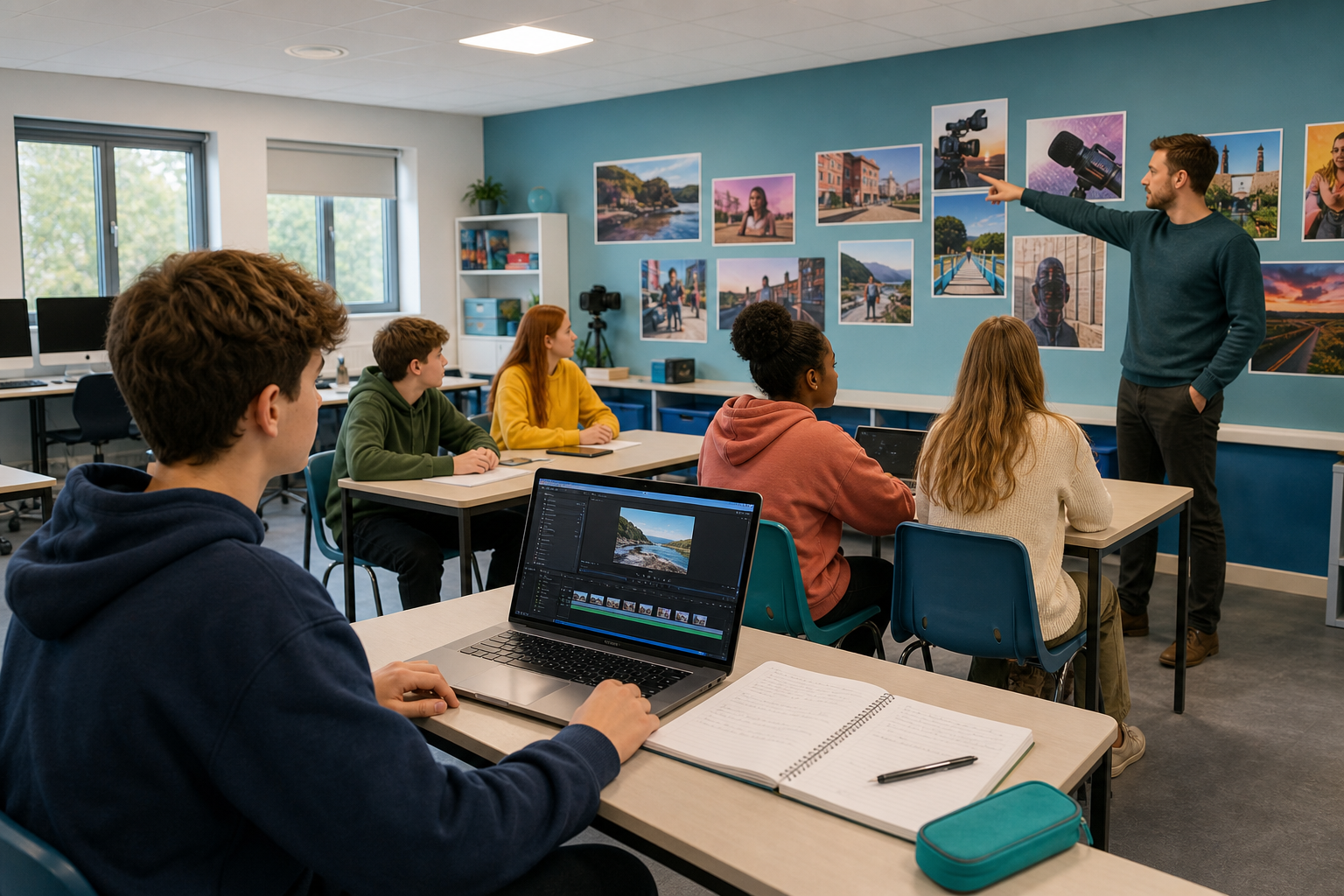 Get three things ready before you search.
1. A needs list. Open your montage plan and write a short list of what you still need, such as images, sounds or clips.
2. Allowed libraries only. Only use free-to-reuse libraries, which are websites whose files anyone may use again. You already know Pixabay for images and video and Freesound for audio. On Pixabay, skip anything marked Sponsored or iStock, which are paid. Finding something online does not mean you are allowed to use it.
3. Your source log. Write these four headings at the top of your source log, in your notebook or wherever your class keeps its work.
- File name
- Where it came from (the library or site, and the creator's name if it is shown)
- What the licence allows
- The credit line you will use (or "no credit required")
Collect the files your montage plan needs, like this.
- Turn the needs list from your plan into a checklist.
- For each item, search a free-to-reuse library that has that kind of file.
- Before you download, read the licence note. It is the short line that says whether you must give credit by naming the person who made the file. Only keep a file if it is free to reuse, whether or not it needs a credit. If you cannot fill in all four log headings honestly, find another file now.
- Save each file you keep with a clear name, and add its line to your source log straight away, like the example below.
- Tick an item only when you have both the file and its log line. Do your image and sound first, because you must have those.
File name: crowd_cheer_01.mp3. Where it came from: Freesound, creator RiverLoop. What the licence allows: free to reuse with credit. Credit line: crowd cheer by RiverLoop via Freesound.
By the end, you need at least one image and one sound file, each with a full log line. Then circle anything on your checklist that you have not found yet. If you finish early, log one clip or another planned file too. Save your files and log the class way as you go.
Check now that the licence lets you use every file you have, so nothing slows down your montage later.
- Check for gaps. Compare your needs checklist with the files you have, and circle every gap still open.
- Start with the most important gap. If a file you must have is still missing, fix that first, before any extra files that would only be nice to have.
- Replace what you cannot licence. If a file still has no clear licence, or it came from a site that is not free to reuse, delete it and find an allowed file to use instead.
- Finish your source log. Every file you keep needs all four headings filled in. If the page does not show the creator's name, write down exactly what the page does show, so you can still give honest credit.
- Before you finish, check that the files your plan needs are saved, with one honest log line for each, and that no files are left that you do not have permission to use.
Save your updated log and files the class way before you leave.
A licence is what gives you permission. If you cannot say what a file's licence allows, you do not have permission to use it yet. Replacing a file today is easier than rebuilding your montage later.
The source log is part of your work. It shows that you had permission to use other people's work when you present your montage.
Your plan decides what you collect. Keep the files your plan needs. Delete the rest, or move them somewhere separate for later.
Unlock the full learning experience
You're previewing this lesson. Get full access to this lesson and hundreds more — each one ready to teach, with interactive activities, printable resources and pupil progress tracking built in.
This lesson is copyright of Coding Ireland 2017 - 2026. Unauthorised use, copying or distribution is not allowed.