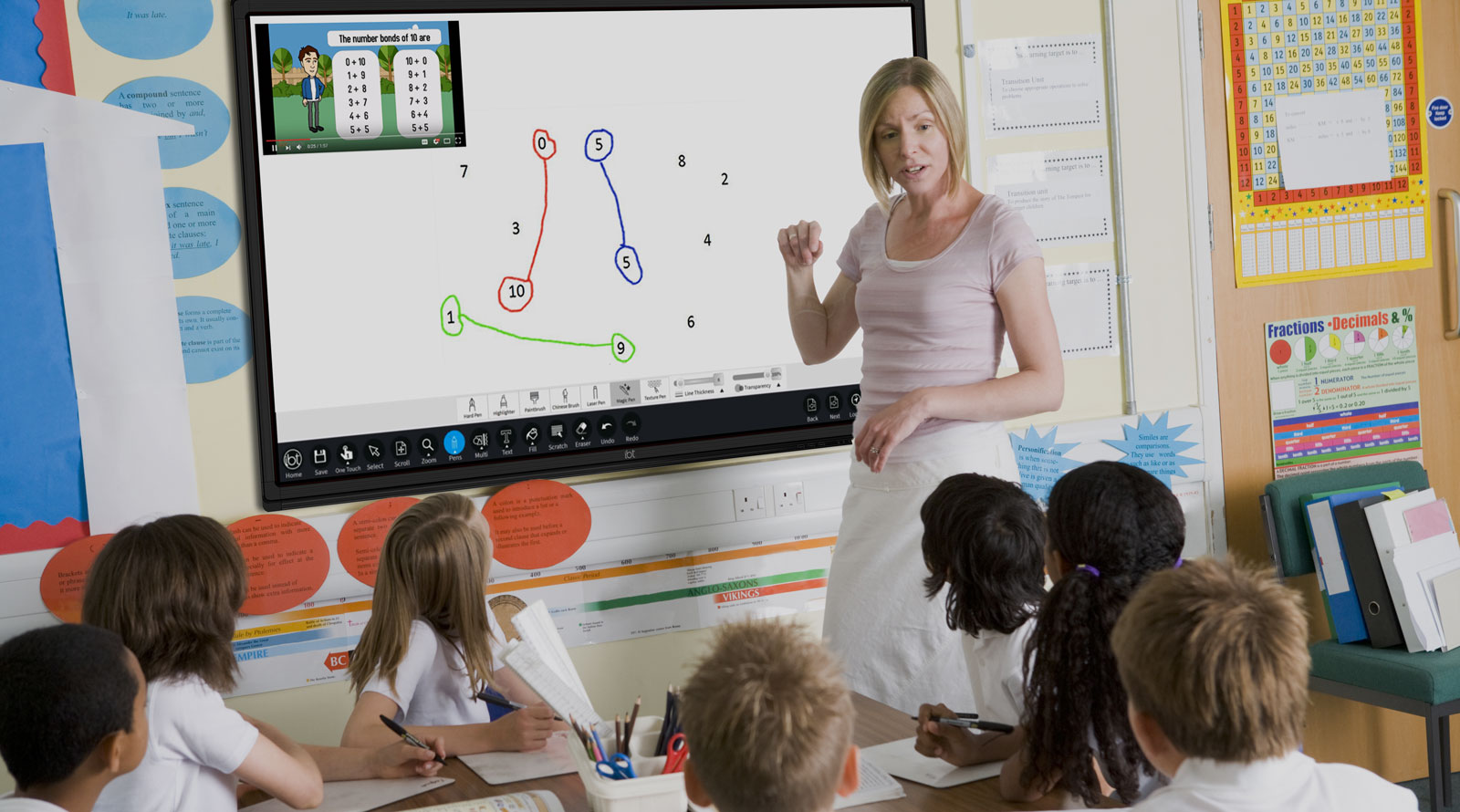
On the board is a grid split into four boxes. Along the top it says even and not even. Down the side it says more than 10 and not more than 10.
Where would the number 14 go? What about the number 7? Put your hand up if you can point to the right box.
Draw the empty two-by-two grid on the board as you pose the question, so the class sees the four boxes and the four labels appear. Take two or three hands-up answers, not open call-outs. Let a pupil come up and point to a box for 14, then for 7, and ask the class to agree or correct.
Do not settle the mix-ups yet — the sorting rule is what the lesson builds.
We will sort two sets of cards on screen. The first is a Carroll diagram that sorts numbers by two questions: is it even, and is it single-digit or two-digit? The second is a Venn diagram that sorts shapes by whether they have a right angle and whether they are red. A right angle is a square corner, like the corner of this page. Watch where each card lands, and see which card sits outside both circles.
Drive both drag-sorts live, Carroll first. Point at each box, read both questions aloud: even? single- or two-digit? Every card answers both, so it lands in exactly one box.
Sort so: 3 odd/single, 6 even/single, 12 even/two-digit, 24 even/two-digit, 7 odd/single, 8 even/single, 15 odd/two-digit, 40 even/two-digit.
Venn: red square has a right angle and is red, so it goes in the overlap in the middle. Let a pupil explain why.
Blue rectangle: right angle only. Red circle: red only. Blue triangle: no right angle, not red, so outside both.
Common slip: pupils put a middle card in one circle only. Revoice: it fits both, so it sits where the circles cross.
Now we sort together. First we work a Carroll diagram of numbers on the board. We sort them by even / odd and by single-digit / two-digit. We place 4, then 11, then 22, then 9.
Then we move to the shapes on screen. The Venn sorts them by has a right angle and is red. Drag a red rectangle into place. Then a blue square. Then a red circle. Then a blue circle.
Take the Carroll numbers first on the board's four-box grid — there is no on-screen tool for the number sort, so run it by hand on the drawn grid, asking the class to agree or correct each placement. Then move to the Venn shapes on screen, where pupils take turns dragging.
For each shape, ask the two questions before the drop: does it have a right angle? is it red?
The red rectangle catches people out — it has right angles AND is red, so it belongs in the overlap. The blue square has right angles but is not red, so it goes in 'right angle only'. Hold out for a pupil to explain the middle before you confirm.
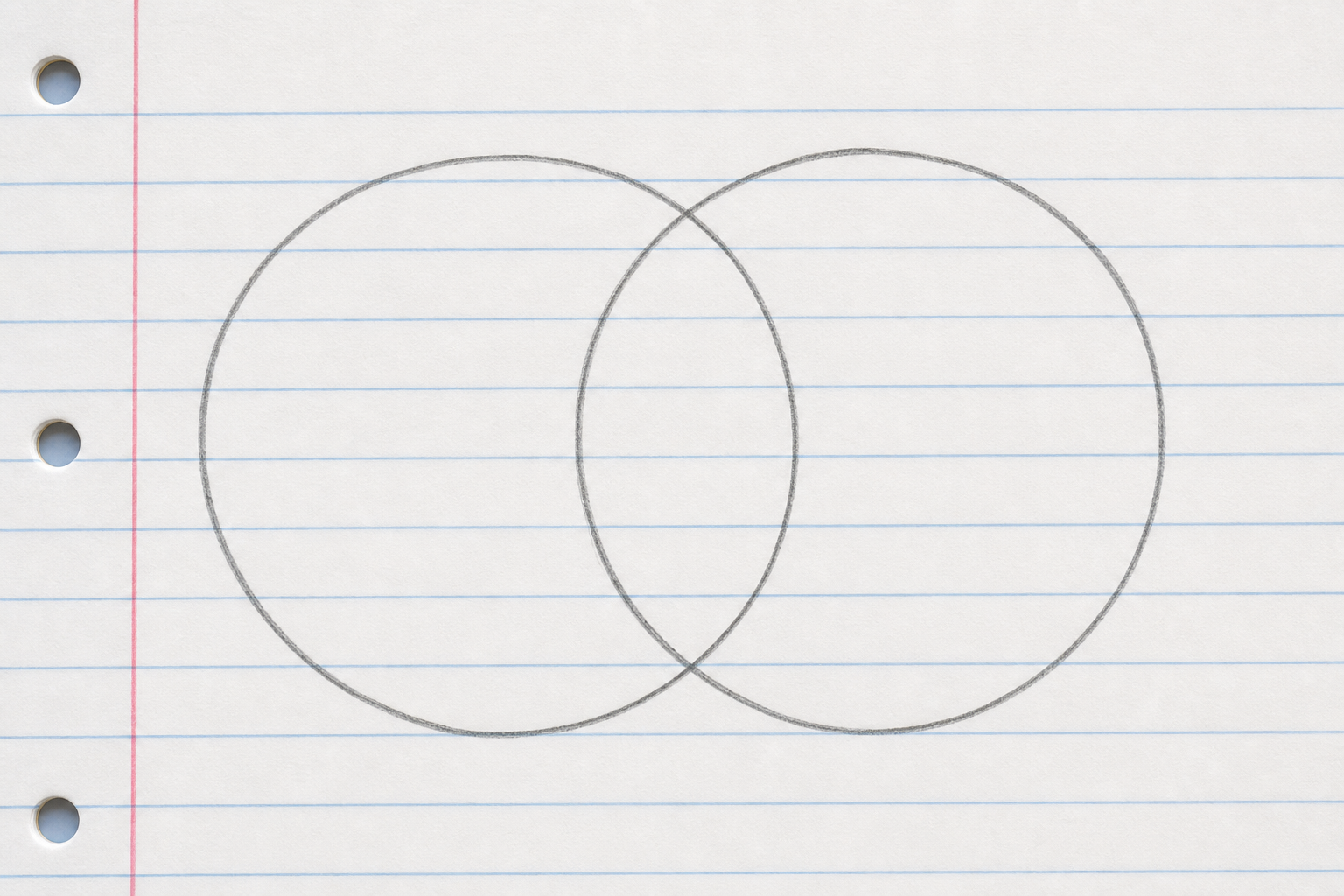
In your maths copy, draw a Venn diagram with two overlapping circles. Label one circle even and the other more than 10. Then write these three numbers into the correct regions, including the overlapping middle:
Think carefully about where 14 goes.
Walk the room glancing at the overlap and the two labels — this is whole-class copybook practice, not marking. Watch for pupils who leave the middle empty when 14 (even and more than 10) belongs there.
Now you sort by hand at your seats. Work up through three sorts that each get a bit trickier:
Before the third sort, we do one together on the board. Circles: even and two-digit. We place four numbers: 4, 18, 9, and 25.
Then sort your own third set the same way at your seats.
Each time, write down which card ends up in the overlap, or note if the middle is empty.
Circulate as pupils sort at their seats. Grids and circles are already laid out, so time is for sorting, not drawing.
Empty-middle Venn (sort 2): some pupils feel the middle must hold a card and will force one in. Head that off: if no card fits both, the middle is correctly empty.
Board demo before sort 3 (even / two-digit). Ask both questions for each number, then place:
Slip to watch: pupils drop an overlap card into one circle only. Revoice: it answers yes to both, so it sits where the circles cross.
At the end, ask two or three pupils which card sat in the overlap on the last sort, and how they knew it fit both circles.
You're previewing this lesson. Get full access to this lesson and hundreds more — each one ready to teach, with interactive activities, printable resources and pupil progress tracking built in.