Watch this little dance: clap, turn, jump. Can you copy it in the same order?
Stand where everyone can see you. Do a clear three-move dance: clap, turn on the spot, then a small jump. Invite the class to copy it with you twice. Keep the hook light: no tablets out yet and no app name yet. You may say only that a little character will dance for us next.
Key question: Did we do the moves in the same order each time?
Say this link aloud: people who make apps snap picture instructions together so characters move, just as we will.
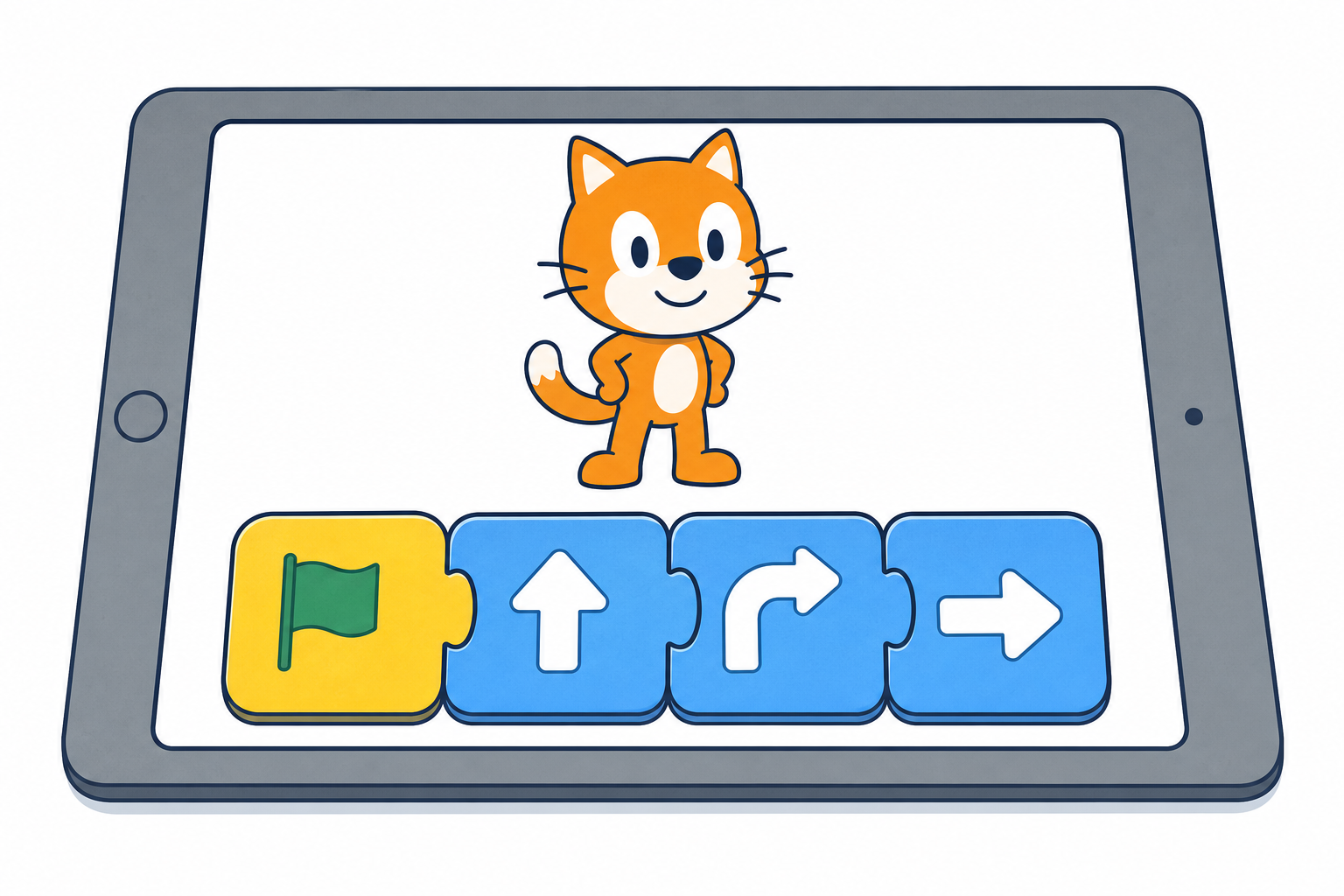
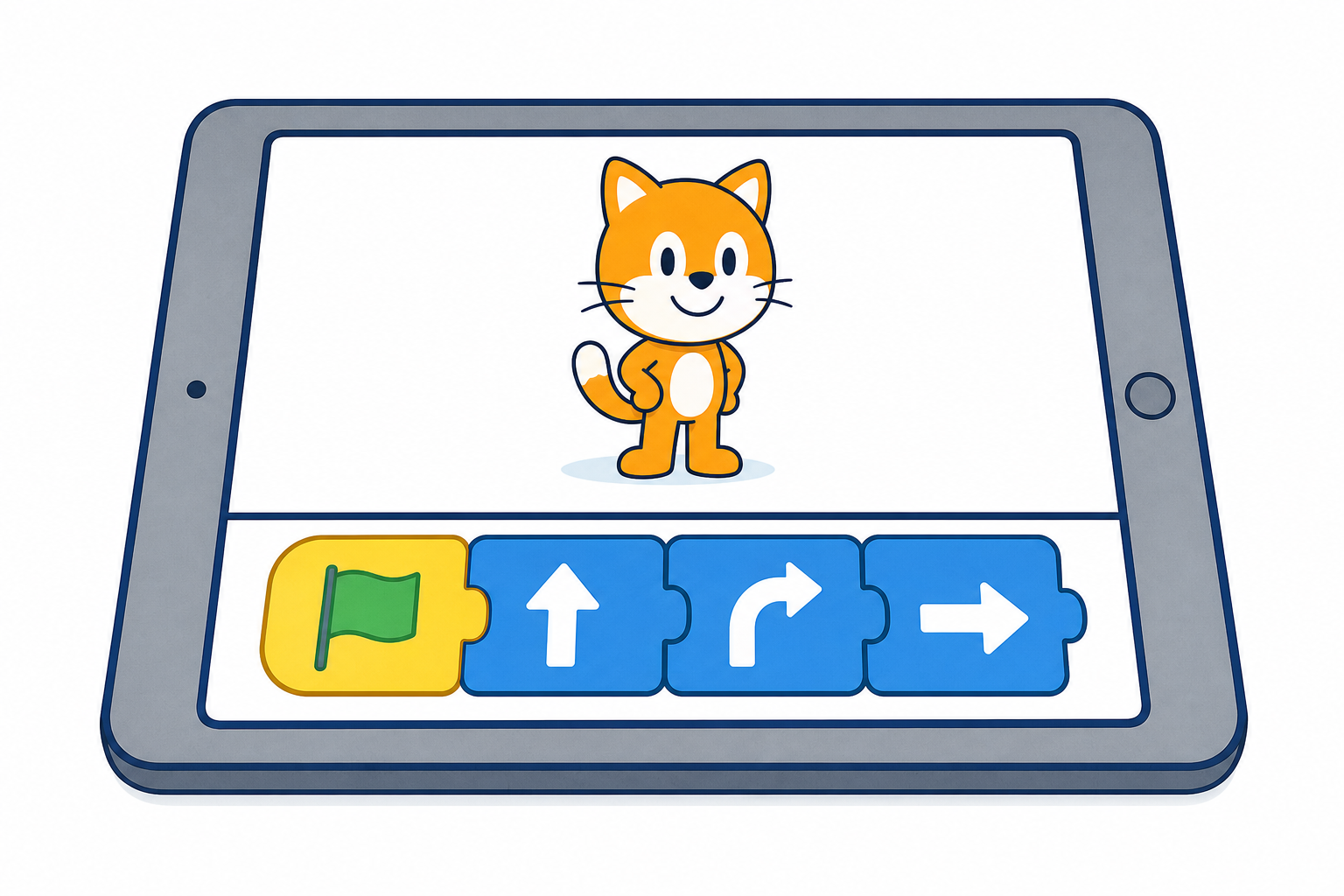
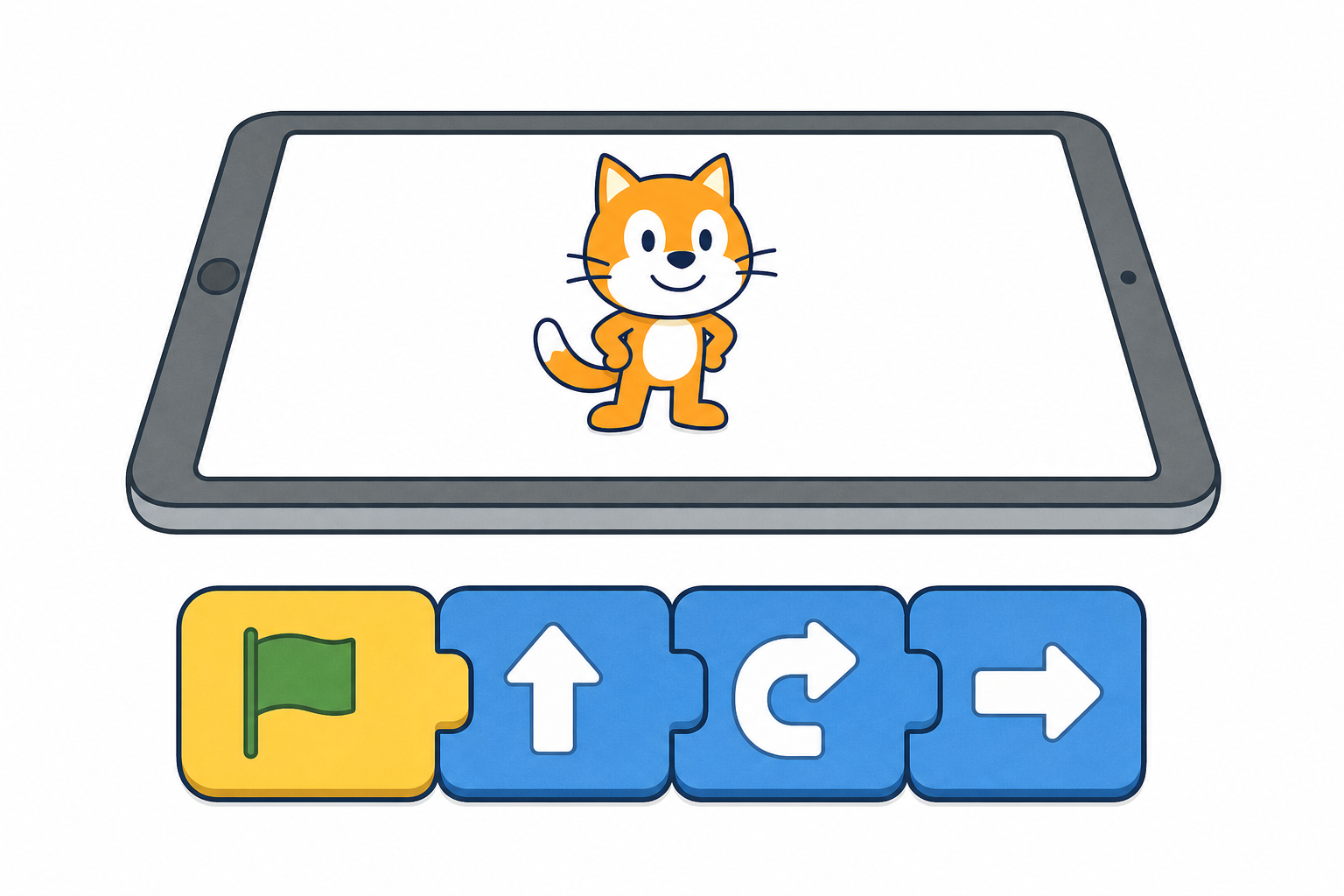
Look at our character on the board. Watch me snap picture blocks in a line, then press the green flag.
Which picture do you think will happen first?
Before the lesson: open ScratchJr on the IWB (or on a tablet mirrored to the board). Start a fresh project with one character on a simple background. Leave the yellow Events tab ready so the green-flag start is easy to find, and open the blue Motion tab for the dance pictures.
Model this same line every time (so the board matches what children hear): Start on Green Flag, then move right, hop, turn.
Typical ScratchJr palette map (use the same pictures from demo through pair play):
Point to each picture on screen and say its child-friendly name before you ask which picture comes first. Prefer picture-first talk: the hop picture, the turn picture, not only the word on the block. Children are watching only; they do not snap yet.
Modelled cycle (say the beats aloud as you go):
What to expect: the character runs the blocks left to right after the start block. If nothing happens, check: green-flag start is first and snapped tight; dance blocks are snapped tight to it and to each other; you pressed the green flag; the correct character is selected.
Misconception to head off: children may think the character chooses its own order. Stress that the order of the blocks is the order of the dance.
Keep the demo short. Do not set a target square or talk about bugs to fix; this lesson is about choosing and watching order, not debugging to a goal.
Call out three picture blocks for our class dance. We will snap them after the green flag and press the green flag together.
Take suggestions from the class. Limit the palette aloud to the same four friendly pictures you modelled: move, hop, turn, and Pop (or one looks picture). Always keep Start on Green Flag first. Snap three chosen dance blocks in the order the children call, then press the green flag.
Ask: Did the character do what we asked, in that order? Run it once more if half the class missed it.
Fold watchers in by questioning: What will happen next? Was that the second block or the third? No separate desk task.
If labels differ slightly on your build, stick to three clear motion pictures plus one sound or looks picture the children can point to.
Use the same child phrase every time for the go action: press the green flag (not "press go").
With your partner: put the green-flag start first.
Then snap two or three dance pictures in any order you like.
Press the green flag and watch your character dance.
Assign every child a named partner out loud before any tablet is touched, so nobody stalls on "who is my partner?". Hand out one tablet per pair.
Device path that meets the objectives: one tablet per pair is required so every pair can complete snap, press the green flag, then change two blocks and notice. Plan for this lesson only when you have enough charged tablets for pairs (or very small groups of three sharing one device with clear turn-taking on that same tablet).
If you have only half as many tablets: run two waves. Each wave gets a continuous device turn long enough for both this step and the next (make dance, then change two blocks) before devices swap — about 10 minutes of device time per wave across steps 4 and 5. While Wave 1 is on devices, Wave 2 stays with you for unplugged order practice only: invent and act body dances (clap, turn, jump) and say the order aloud. You circulate with the device pairs; you do not try to drive a live IWB character at the same time. Then swap roles so every pair still gets a full make-then-change device turn. Do not treat one shared whole-class IWB queue as a substitute for pair play.
Each tablet should already show a fresh project with one character on a simple background, Start on Green Flag placed (or ready on the Events tab), and the Motion tab open so move, hop and turn pictures are visible. Optionally pin or sketch a simple board strip of the four allowed dance pictures so pairs choose order rather than hunt the UI.
Point to the pictures; no reading needed. Keep child phrases distinct: green-flag start for the first block, press the green flag for the go button.
Everyone can start, and there is a stretch: two dance blocks snapped after the green-flag start, with the green flag pressed, is a success. Stretch: three or four dance blocks and clear talk about which move came first.
What good looks like: children watching the character, pointing at blocks, and saying things like hop is first rather than racing to add every block on the palette.
Common snags: missing green-flag start on the left; blocks not snapped tight (drag until they click); wrong character selected; green flag not pressed. Kneel beside the pair and fix with them rather than taking over.
No target and no debugging-to-a-goal. Do not set a square to reach or call a miss a bug. The joy is choosing an order and seeing the dance. Goal-directed debugging comes later in the course sequence.
Key questions while you circulate: What order did you choose? Which move happened first?
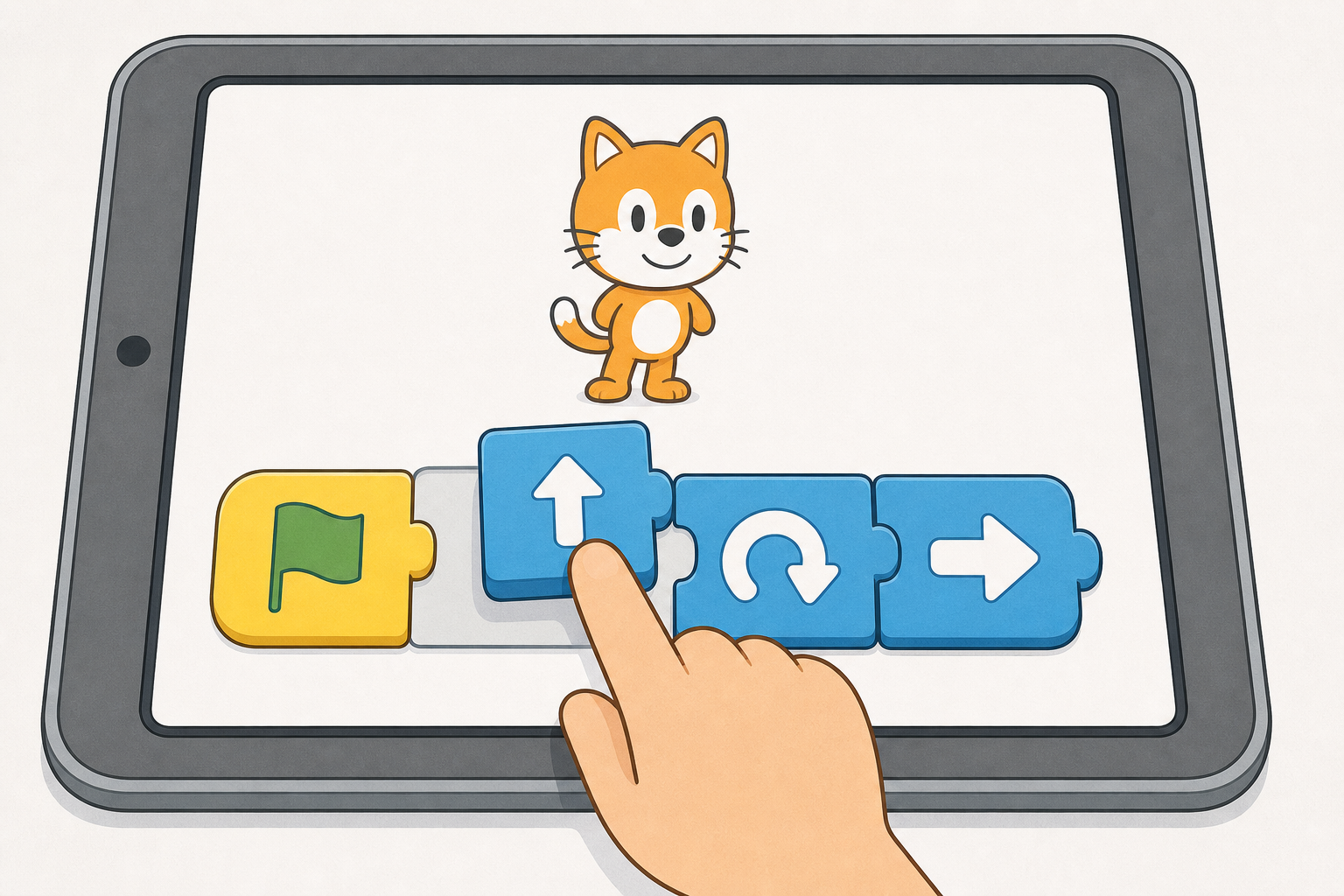
Slide two dance blocks so they change places. Keep the green-flag start first.
Press the green flag again. Which move is first now?
Whole-class model first, before pairs touch their scripts again. On the IWB, show once with your finger how to slide one dance block past another so two blocks change places. Keep the green-flag start on the left. Use child language: change two blocks around / slide two blocks so they swap places, not only the word swap. Leave a simple board cue visible if you can (two block shapes with arrows swapping).
Pairs then change two dance blocks on their own script, press the green flag again, and look carefully: Which move is first now?
If you are on the two-wave device plan, this beat stays with the same wave that just made a dance (continuous make-then-change on the device). Only after both beats do waves swap so waiting pairs get make and change as one continuous device turn. Waiting pairs keep unplugged body-order practice; do not run unsupervised tablets and a board character at once.
Key questions: What happened when you changed those two? Which move is first now?
Still no target square and no bug talk. Celebrate any clear noticing about order.
You're previewing this lesson. Get full access to this lesson and hundreds more — each one ready to teach, with interactive activities, printable resources and pupil progress tracking built in.