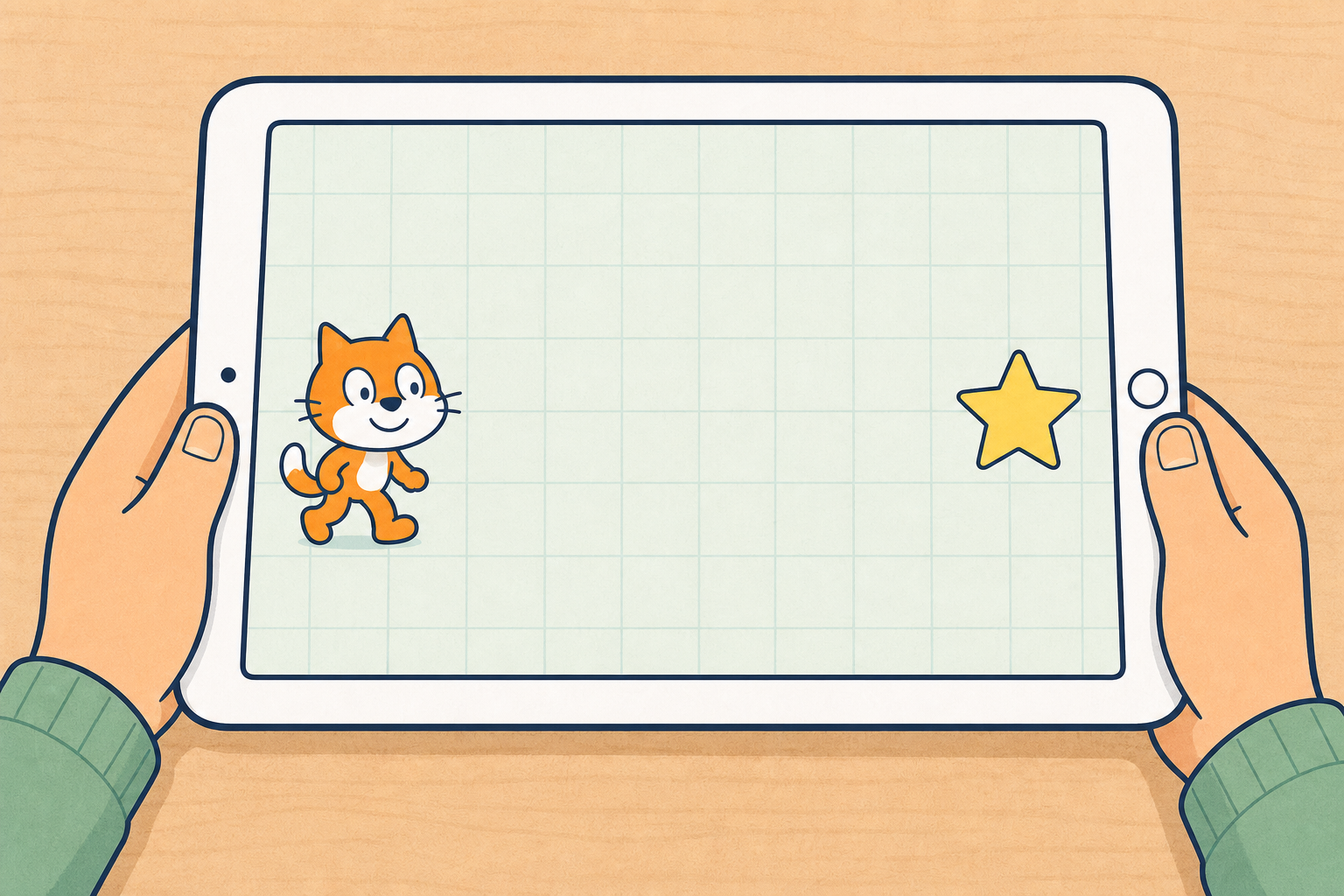
Think of a game you like on a screen. How does the character get to the treasure or the flag?
Today we will plan steps, snap blocks in ScratchJr, and try to make our character reach a goal. If it misses, we will find the wrong or missing step and fix it.
Keep this light. No tablets yet. Ask two or three children to name a simple screen game and what the character is trying to reach. Hold on to one named example (treasure, flag, star) to reuse in the closing talk.
Link to prior skill: children already know how to open ScratchJr, add a character and snap a short move sequence. Today adds a clear goal and the habit of planning first, then fixing when it misses. Treat bug as known STEM vocabulary from earlier coding work; introduce it on the board only after the live miss-and-fix in step 2, not in this opening.
Have one tablet ready for the demonstration, with ScratchJr open on a simple scene (one character on the left and a flag or fish on the right).
Watch the board. First we will plan the moves. Then we will snap the blocks. Then we will tap the green flag to GO.
Will the character stop on the goal, go past it, or stop too soon? Hands up — which one do you think?
Before you model: place one character on the left of the ScratchJr scene and one clear goal (flag, fish or star) on the right. Keep the scene simple: one background, no extra characters. Before the lesson, count how many move blocks your pre-loaded scene needs; script the first try with one too many or one too few so the miss is reliable.
What to expect: first runs often overshoot or stop short. That is the teaching moment, not a failure. Celebrate the fix.
Misconception to head off: children may think more blocks are always better. Stress that the right number in the right order matters more than a long chain.
Key questions: What is our goal? What should we do first: plan or tap blocks? If it goes past, what could we change?
Working words (not new key concepts): plan means thinking the moves out in order before we snap blocks; bug means a wrong or missing step so the character does not reach the goal. Keep pupil focus on goal and sequence.
With your partner, point to the goal already in your scene so you both know where the character is going.
On scrap paper beside the tablet, draw a quick plan with simple arrows or dots.
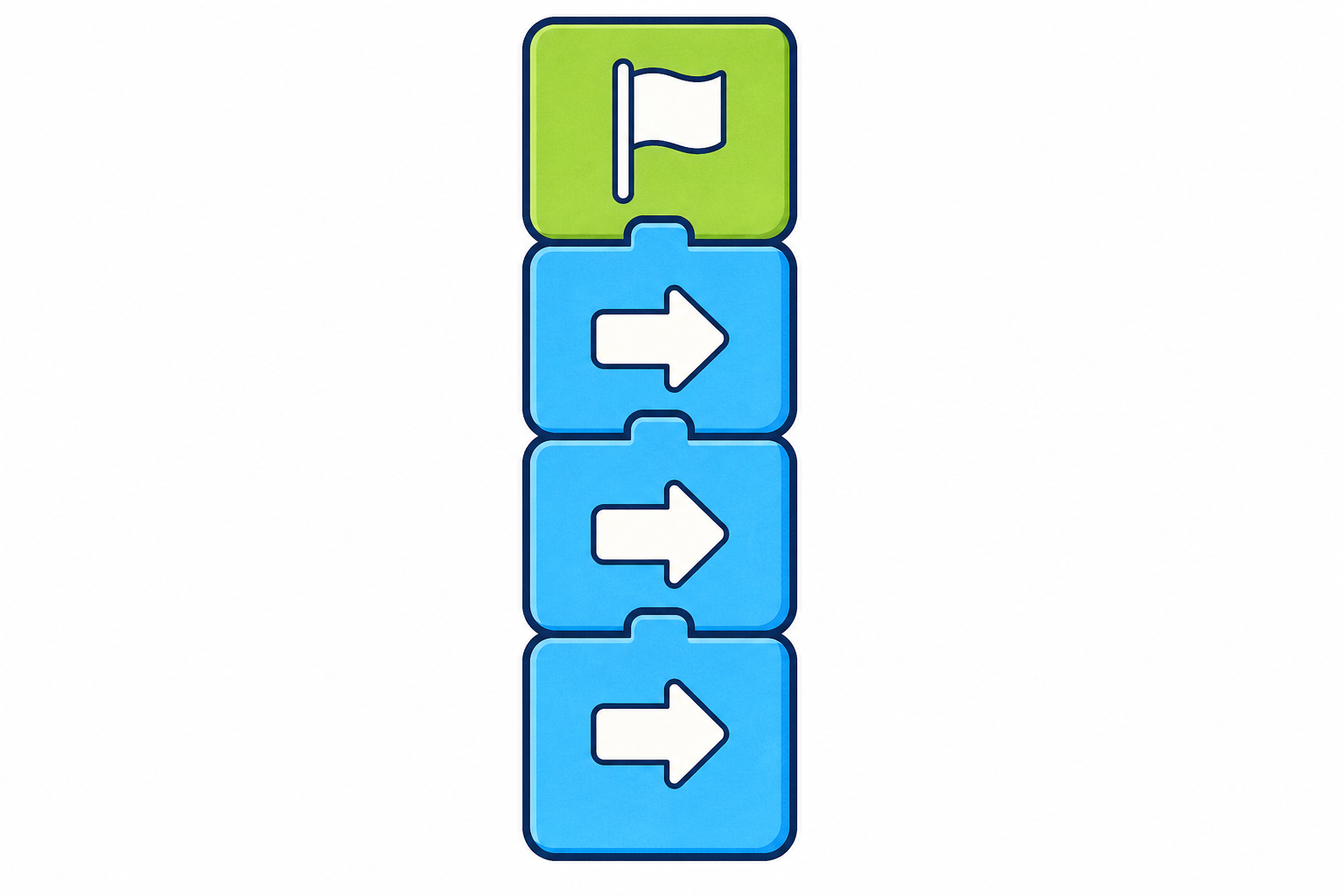
Snap the green-flag START block, then the move blocks to match your plan.
Tap the green flag to GO and watch where the character stops.
If it misses, say what went wrong (too far, too short, or wrong way). Change one thing, then run it again.
Reveal one board sentence at a time as pairs work so Stage 2 readers are not staring at five lines at once. Keep the task tight: one character, one goal already on the tablet, a short sequence. Pairs name or point to the pre-loaded goal; they do not choose a new one or add characters in the base task. The Investigation Journal page stays closed for now. Pairs only sketch a quick plan (arrows or dots) on scrap paper beside the tablet before they touch blocks. Full recording happens in the next step once devices are set down.
Circulate and listen for planning talk: right, right, up rather than random tapping. When a pair overshoots, ask too many blocks or the wrong direction? When they stop short, ask what could you add? Keep START block and GO control distinct when you coach: snap the green-flag START block first; tap the green flag to GO when you are ready to run.
Everyone can start, and there is a stretch: every pair aims for a straight walk to the goal already in the scene. Confident pairs only (not on the base board list) can add a turn, a hop, or a short second character that waits at the goal.
Fold the watchers in if only one pair is on the IWB: Do you think that plan will work? What would you change?
Common bugs: green-flag START block missing; blocks not snapped; wrong direction; character starts too close or too far from the goal; children delete the whole sequence instead of changing one block.
Safety: tablets on desks, chargers out of walkways, gentle hands only.
Tablets down — great building. Now show your plan on paper so we can see your thinking.
On your Investigation Journal page, finish three picture-first ideas:
A miss counts too. Show what you tried and what you would change next.
This is the sole full paper-recording beat. Devices are set down first so pairs are not still tapping while they draw. Pupils do not type into the platform.
They already made a quick arrow plan on scrap paper in step 3. Keep the journal task picture-first for 1st Class — no written inventory of ScratchJr block names. Prompt three clear ideas only: the plan (copy or complete the arrows or dots), reached the goal or not (tick or cross at the goal on a quick scene sketch), and one change (a simple drawing or mark for what they altered if it went too far, too short, or the wrong way). Soft-cue the miss with those child words rather than relying on the word bug alone.
If a pair never quite reached the goal, that is still good problem-solving: they record what happened and one change they would try next time.
Allow about seven minutes in this sitting (not homework), then bring pencils down for the class talk. Step 6 needs journals open for a quick teacher look before children leave.
Who can tell us one thing that went wrong and how you fixed it? Listen for one pair's story.
What helped your character reach the goal? Did planning first help?
Remember the game someone named at the start, with the treasure or the flag. That game follows ordered steps too, just like the sequence we made today.
Display-only whole-class talk. No typing. Lead with one concrete pair demo or one pupil sentence about their fix before any general games link, so attention stays after the hands-on work. Keep the talk to two quick questions, then the short anchor to the step 1 game example.
Revoice pupil language into clear STEM words: plan, sequence, goal, bug, fix.
Anchor the general point with the concrete game example a child named in step 1 (treasure, flag or similar) before saying that screen games follow ordered steps.
Draw out (briefly):
STEM eyes: invite one home noticing idea for later (not homework software): next time you play a simple game, notice what the character is trying to reach and what it does first.
If time allows after the two questions, invite one pair to show a successful short run on the IWB. Keep praise on the plan and the fix, not on speed.
You're previewing this lesson. Get full access to this lesson and hundreds more — each one ready to teach, with interactive activities, printable resources and pupil progress tracking built in.