Microbit Robotics & Engineering Sensors & Circuits
Advanced
60 mins
Teacher/Student led
+140 XP

What you need:
Chromebook/Laptop/PC
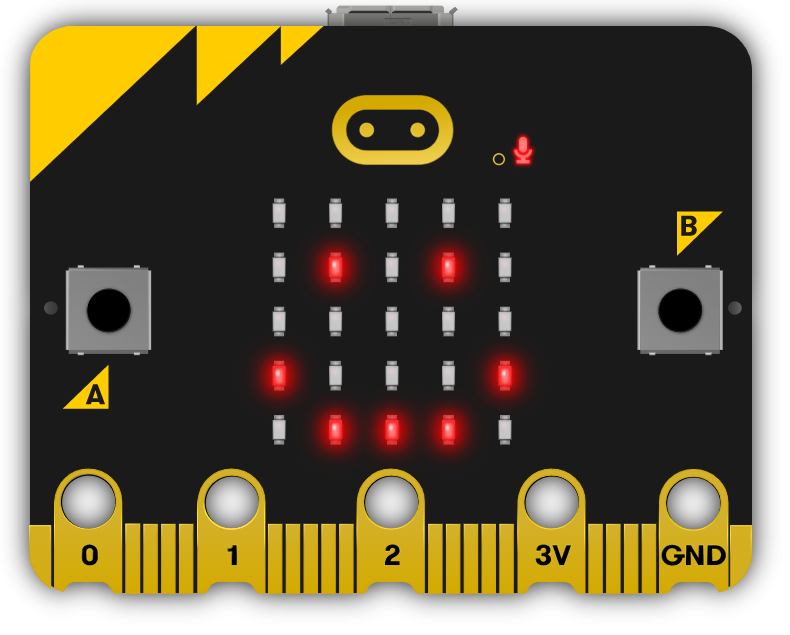
Microbit
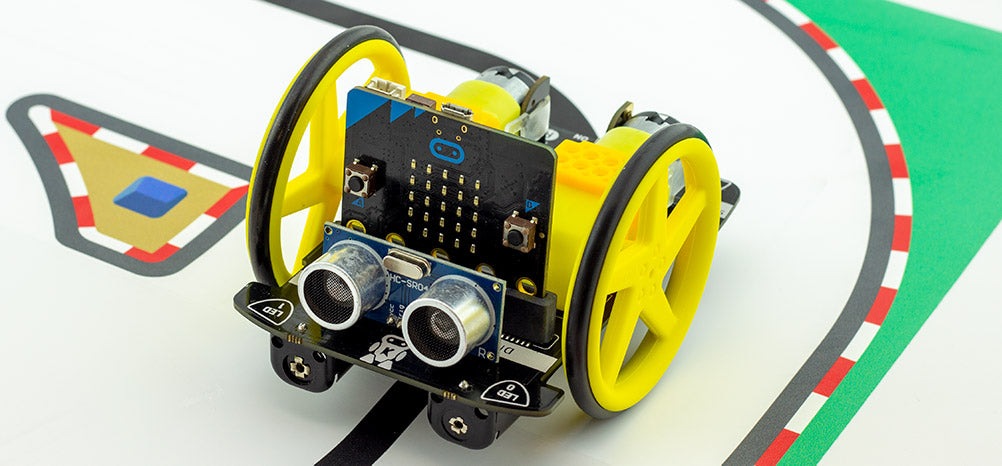
Move Motor Car
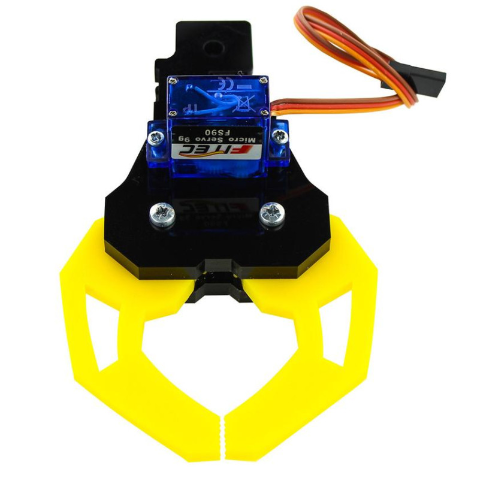
Move Motor Klaw

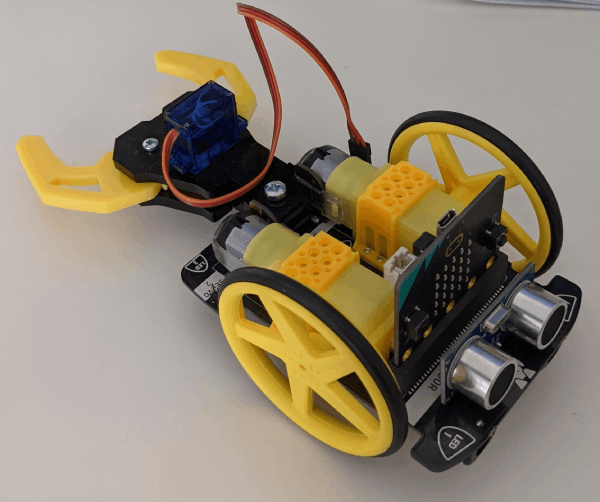
Robot Car Claw

In this project we will learn how to program and use the Move Motor Klaw.
Teacher Class Feed

Load previous activity

    1 - Setup

    Before you start this project you will need to have a Move Motor Car with a Move Motor Klaw attached and a Microbit inserted into it.


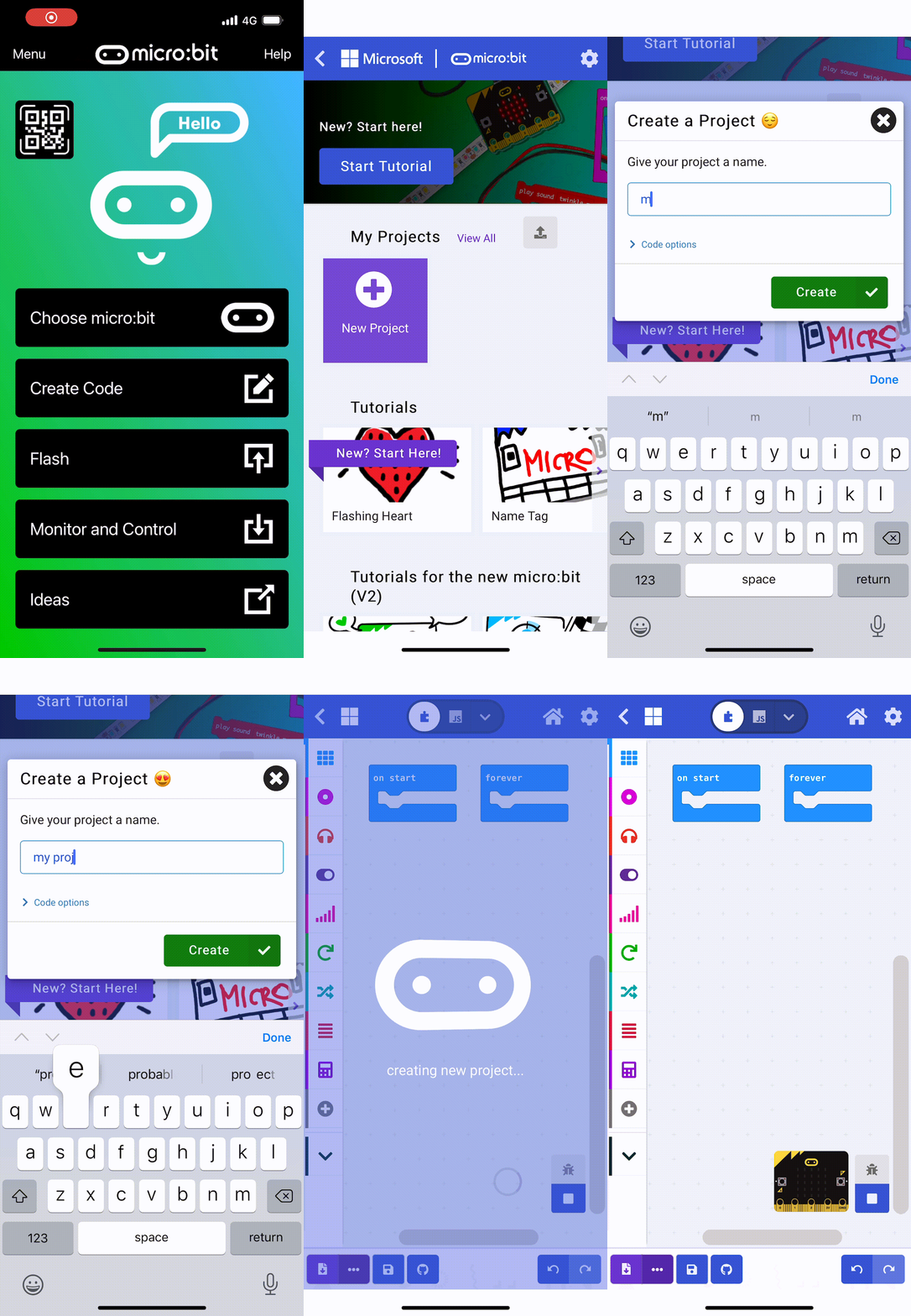
    2 - Create a new project

    Go to the https://makecode.microbit.org/ website and create a new Microbit project.

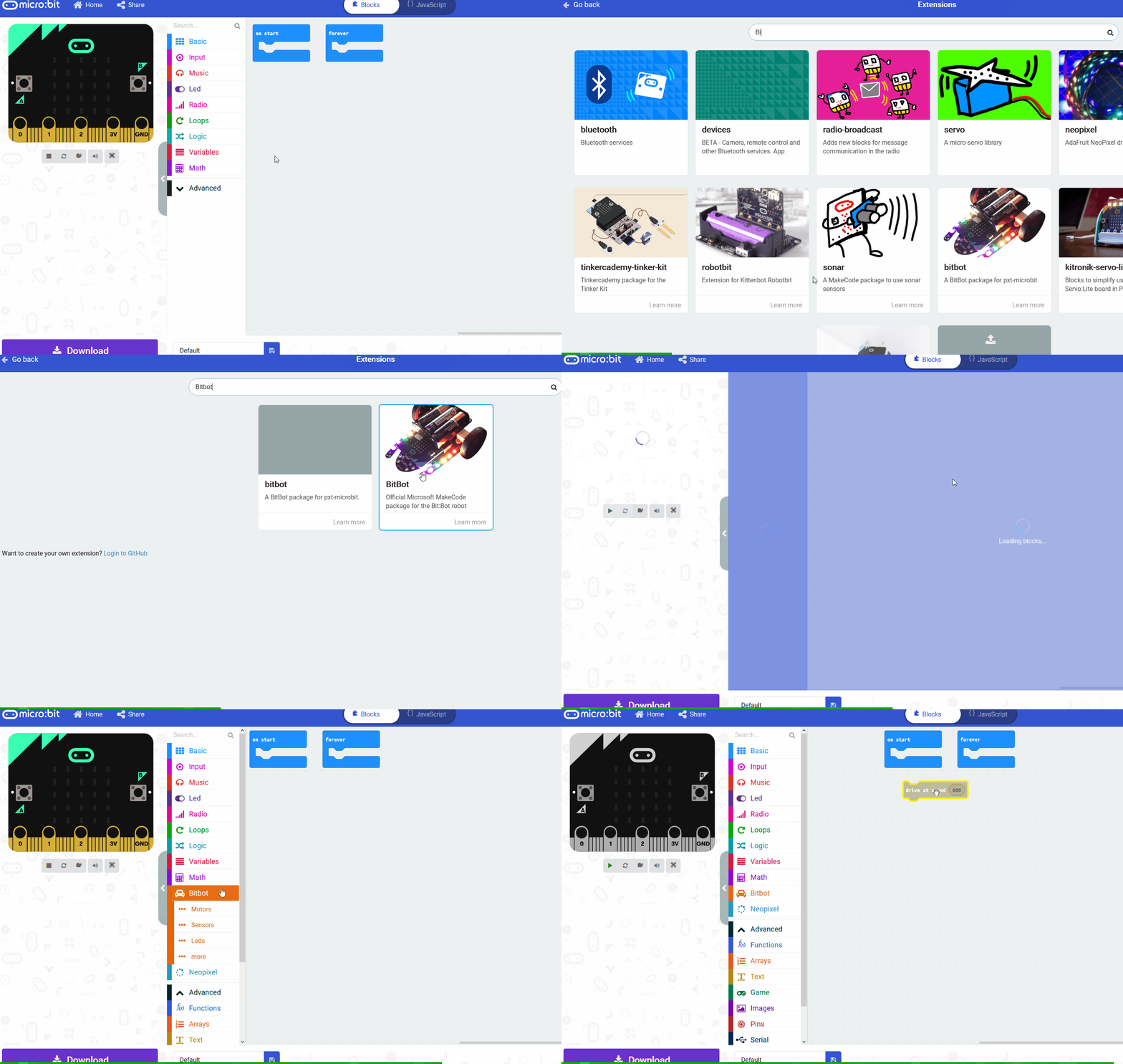
    3 - Add the extension

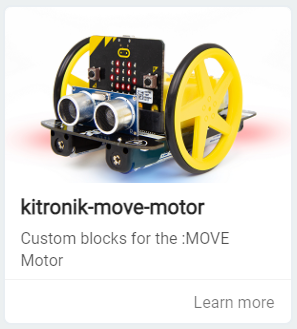
    Add the kitronik-move-motor extension to your project.


    4 - How servos work

    The Move Motor Klaw has a servo in it that we can program and this controls the 2 pinchers of the claw.

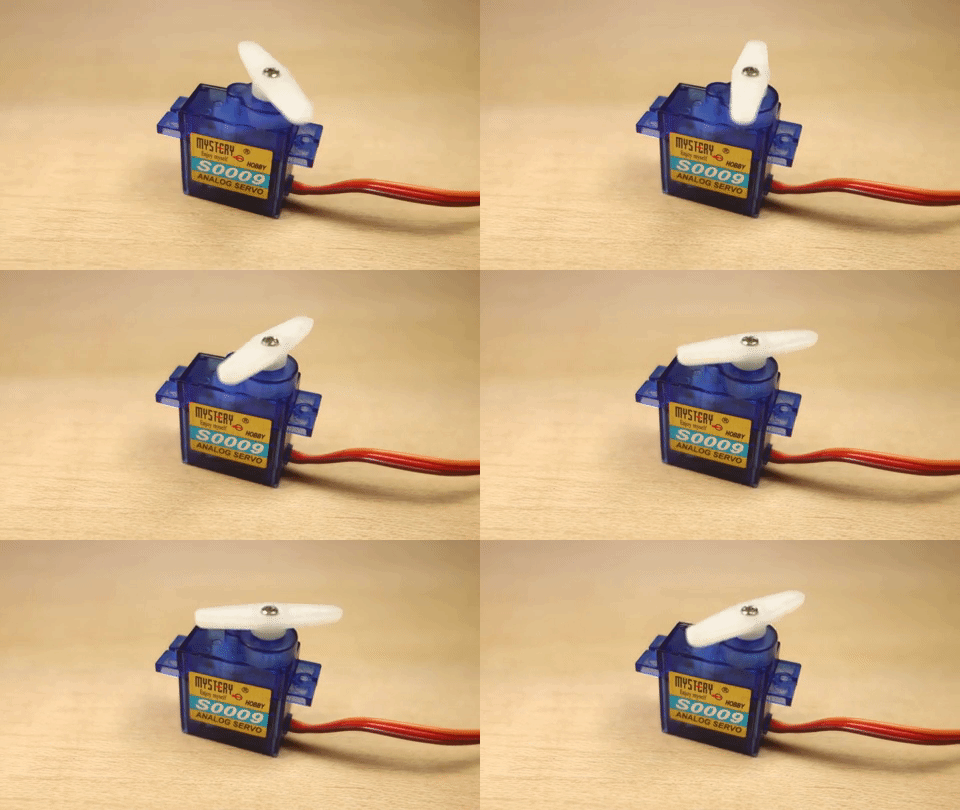
    What is a servo?
    A servo is a small device that has an output shaft. This shaft can be positioned to specific angular positions by sending the servo a coded signal. As the coded signal changes, the angular position of the shaft changes. In practice, servos are used in radio controlled airplanes to position control surfaces like the elevators and rudders. They are also used in radio controlled cars, puppets, and of course, robots.


    123learn · Online learning platform

    Unlock the full learning experience

    You're previewing this lesson. Get full access to this lesson and hundreds more — each one ready to teach, with interactive activities, printable resources and pupil progress tracking built in.

    Hundreds of curriculum-aligned lessons
    Interactive activities in every lesson
    Printable resources & progress tracking
    Copyright Notice
    This lesson is copyright of Coding Ireland 2017 - 2026. Unauthorised use, copying or distribution is not allowed.
    🍪 Our website uses cookies to make your browsing experience better. By using our website you agree to our use of cookies. Learn more