Today you will
- run spell-check and grammar-check on your Something Real newsletter
- add correct names to the dictionary
- find the mistakes the software misses
- save your newsletter as {{code:sm1_doc2_newsletter_v6}}
 If lots of Irish names get underlined, that is normal.
Think of a word your software underlined that was actually correct, like a surname or an Irish place name. What did you do about it?
Spell-check and grammar-check underline words and sentences that look wrong.
The dictionary is the software's word list. Add a correct name once and it stops being underlined.
Readability shows how easy your writing is to read. Not every app has it.
The software can't check meaning. It can miss a real word in the wrong place.
In "do not loose your ticket", every word is spelled right, but loose should be lose.
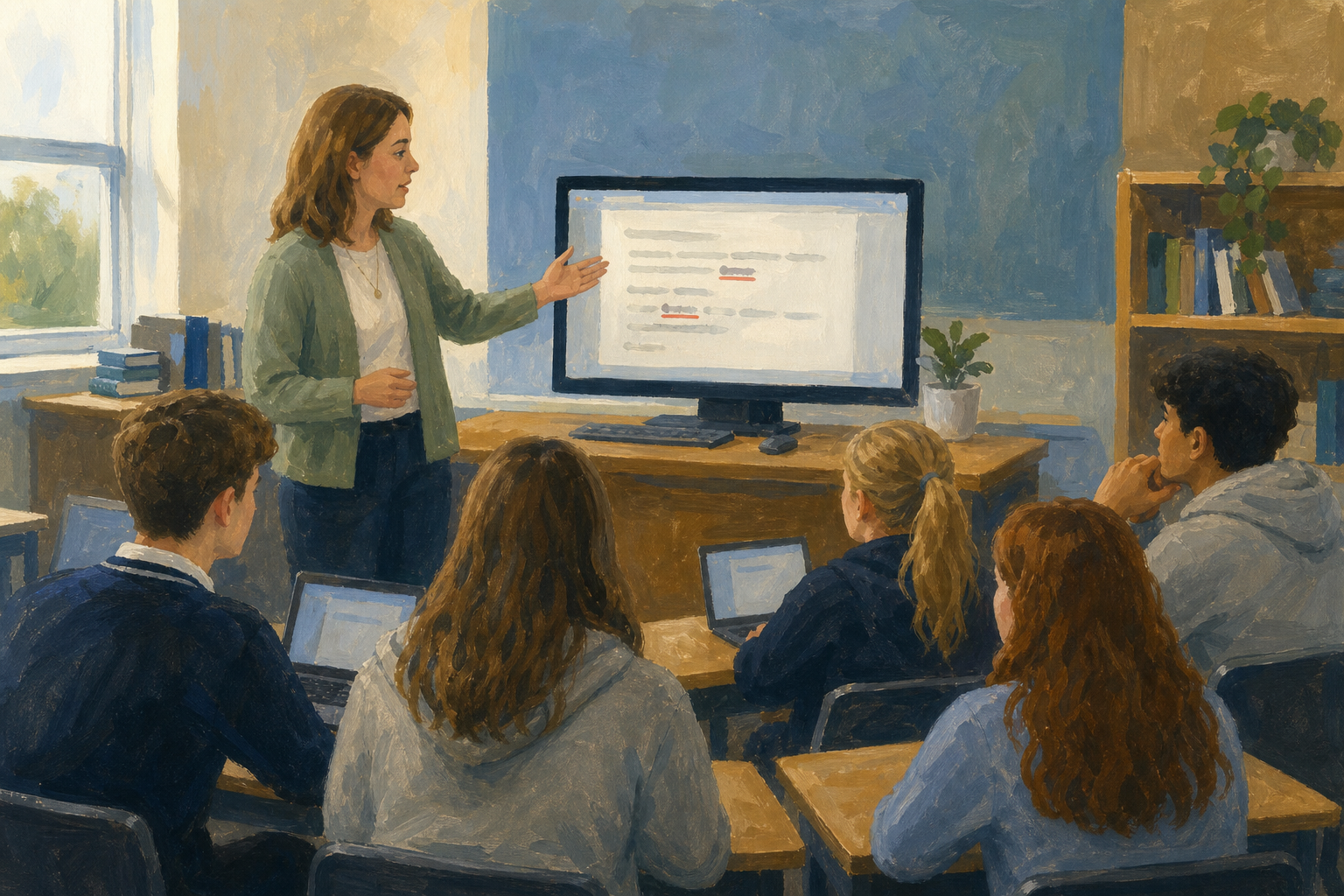
Watch the classroom screen. Which words will the software catch?
You will practise on a short sample paragraph. Watch your teacher first. Then make a new document called {{code:sm1_proofing_practice}} in {{code:sm1/}}, paste in this paragraph, and follow the steps in the box below.
The principle opened the sports day at Gaelscoil na Coille next Saterday. Please bring your own water bottle and do not loose your ticket.
If you don't see a readability number after one look, type {{code:Not shown in this version}} and move on.
Common issues
- The tool finds nothing, but I can see mistakes. Read the sentence aloud and fix the meaning yourself.
- A correct Irish name keeps getting flagged. That's normal, so add it to the dictionary or choose Ignore all.
- I can't find a readability score. Type Not shown in this version and carry on.
Independent Practice
- In {{code:sm1/}}, open your newest file whose name starts {{code:sm1_doc2_newsletter}}.
- Make a copy named {{code:sm1_doc2_newsletter_v6}} and work in the copy.
- Open {{menu:Review -> Editor}} in Word, or {{menu:Tools -> Spelling and grammar -> Spelling and grammar check}} in Google Docs. Fix real typos and add correct names to the dictionary.
- Read it yourself and fix any wrong words the tool missed.
- At the end, type the readability result, or {{code:Not shown in this version}}.
If you have no newsletter yet, tell your teacher.
- No obvious typos are left.
- I added or ignored at least one correct name.
- My readability note is in the file.
- The file is called {{code:sm1_doc2_newsletter_v6}} and is in {{code:sm1/}}.
Unlock the full learning experience
You're previewing this lesson. Get full access to this lesson and hundreds more — each one ready to teach, with interactive activities, printable resources and pupil progress tracking built in.
This lesson is copyright of Coding Ireland 2017 - 2026. Unauthorised use, copying or distribution is not allowed.