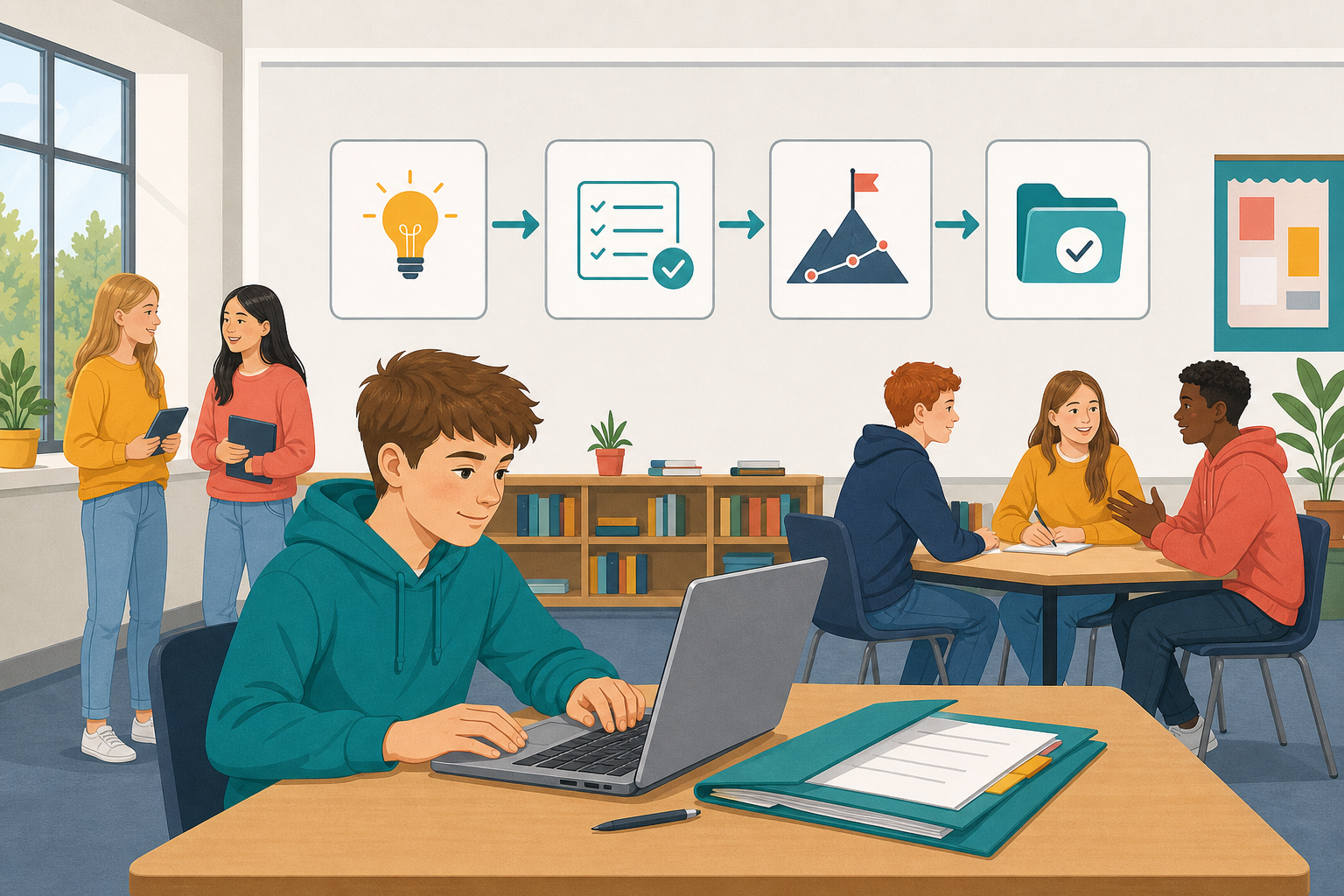
 You have already chosen your path: a software project with your team, or a portfolio of work you have made. Today you turn that choice into a plan you can actually finish: a clear scope, a few milestones, and the first piece of real work started. You will not finish the whole thing today. You will leave with a plan and something underway that you can reopen next time.

A plan you can actually finish answers three questions before you build or collect anything:
- What exactly am I making or collecting? One clear sentence.
- What will I have done by each checkpoint? Three milestones written so someone else could tell if you hit them.
- What could go wrong, and what is the backup? One risk and one simple backup.
Scope means cutting as much as adding. If a feature or an extra portfolio piece would make the plan unrealistic, leave it out now and note it as a stretch idea for later.
Sample: software project
Scope: A micro:bit classroom temperature logger that shows the reading on the LED screen and saves values over a lesson.
M1–M3: sensors working → logging and download working → tested with one classmate, documented and packaged.
Risk: micro:bit not available → use the online simulator and note the swap.
Sample: portfolio
Scope: Four pieces (Arcade game, website, Python list program, one studio build), each with a short learning note.
M1–M3: three pieces in one folder → short learning notes for each → checked as finished, tested and documented, then packaged cleanly.
Risk: a file is missing → rebuild a small version from notes, or swap in another saved build.
Before you write your own plan: open one piece of earlier work you already have (a saved game, website, micro:bit or Python file, or your portfolio folder if it exists). Leave it on screen so you can see what you are building on.
Start a new one-page document and save it in the place your teacher has given the class for this work (one shared plan per project team; one each if you are doing a portfolio). Give it the headings below and fill them in.
Sentence frame if you need it: I am making/collecting [specific product] that [one main behaviour or contents]. Example: "I am making a two-level Arcade chase game with a score and a lose condition."
Must finish in this block:
- Path. Write project or portfolio at the top.
- 1. One-sentence scope. State exactly what you are making or collecting. If you cannot say it in one sentence, the scope is still too wide. Cut until you can.
- 2. Evidence I already have. List the saved work you can draw on (game, website, micro:bit programs, Python files, earlier investigations). Note anything missing that you will need to rebuild or gather.
- 3. Three milestones. Write three checkpoints running from today to your presentation day. Your teacher will put the remaining dates on the board; use them so each milestone lands somewhere real. For each one, write what "done" looks like in plain words. If you need a model, write them the way the scope sentence above is written: short, and specific enough that someone else could tell whether you hit it. You can add a stretch milestone later after you have started building.
Unlock the full learning experience
You're previewing this lesson. Get full access to this lesson and hundreds more — each one ready to teach, with interactive activities, printable resources and pupil progress tracking built in.
This lesson is copyright of Coding Ireland 2017 - 2025. Unauthorised use, copying or distribution is not allowed.