Before diving into ALT 1, let's review what you've learnt in prior modules. This will help you build on your existing skills.
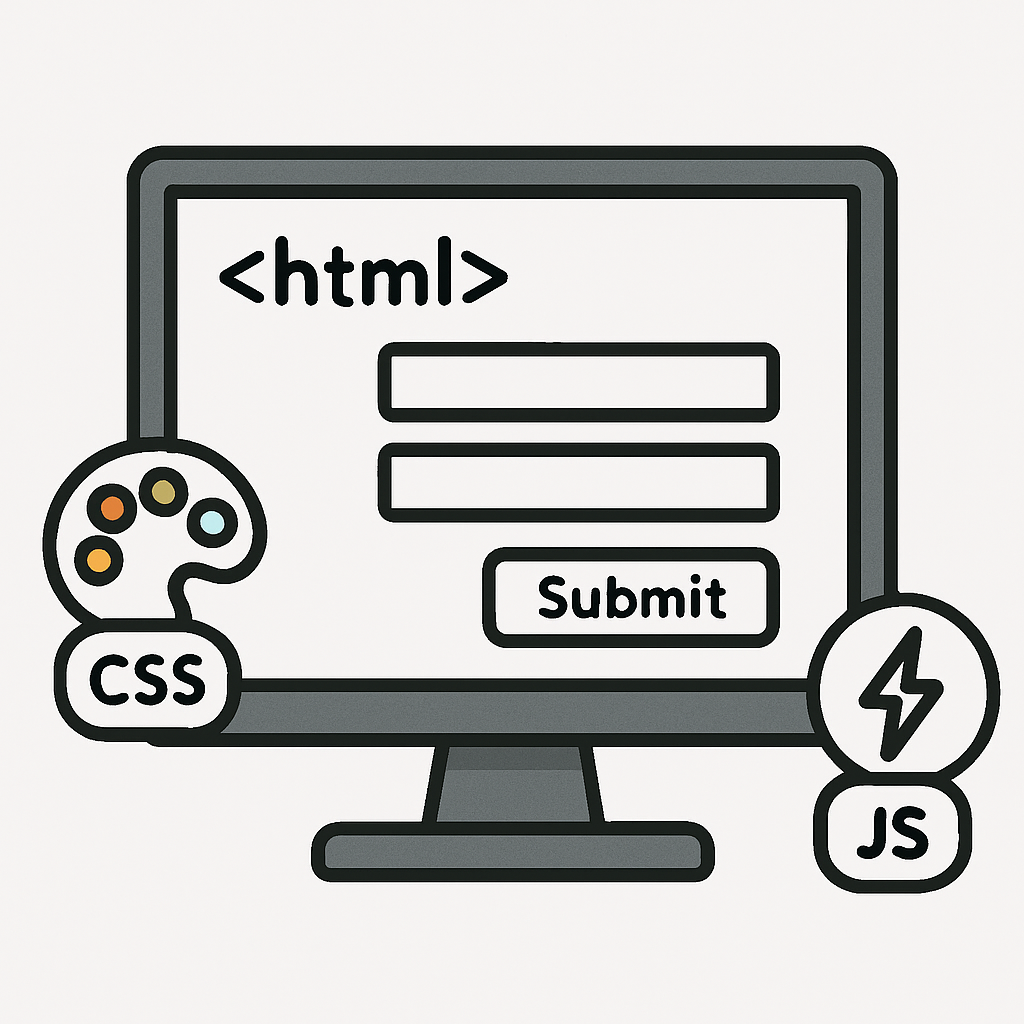 From Introduction to Web Frontend: In this module, you learnt the fundamentals of building web pages that users can interact with directly in their browsers.
HTML forms the backbone by providing structure, allowing you to create essential elements such as headings, paragraphs, lists, and interactive forms for user input.
CSS enhances the visual appeal and usability by handling styling, including colours, fonts, layouts, and responsive designs that adapt to different screen sizes.
JavaScript brings interactivity to life, enabling features like dynamic form validation (e.g., checking if an email address is correctly formatted before submission), event handling (such as button clicks), and updating page content without needing to reload the entire page. For instance, you might have created a simple registration form that uses JavaScript to provide instant feedback on input errors.
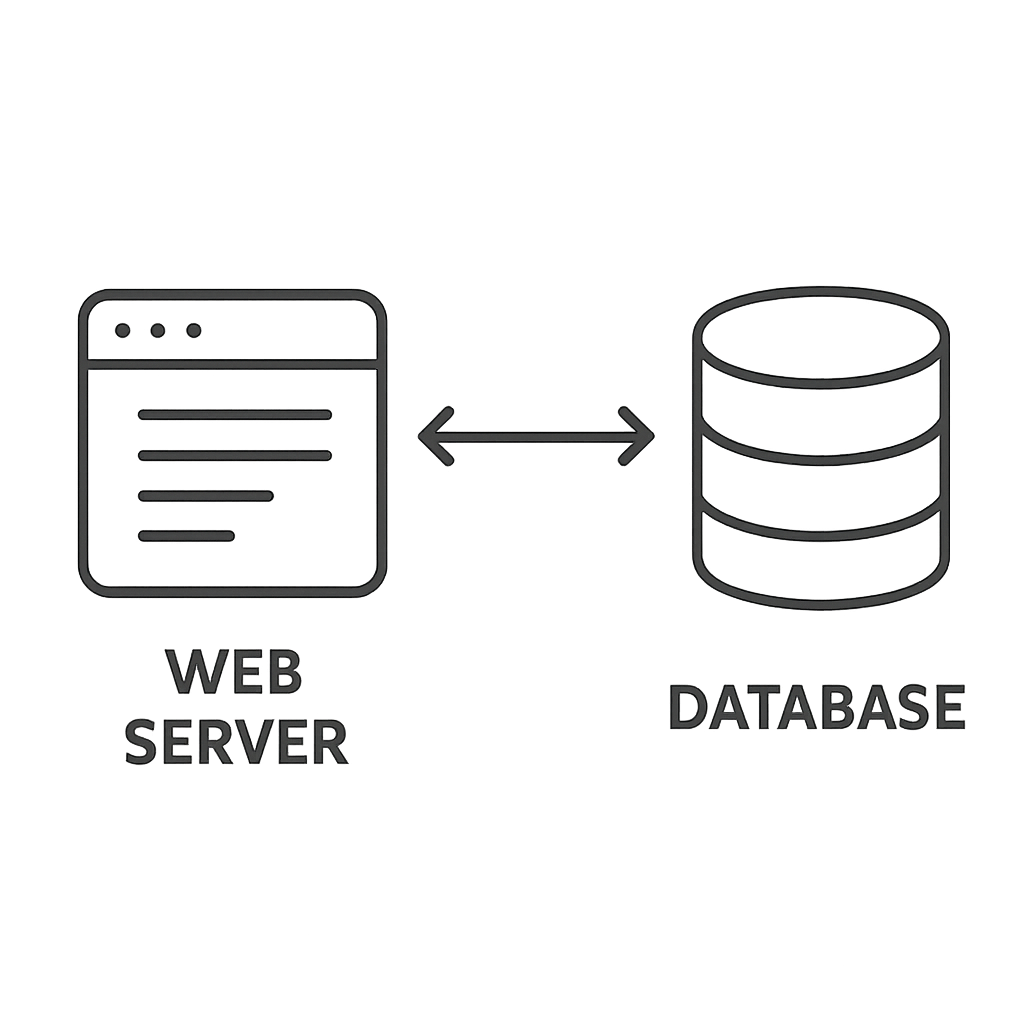 From Python Web Backend: This module introduced you to server-side programming, where the magic of data processing and storage happens behind the scenes. You explored Flask, a flexible and lightweight web framework in Python, which allows you to build web applications efficiently.
Key skills included setting up routes to handle different types of HTTP requests (like GET for retrieving data and POST for submitting forms), rendering dynamic templates using Jinja2 to display data from the server, and integrating with databases for persistent storage.
With SQLite, a straightforward embedded database, you practised essential SQL operations: SELECT to query and retrieve specific data, INSERT to add new records, UPDATE to modify existing information, and DELETE to remove unwanted entries. For example, you could have built a basic web app that stores user-submitted notes in a database and displays them on a webpage, demonstrating how backend logic connects user actions to data management.
Take 10 minutes to jot down one example from each module that you think will be useful for ALT 1.
 Chromebooks, laptops, and PCs are crucial tools for coding and digital skills education. Chromebooks are ideal for web-based applications and collaborative projects, while laptops and PCs support a wider range of programming environments and software for more intensive tasks like software development and data analysis.
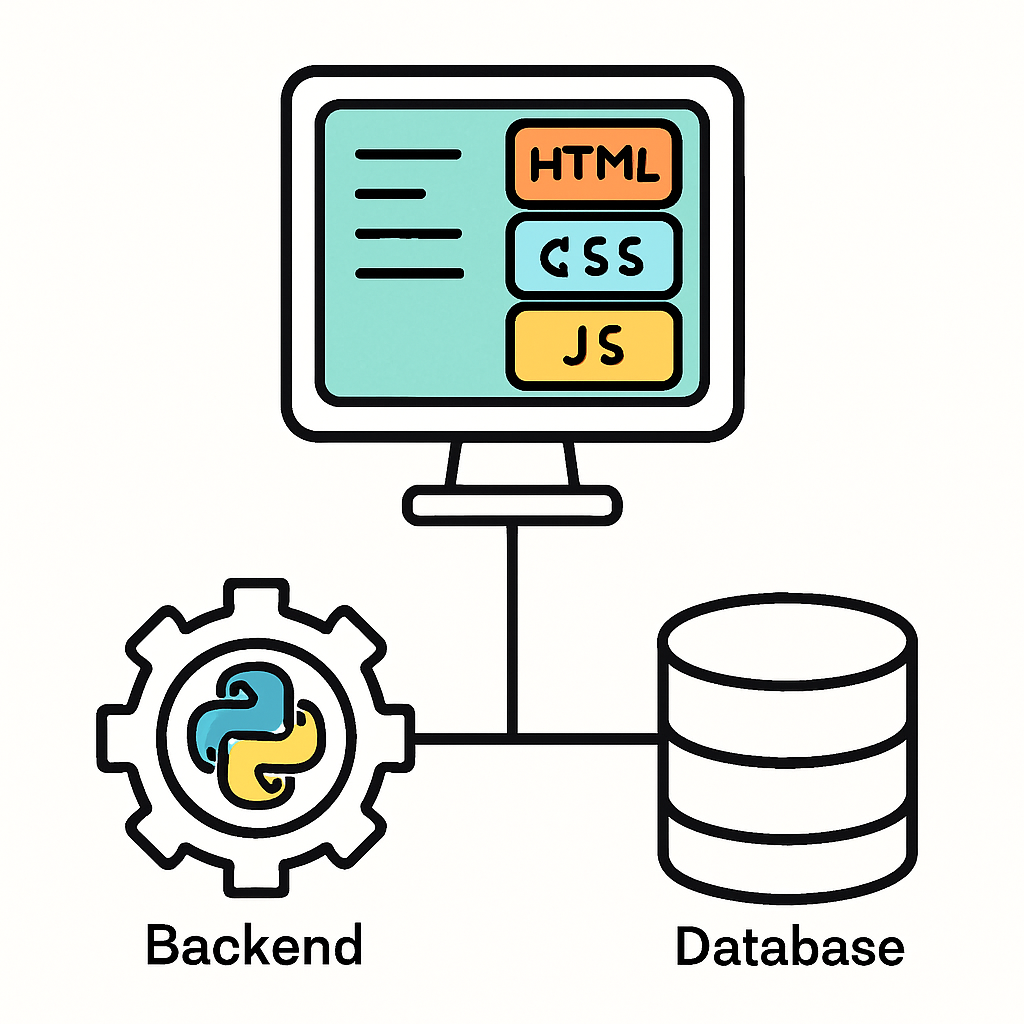 This lesson provides an overview of ALT 1: Interactive Information Systems.
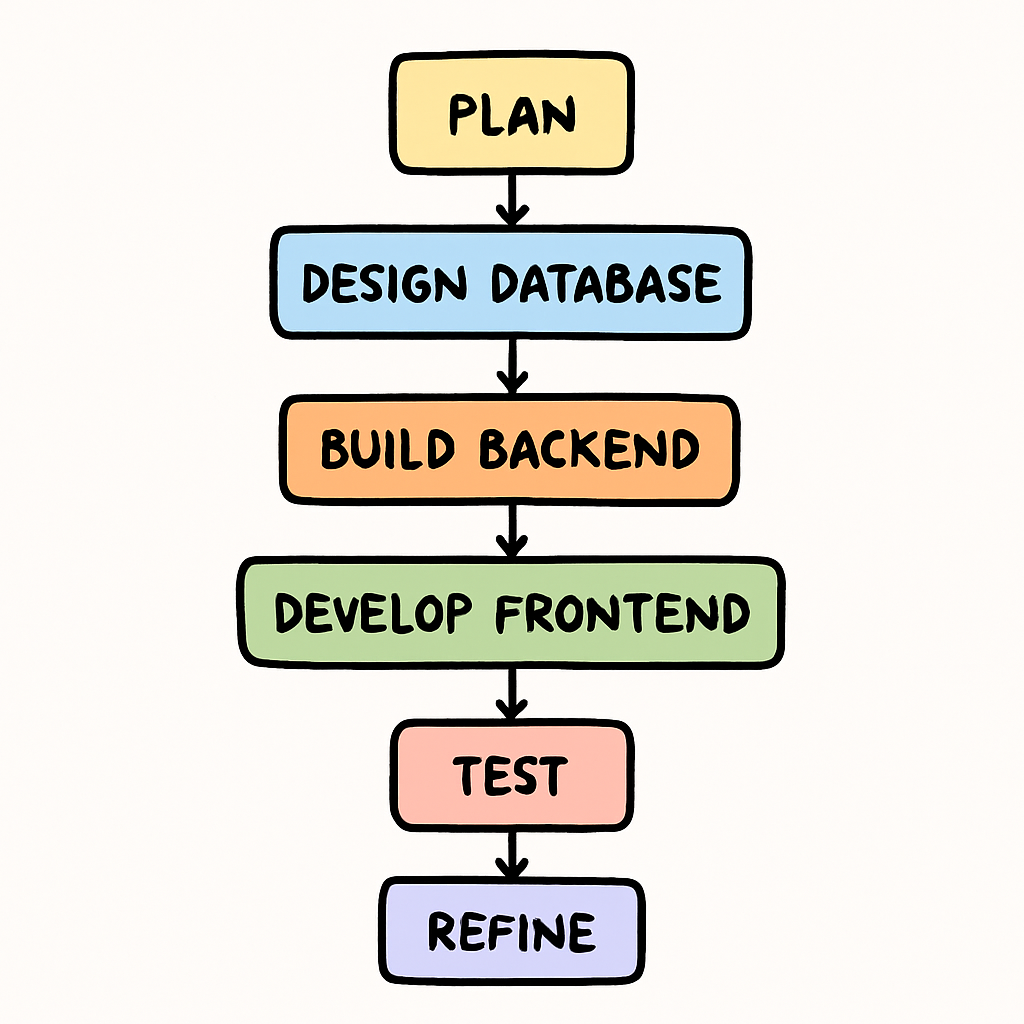 The system should solve a real-world problem, such as managing event registrations, tracking inventory in a small business, or organising a community library's book loans. It must be user-friendly, with intuitive navigation and clear layouts, and demonstrate good design principles like accessibility and responsiveness across devices.