1 - Introduction ~5 mins
Tidy the CV so it looks deliberate
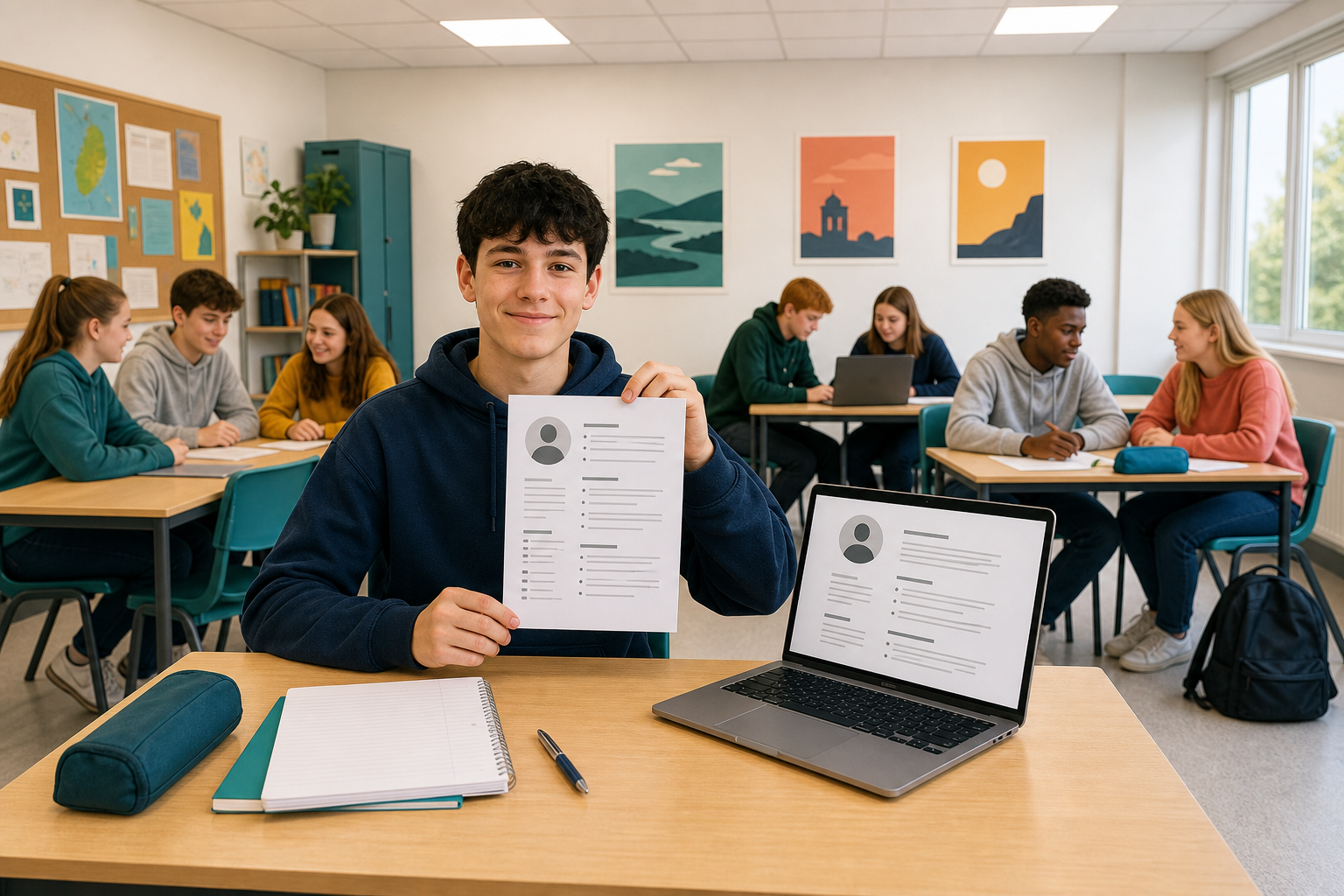 Match headings, even the gaps, and keep one page. Tidy layout reads as careful work to employers.
By the end you will:
- Match headings with Format Painter
- Use even paragraph spacing
- Shade labels, preview, and save a PDF
Warm-up
Open {{code:Digital_Documents}} (create it if missing). Glance at {{code:02_cv_draft}}, or use the sample table next.
2 - Key Concepts ~5 mins
| Concept | Why it matters | Example |
|---|---|---|
| Format Painter: copies text look in one click | Matching headings look deliberate | Bold 14 pt Education → Skills |
| Paragraph spacing: After space, not double Enter | Blank lines push the CV to page two | About 6 pt after body lines |
| Table shading: light fill on a label cell | Labels stand out cleanly | Pale grey on the Skills cell |
| PDF export: download after a one-page preview | Employers open a clean file | {{code:Firstname_Surname_CV}} |
3 - Step-by-step Task: Practise the Finish Moves ~18 mins
Create {{code:03_cv_final}}, then practise matching headings, even spacing, one shaded label, one date style, print preview, and one PDF download so you learn the export path. Full own-content polish and the named portfolio PDF come in Independent Practice.
Worked example (Aoife, local vet clinic). Aim: Education bold 14 pt navy; other headings uneven; empty gaps; mixed dates. You match headings to Education, set about 6 pt After on body text, shade one left label pale grey, normalise dates, preview one page, then try PDF export once.
If you do not have {{code:02_cv_draft}}: create {{code:03_cv_final}}, type a one-line header (name · school email · {{code:08X XXX XXXX}}) and a one-line personal statement, then insert a 2-column table with three rows. Do not type pipe characters as text.
Table layout sketch
| Education | St Brigid's Secondary School · Sep 2023 – Present |
| Skills | Calm with animals; till experience |
| Experience | Saturday helper, local vet clinic · Jun 2024 – Aug 2024 |
Left cells = section labels. Right cells = body text. Style the Education label Bold 14 pt navy before Format Painter. Your real PDF later uses your name, not Aoife’s.
4 - Common Issues ~3 mins
Common Issues
| Issue | Solution |
|---|---|
| Format Painter stops after one heading | Reselect the good heading, click the tool again. Word for the web: double-click to lock; {{key:Esc}} ends. |
| CV still two pages | Delete blank lines; keep After near 6 pt; cut one sentence before shrinking fonts. |
| Borders return or PDF missing | Borders off (0 pt). If the PDF is in Downloads, move and rename it in {{code:Digital_Documents}}. |
5 - Portfolio Build: 03_cv_final ~17 mins
Independent Practice
- Open {{code:03_cv_final}} in {{code:Digital_Documents}}. Put your name in the header (replace any Aoife sample you still have).
- Repeat shading on every left-hand label cell (in Word, Shading on the Table Design tab, then light grey; in Docs, Table properties on the Format menu's Table list, then the cell background colour). One date style throughout.
- Print preview must show one page. If not, cut one personal-statement sentence. Do not shrink the font.
- Export a PDF: in Word for the web, open the File menu, then Export, then Download as PDF; in Docs, open the File menu, then Download, then PDF document (.pdf). If it lands in Downloads, move or upload it into {{code:Digital_Documents}} and rename it {{code:Firstname_Surname_CV}} beside {{code:03_cv_final}}.
- Use your school email and the {{code:08X XXX XXXX}} placeholder, not your real number.
- Minimum: {{code:03_cv_final}} is one page in preview; headings match; labels share pale grey; dates match; your name is in the header; {{code:Firstname_Surname_CV}} PDF sits in {{code:Digital_Documents}}
- Stretch: sample wording fully replaced with your own education, skills and experience
Unlock the full learning experience
You're previewing this lesson. Get full access to this lesson and hundreds more — each one ready to teach, with interactive activities, printable resources and pupil progress tracking built in.
This lesson is copyright of Coding Ireland 2017 - 2025. Unauthorised use, copying or distribution is not allowed.