Begin the lesson by reading through the following slideshow featuring Scratch the Cat, the main character in Scratch Junior.
Demonstrate how to open the Scratch Junior app on the tablets or devices the students will be using. (We recommend showing students this before handing out tablets)
Once inside the app, you will need to open a new project by pressing the home icon and then pressing the + icon.
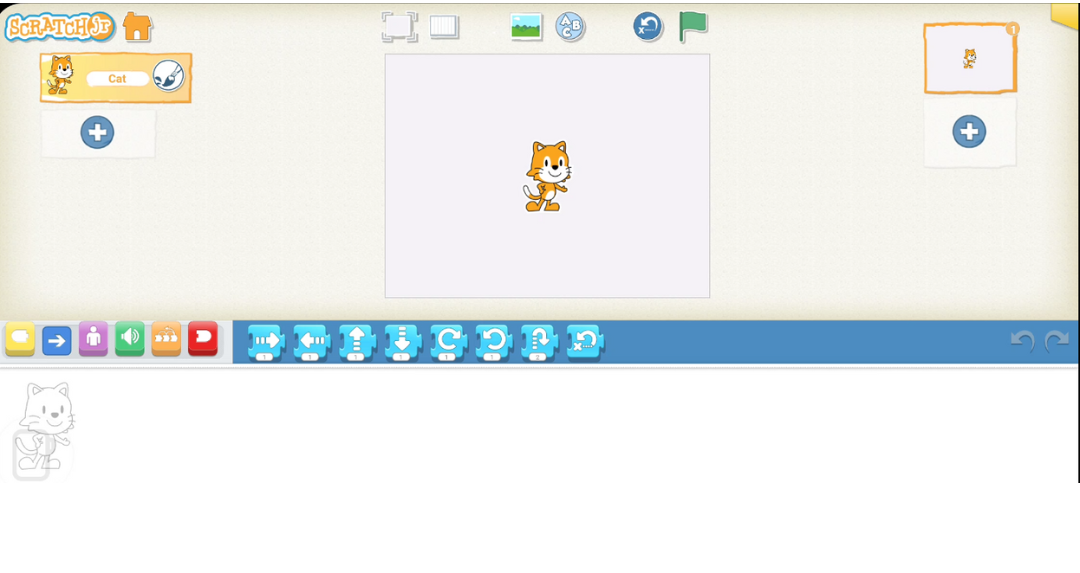
Show the students what the inside of a project looks like.
Ask the students what they think various items on screen are for.
"What do you think the arrow does?"
"Can anyone see the green flag?"
Explain that the screen is divided into three main areas:
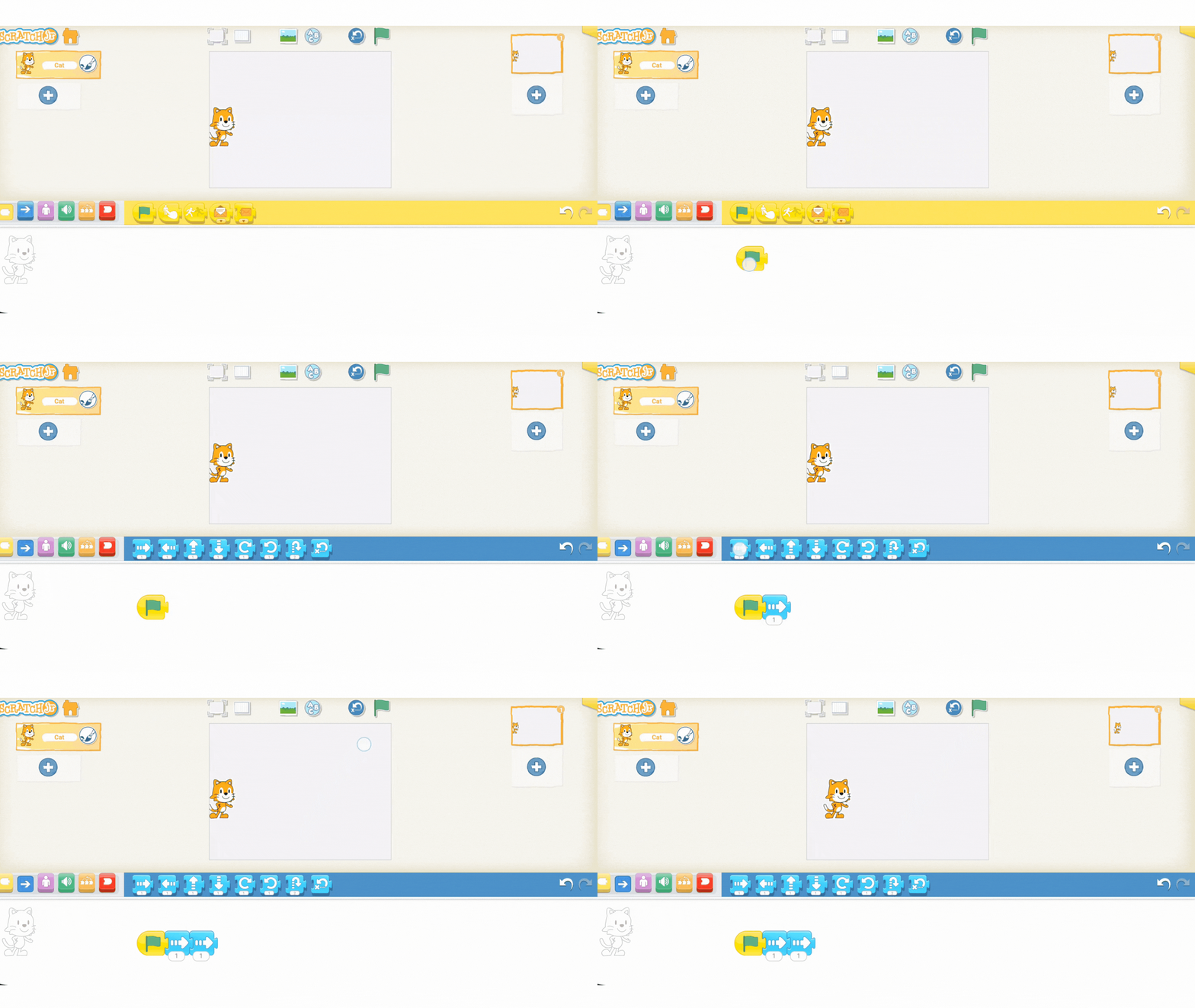
Introduce the function of basic motion blocks. Show the class the video of how to drag a motion block to the programming area and connect it to the start block.
There are several different types of movement blocks in Scratch Jr. Allow students to experiment with the different actions!
You're previewing this lesson. Get full access to this lesson and hundreds more — each one ready to teach, with interactive activities, printable resources and pupil progress tracking built in.