Mathematics Microbit
Advanced
60 mins
Teacher/Student led
+200 XP

What you need:
Chromebook/Laptop/PC
Microbit

Microbit Toothbrush Timer

In this project you will turn your microbit into a toothbrush timer! Dentists recommend that you brush your teeth for 2 minutes so we will program our microbits to count 2 minutes and tell us how much time has elapsed and when to switch from your top teeth to your bottom teeth!
Teacher Class Feed

Load previous activity

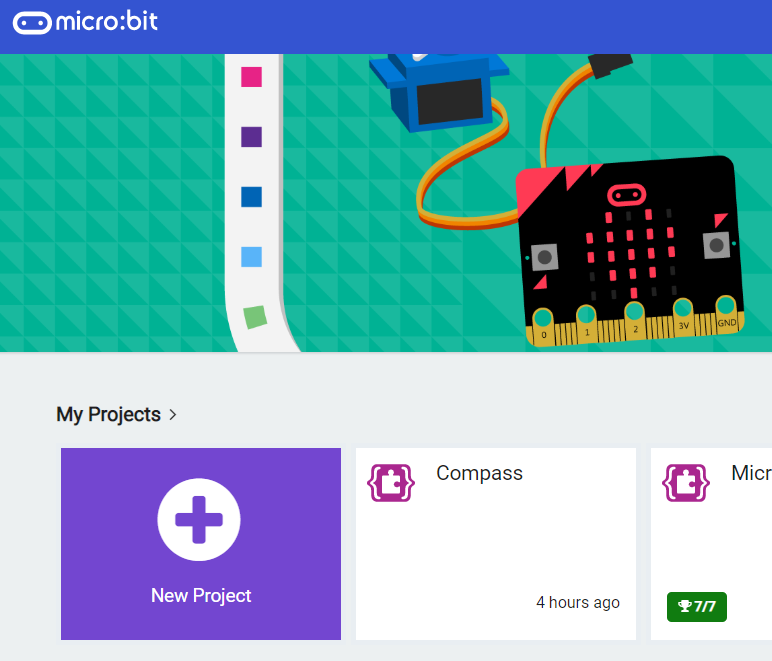
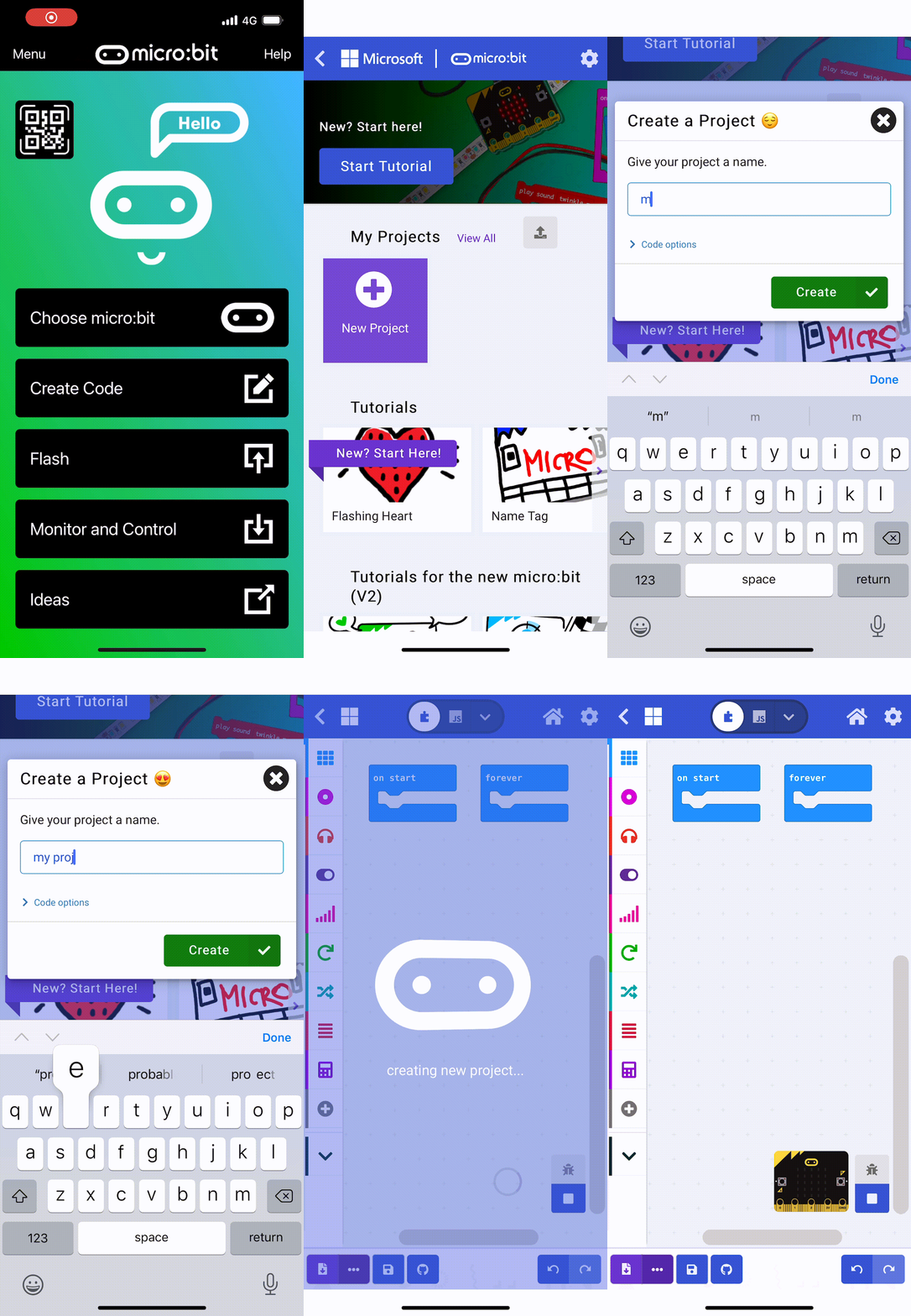
    1 - Create a new microbit project

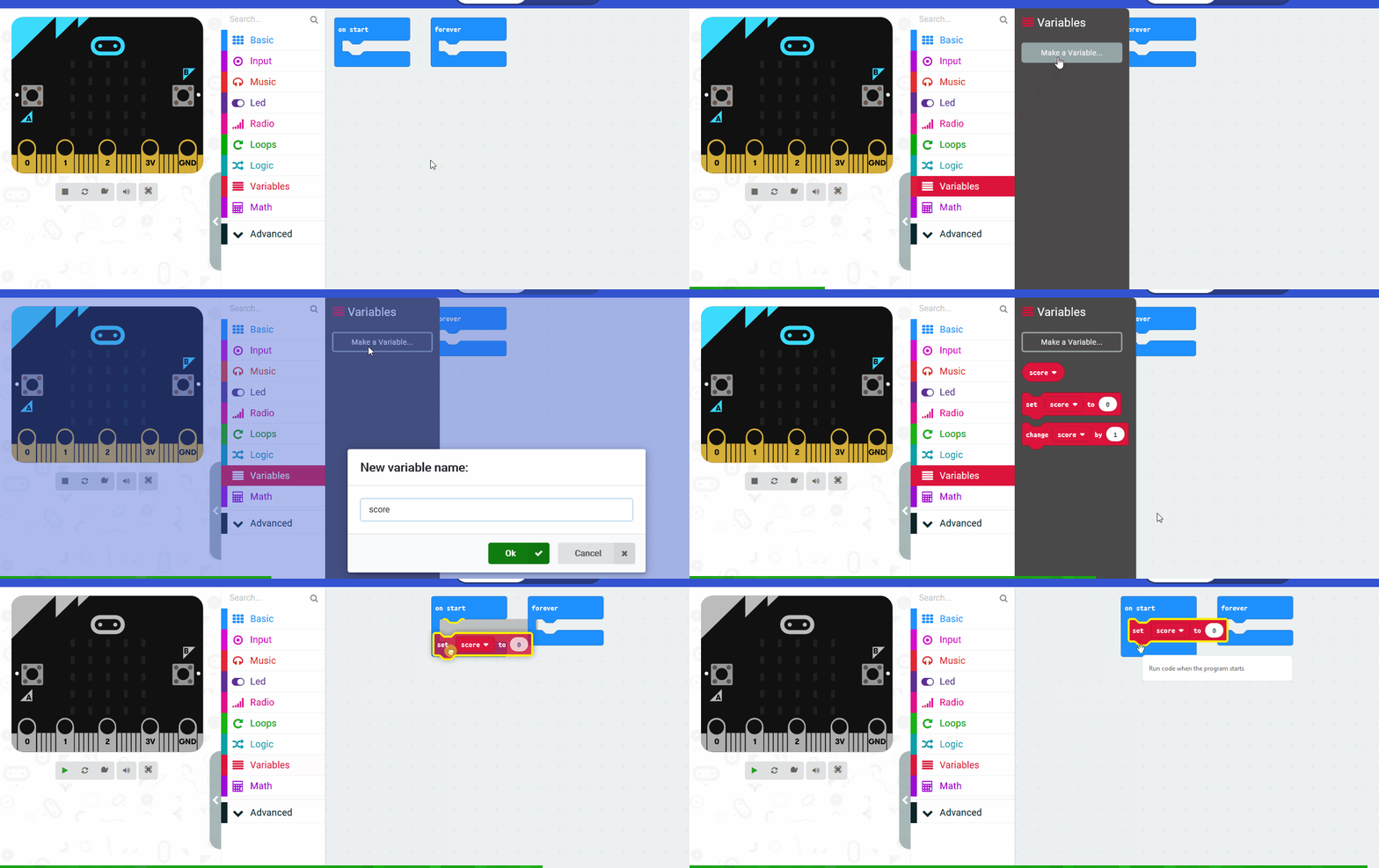
    2 - Create a 'seconds' variable

    We're going to count to 2 minutes (or 120 seconds) so we need a variable to store the seconds as they tick by.

    Create a variable called 'seconds'.

    3 - Display an arrow

    To start the toothbrush timer you will need to press the A button. So we will show an arrow pointing left (west) at the start. This will point at the A button.

    You will find these blocks in the Advanced > Images toolbox.

    Note: Change the arrow image to West (North is displayed in the code below).

    images.arrowImage(ArrowNames.West).showImage(0)


    4 - Count to 120 seconds

    Next we will program the A button to set the 'seconds' variable to 0 and then count to 120.

    We do this by using a 'while' loop block. While the 'seconds' variable is less than or equal to 120, pause 1 second and then add 1 to the 'seconds' variable. This will keep adding 1 to the 'seconds' variable until it reaches 120.

    input.onButtonPressed(Button.A, function () {
        seconds = 0
        while (seconds <= 120) {
            basic.pause(1000)
            seconds += 1
        }
    })


    123learn · Online learning platform

    Unlock the full learning experience

    You're previewing this lesson. Get full access to this lesson and hundreds more — each one ready to teach, with interactive activities, printable resources and pupil progress tracking built in.

    Hundreds of curriculum-aligned lessons
    Interactive activities in every lesson
    Printable resources & progress tracking
    Copyright Notice
    This lesson is copyright of Coding Ireland 2017 - 2026. Unauthorised use, copying or distribution is not allowed.
    🍪 Our website uses cookies to make your browsing experience better. By using our website you agree to our use of cookies. Learn more