Microbit
Beginner
35 mins
Teacher/Student led
+140 XP

What you need:
Chromebook/Laptop/PC
Microbit
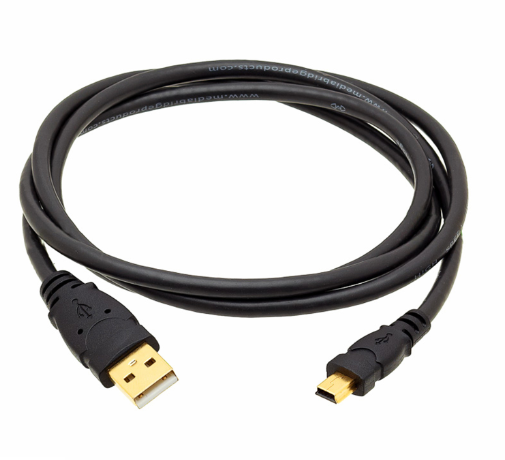
USB Cable

Microbit step counter

A pedometer is a device that can count our steps by detecting them. In this lesson we will turn our Microbit into a pedometer and get it to display the amount of steps we've taken.
Teacher Class Feed

Load previous activity

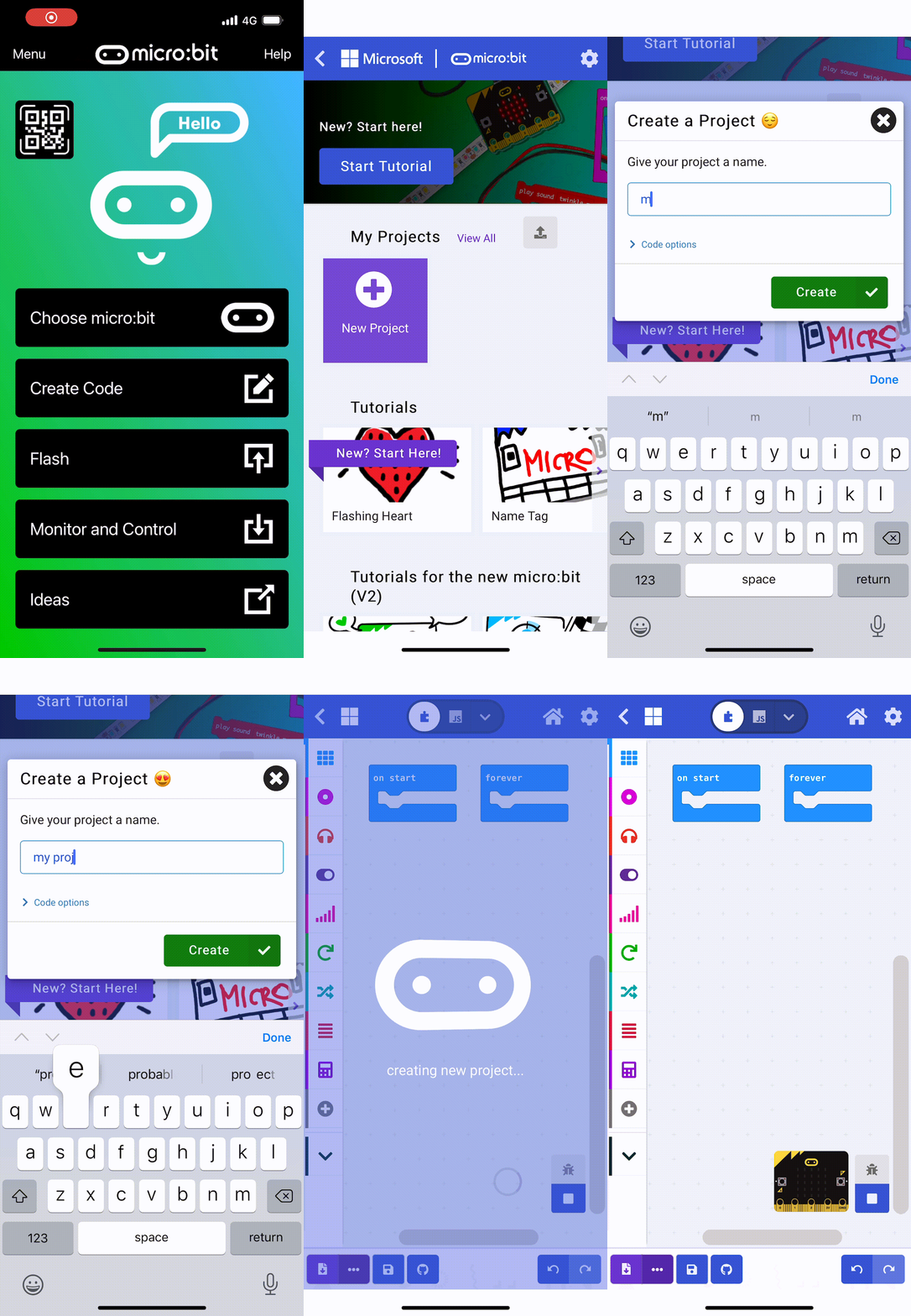
    1 - Create a new Microbit project

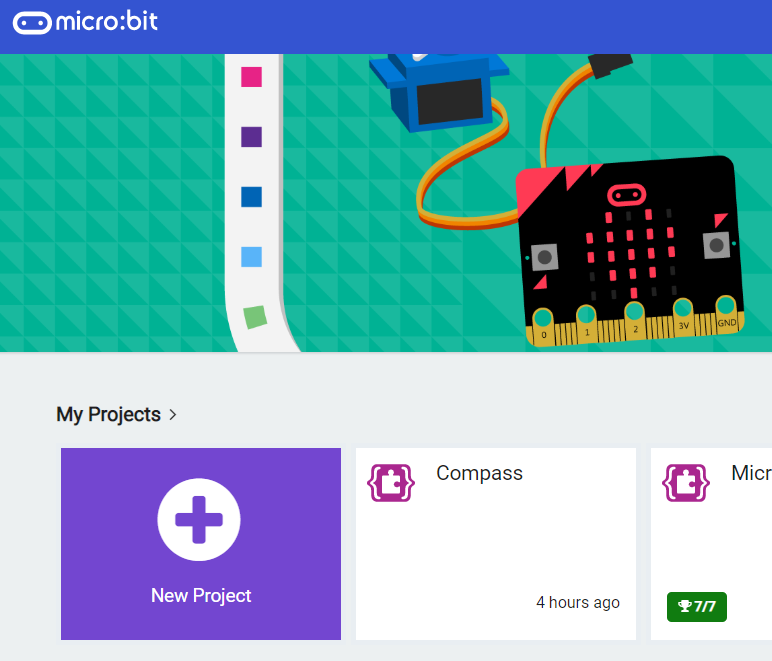
    Go to the makecode.microbit.org website and create a new project.

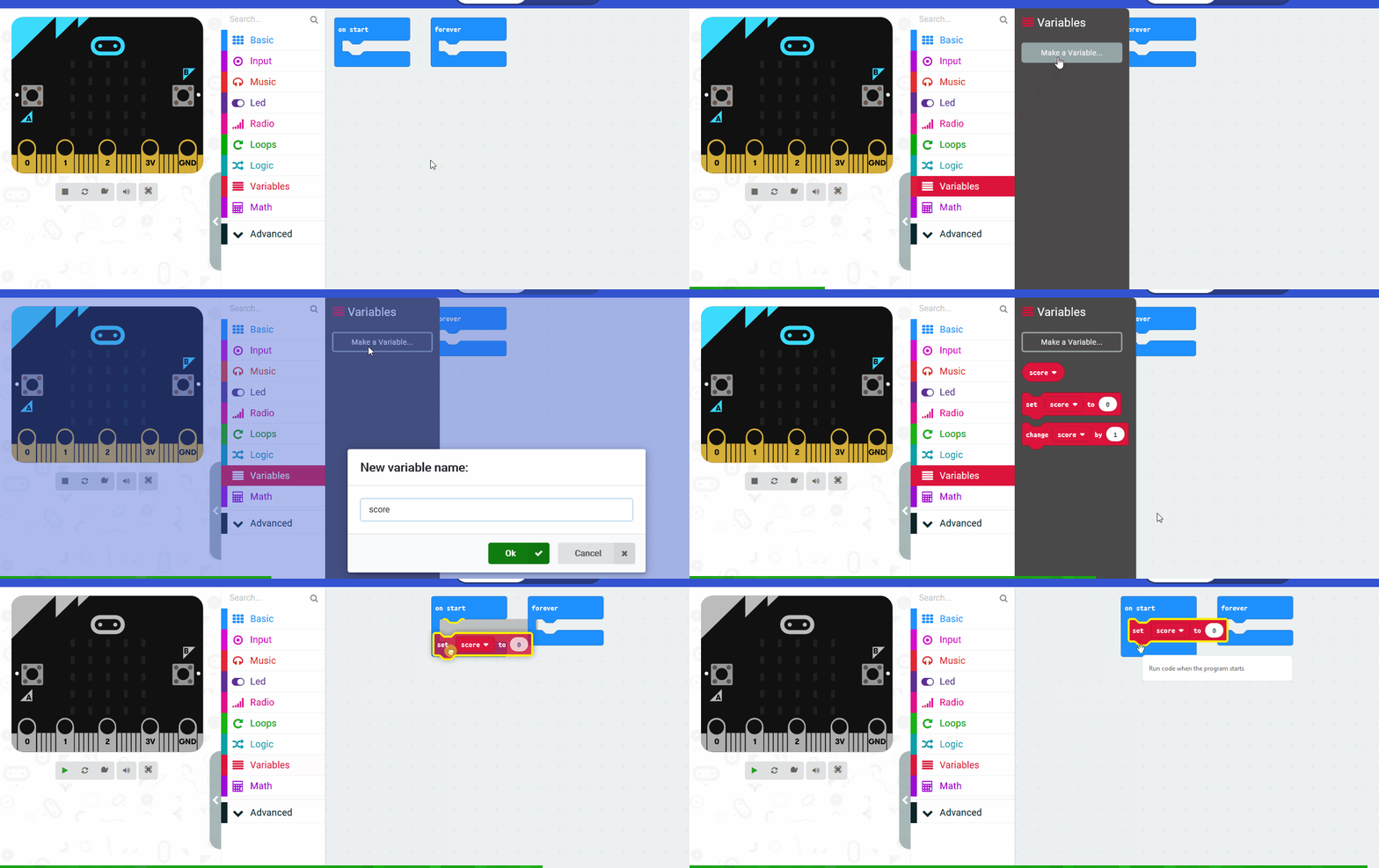
    2 - Create the 'steps' variable

    We will need to remember the amount of steps we've taken so we will create a variable called 'steps'.

    3 - Setup the 'steps' variable

    When we start the 'steps' should be 0. Add the following code:

    let steps = 0
    

    4 - Detect a step

    Our Microbits have a sensor in them called an accelerometer and this can detect when the Microbit has been shaken. We're going to use this to detect the 'shake' of our steps and each time we detect it, we will add 1 to our 'steps' variable so we can record the number of steps we take.

    Add the following code:

    input.onGesture(Gesture.Shake, function () {
        steps += 1
    })
    
    123learn · Online learning platform

    Unlock the full learning experience

    You're previewing this lesson. Get full access to this lesson and hundreds more — each one ready to teach, with interactive activities, printable resources and pupil progress tracking built in.

    Hundreds of curriculum-aligned lessons
    Interactive activities in every lesson
    Printable resources & progress tracking
    Copyright Notice
    This lesson is copyright of Coding Ireland 2017 - 2026. Unauthorised use, copying or distribution is not allowed.
    🍪 Our website uses cookies to make your browsing experience better. By using our website you agree to our use of cookies. Learn more