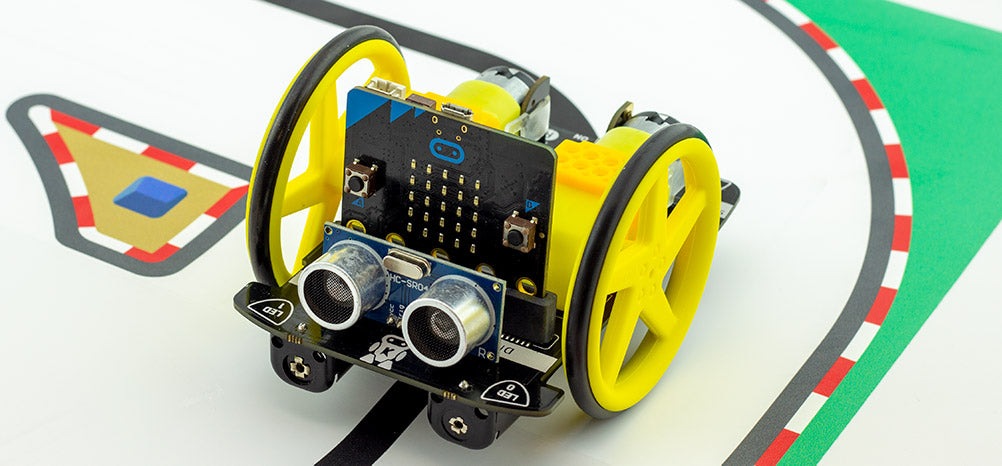
In this project we will be programming the Move Motor Car to follow a line track.
You will need the following:
If you are drawing your own track make sure you use a thick black marker with clear lines.
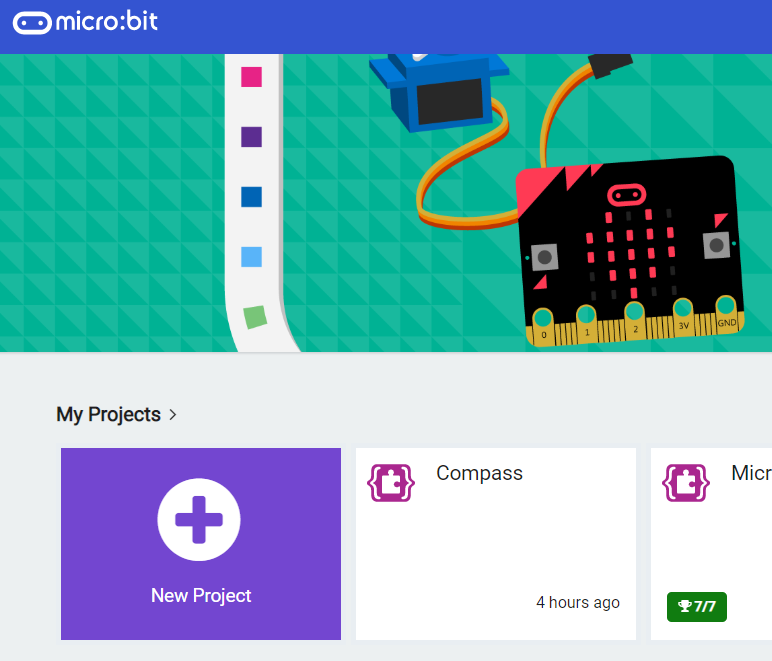
Go to the https://makecode.microbit.org website and create a new project.
Go to the Makecode.com Microbit website using the link below and click on the 'New Project' button underneath the 'My Projects' heading.
https://makecode.microbit.org/
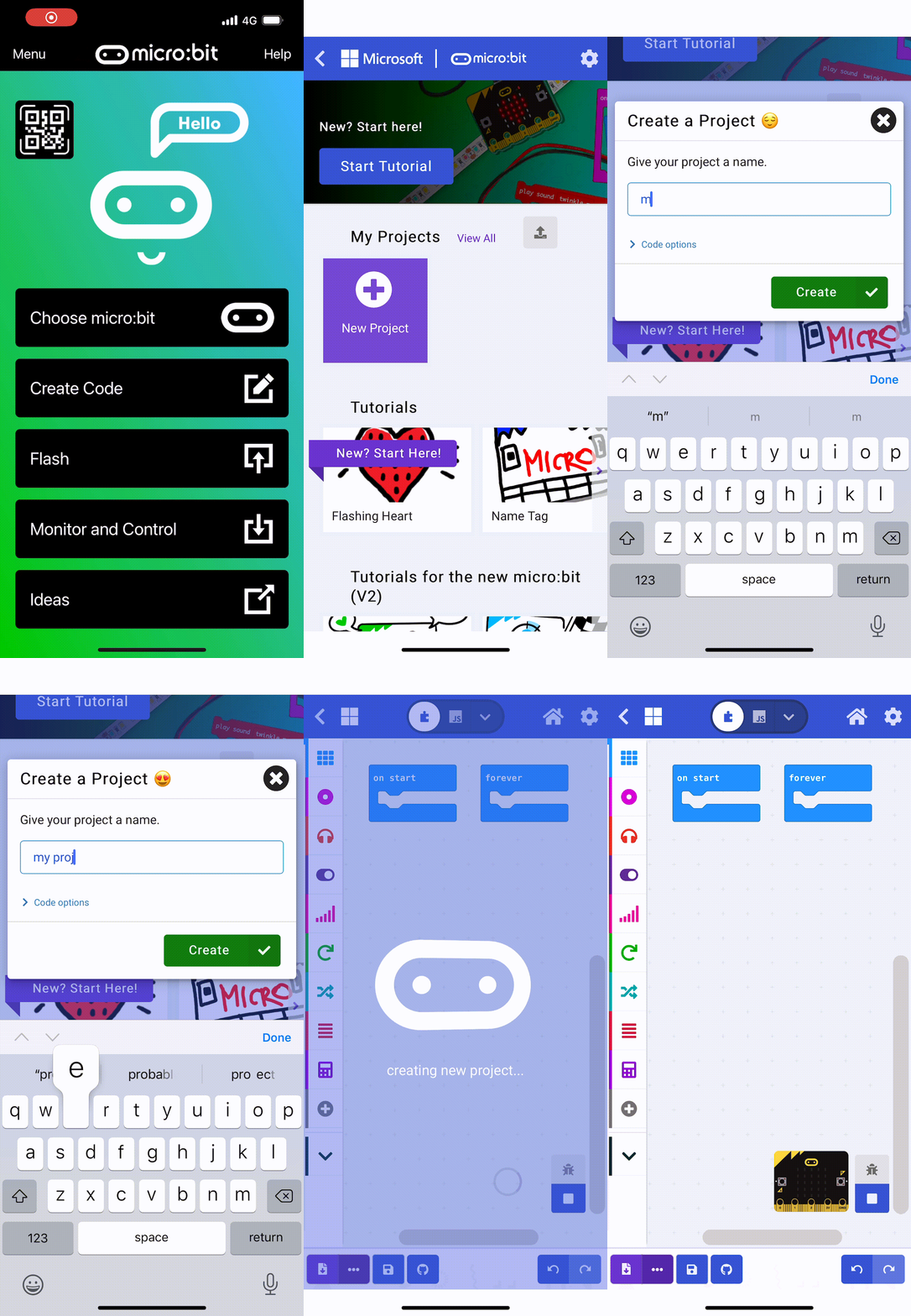
Install the micro:bit app on your iPad or tablet.
Open the app, tap 'Create code' and then create a new project.

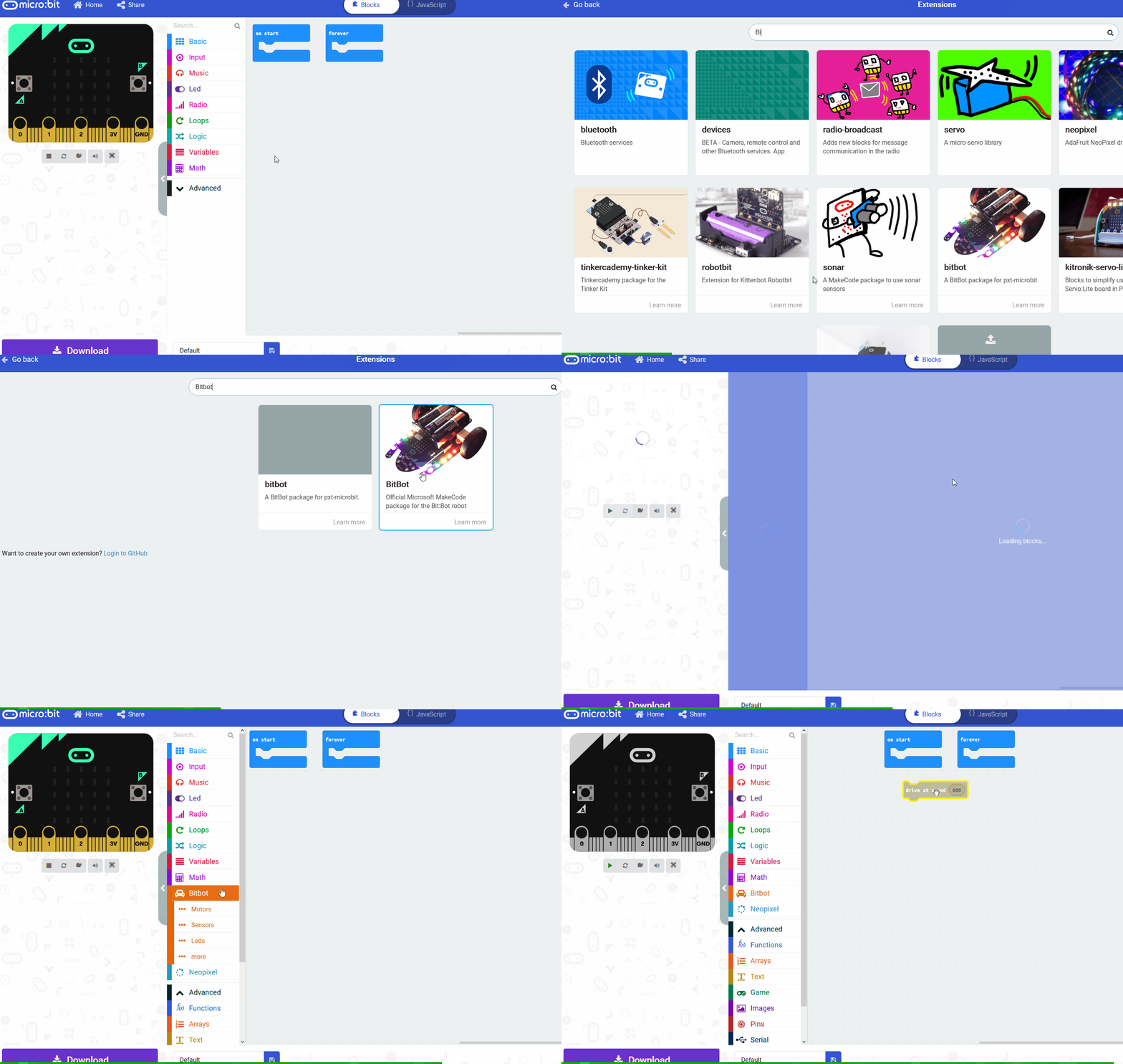
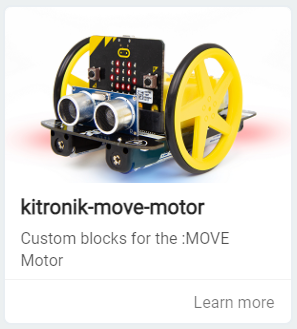
We are going to programming a Microbit to act as the brains of the Move Motor car. To do this we will need to add the kitronik-move-motor extension to our project. This has custom blocks that let us program the Move Motor car.
Add the kitronik-move-motor extension to your project. Once you add it you will notice that there is a new set of 'MOVE Motor' blocks in your toolbox.
To add an extension follow these steps:
We need to create the following 3 variables:
Create the 3 variables and then add the following code to your project.
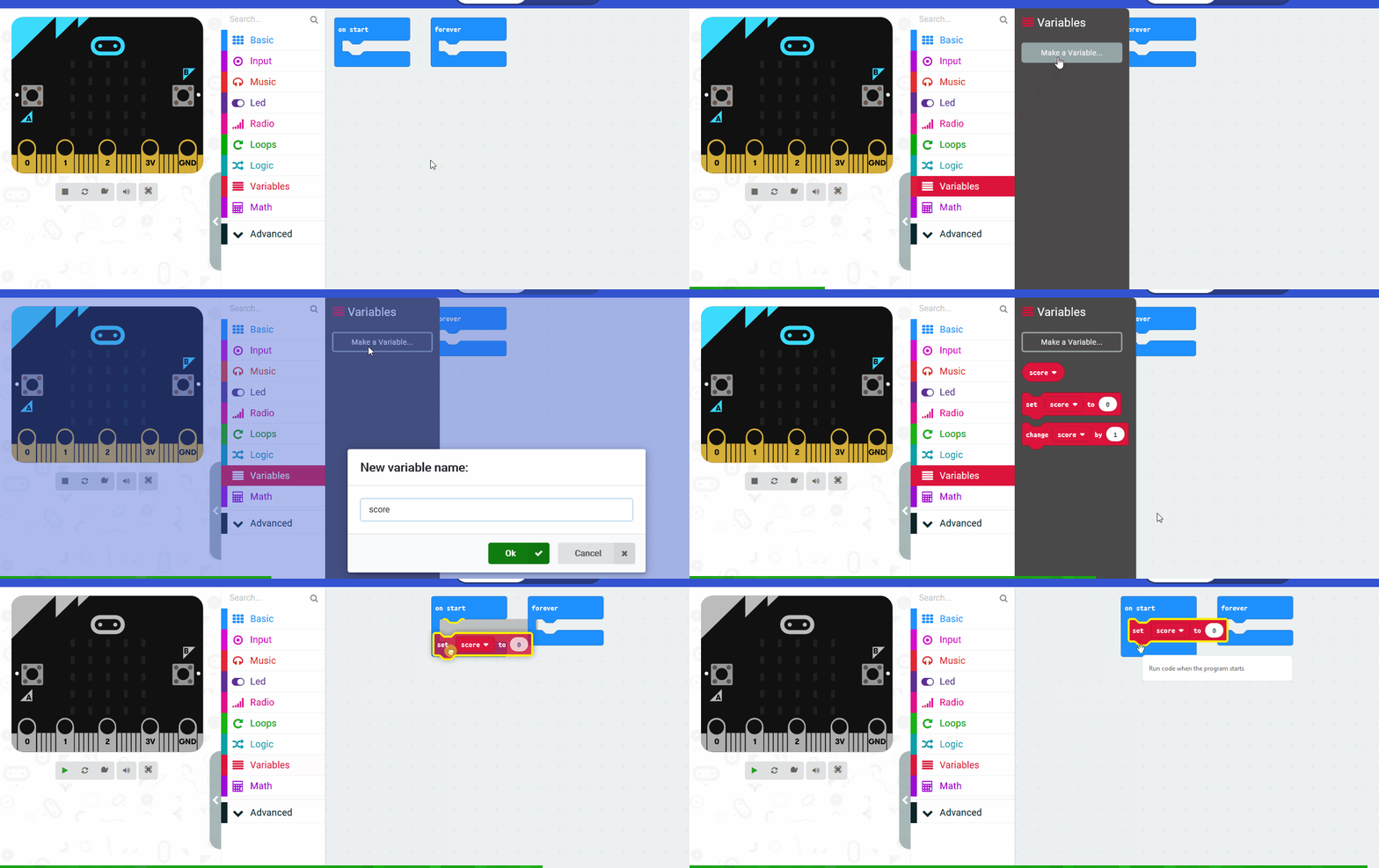
In the Variables toolbox, create a new variable by clicking the 'Make a Variable' button.
Once you click this button a box will appear asking what you want to call your variable. Give it a name that reminds you what you will be using it for. For example, if you wanted to keep track of your score in a game, you would create a variable called 'score'.
You're previewing this lesson. Get full access to this lesson and hundreds more — each one ready to teach, with interactive activities, printable resources and pupil progress tracking built in.