Microbit Robotics & Engineering
Advanced
60 mins
Teacher/Student led
+260 XP

What you need:
Chromebook/Laptop/PC
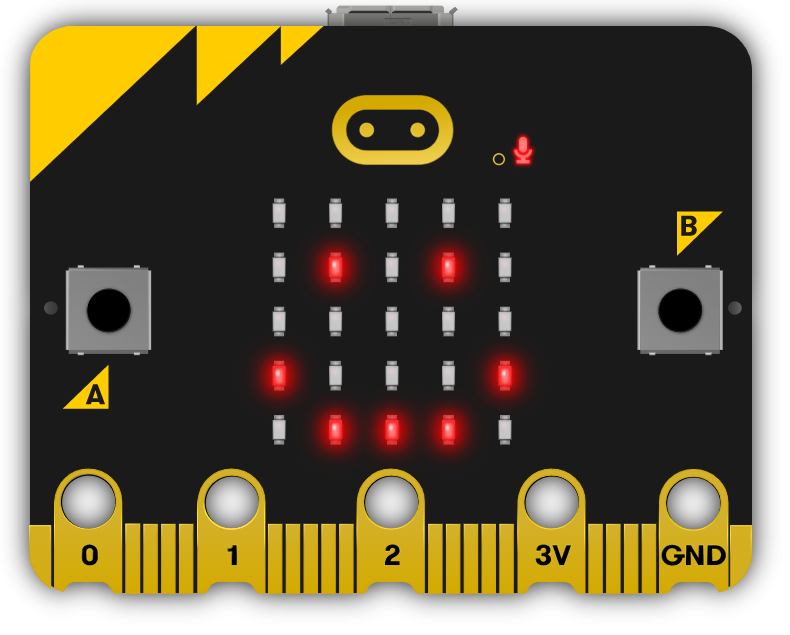
Microbit
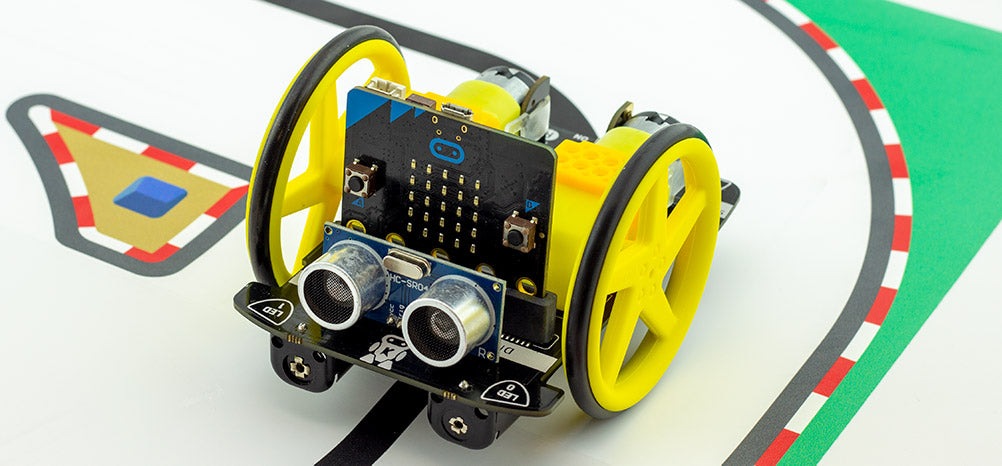
Move Motor Car
AA Batteries
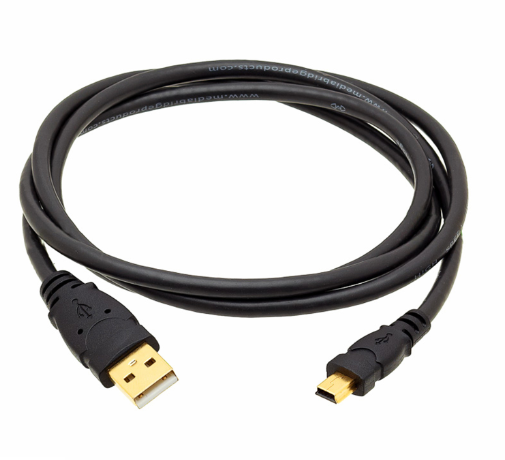
USB Cable

Line Following Car

In this project we program the sensors on the Move Motor Car to detect and follow lines.
Teacher Class Feed

Load previous activity

    1 - Introduction

    In this project we will be programming the Move Motor Car to follow a line track.

    You will need the following:

    1. A Microbit
    2. A Move Motor Car (with 4 AA batteries)
    3. A USB cable
    4. A track drawn on paper or printed out using the attachment 'mbmmlfc tiles.pdf'

    If you are drawing your own track make sure you use a thick black marker with clear lines.

    2 - Create a new project

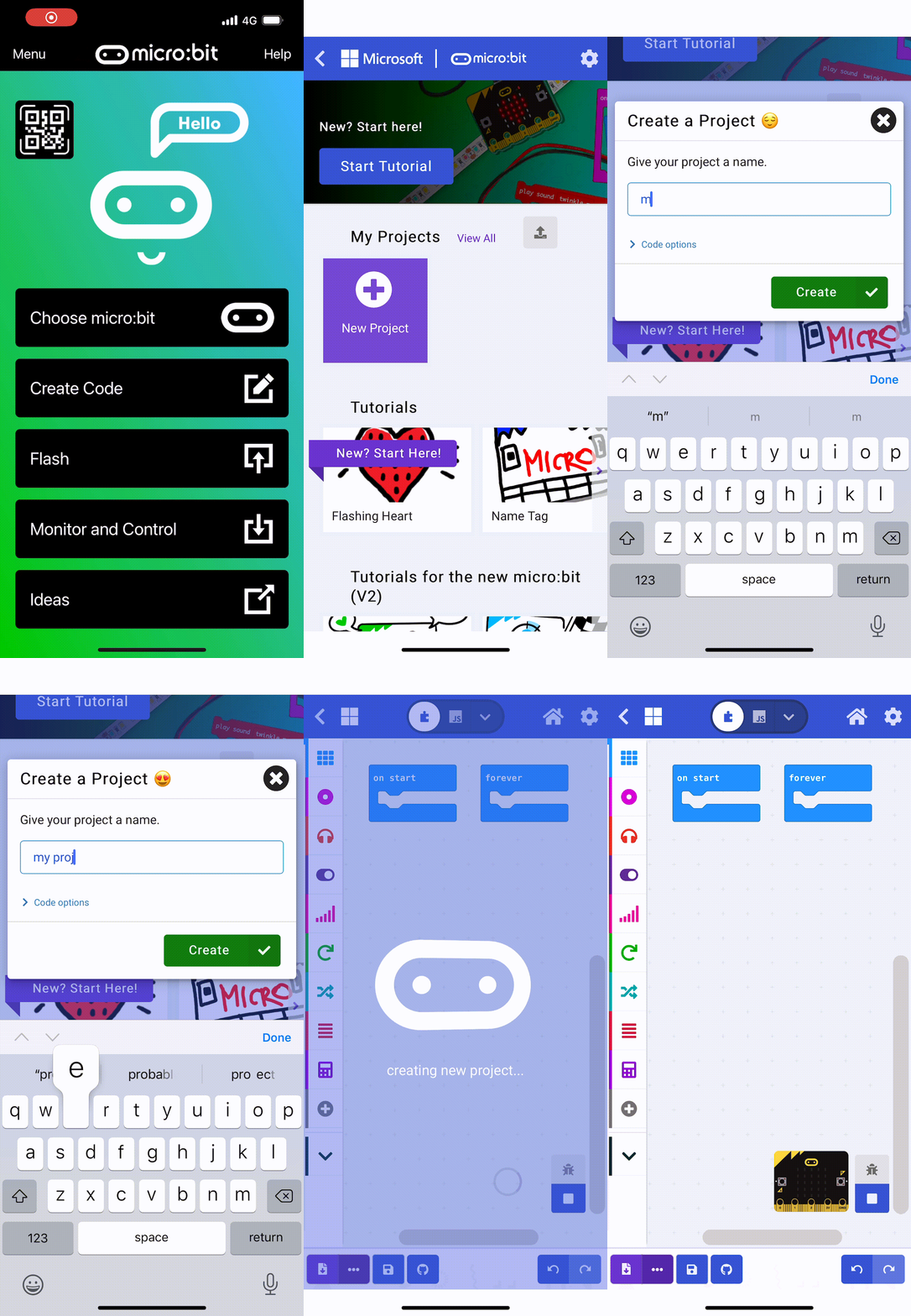
    Go to the https://makecode.microbit.org website and create a new project.

    3 - Add the extension

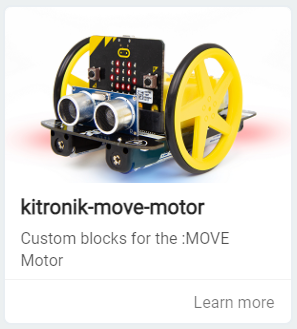
    We are going to programming a Microbit to act as the brains of the Move Motor car. To do this we will need to add the kitronik-move-motor extension to our project. This has custom blocks that let us program the Move Motor car.

    Add the kitronik-move-motor extension to your project. Once you add it you will notice that there is a new set of 'MOVE Motor' blocks in your toolbox.


    4 - Create the variables

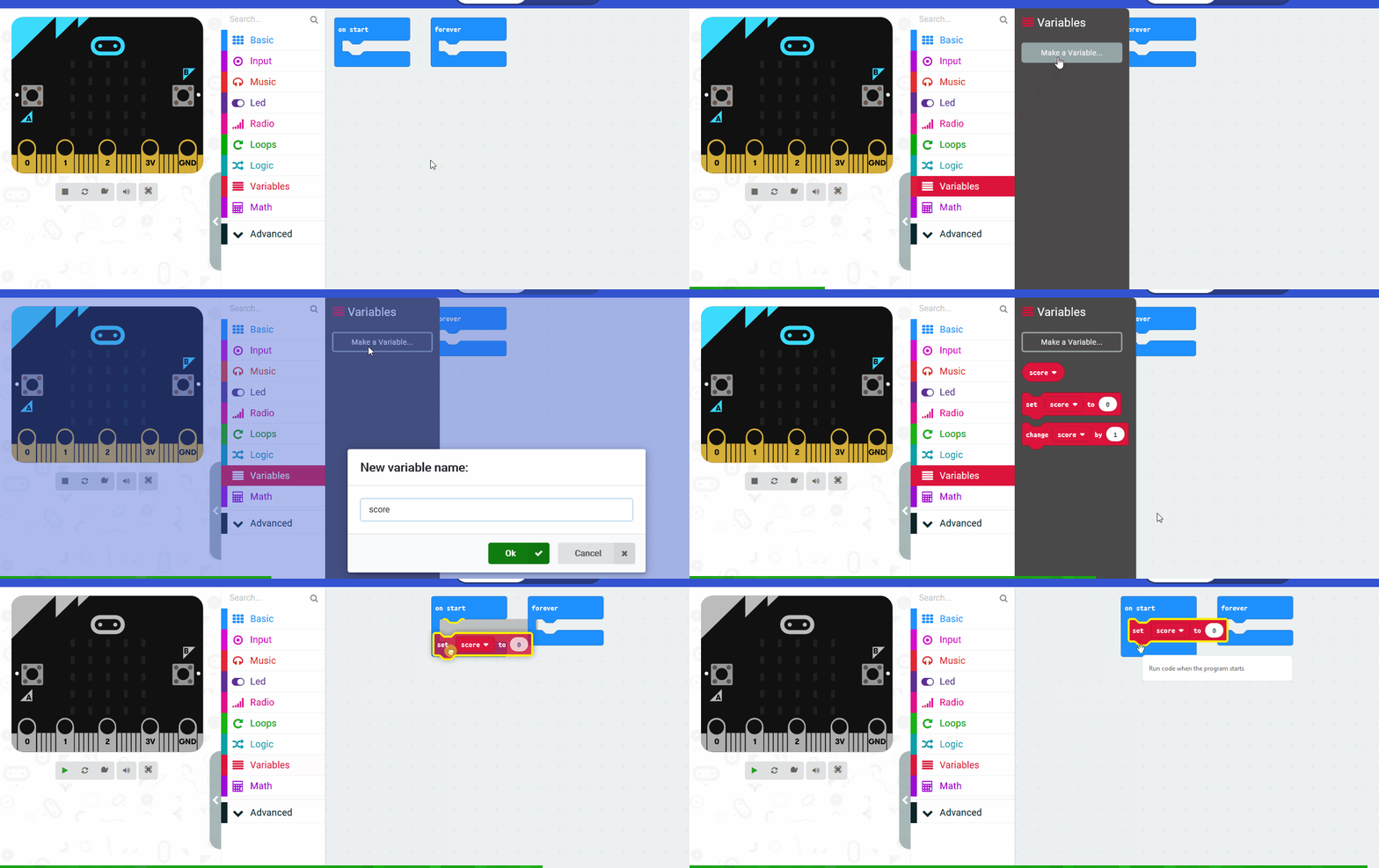
    We need to create the following 3 variables:

    1. left - this will store the value of the left line sensor (how dark or bright it is).
    2. right - this will store the value of the right line sensor (how dark or bright it is).
    3. difference - this will store the value of the difference between the left and right variables.

    Create the 3 variables and then add the following code to your project.

    123learn · Online learning platform

    Unlock the full learning experience

    You're previewing this lesson. Get full access to this lesson and hundreds more — each one ready to teach, with interactive activities, printable resources and pupil progress tracking built in.

    Hundreds of curriculum-aligned lessons
    Interactive activities in every lesson
    Printable resources & progress tracking
    Copyright Notice
    This lesson is copyright of Coding Ireland 2017 - 2026. Unauthorised use, copying or distribution is not allowed.
    🍪 Our website uses cookies to make your browsing experience better. By using our website you agree to our use of cookies. Learn more