Microbit
Python
Computer Science
Intermediate
40 mins
Teacher/Student led
 Chromebooks, laptops, and PCs are crucial tools for coding and digital skills education. Chromebooks are ideal for web-based applications and collaborative projects, while laptops and PCs support a wider range of programming environments and software for more intensive tasks like software development and data analysis.
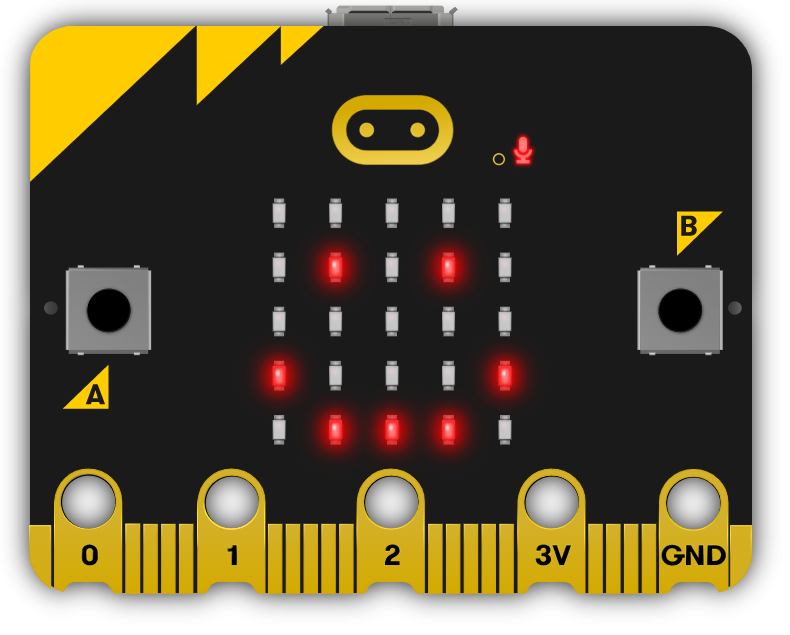
Light Clapper
In this lesson, you'll create a sound-sensitive light clapper using your Micro:bit. Follow step-by-step instructions to programme it to detect claps and toggle the LED display, learning key coding concepts like loops, conditionals, and functions along the way.
 In this lesson, you'll build a sound-sensitive 'light clapper' with your Micro:bit, using its microphone to detect claps and toggle the LED display. You'll use conditional logic in loops to monitor sound levels, functions to handle toggling the display, and lists to store clap patterns for advanced modes like double-clap detection. This reinforces control structures, variables, and functions, turning your Micro:bit into a home automation gadget.


