Microbit Sensors & Circuits
Beginner
60 mins
Teacher/Student led
+170 XP

What you need:
Chromebook/Laptop/PC
Microbit
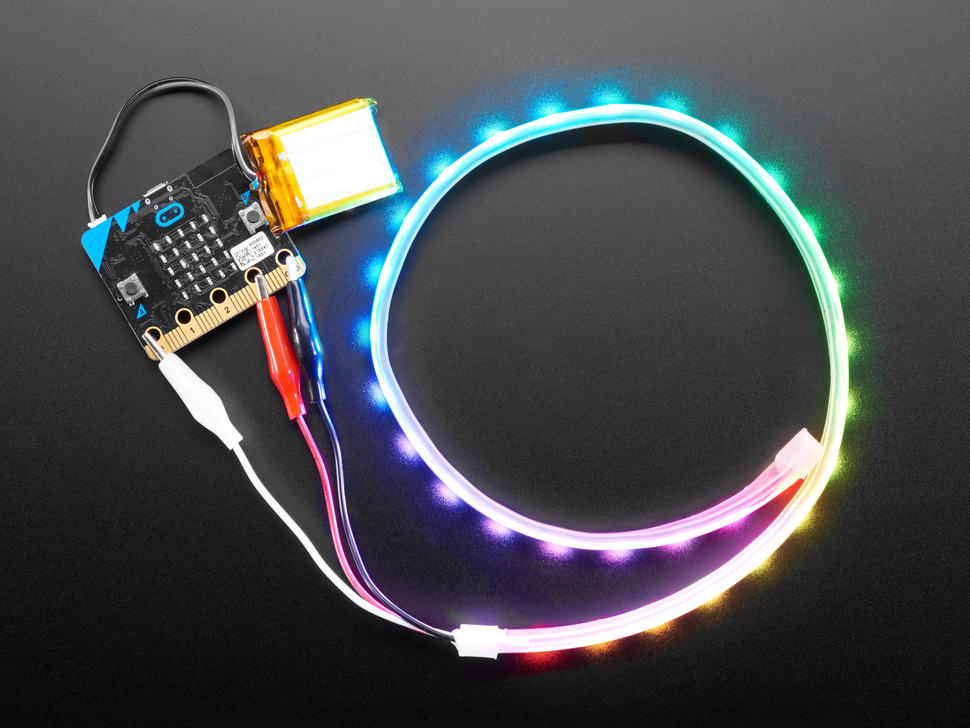
LED Strip with crocodile clips

LED Strip Clapper

In this step-by-step lesson, you'll create a Microbit project, add the neopixel extension, and set up an LED strip. You'll create an 'on' variable, learn to detect a clap, and code the LED strip to turn on and off accordingly. Finally, you'll download your code, test it, and explore further improvements.
Teacher Class Feed

Load previous activity

    1 - Create a new Microbit project

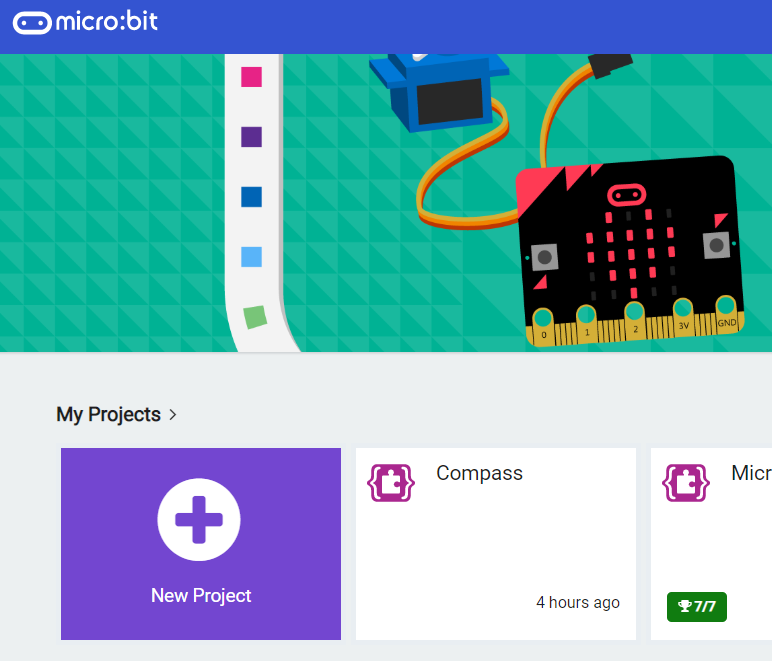
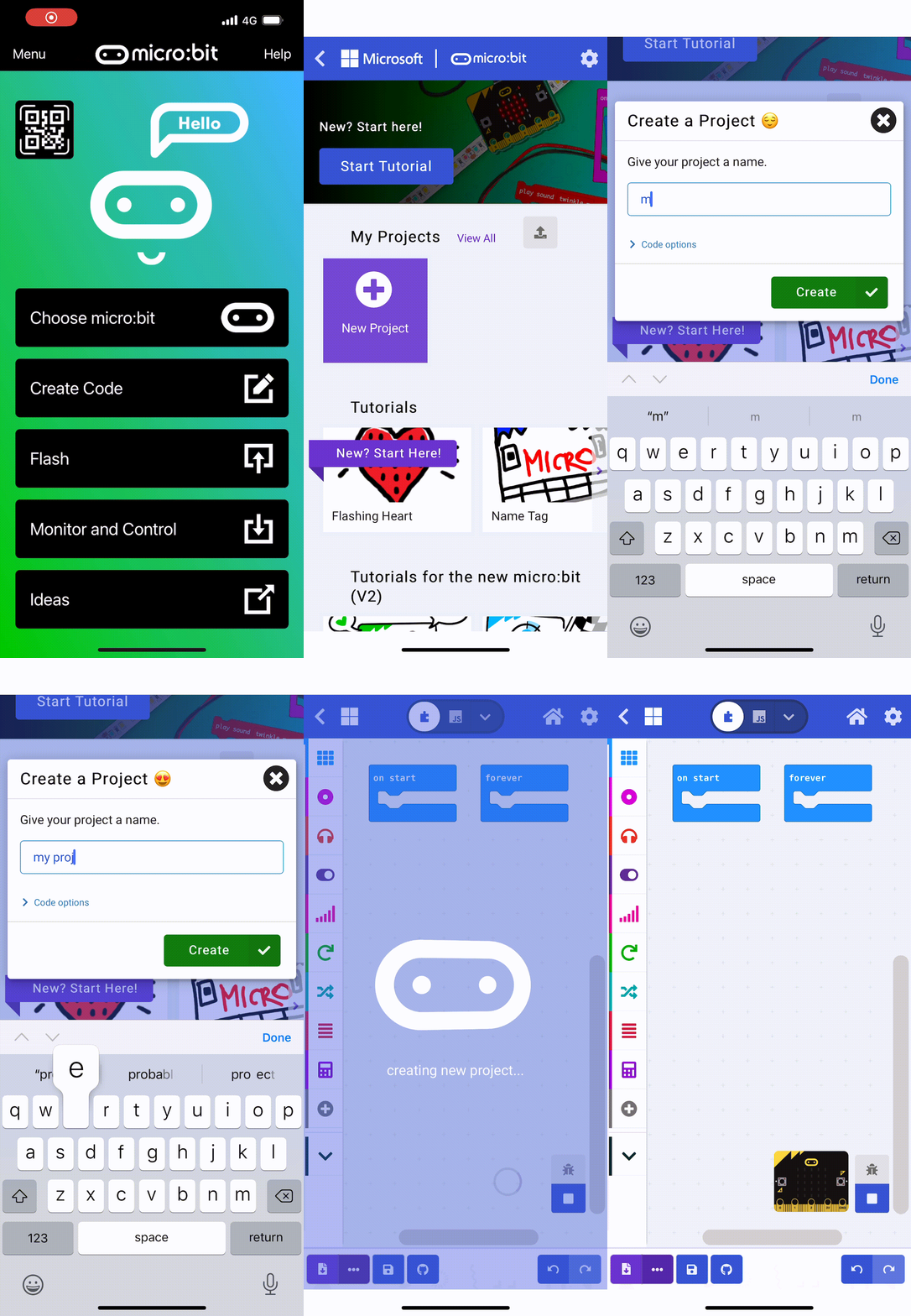
    To get started create a new Microbit project.

    makecode.microbit.org

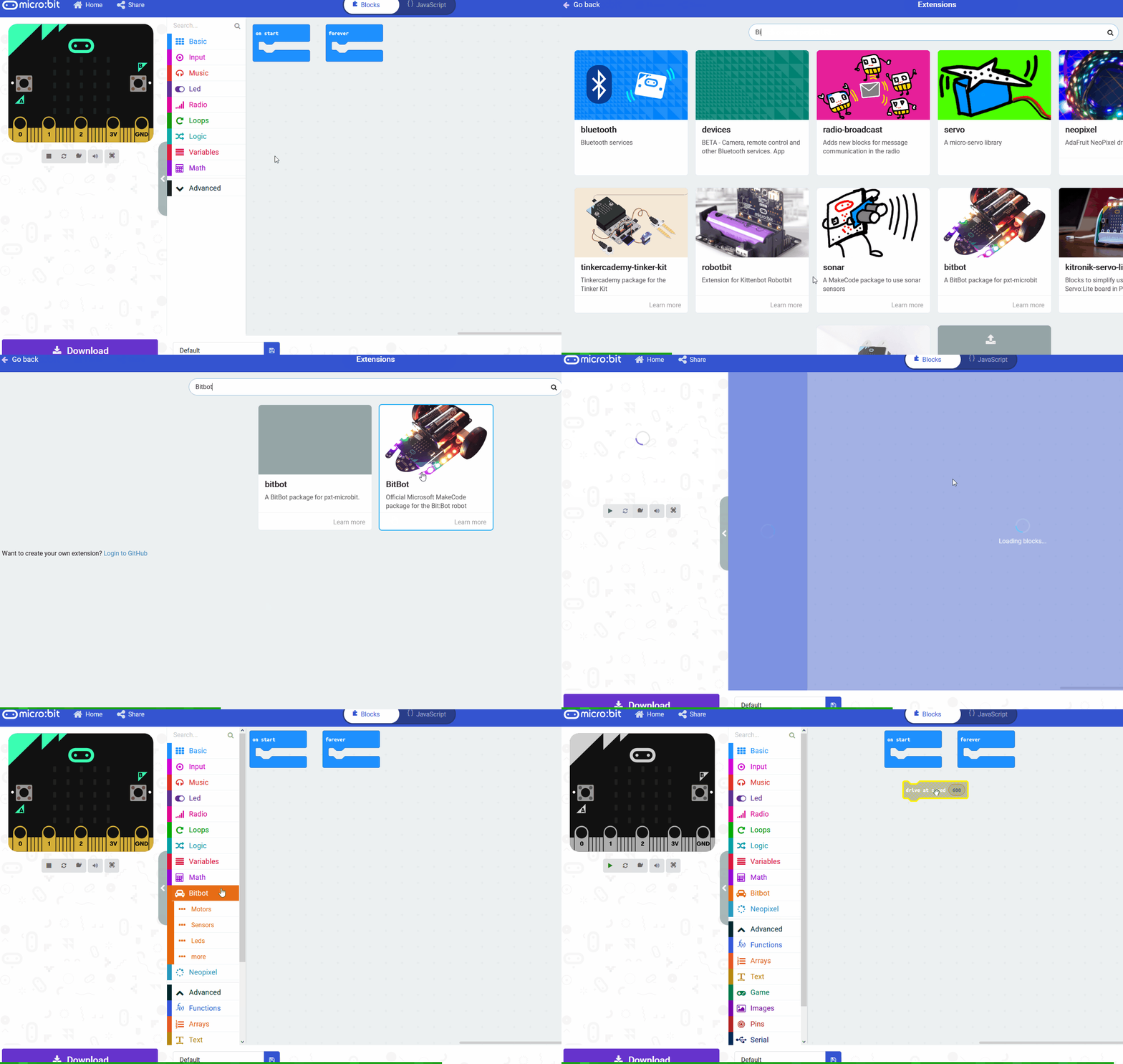
    2 - Add the neopixel extension

    To access the blocks we need to program the LED strip, you need to add the neopixel extension to your project.


    3 - Setup the LED Strip

    To be able to interact and program the LED strip we will need a variable that stores the strip.

    Add the following code to your project. We set the value to be 30 as there are 30 LEDs on the strip.

    4 - Create an 'on' variable

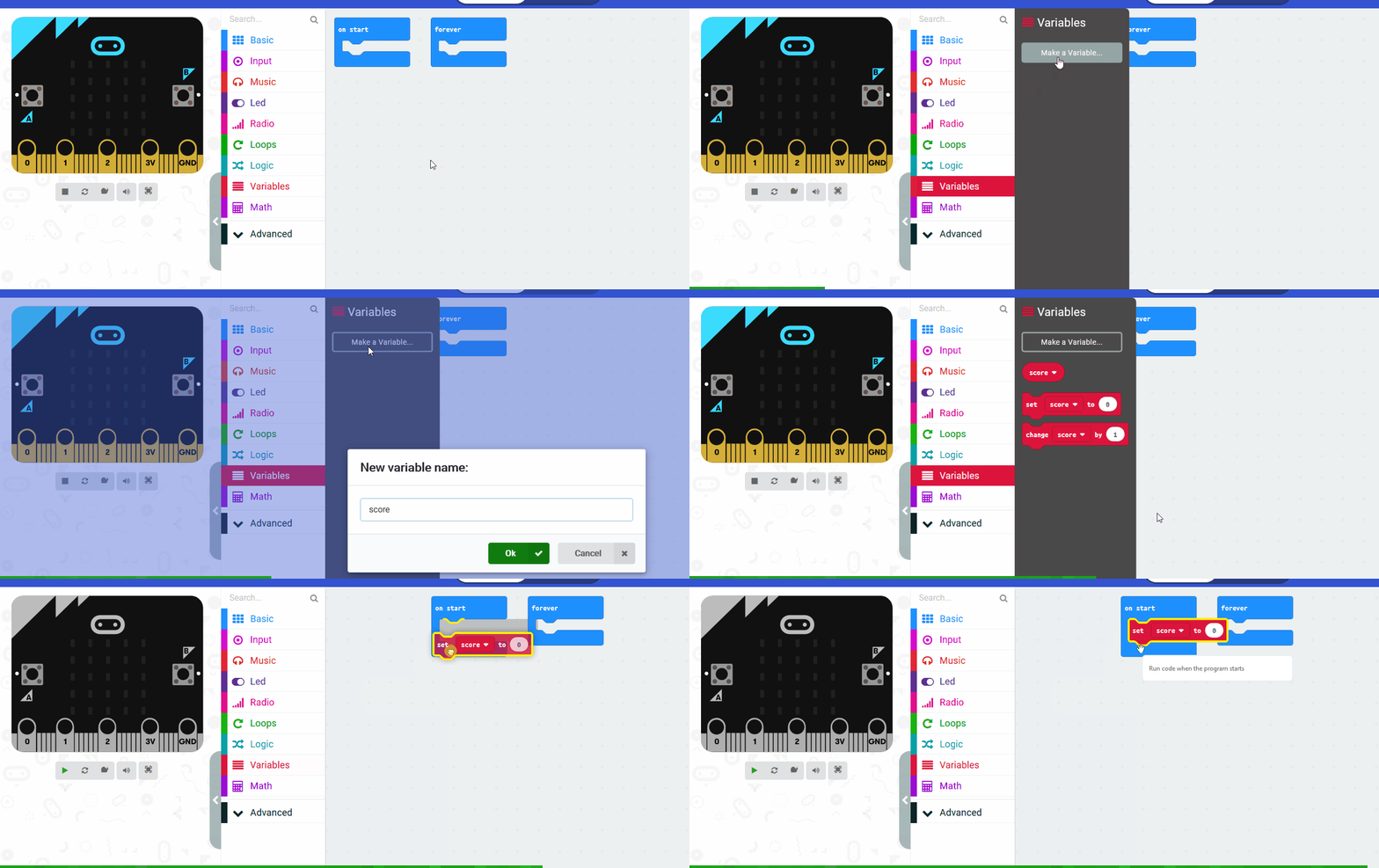
    We will need a variable called 'on' to store whether the lights should be in the on state (on = true) or the off state (on = false).

    Create a variable called on and set it to be false at the start.

    5 - Detect a clap

    We will use the on [loud] sound block to detect when you clap.

    When a clap is detected:

    • If on equals false, then we will turn on the light
    • Else on must equal true so we will turn off the light

    Add the following code to set the on variable to be true and light up the LED strip a colour.


    123learn · Online learning platform

    Unlock the full learning experience

    You're previewing this lesson. Get full access to this lesson and hundreds more — each one ready to teach, with interactive activities, printable resources and pupil progress tracking built in.

    Hundreds of curriculum-aligned lessons
    Interactive activities in every lesson
    Printable resources & progress tracking
    Copyright Notice
    This lesson is copyright of Coding Ireland 2017 - 2025. Unauthorised use, copying or distribution is not allowed.
    🍪 Our website uses cookies to make your browsing experience better. By using our website you agree to our use of cookies. Learn more