Today you will
- put one picture in a document
- resize it and wrap text around it
- write where the picture came from
Get ready
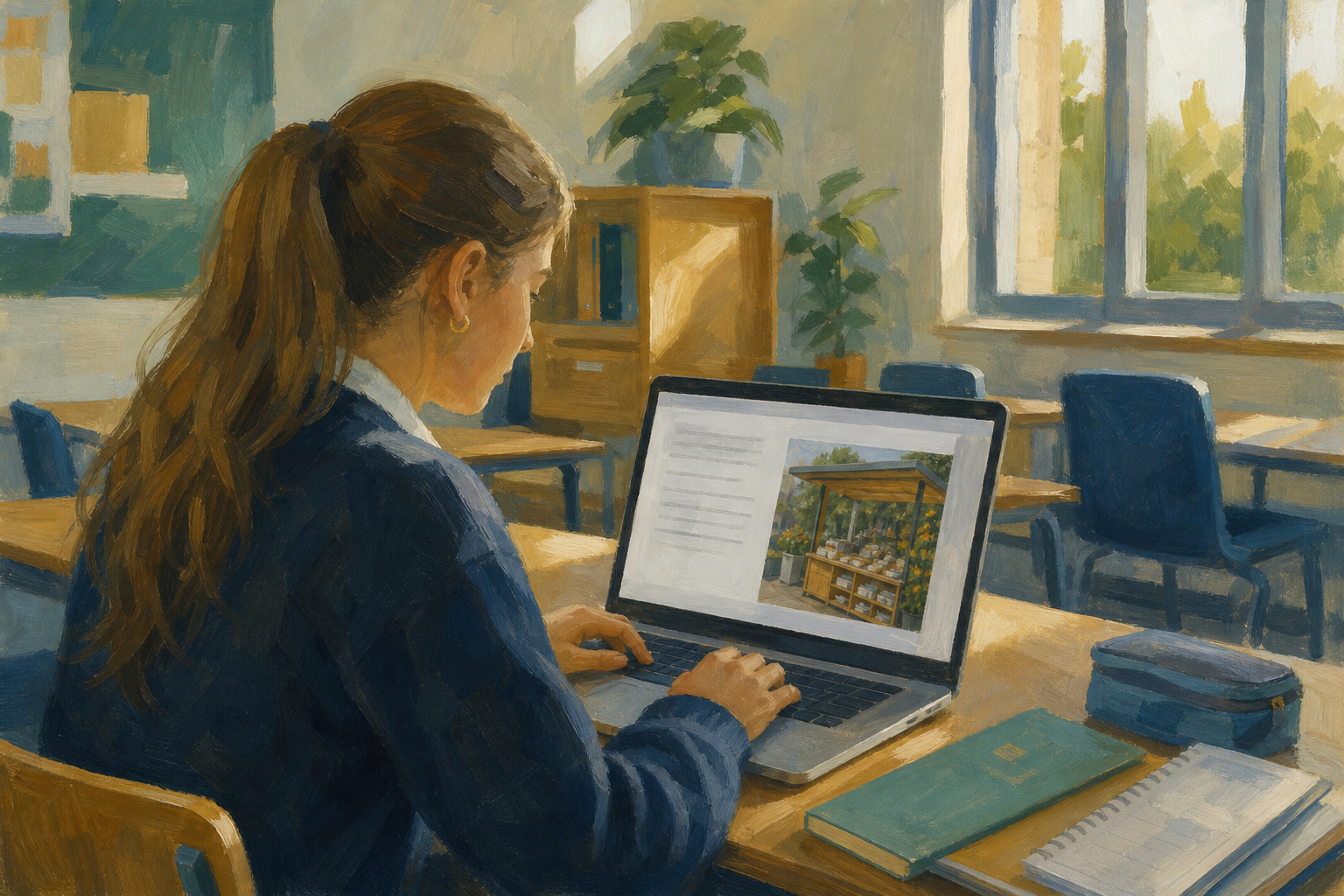 Get one image file onto this computer, like a phone photo. If you have none, take a photo of your desk now.
If {{code:03_proposal_draft}} is missing, make it in {{code:03_documents}} and paste this in.
My Something Real Proposal
Purpose: This project is about something I care about, and it is for a real reader outside the school.
Plan: Over the next six weeks I will take one clear step each week and keep a short record of what I did.
Outcome: By the end I will have a finished piece of work to show that reader, and a note on what I would change next time.
Warm-up
What picture would explain your Something Real project in three seconds?
You can get a picture in three honest ways.
- Phone photo: a photo you took yourself.
- Licensed stock: a free photo from a site like Pexels, with a clear licence.
- AI image: a picture made by AI, and you must say so.
Your Image Source Log is four lines saying where the picture came from.
Source route:
What it shows:
Licence or disclosure:
File note:
Example: Phone photo / Tray of buns / Own photo, no licence needed / .jpg, resized on the page
Phone photos are usually .jpg. If yours is .heic, save a .jpg copy first.
You will practise in a new file called {{code:03_image_practice}}, not your real proposal. Follow the steps in the box below. Paste these three lines into your new file:
Purpose: We will run a weekend baking stall at the Saturday market in Tullamore to raise money for the local youth club.
What we sell: Traybakes, scones and tea, priced at €2 or €3 so families can buy something small.
What we need: A table, a clear sign, a cash box with €20 in change, and two helpers for each shift.
If you get stuck
- The picture is huge. Drag a corner handle in to about one-third of the page, then set wrap.
- The file is .heic and won't insert. Save a .jpg copy from your phone's Photos app, then try again.
- Text sits on top of the picture. Select it, set {{btn:Square}} or {{btn:Wrap text}}, then nudge the picture sideways.
Pick your picture
Most of you will use a phone photo, or the photo of your desk. For your log, write: Own photo, no licence needed.
Only use these if your teacher says so today:
- Licensed stock: read the site's licence and put the site name and licence in your log.
- AI image: never show real people or copyrighted characters. Your log must include this line:
AI-generated image; not a photograph of a real person.
Find the file you will insert now. If you can't, photograph your desk.
Unlock the full learning experience
You're previewing this lesson. Get full access to this lesson and hundreds more — each one ready to teach, with interactive activities, printable resources and pupil progress tracking built in.
This lesson is copyright of Coding Ireland 2017 - 2025. Unauthorised use, copying or distribution is not allowed.