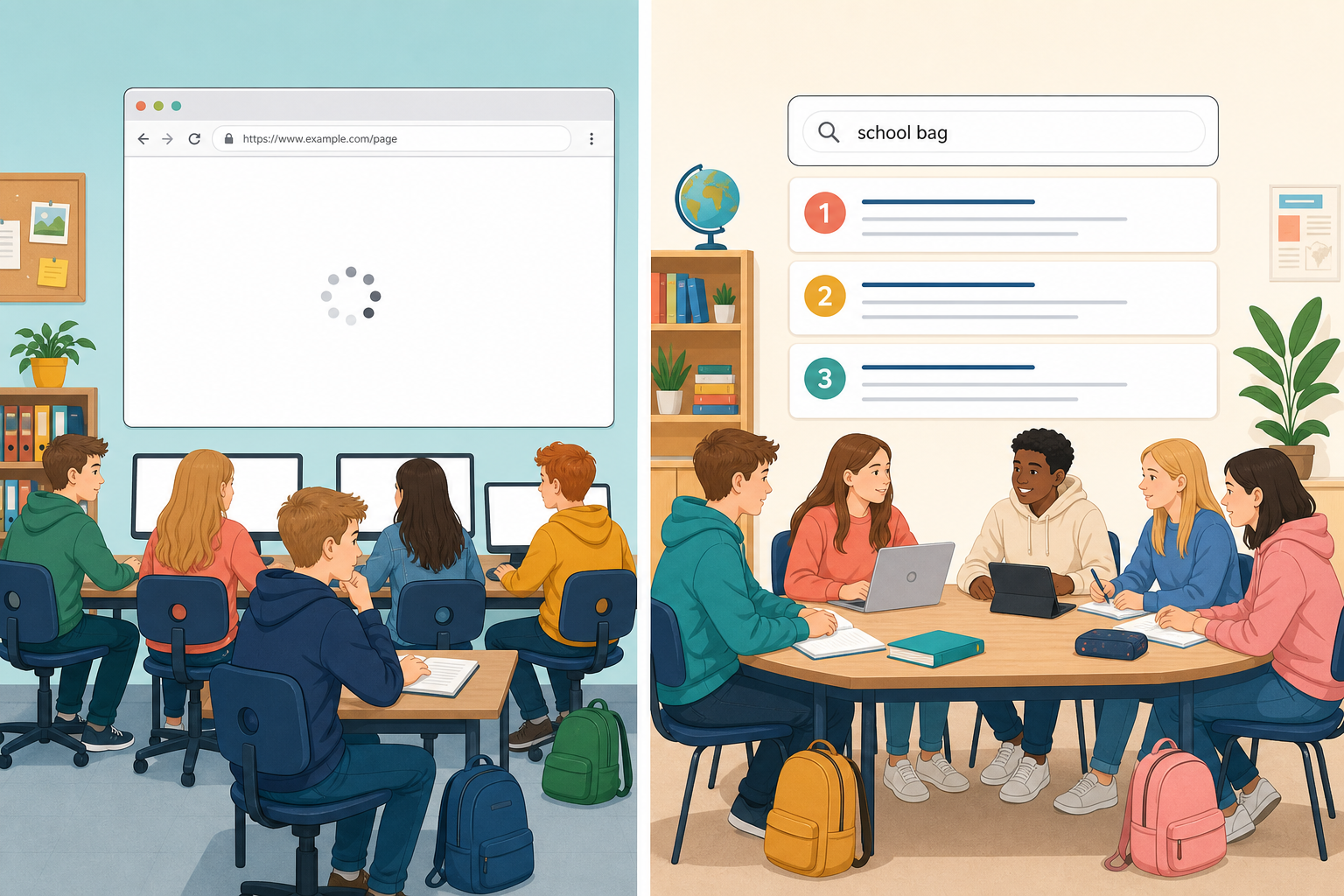
 Last time you followed a message from your browser out to a server and back. Today the question is different: when you type words into a search box, how does the computer decide which pages to show you, and in what order?
You will act as the search engine yourself, then try real searches and notice what changes the order of the results.

A web browser is the app you open pages in (Chrome, Edge, Firefox, Safari). You give it an address, and it fetches that page.
A search engine is a service that finds pages matching the words you type, then puts them in an order it thinks will help you. Google, Bing and DuckDuckGo are search engines. You usually reach them through a browser.
Behind the scenes a search engine roughly does three jobs:
- Crawl: visit pages across the web and follow the links on them.
- Index: store what each page is about so it can be looked up quickly.
- Rank: when you search, put the matching pages in an order based on word match and other signals. You will try these next.
Ranking is the part people argue about, because different goals produce different orders. You are about to try that for yourself.
Someone has searched for how do I start coding. Four pages could answer them. Put the pages in the order you would show them, then compare your order with how a real ranker orders them under two different goals.
For each goal, read the takeaway: it tells you what that ranking was optimising for.
Be the search engine
You are going to run three short searches, which we will call trials, and write one line in your copy about each of the first two: what was typed, and what you noticed. Your teacher leads Trial 1 on the board. Then pairs try Trial 2. Trial 3 is extra if you finish early.
Trial 1: search vs address (whole class). Watch your teacher type a full site address (for example www.met.ie) into the address bar and open that page. Then watch them type only the words Irish weather forecast into a search engine. What is different about how the page was reached each time?
Unlock the full learning experience
You're previewing this lesson. Get full access to this lesson and hundreds more — each one ready to teach, with interactive activities, printable resources and pupil progress tracking built in.
This lesson is copyright of Coding Ireland 2017 - 2025. Unauthorised use, copying or distribution is not allowed.