Python
Computer Science
Beginner
80 mins
Teacher/Student led
 Chromebooks, laptops, and PCs are crucial tools for coding and digital skills education. Chromebooks are ideal for web-based applications and collaborative projects, while laptops and PCs support a wider range of programming environments and software for more intensive tasks like software development and data analysis.
Handling Requests
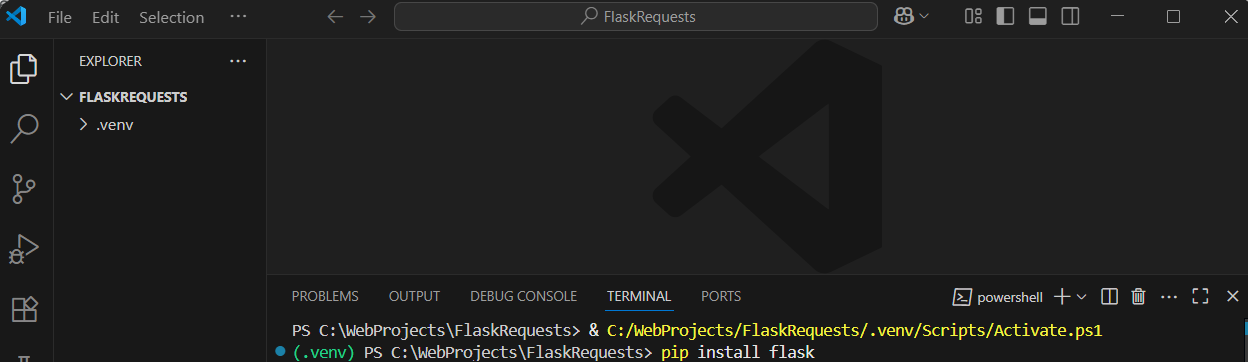
In this lesson, you'll explore how to manage GET and POST requests in Flask, crucial for creating interactive web applications. Follow step-by-step instructions to set up a project, build routes, handle forms, and process user data effectively.
 In this lesson, you'll learn how to handle GET and POST requests in Flask, which are essential for building interactive web applications.