 Today you will format a short sample document, and then a longer piece of your own, such as your research log (your notes and sources from earlier in the course).
The aim is a document someone can skim in ten seconds, with:
- Matching headings and sensible spacing
- An image that sits properly
- Page numbers
- A PDF anyone can open
If you have no piece of your own saved, you can use a fresh copy of the sample.
There is a difference between decorating a document and structuring it. Decorating means random bold, coloured fonts, or big text that is not a real heading. Structuring means using real heading levels and leaving space between parts, so a reader who skims can see how the document is organised in ten seconds.
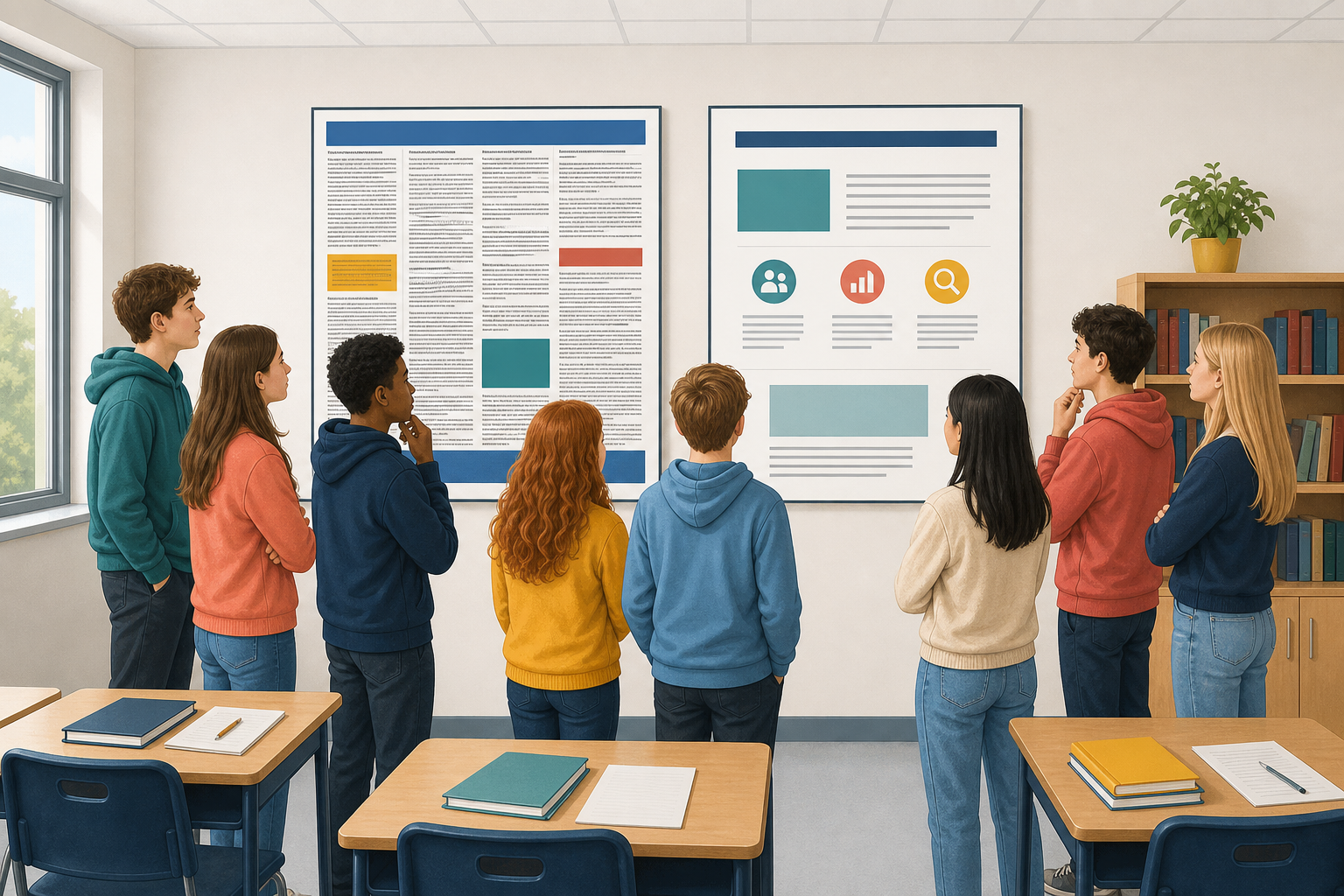 Most people skim a document before they read it. A solid block of text puts them off, but clear headings and space keep them reading. Look at the two versions of the same text below.
Version 1
Checking what you find online. Lots of people share things without checking them first, and that is how a wrong story travels further than a true one. There are four quick things worth checking before you pass something on. Who made it: look for a name, an organisation, and whether they say how they know. When it was made: an accurate story from four years ago can be badly out of date now. Whether you can find it anywhere else: if no other source carries it, that is worth noticing. What it is for: a page selling you something is not the same as a page explaining something. None of these four take long. Doing them once before you share is faster than correcting yourself afterwards.
Version 2
Checking What You Find Online
Why it matters
Lots of people share things without checking them first, and that is how a wrong story travels further than a true one.
The four checks
Who made it. When it was made. Whether you can find it anywhere else. What it is for.
Doing it in practice
None of these four take long. Doing them once before you share is faster than correcting yourself afterwards.
Open a new blank document in Word or Google Docs, and paste in the sample below. Do not use your own piece yet.
The sample is one long block of text with three sections hidden inside it. The sections start at the sentences beginning "Lots of people share", "There are four quick things" and "None of these four take long". You will split the text at those points and give each section a title.
You need your school Microsoft account for Word online or your school Google account for Google Docs. Follow the steps in the activity below for your own app, and stick with that app. By the end you should have real headings, clearer spacing, and a PDF that you have opened to check.
Checking what you find online. Lots of people share things without checking them first, and that is how a wrong story travels further than a true one. There are four quick things worth checking before you pass something on. Who made it: look for a name, an organisation, and whether they say how they know. When it was made: an accurate story from four years ago can be badly out of date now. Whether you can find it anywhere else: if no other source carries it, that is worth noticing. What it is for: a page selling you something is not the same as a page explaining something. None of these four take long. Doing them once before you share is faster than correcting yourself afterwards.
Use your research log or an earlier piece, not the sample. If you have neither, use a fresh copy of the sample.
- Use real Heading 1 and Heading 2 styles, and fix the spacing and margins.
- Add or fix one image with text wrap, which lets the words flow around it, so it sits beside a paragraph instead of splitting a sentence. Use a picture already in your piece, or get a free one from Pixabay. Skip anything marked Sponsored or iStock, which are paid, and check the licence first.
Word: Insert → Pictures, then Wrap Text (for example Square). Docs: Insert → Image, then a wrap option under the image. Do not choose In line, because that keeps the picture stuck in a line of words. - Turn on page numbers and check page 2 if you have one.
Word: Insert → Page Number. Docs: Insert → Page numbers. - Export a PDF, open it, and check that nothing moved.
- Save both files the class way.
Make sure the headings show your sections, the page is not crowded, the image helps the text, page numbers are on, and you opened your PDF.
Each choice you made today has a job, as the table below shows.
| What you did | Why it matters |
|---|---|
| Real heading styles | They give the document a structure a reader can skim. Random bold only decorates it. |
| Spacing and margins | They make the page easier to read, instead of squeezing more words onto it. |
| An image with proper wrap | It helps the text instead of getting in its way. |
| Page numbers and a PDF | A reader can find a place again, and anyone can open the finished layout. Opening the PDF is the only way to know the export worked. |
Unlock the full learning experience
You're previewing this lesson. Get full access to this lesson and hundreds more — each one ready to teach, with interactive activities, printable resources and pupil progress tracking built in.
This lesson is copyright of Coding Ireland 2017 - 2026. Unauthorised use, copying or distribution is not allowed.