Intermediate
60 mins
Teacher/Student led
+65 XP

Finish Your Proposal and Letter (KA1 Checkpoint)

Students refine their proposal and formal letter by editing language and layout with fresh eyes. They export named printable PDF versions and self-check against KA1 criteria so evidence is ready for teacher verification.

Teacher Class Feed

Load previous activity

    1 - Introduction ~5 mins

    Welcome

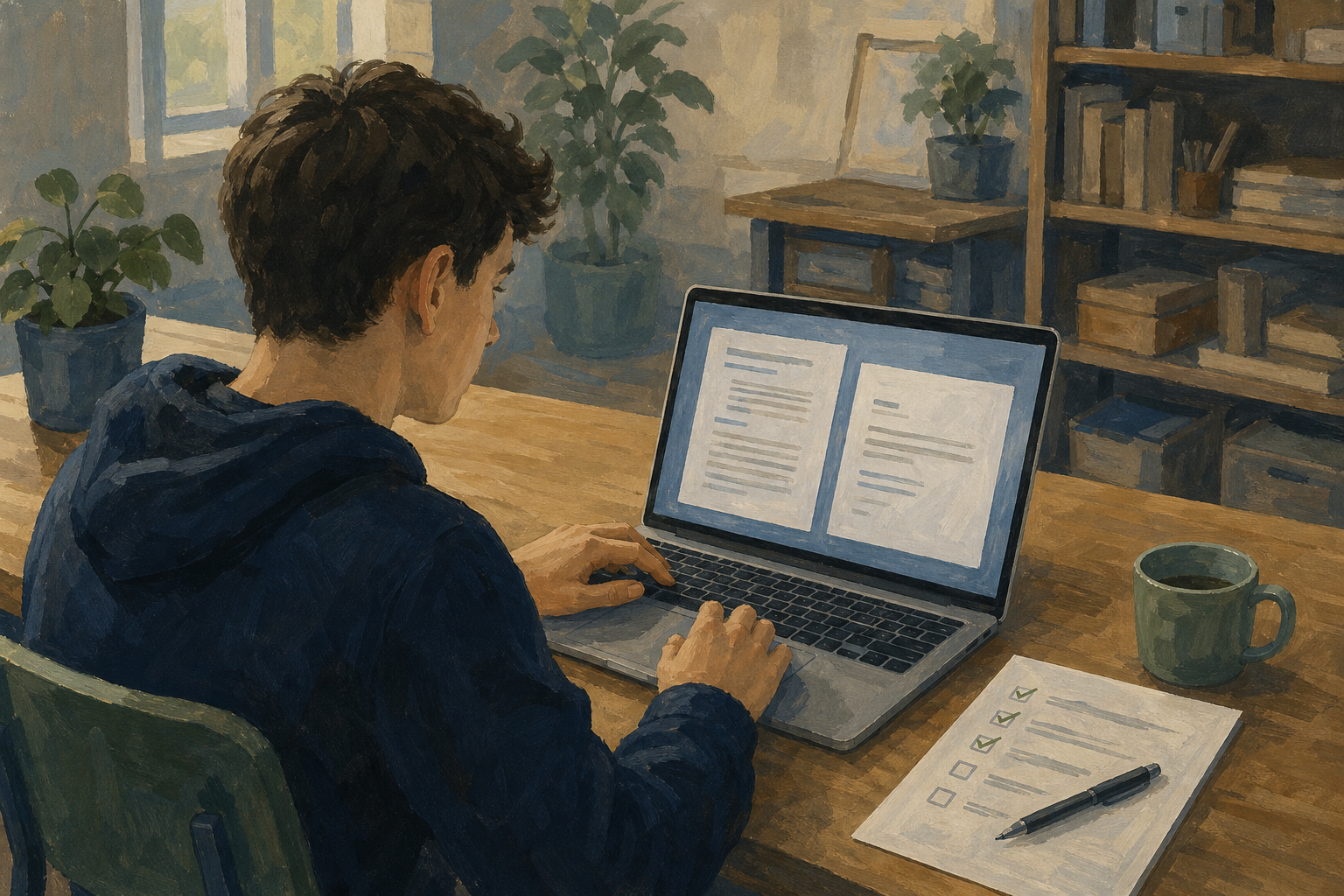
    Illustration for IntroductionToday you finish the two word-processed pieces for your Something Real project: your proposal and your formal letter. Tighten the writing, fix the layout, and leave with clean PDFs ready for your teacher to check against ICT1 KA1.

    If your drafts still feel rough, that is normal. One strong rewrite beats a font change.

    Warm-up

    Open {{code:03_proposal_draft}} from your Project Portfolio {{code:03_documents}} folder now. On the first page, underline or highlight one sentence that feels vague, filler-heavy, or longer than it needs to be. That sentence is your first rewrite target.

    Missing a file? If {{code:03_proposal_draft}} or {{code:03_letter}} is not in {{code:03_documents}}, tell your teacher now. Use their backup starter, write a short version this class, and still export a PDF so you leave with evidence ready to check.

    Today in short: edit both documents, export named PDFs, tick the KA1 checklist, and ask your teacher to verify before you leave.

    2 - Key Concepts ~5 mins

    Key point

    Today is about finishing, not starting from scratch. Use the skills you already have like an editor: tighten the writing, fix the layout, and prove every KA1 box is ticked.

    Worked sample: one tightened paragraph

    Before: "This project is something I kind of want to do because it would be good for the community and also help me with skills and stuff for work experience."

    After: "This community clean-up day will give local volunteers a clear three-hour plan and give me evidence for my Work Experience log."

    Same idea, fewer words, clearer purpose. That is the standard for both of your documents today.

    ICT1 KA1 criteria (self-check)

    For each document, you should be able to say yes to every line. Keep this table open while you edit.

    CriterionWhat "done" looks likeExample
    Created Made in a word processor, not pasted as a photo of handwriting
    Stored Saved in your Project Portfolio under {{code:03_documents}} with a clear name {{code:03_proposal_draft}} and {{code:03_letter}}
    Edited Changed from an earlier version (wording, layout, or both) You cut filler, fixed spacing, or rewrote the opening after a fresh read
    Printable Print Preview looks clean; a named PDF sits beside the editable file {{code:03_proposal_draft.pdf}} and {{code:03_letter.pdf}}
    Specific purpose A real reader and a real job for the document are obvious Proposal to plan the project; letter to request support, placement confirmation, or a meeting
    Minimum today

    Minimum to leave ready today: both documents with at least one real language edit each, one layout fix each, named PDFs in {{code:03_documents}}, and the checklist started. Extra polish is for early finishers only.

    3 - Guided Edit: Finish the Proposal ~12 mins

    Follow the guided pass on your proposal only. The letter comes next in Portfolio Build.

    Minimum path

    Minimum path (everyone before you move on): rewrite 1–2 weak sentences, make one layout fix, save, export {{code:03_proposal_draft.pdf}}. Spell-check, change note, and PDF edge-check are if time.

    Layout fixes that always count (pick one if your page is mostly body text): add a top line with your name, project title and date; or fix spacing so paragraphs are clearly separated and nothing looks cramped.

    Tip

    If the draft still feels messy, that is fine: one strong rewrite and one layout fix beat a font swap every time.

    4 - Common Issues ~3 mins

    Common Issues

    IssueSolution
    I only changed the font and called it edited KA1 needs a real edit. Rewrite at least one unclear sentence (two if you can) and fix one layout problem (name/date line, spacing, header, image wrap, or table) before you export the PDF.
    I cannot find my PDF after exporting Check your browser Downloads folder first. Move the PDF into {{code:03_documents}} beside the editable file and rename it exactly {{code:03_proposal_draft.pdf}} or {{code:03_letter.pdf}}.
    Print Preview or the PDF cuts off the edge of an image or table In the editable file, narrow margins slightly, shrink the image, or resize table columns. Save, export the PDF again with the same filename, and re-check.
    My letter does not feel like a real letter Add a clear recipient, one-sentence purpose near the start, a specific ask, and a sign-off with your name. Keep it to one page.
    Spell-check flags Irish names or my project title Do not "fix" real names into English lookalikes. Skip or add them to the dictionary, then keep reading with your own eyes for their/there and missing words.

    5 - Portfolio Build: Letter, Self-check, Verify ~25 mins

    Portfolio Build: KA1 self-check

    Your goal: Finish the letter to the same standard as the proposal, confirm four named files, and get both documents ready for your teacher to verify in class.
    Time: ~25 minutes
    Task:
    1. Finish the letter + PDF. Open {{code:03_letter}}. Fix structure, rewrite weak sentences, one layout tidy, spell-check, then export {{code:03_letter.pdf}}. Follow the numbered letter steps for your platform below.
    2. Four files + KA1 ticks. Confirm the four exact filenames, then tick only honest yeses on the self-check table.
    3. Call your teacher. Use the ready signal your teacher set. While you wait, re-open both PDFs or cut 20 words from the weaker document and re-export that PDF only.
    Success criteria:
    • {{code:03_proposal_draft}} and {{code:03_letter}} both read as finished pieces with a clear purpose tied to your Something Real project
    • You can point to one sentence you rewrote and one layout fix on each document (or you left a one-line change note at the top of each file)
    • Four named files sit in {{code:03_documents}}: {{code:03_proposal_draft}}, {{code:03_proposal_draft.pdf}}, {{code:03_letter}}, and {{code:03_letter.pdf}}, and each PDF looks clean on the page
    • You can honestly tick created, stored, edited, printable, and specific purpose for both documents, then ask your teacher to verify

    1) Letter model (same clarity bar as Key concepts)

    Weak opening: "I am writing because I kind of need help with my project and stuff if you have time."

    Stronger opening: "I am writing to ask if Centra could donate two boxes of refuse sacks for our community clean-up on 12 May."

    Every sentence should state a clear fact, action, or purpose. No "kind of" / "and stuff" filler.

    Letter structure (one page)

    • Date
    • Recipient (who you are writing to)
    • Salutation (for example Dear Ms Murphy)
    • Short body with one clear purpose and one clear ask
    • Polite sign-off and your name

    If the letter is one clean page with a real ask, you are ready for the checklist. Do not keep polishing forever.

    2) KA1 self-check (tick only what is truly true)

    CriterionProposalLetter
    Created in a word processor
    Stored in {{code:03_documents}} with a clear filename
    Edited from an earlier version
    Printable (named PDF looks clean)
    Written for a specific real purpose and reader

    If any cell is not a yes, fix that gap before you ask your teacher to verify.

    3) Four-file folder check, then call teacher

    Confirm these exact names in {{code:03_documents}}:

    • {{code:03_proposal_draft}} (editable)
    • {{code:03_proposal_draft.pdf}}
    • {{code:03_letter}} (editable)
    • {{code:03_letter.pdf}}

    While you wait for your teacher: re-open both PDFs and check edges, or cut about 20 words from the weaker document without losing meaning, save, and re-export that PDF only with the same filename.

    Minimum to leave ready: four named files plus one rewrite and one layout fix you can point to on each document.

    123learn · Online learning platform

    Unlock the full learning experience

    You're previewing this lesson. Get full access to this lesson and hundreds more — each one ready to teach, with interactive activities, printable resources and pupil progress tracking built in.

    Hundreds of curriculum-aligned lessons
    Interactive activities in every lesson
    Printable resources & progress tracking
    Copyright Notice
    This lesson is copyright of Coding Ireland 2017 - 2025. Unauthorised use, copying or distribution is not allowed.
    🍪 Our website uses cookies to make your browsing experience better. By using our website you agree to our use of cookies. Learn more