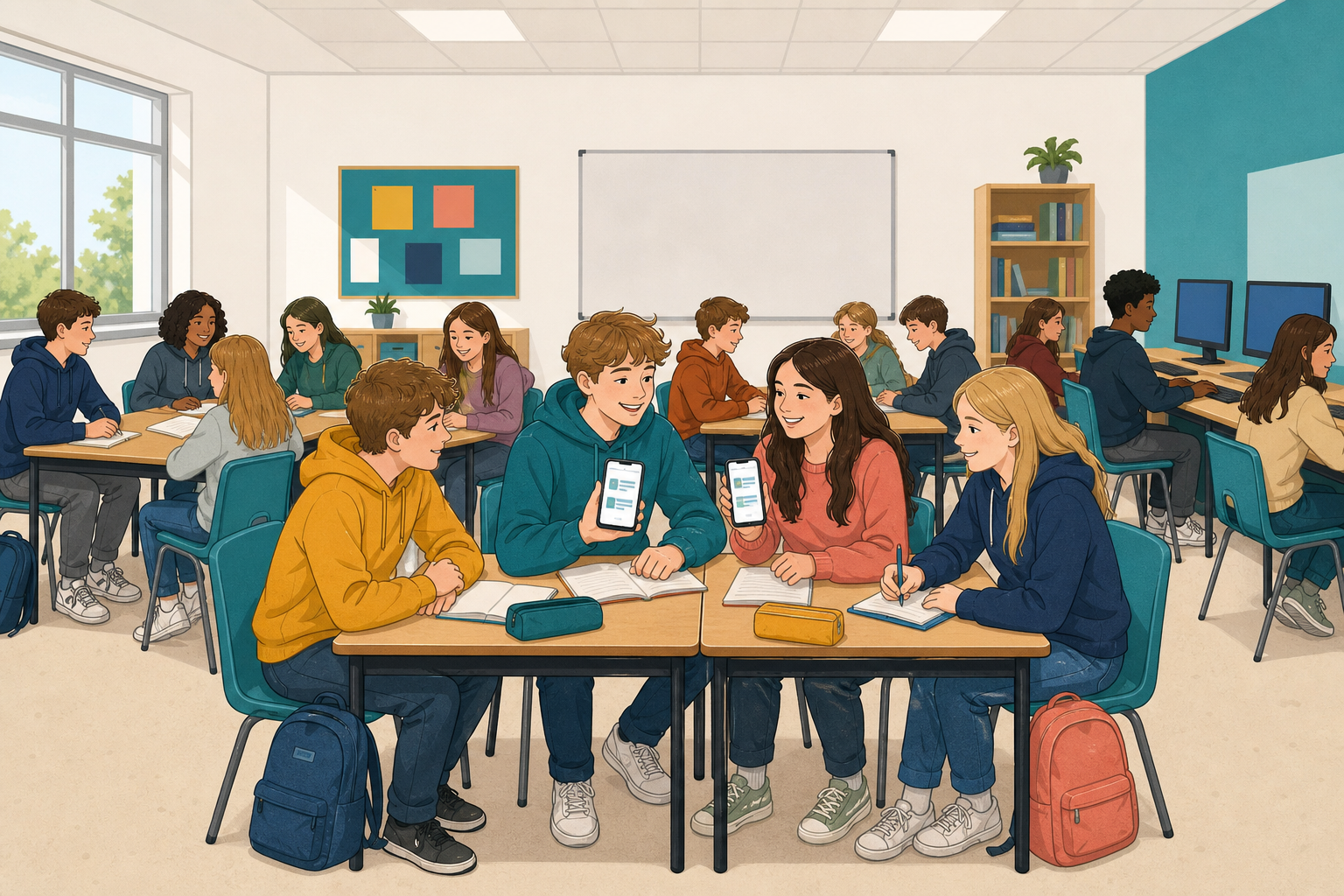
 Nobody chooses their feed. The app builds it for them, from what they watched, liked, searched for and spent time on.
Today you will build one. With a partner, you will pick an invented person and make the feed the app would make for them. Then your feed goes to another pair, and their job is to find the story that would never reach your person.
 A personalised feed shows posts picked for you from what you watched, liked or searched for. This can create a filter bubble, where you see only a small part of what is online.
Personalisation helps you find things you like, but it can also make bias stronger, because other views stop showing up.
The app picks posts using three signals, or clues. They are what you watch to the end, what you come back to, and what people like you also watched. None of them checks whether a post is true or important.
Work with a partner on one device. Choose one of the people below and build the phone screen their app would build for them. The instructions are in the activity below.
Dara, 15, Ennis. He watches every GAA highlight to the end, skips anything over a minute long and follows three gym accounts.
Leila, 14, Dublin. She watches cooking clips and skincare videos, and she saves everything. She has never once opened a news post.
Tomás, 15, Sligo. He watches gaming clips and phone reviews, and he scrolls straight past anyone talking to the camera.
Aoibhe, 14, Cork. She follows animal rescue accounts and horse riding accounts. She also follows two local pages because her sister works at one.
Marek, 15, Galway. He watches football and music from three countries, and he watches long videos that explain how things work all the way to the end.
Your work saves as you go. Keep it on your screen, because in a few minutes another pair will be given your feed.
Build your person's feed
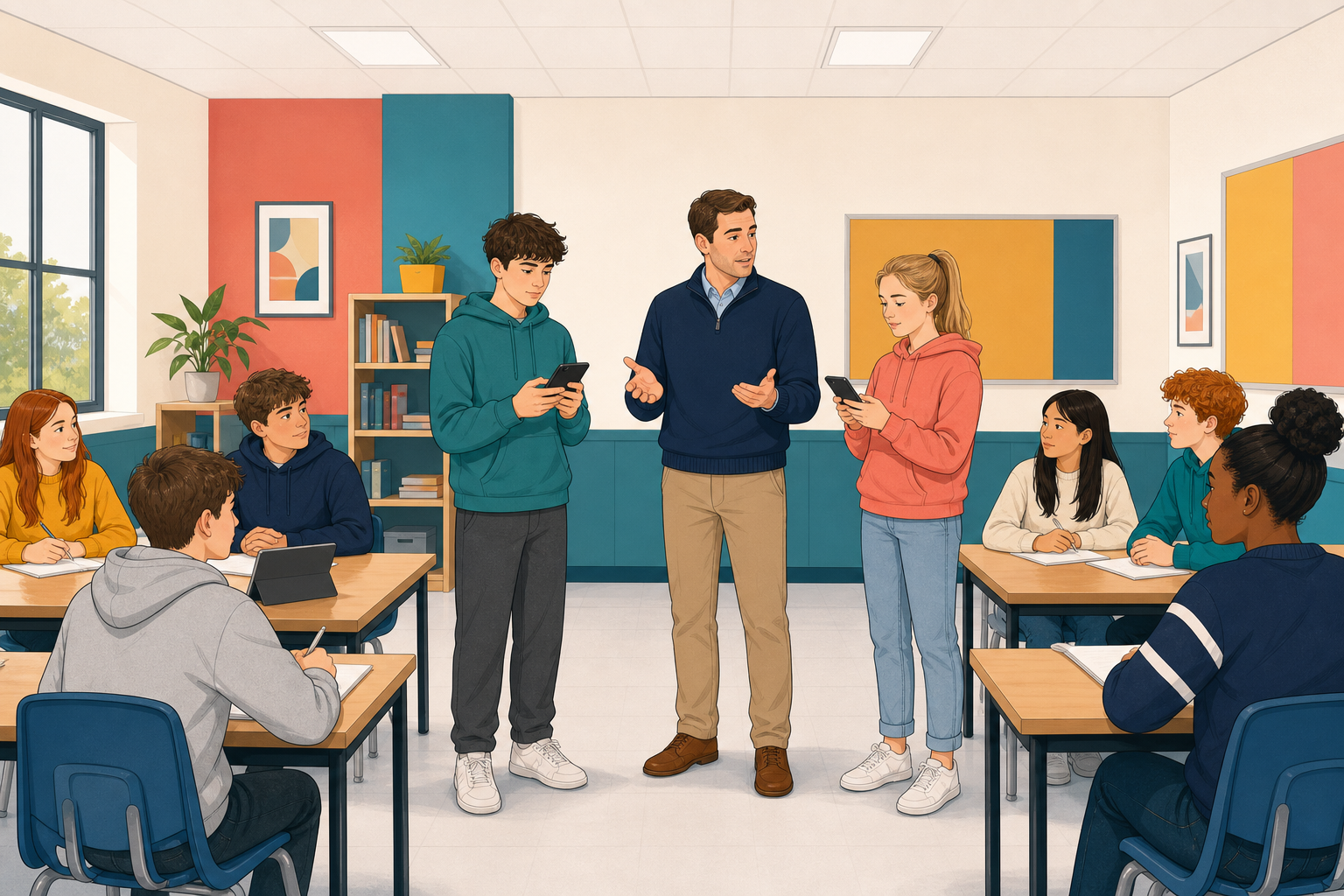
The feeds now swap, so move to the screen your teacher sends you to. The feed in front of you belongs to another pair's person.
Here are six news stories from today. Each one is about something that could matter to somebody in this class.
- A decision by the local council (the group of people who run your local area) on where a new all-weather pitch goes
- A change to how Junior Cycle exams are marked
- A local river closed after a pollution test
- A study on how much sleep teenagers actually get
- A new phone launch with a much bigger battery
- A charity asking for help after flooding two counties away
With your partner, pick the story that would never reach the person whose feed you are holding. Then prove it by pointing at the posts on the feed that show why that story would never get in.
Next, pick one story that would reach them, and say which of the three signals gets it there.
Be ready to explain both choices in one sentence each. Also say one thing this person's feed really does well for them.
Look at the feeds on the board.
- Which story did most pairs say would never reach their person? What did those feeds have in common?
- Did any story reach almost everybody? Why did it get through to so many feeds?
Nobody had to lie to these people. Their feeds showed them only a small part of what is out there, using true posts they enjoyed.
Each feed also helps its owner. For a wider view, try a fresh search or a source outside your usual apps.
Unlock the full learning experience
You're previewing this lesson. Get full access to this lesson and hundreds more — each one ready to teach, with interactive activities, printable resources and pupil progress tracking built in.
This lesson is copyright of Coding Ireland 2017 - 2026. Unauthorised use, copying or distribution is not allowed.