Digital Art
Beginner
60 mins
Teacher/Student led
+100 XP

What you need:
Chromebook/Laptop/PC

Exploring Piskel Interface

In this lesson, we'll explore the Piskel interface, learning how it works and how to create your own pixel art!
Teacher Class Feed

Load previous activity

    1 - Navigate to Piskel

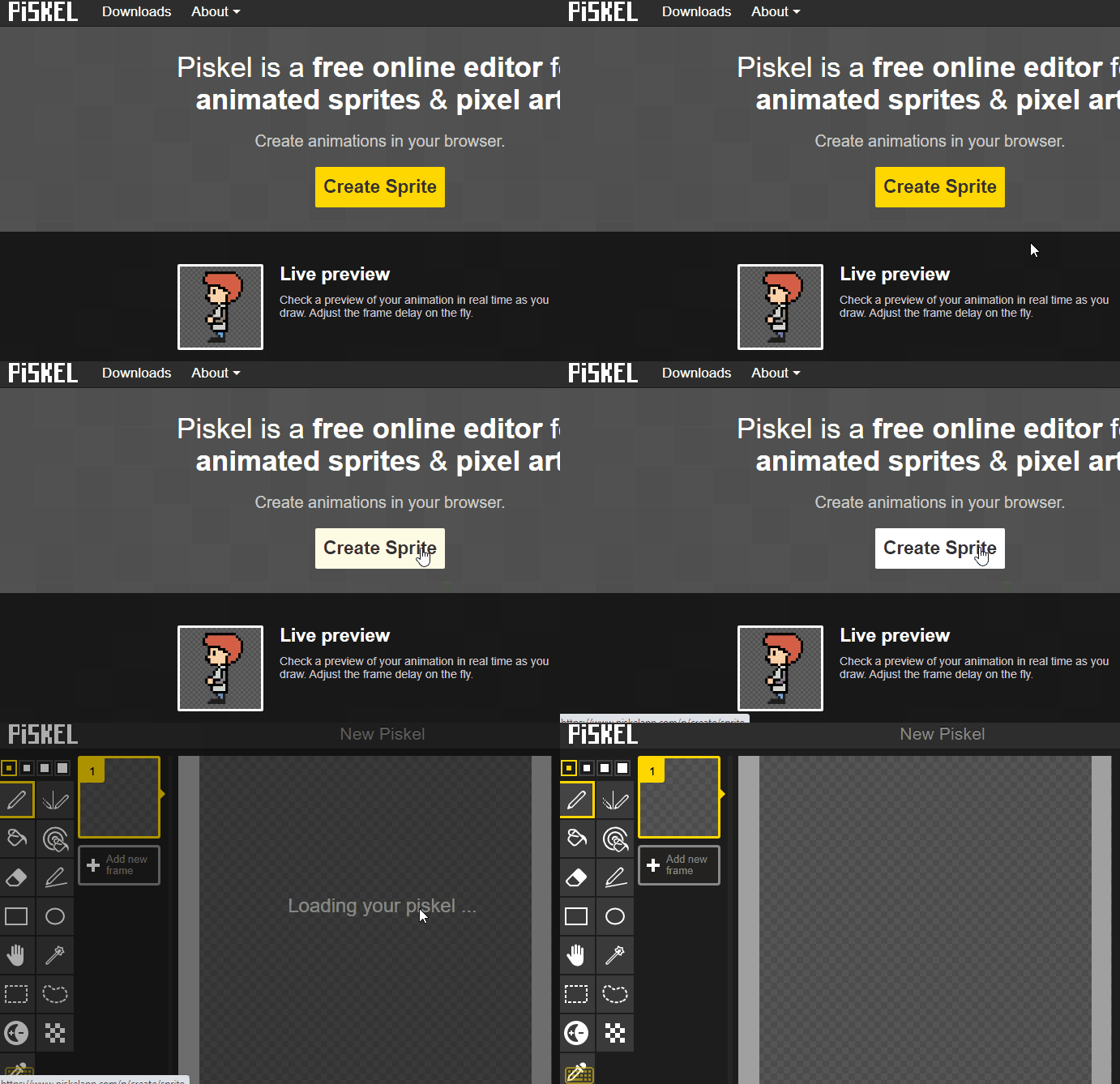
    Visit Piskel's website by clicking here. Once on the site, click on 'Create Sprite' to start a new project.

    2 - Understanding the Interface

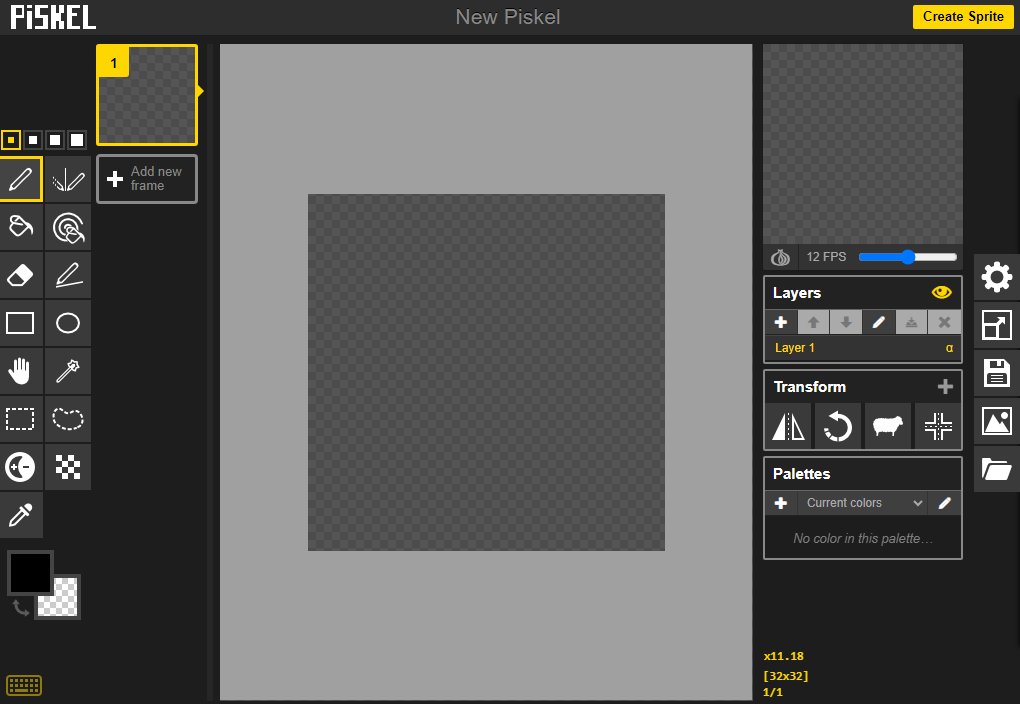
    Take a moment to look at the Piskel interface. On the left are your drawing tools, in the center is your canvas, and on the right are settings for your canvas and layers.


    3 - Use the Pen Tool

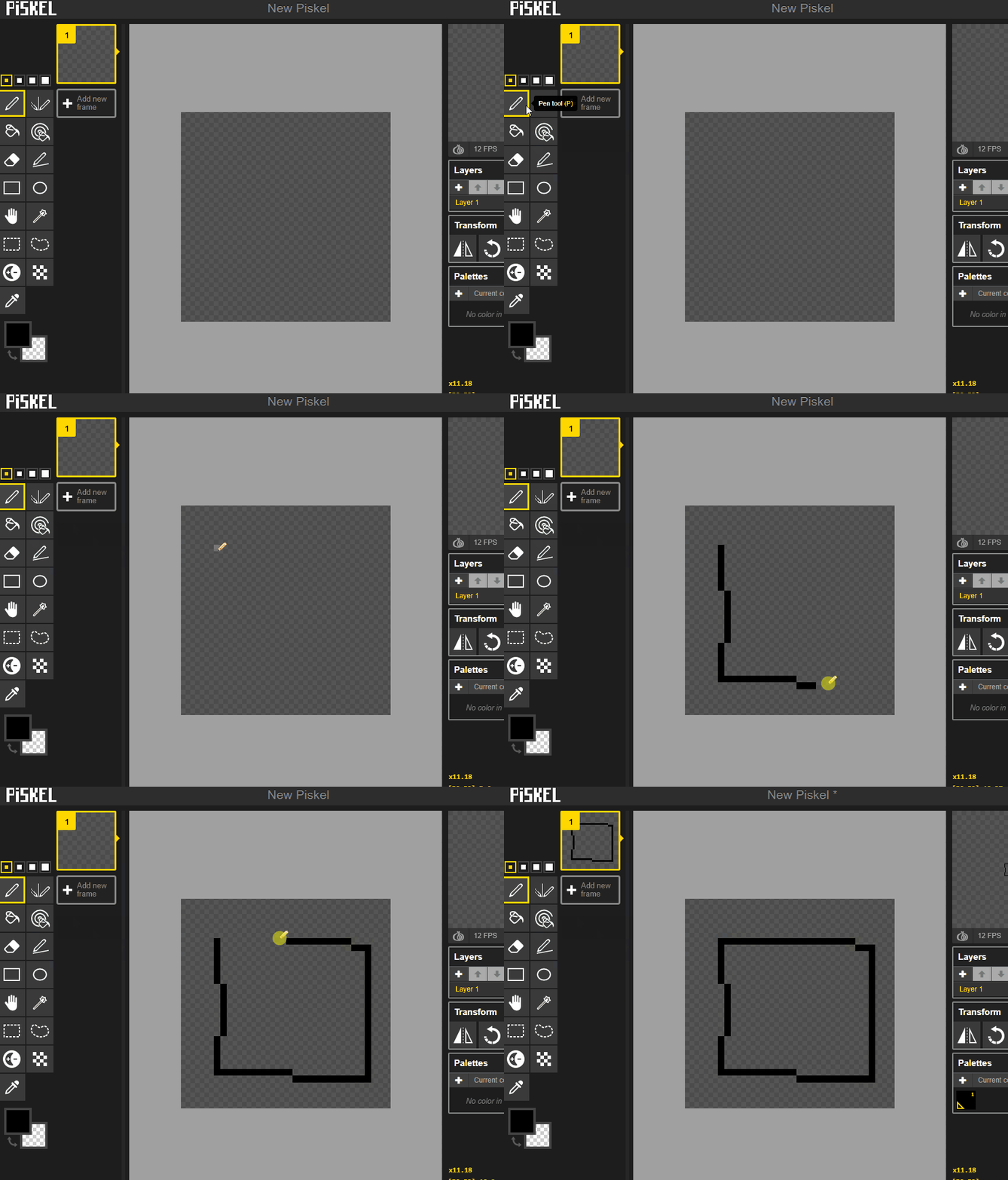
    Select the 'Pen Tool' from the left toolbar. Click on the canvas to draw pixels. Try drawing a simple shape like a square or circle.


    4 - Changing Colors

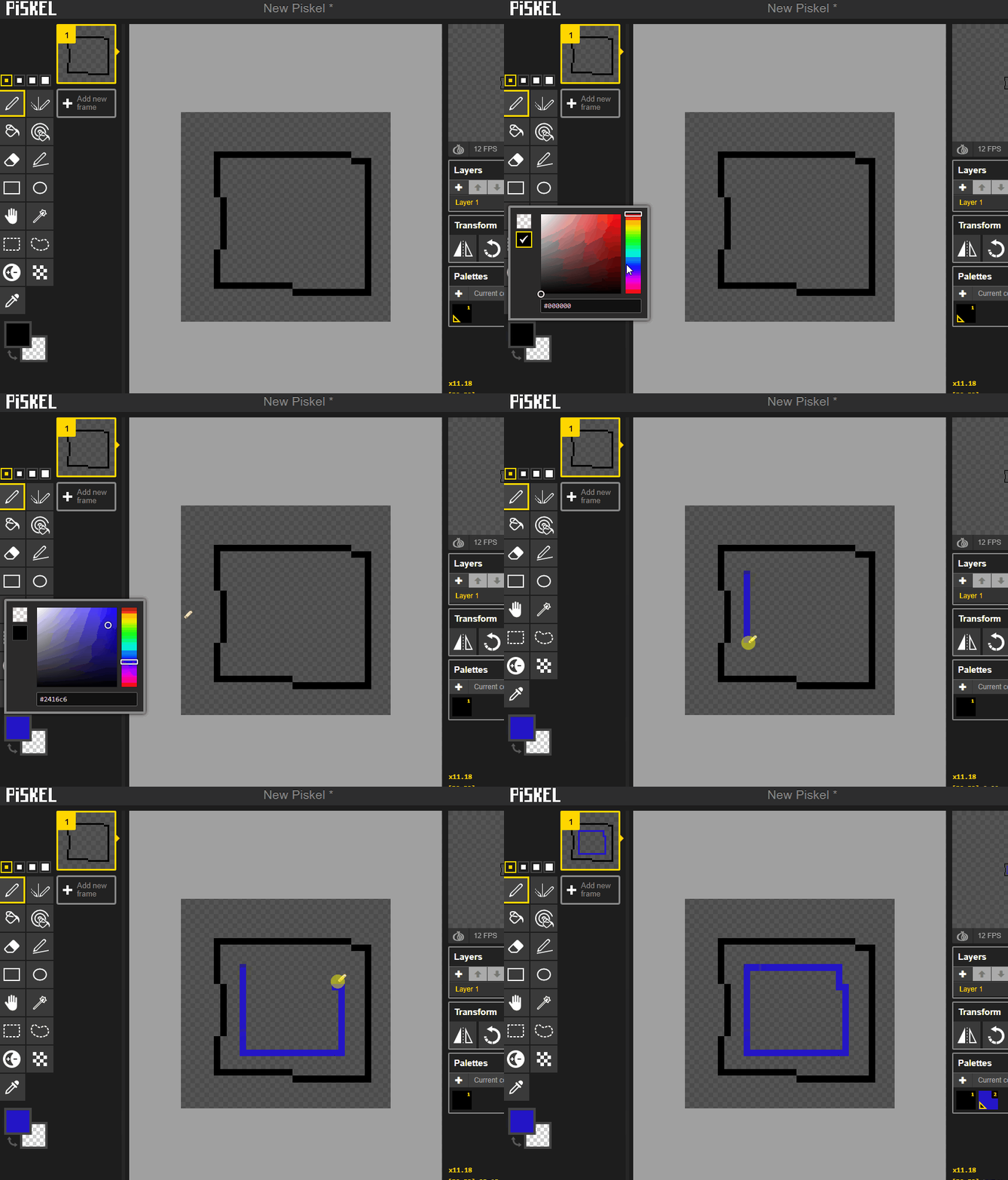
    On the right side of your screen, you'll find the color palette. Click on a color to select it, then use the 'Pen Tool' to draw with your new color.


    123learn · Online learning platform

    Unlock the full learning experience

    You're previewing this lesson. Get full access to this lesson and hundreds more — each one ready to teach, with interactive activities, printable resources and pupil progress tracking built in.

    Hundreds of curriculum-aligned lessons
    Interactive activities in every lesson
    Printable resources & progress tracking
    Copyright Notice
    This lesson is copyright of Coding Ireland 2017 - 2026. Unauthorised use, copying or distribution is not allowed.
    🍪 Our website uses cookies to make your browsing experience better. By using our website you agree to our use of cookies. Learn more