Today you will
- learn a five-part test called CRAAP
- sort some sources into trust buckets
- write a verdict on three sources in your {{code:02_search_log}}
Warm-up
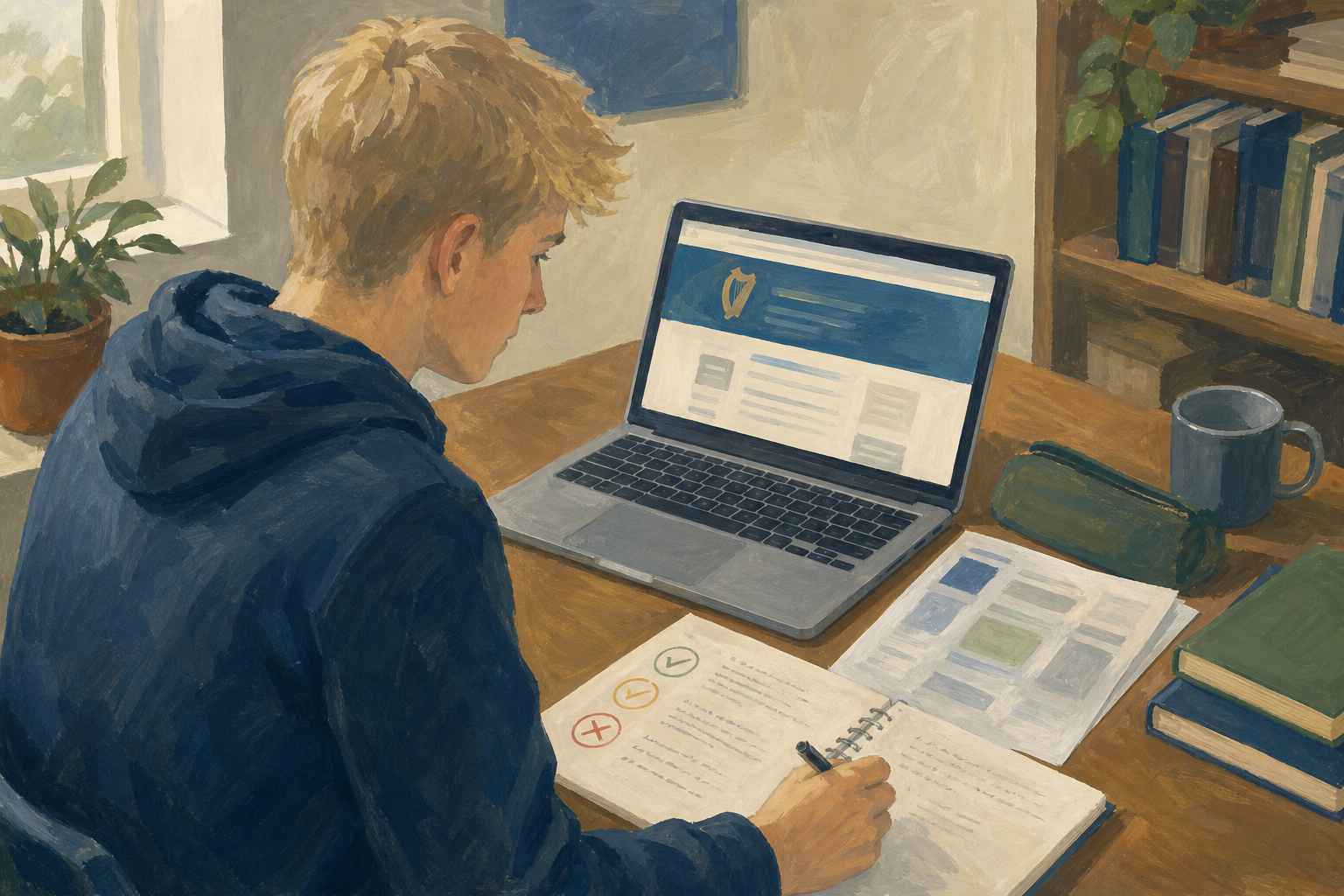 Would you trust a dietitian's plain blog with links to HSE pages? Or would you trust a glossy site that looks official but sells detox tea? Keep your answer in your head for now.
CRAAP is a five-part check for any web page, social post or AI answer.
- Currency: How old is it, and does that matter?
- Relevance: Does it answer my question here in Ireland?
- Authority: Can I name who wrote it and say why they know?
- Accuracy: Can I open something that backs up the claim?
- Purpose: Is it there to inform, persuade, sell or entertain?
Treat every AI answer as a draft and open a source it cites.
Example
Every verdict is Trust, Partial trust or Don't use.
You will sort six short claim-and-source cards into buckets. Use the CRAAP checks to decide, and follow the steps in the box below.
Trust, partial trust, or don't use?
Common snags
- You trusted it because it looked official. Ignore the logo. If you can't name the author and date, the look doesn't count.
- The AI answer sounded sure. Open one of its links. If that page doesn't back the claim, mark it Don't use.
- You can't choose between Partial trust and Don't use. If part of it is still useful, pick Partial trust and name the limit.
Portfolio Build
- Open {{code:Project_Portfolio}}, then {{code:02_research}}, then {{code:02_search_log}}.
- Pick three sources. If you used an AI tool, include one AI source. If you have fewer than three, add one.
- Under each source, type the heading {{code:CRAAP verdict}}.
- Run the five checks. Then write Trust, Partial trust or Don't use, with the main letter and a short reason.
- End each verdict with the Checked against line below, making the source name a link.
Examples:
{{code:CRAAP verdict: Trust. Currency and Accuracy hold (updated this year; WRC link backs the claim). Checked against WRC link: backed the claim.}}
{{code:CRAAP verdict: Partial trust. Useful for process tips (Authority OK: named plumber) but don't use for tax rules (Accuracy/Purpose). Checked against Revenue.ie: did not back the video's tax claims.}}
- My verdicts are saved in {{code:02_search_log}}.
- Each one says Trust, Partial trust or Don't use, with a reason.
- Each one ends with {{code:Checked against ...: backed / did not back the claim}}.
- I finished at least two in class.
Think about
- Which source looked strongest at first? Did CRAAP change your mind?
- What one habit will you keep when you use an AI answer?
Answer one question out loud or with a partner.
What you covered
- I can use CRAAP on web, social and AI sources.
- I can judge a claim by what I can check.
- I can compare my gut reaction with what CRAAP shows.
- I can write CRAAP verdicts in {{code:02_search_log}}.
Finished early?
Find a better source for one Don't use source in your log, and add it.
Unlock the full learning experience
You're previewing this lesson. Get full access to this lesson and hundreds more — each one ready to teach, with interactive activities, printable resources and pupil progress tracking built in.
This lesson is copyright of Coding Ireland 2017 - 2025. Unauthorised use, copying or distribution is not allowed.