Game Microbit
Beginner
30 mins
Teacher/Student led
+135 XP

What you need:
Chromebook/Laptop/PC
Microbit

Emojis

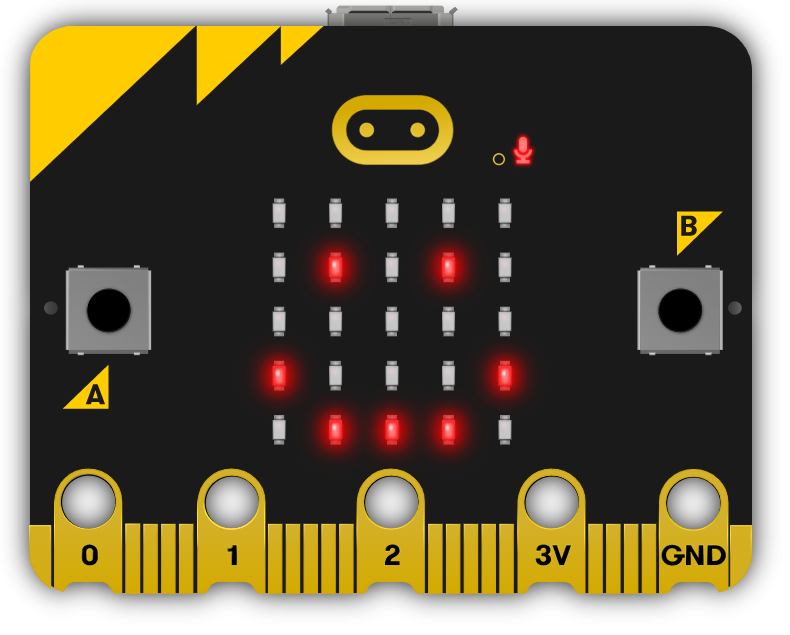
Is our Microbit happy or sad? In this lesson we make it show lots of different faces.
Teacher Class Feed

Load previous activity

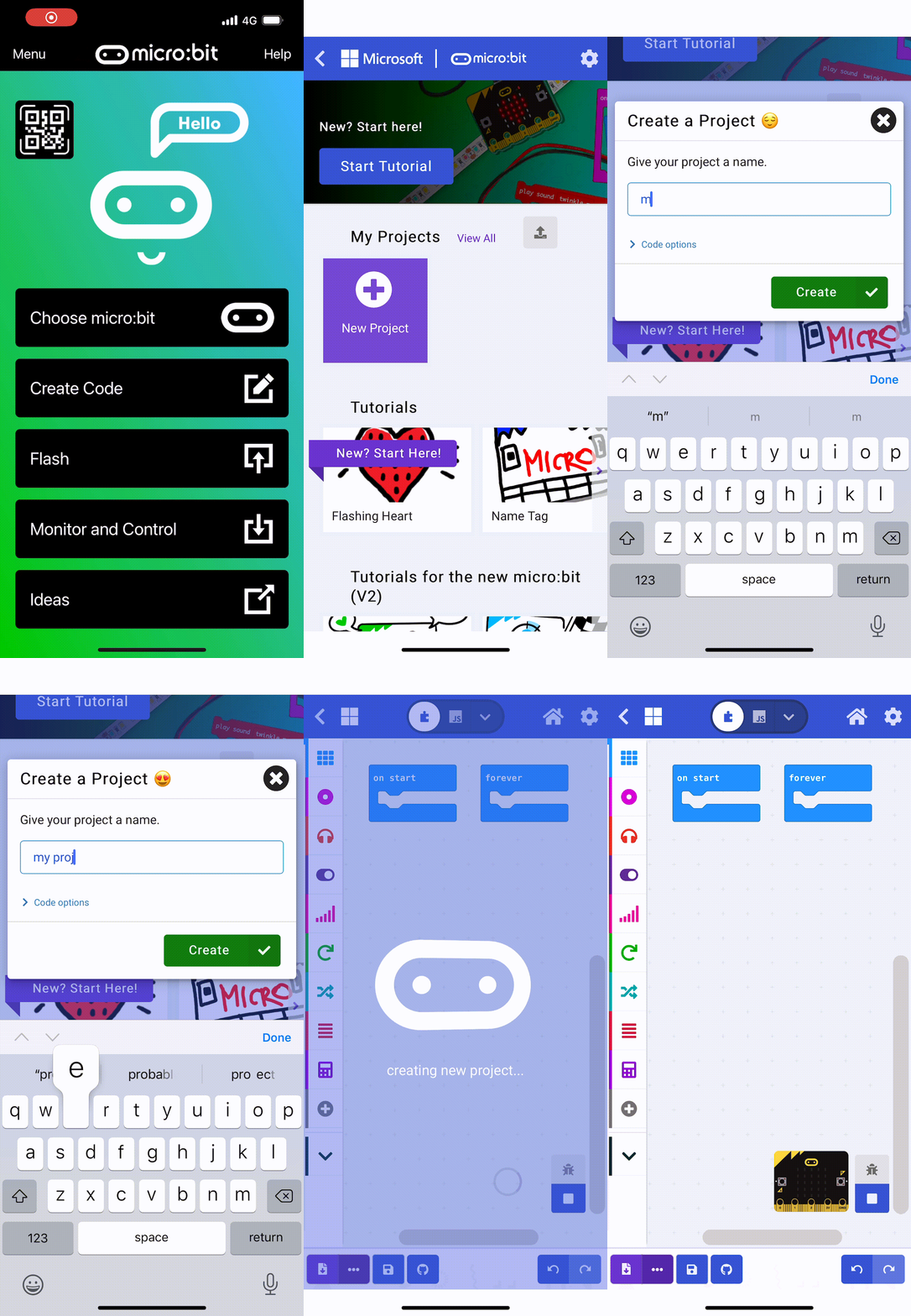
    1 - Create a new Microbit project

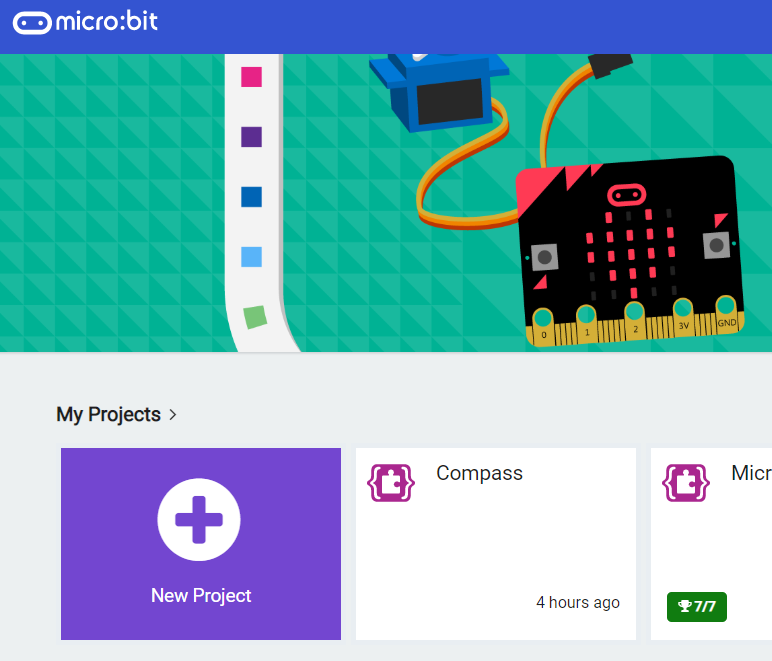
    Go to the makecode.com website and start a new Microbit project.

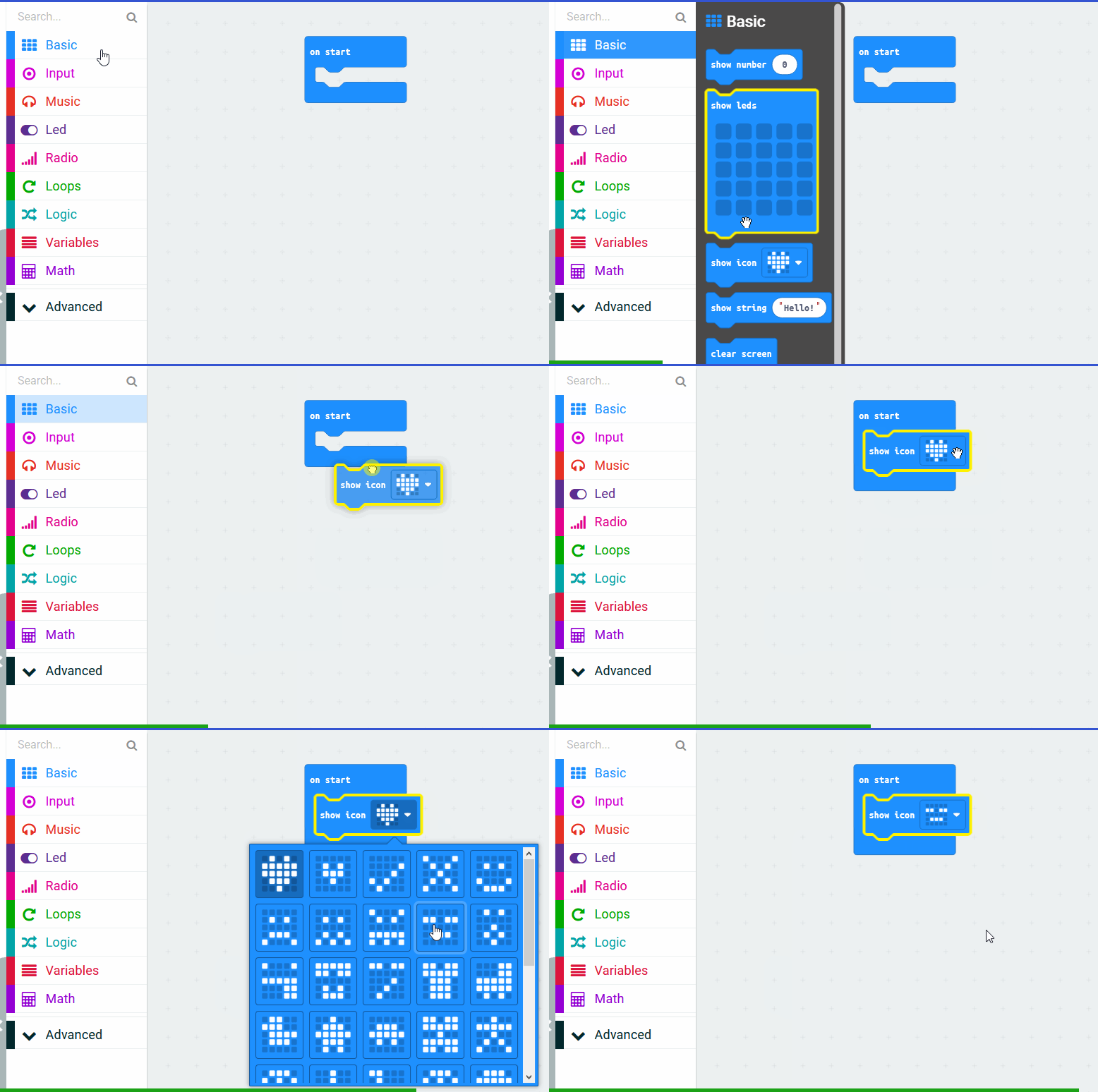
    2 - Show the asleep face

    In this lesson we're going to make our Microbits show different faces. At start let's show the asleep face, add the following code.

    basic.showIcon(IconNames.Asleep)


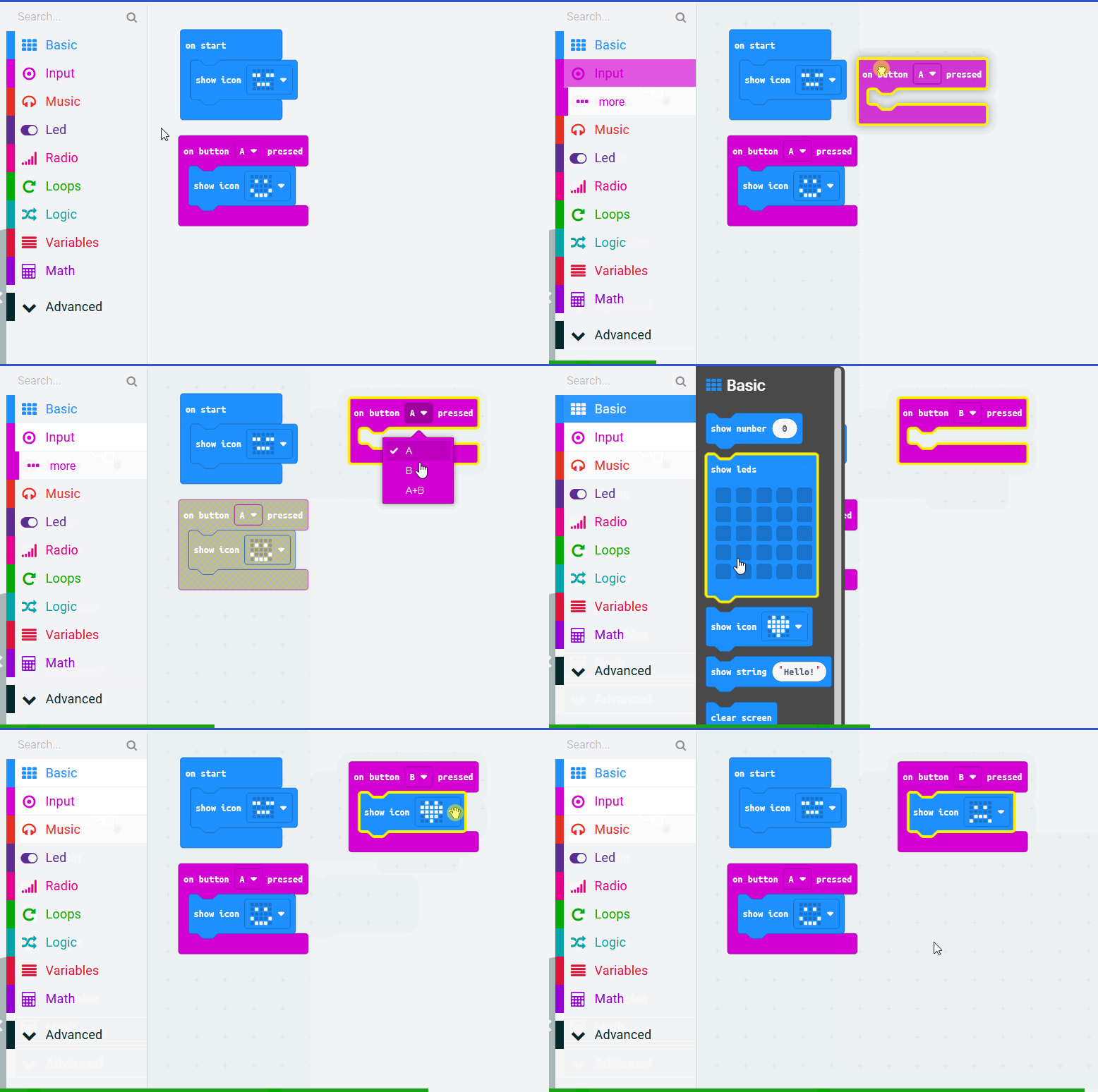
    3 - Make it happy

    Now let's program the A button to make our Microbit happy by showing the happy face. Add the following code.

    input.onButtonPressed(Button.A, function () {
        basic.showIcon(IconNames.Happy)
    })


    4 - Make it sad

    Now let's program the B button to make our Microbit sad by showing the sad face. Add the following code.

    input.onButtonPressed(Button.B, function () {
        basic.showIcon(IconNames.Sad)
    })


    123learn · Online learning platform

    Unlock the full learning experience

    You're previewing this lesson. Get full access to this lesson and hundreds more — each one ready to teach, with interactive activities, printable resources and pupil progress tracking built in.

    Hundreds of curriculum-aligned lessons
    Interactive activities in every lesson
    Printable resources & progress tracking
    Copyright Notice
    This lesson is copyright of Coding Ireland 2017 - 2026. Unauthorised use, copying or distribution is not allowed.
    🍪 Our website uses cookies to make your browsing experience better. By using our website you agree to our use of cookies. Learn more