Mathematics Scratch
Expert
60 mins
Teacher/Student led
+220 XP

What you need:
Chromebook/Laptop/PC or iPad/Tablet

Earth and Moon Orbits

In this project we will program the earth to orbit around the sun and the moon to orbit around the earth. We will also trace their paths to visualise their orbits.
Teacher Class Feed

Load previous activity

    1 - Create a new Scratch project

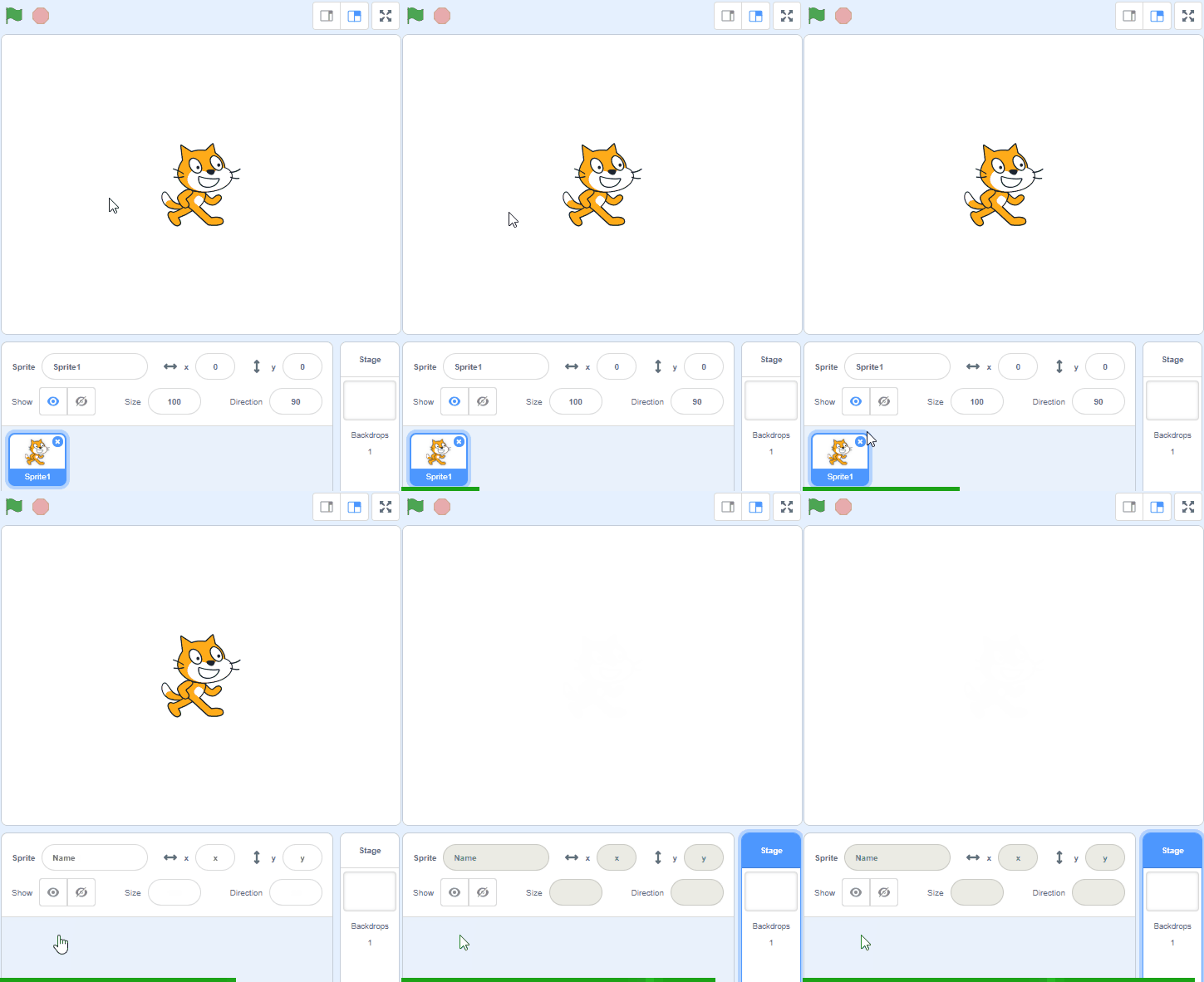
    Create a new Scratch project and delete the cat sprite.

    2 - Add the Stars backdrop

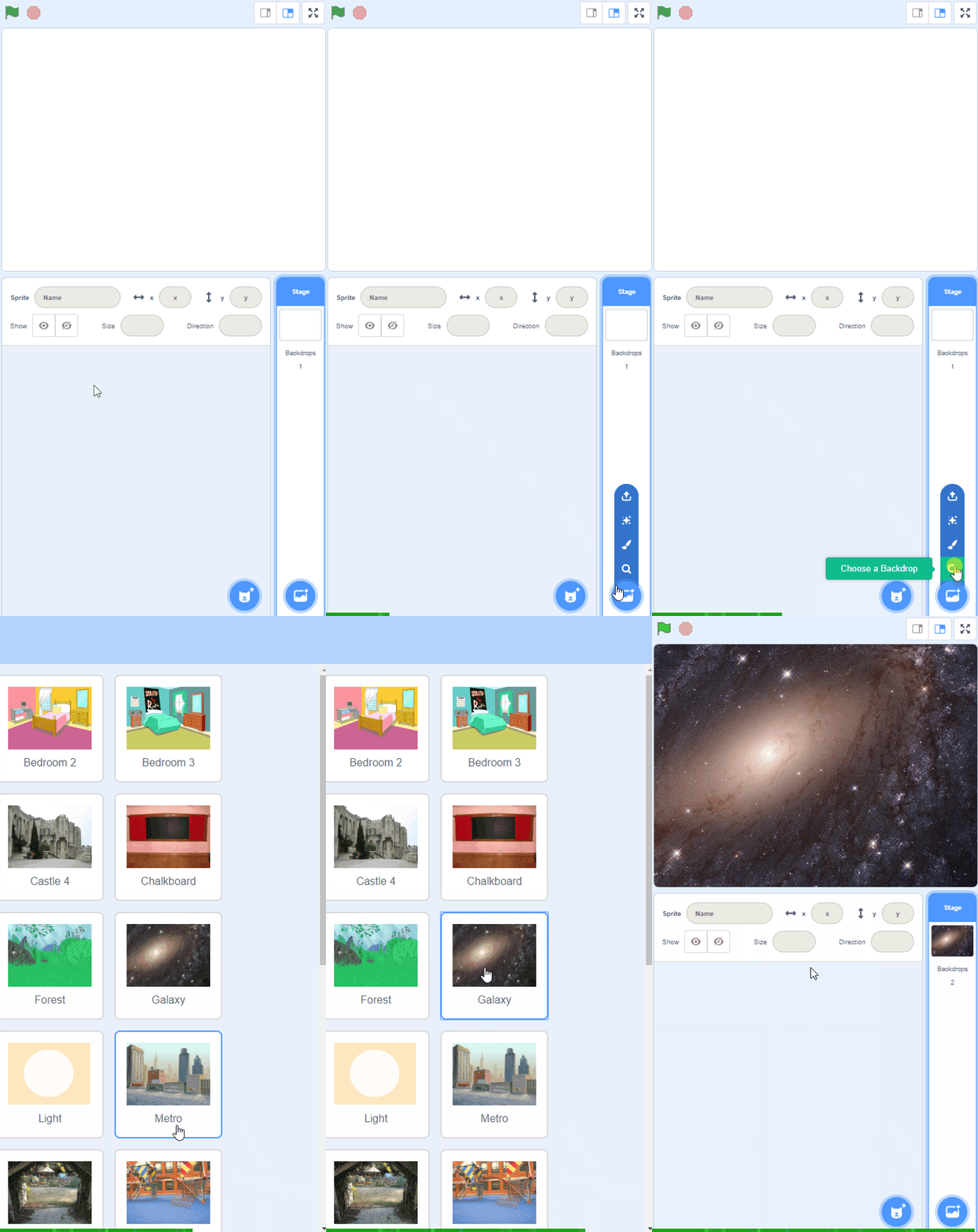
    Open the backdrop library and add the Stars backdrop to your project.


    3 - Add the Sun

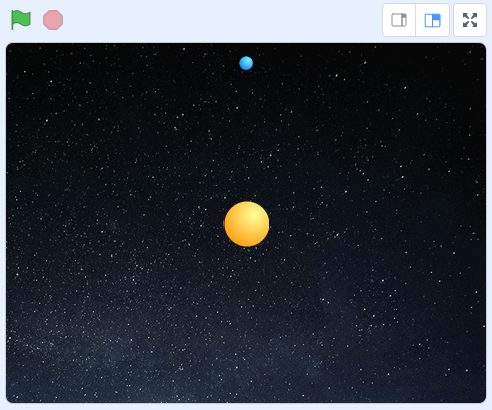
    Add the Ball sprite from the sprite library to your project. This is going to represent the sun.

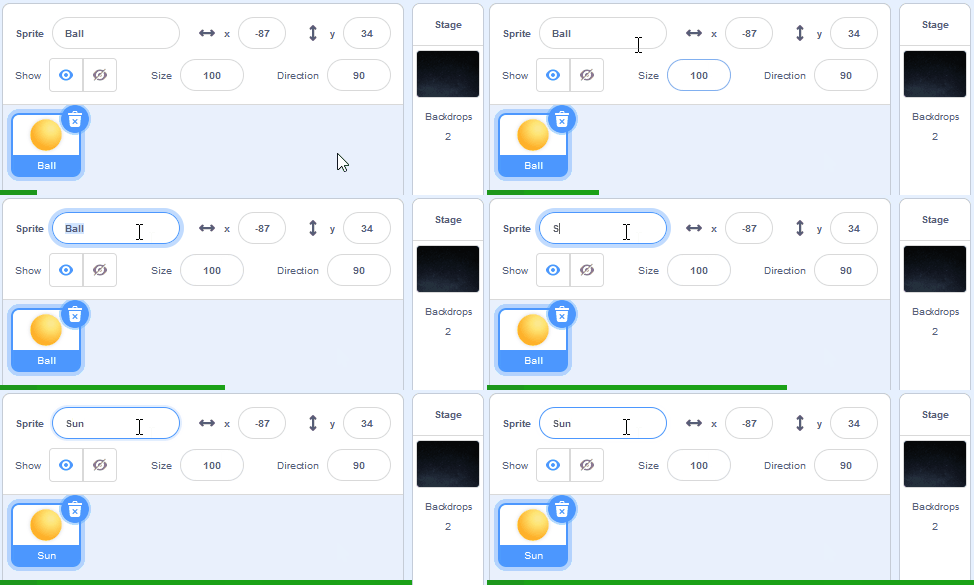
    Rename the sprite to be called 'Sun' and then add the following code to it so that it appears in the center of the stage area.

    when green flag clicked go to x (0) y (0)


    4 - Add the Earth

    Again we're going to add another Ball sprite to our project, but this time we will choose the 'ball-b' costume to make it blue like the earth.

    Add the Ball sprite from the sprite library to your project, rename it to be called 'Earth' and then add the following code to it so that it appears smaller than the sun.

    when green flag clicked switch costume to (ball-b v) set size to (30) % go to x (0) y (160)


    123learn · Online learning platform

    Unlock the full learning experience

    You're previewing this lesson. Get full access to this lesson and hundreds more — each one ready to teach, with interactive activities, printable resources and pupil progress tracking built in.

    Hundreds of curriculum-aligned lessons
    Interactive activities in every lesson
    Printable resources & progress tracking
    Copyright Notice
    This lesson is copyright of Coding Ireland 2017 - 2026. Unauthorised use, copying or distribution is not allowed.

    Scratch is developed by the Lifelong Kindergarten Group at the MIT Media Lab. It is available for free at https://scratch.mit.edu
    🍪 Our website uses cookies to make your browsing experience better. By using our website you agree to our use of cookies. Learn more