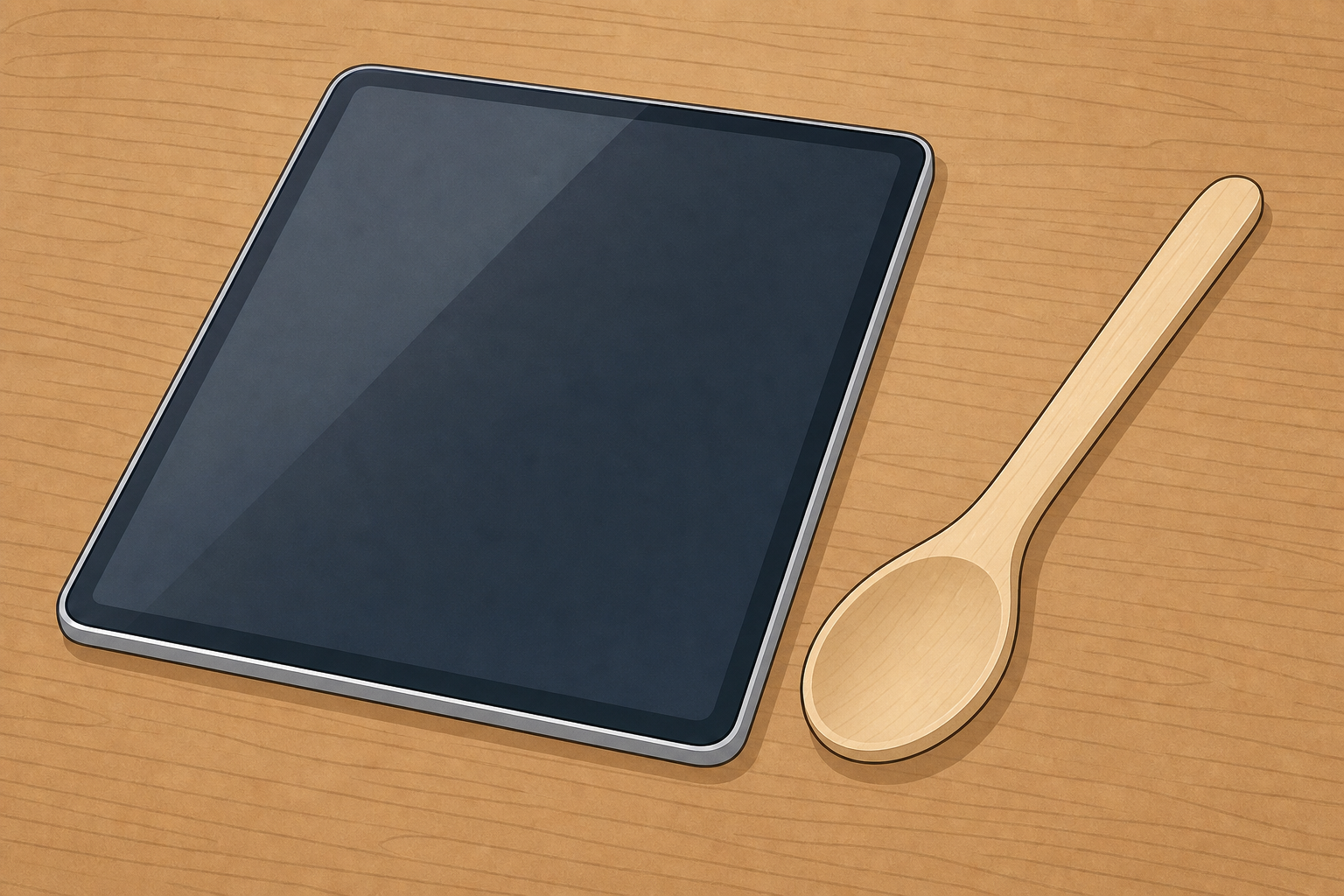
Look at these two helpers on the table. One of them has a screen you can tap. The other one has no screen at all. Which helper is which?
Hold up a tablet (or a picture of one) and a wooden spoon. Ask: Which one has a screen? Which one does not? Keep it light: one question, two objects. Do not name digital or non-digital yet.
Have the two objects ready to show. Keep the full tray nearby so you can bring it into view in the next step.
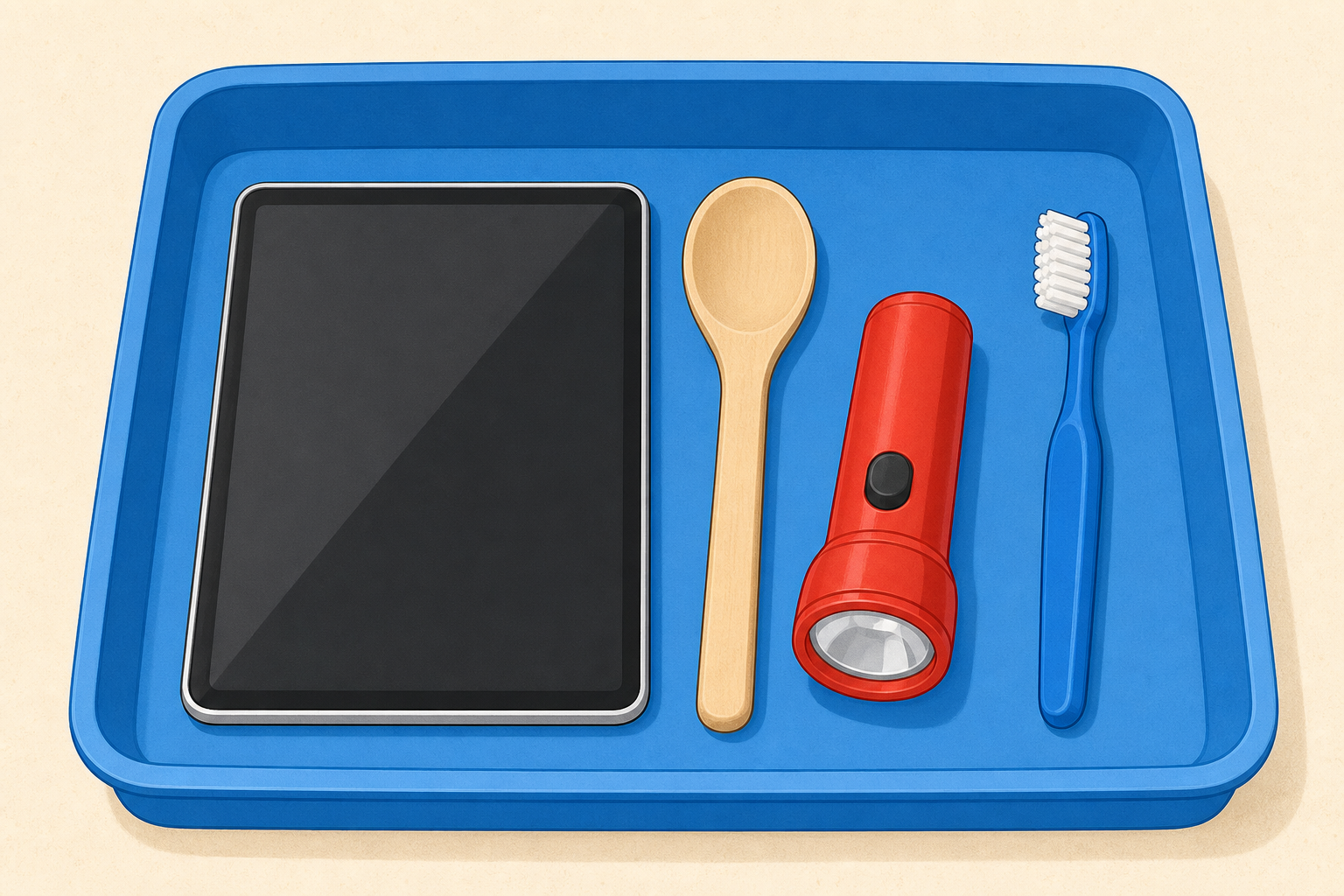
Some helpers have a screen or buttons. Some have no screen and no buttons. Look at our tray. Which ones have a screen or buttons?
Bring the full tray of helpers into clear view now (tablet or picture, remote, picture of a real microwave, wooden spoon, hand bell, child-safe scissors). Point to picture cues if you have them: a simple screen-and-buttons picture, and a hand-tool picture.
| Concept | Why it matters | Example |
|---|---|---|
| Digital — a helper that uses power and you control with a screen or electronic buttons | Children meet powered helpers with screens or electronic buttons all day, and need a simple way to spot them | A tablet has a screen; a remote has electronic buttons; a microwave has buttons and often a small display |
| Non-digital — a helper with no screen and no electronic buttons | Lots of useful helpers have no screen at all, and they still help us every day | A spoon scoops food; scissors cut paper; a bell rings when you shake it |
Board talk: keep the IWB to the short child rule only (screen or buttons / no screen, no buttons). Hold the words digital and non-digital as optional oral labels for later, after children have looked and sorted.
What to expect: children will spot the tablet and remote. Some may think a microwave is not like the others because it is in the kitchen; gently point to the buttons and the little display.
Misconception to head off: screen or buttons does not mean "new" or "fancy". A simple remote counts because it has electronic buttons and uses power. A shiny metal spoon still has no screen and no electronic buttons. Do not use a basic torch as an example of digital; a simple on/off torch is electrical, not a clear digital helper for this age.
Prefer a picture of a real microwave so children see buttons and a display on a powered kitchen helper. If you only have an unpowered toy microwave, say once: This toy stands for a real microwave that plugs in and uses power — we are looking at the buttons and the little display.
Ask: Does this one have a screen or buttons, or not? Keep guesses oral. Guesses are never wrong.
Watch carefully as we look at each helper. Does it have a screen? Does it have buttons? Point and tell your partner what you notice.
Teacher-held show-and-tell (or a short front-of-class carousel if the class is small). Hold each object up so every child can see. For each one, ask: Can you see a screen? Can you see buttons? Invite partners to point and whisper before you take a few whole-class answers.
With one of each object per class, do not promise every child a long turn handling every item. Bring objects close along the front row if safe, then hold them high for the back.
Look-fors:
Keep the beat short and oral. This is looking, not sorting yet. No diagram or written record in this step.
Two hoops: screen or buttons, or not. We all help decide where each helper goes.
Lay out two hoops (or two labelled trays) on the floor or a low table. Label them with picture cues: one with a simple screen-and-buttons picture, one with a hand-tool picture. Use the real safe objects and the picture cards together so every child has something to place when it is their pair's turn.
Suggested set: tablet (or picture), remote control, picture of a real microwave with buttons and display visible, wooden spoon, hand bell, child-safe scissors. Do not add a torch as a digital example. Prefer the microwave picture so the "uses power" idea stays clear. If you only have an unpowered toy microwave, say once before it is placed: This toy stands for a real microwave that plugs in and uses power — we are looking at the buttons and the little display.
Model one place first: hold the remote, say This has buttons and uses power, so it goes in the screen-or-buttons hoop, and place it. Then invite pairs to take turns placing the rest. Before each place, fold the watching class in: choral screen or buttons, or not? or a quick agree/disagree thumbs signal. Ask the pair (and one watcher) to say the reason before the object goes in.
Purpose prompt (build the "what is it for?" objective here): after two or three places, pause and ask, e.g. What is the remote for? What is the spoon for? Keep answers to one short sentence each so the objective is not left only for the final talk.
Look-fors:
Keep small parts in sight. Child-safe scissors only; lids stay on any toy devices.
After the sort, you may gently name the groups: Helpers with a screen or electronic buttons are the ones we call digital. Helpers with none are the ones we call non-digital. Lead with the child rule first.
Quick check on the board. Listen to the question: Has it got a screen or buttons? Help us put each picture in the right hoop.
Open the picture-sort interactive on the IWB in explore mode. This is a short consolidate, not a full second sort of all six items. Read the one question aloud: Has it got a screen or buttons?
Four cards appear: microwave (often needs a second look), tablet, book (new classroom helper), scissors.
Invite children to call out where each card goes. Drag each one as the class decides. Nothing is scored — a card in the wrong hoop is a conversation: look again together.
Two hoops on screen:
After the check, ask one purpose question: What is one of these helpers for?
You're previewing this lesson. Get full access to this lesson and hundreds more — each one ready to teach, with interactive activities, printable resources and pupil progress tracking built in.