Python Computer Science
Beginner
80 mins
Teacher/Student led

What you need:
Chromebook/Laptop/PC

Data Types in Backend

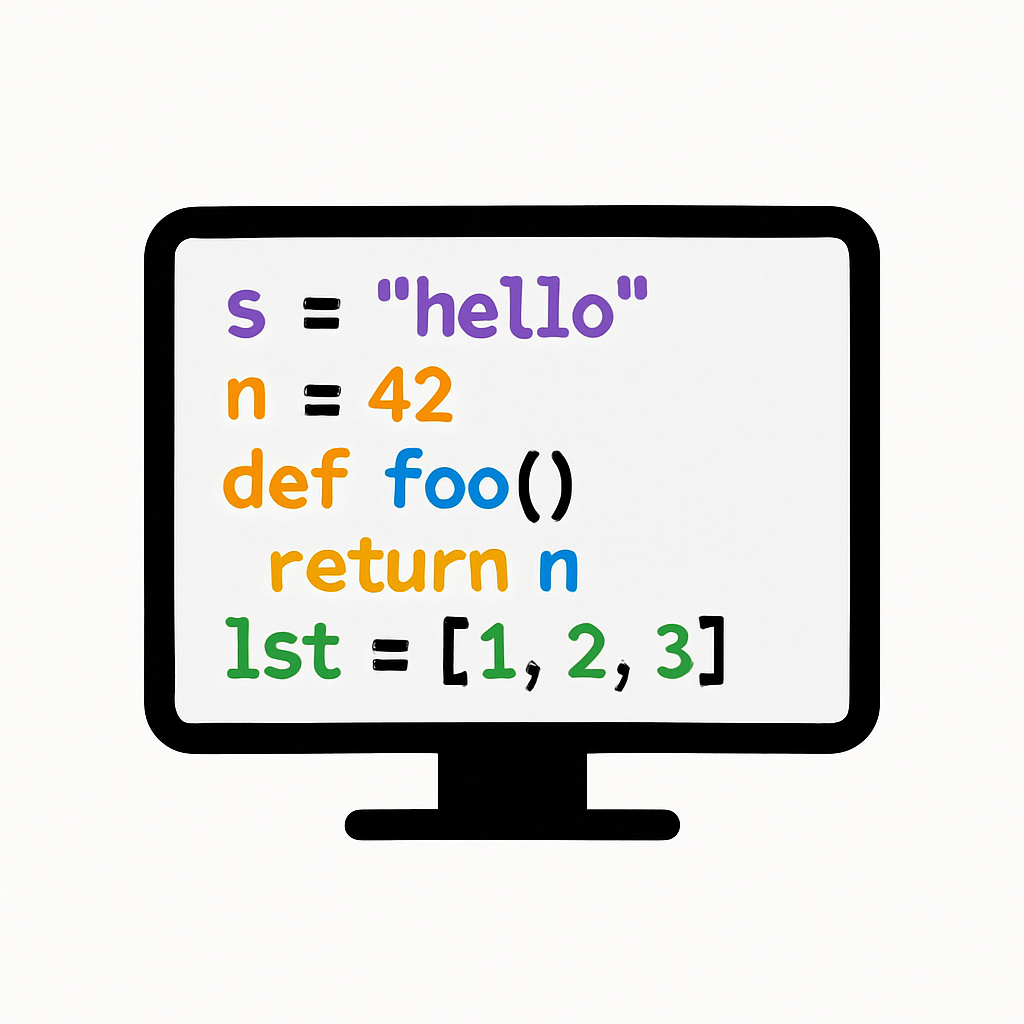
In this lesson, you'll learn about common data types in Python and how to apply them in Flask apps. Follow steps to set up a project, handle strings, integers, lists, and dictionaries, and test data processing in a backend context.
Teacher Class Feed

Load previous activity

    1 - Introduction

    In this lesson, you'll explore common data types in Python and how to use them in Flask apps. This builds on handling requests, focusing on strings, integers, lists, and dictionaries in a backend context.

    Data types are fundamental in programming, defining the kind of data you can work with. You'll create a Flask app that processes different data types from user inputs. Here's what you'll do:

    1. Set up a new project.
    2. Handle string data.
    3. Work with integers.
    4. Use lists and dictionaries.
    5. Test and process data.

    By the end, you'll understand how to manage various data types in web backends.

    2 - Create a Project Folder

    To start, create a folder for this lesson's project to keep things organised.

    1. On your computer, create a new folder named 'FlaskDataTypes'.
    2. Open VS Code and select File > Open Folder, then choose 'FlaskDataTypes'.

    With your folder ready, next you'll set up the environment.

    3 - Create the Environment

    Create a virtual environment for your project.

    1. Open Command Palette: View > Command Palette.
    2. Type 'Python: Create Environment' and select it.
    3. Choose 'Venv'.
    4. Select your Python version.
    5. VS Code creates a '.venv' folder.

    4 - Create a New Terminal and Install Flask

    Open a terminal in VS Code to install Flask if needed.

    1. Go to View > Terminal.
    2. Run: pip install flask.
    3. Wait for installation to finish.
    123learn · Online learning platform

    Unlock the full learning experience

    You're previewing this lesson. Get full access to this lesson and hundreds more — each one ready to teach, with interactive activities, printable resources and pupil progress tracking built in.

    Hundreds of curriculum-aligned lessons
    Interactive activities in every lesson
    Printable resources & progress tracking
    Copyright Notice
    This lesson is copyright of Coding Ireland 2017 - 2026. Unauthorised use, copying or distribution is not allowed.
    🍪 Our website uses cookies to make your browsing experience better. By using our website you agree to our use of cookies. Learn more