Digital Art
Beginner
45 mins
Teacher/Student led
+100 XP
 Chromebooks, laptops, and PCs are crucial tools for coding and digital skills education. Chromebooks are ideal for web-based applications and collaborative projects, while laptops and PCs support a wider range of programming environments and software for more intensive tasks like software development and data analysis.
Creating Your First Pixel Art
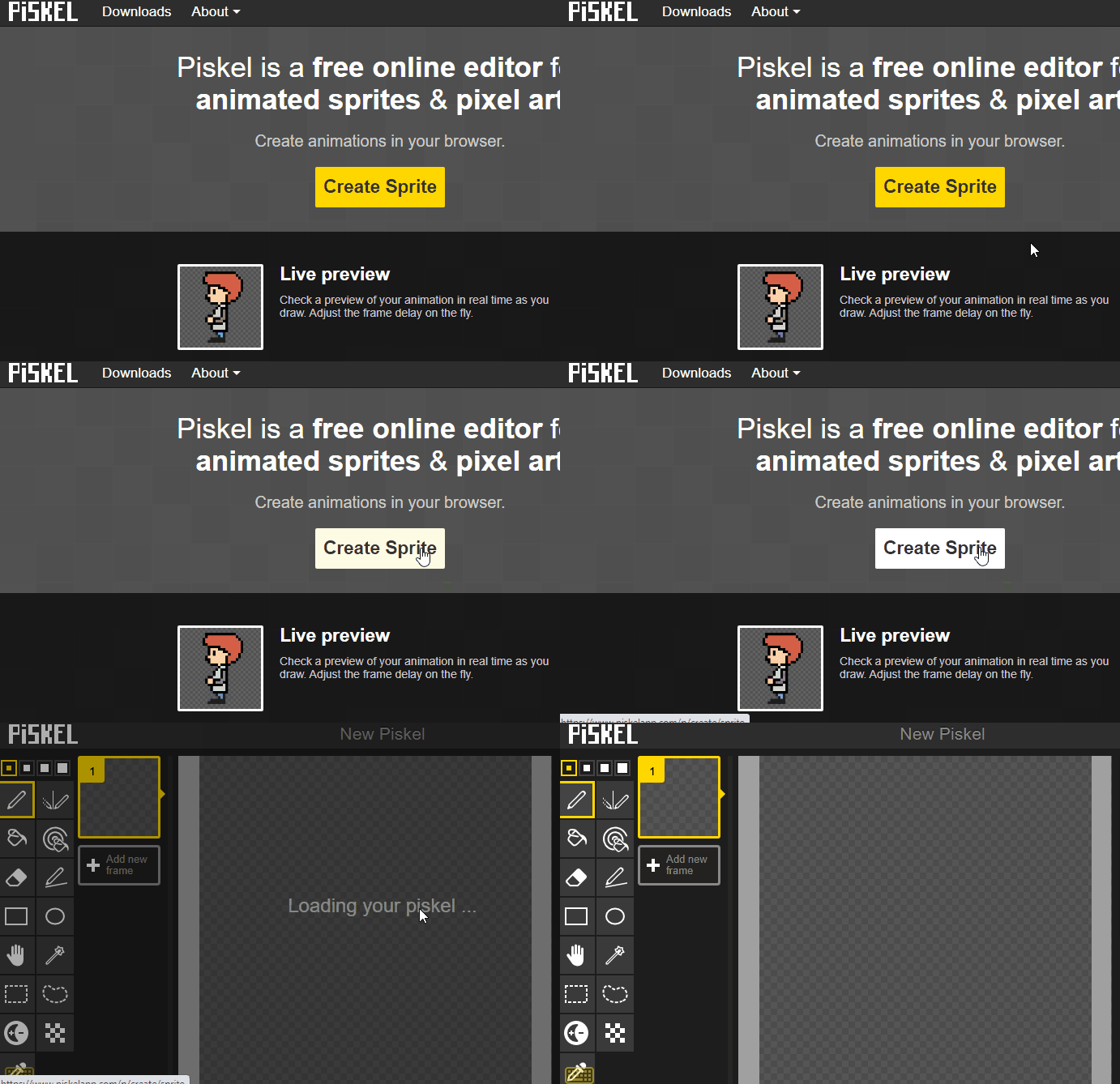
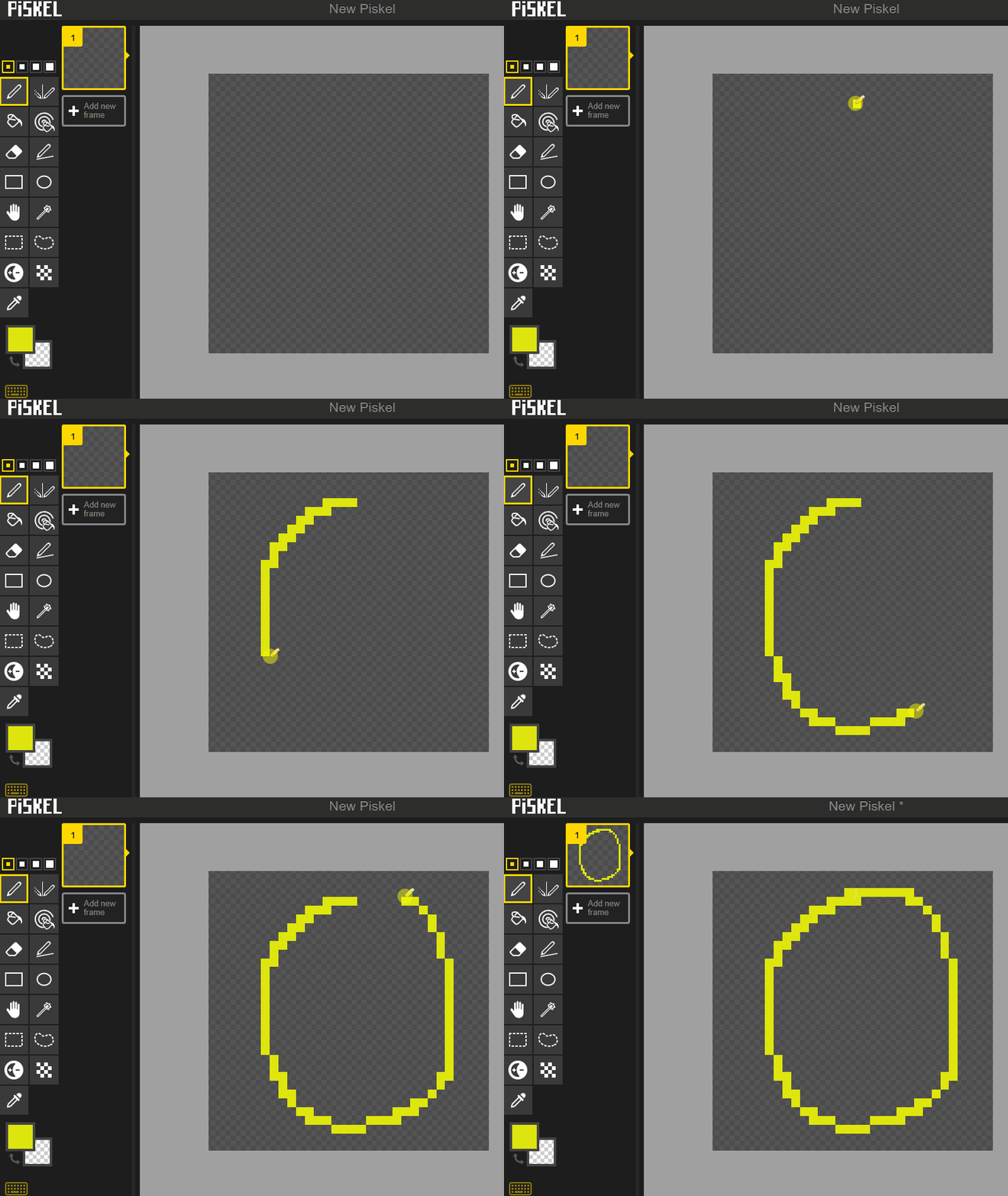
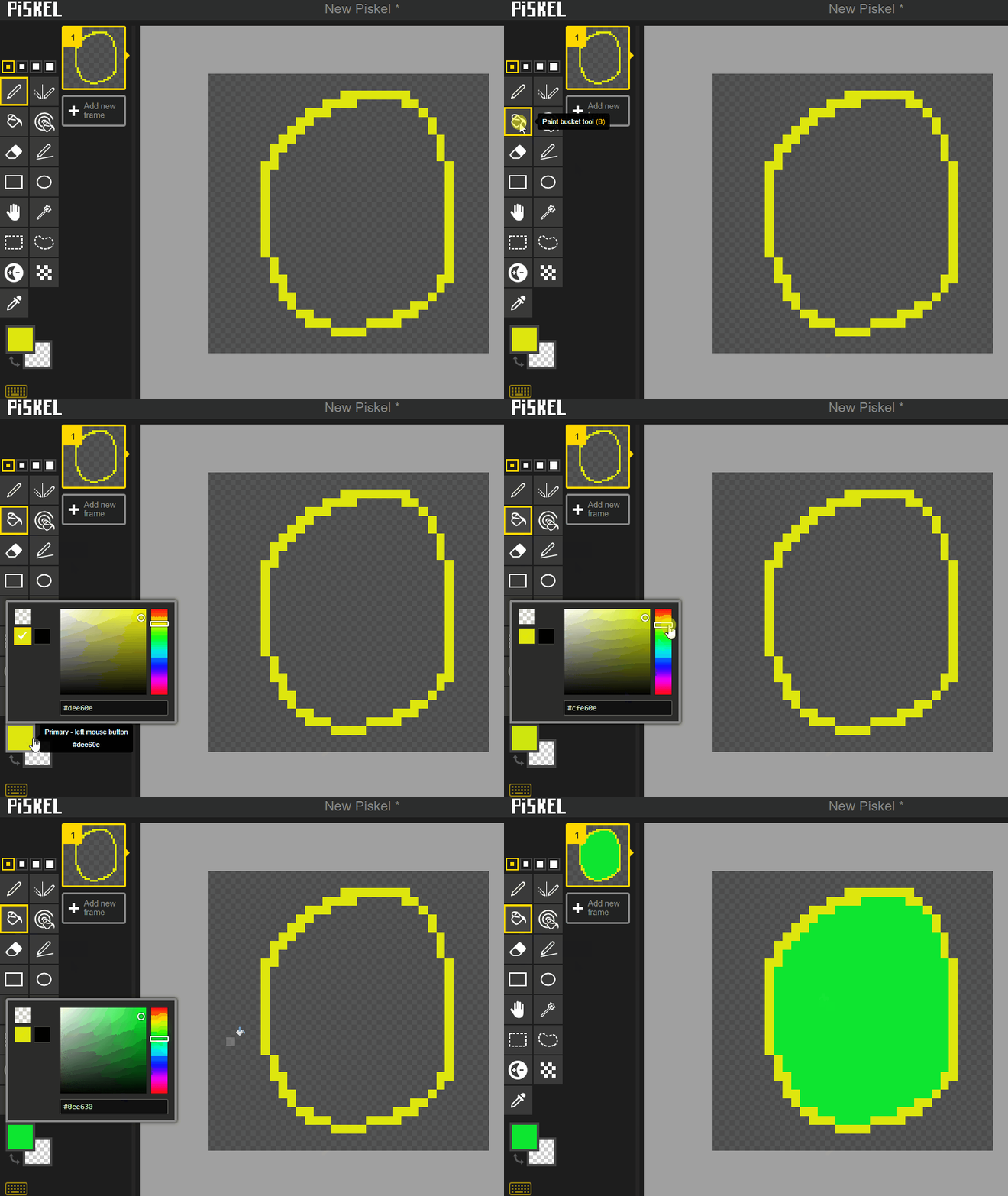
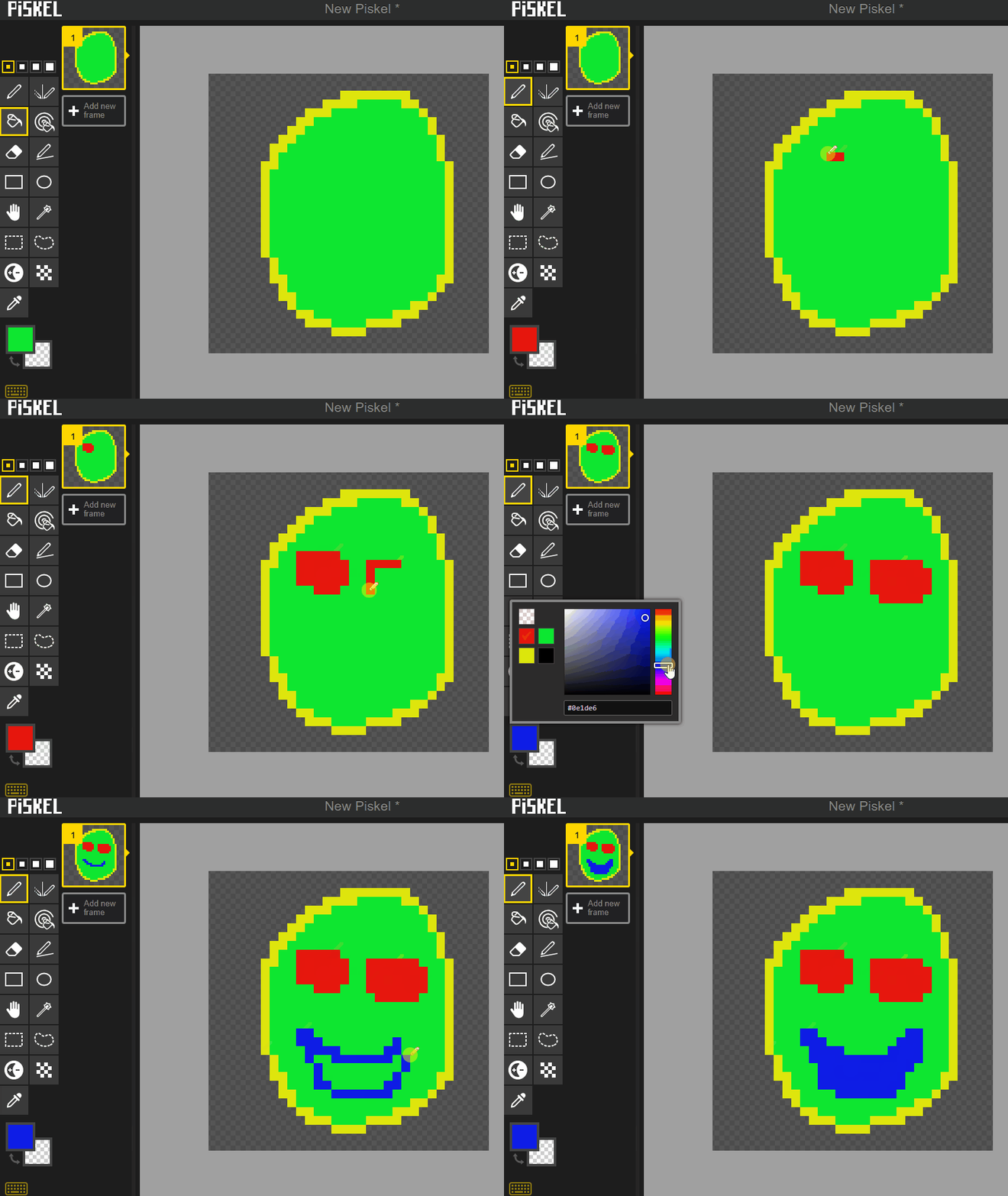
In this lesson, you will create your first pixel art drawing! We will use a fun online tool called Piskel to make a cool pixelated smiley face.