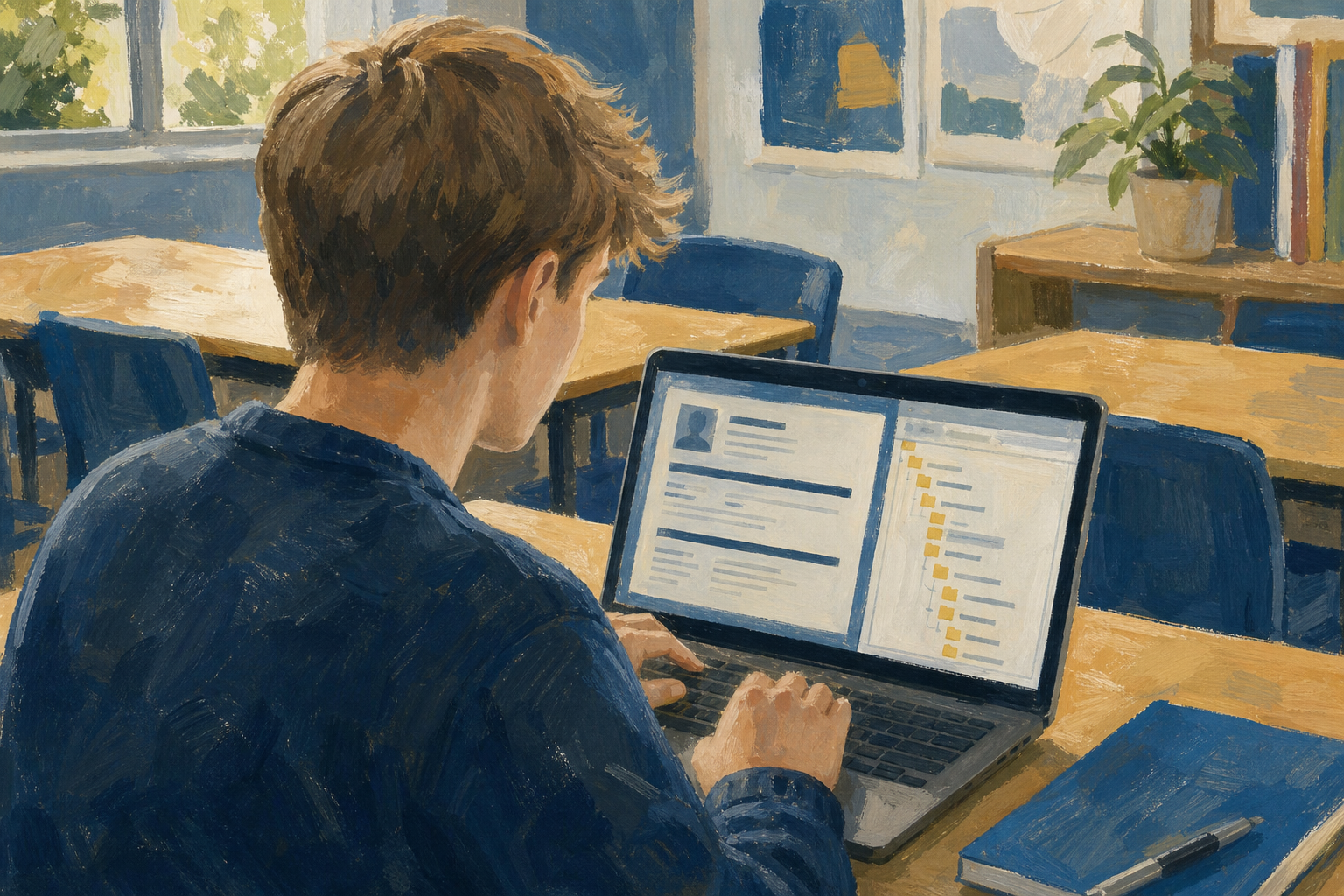
You have already looked at the template gallery and noted options that fit your Something Real project. Today you turn one of those choices into a real first document: you open a template on your device, keep its layout, swap in your own content, and file the result in the right place in your Project Portfolio.
This is how people in work and on placement start professional documents quickly without redesigning the page from scratch every time.
If you do not have a shortlist yet, write in your notes one simple type that matches the project named on your Specialism Plan: CV, flyer, or meeting minutes. You will open the real gallery later on your device, not from a printed handout.
sm1_doc1_from_template.docx in the correct Specialism folderIn about one minute, write three short notes from memory or your Specialism Plan (no devices yet):
Be ready to share one of those three words if your teacher asks.
Three ideas will save you from the two classic mess-ups: wrecking the layout, and overwriting a template you still need. Listen while your teacher points at the three rows; do not try to memorise the table in silence.
| Concept | Why it matters | Example |
|---|---|---|
| Template — a ready-made layout with styles, placeholders, and spacing already set | It gives you a professional structure so you spend time on content, not redesign | A CV template for a Work Experience application at a local garage or Centra |
| Document from a template — a new file created from the template; your working copy | You edit the copy, not the original, so the template stays clean for next time | Opening a flyer template creates a new pitch page for a dog-walking side hustle |
| Placeholder text and preserving layout — sample words you replace by typing over them, without dragging boxes or deleting the structure | Leaving placeholders looks unfinished; deleting whole boxes collapses spacing fast | Select the grey sample heading text and type your real name |
Guided practice uses a simple CV template for a fictional student, Sam O'Brien, applying for Work Experience at a local bike shop. Your teacher will put Sam's three header lines on the board for you to copy during the next step. In Portfolio Build you use the same method with a template that fits your Something Real project.
Follow your teacher's short demo, then complete the same workflow on your own device. You will create a new document from a CV template, fill the header with the Sam O'Brien details from the board, rename the file as practice only, and move it into sm1/03_finished.
Practice file only: save this guided copy as sm1_practice_sam_cv. Do not use your Key Assignment filename yet. Your real Something Real document comes in Independent Practice as sm1_doc1_from_template.docx.
If time is short: finish the name line and get the file into 03_finished first. Contact and objective lines are stretch if you are racing the clock. Must-do: open gallery, pick template, rename, move, type name over the placeholder. Could-do: contact line and objective.
Use this as a help sheet while you work. You do not need to read every row first. Open it when something goes wrong.
| Issue | Solution |
|---|---|
| I cannot find the template gallery | Microsoft 365: go to {{code:onedrive.com}}, open Word for the web, and look at the start page (not a blank document already open). Google: in Drive use New → Google Docs → From a template. If the gallery still does not appear, tell your teacher straight away. |
| My layout collapsed when I edited | Undo with {{kbd:Ctrl+Z}} (Windows/Chromebook) or {{kbd:Cmd+Z}} (Mac). Click inside a placeholder, select the sample text, and type over it. Avoid deleting whole text boxes or table cells unless you mean to remove that block. |
| The file saved in the wrong place | In OneDrive or Drive, use the Move or Save as action on the file and place it in {{code:Project_Portfolio/09_specialism/sm1/03_finished}}. Then reopen it from that folder to confirm. |
| I am worried I edited the real template | Gallery templates normally open as a new document. If you opened a school shared template file instead, close without saving, return to the gallery, and create a fresh copy. Your working file should show your new filename in the title. |
| I named the Sam practice file with my project filename | Rename the Sam file to {{code:sm1_practice_sam_cv}}. Your Something Real document should be a separate file called {{code:sm1_doc1_from_template.docx}}. |
| I downloaded the Google Doc as Word by habit | Leave the working file as a Google Doc in {{code:03_finished}}. Do not use File → Download for this lesson. True Word export can wait for the formats lesson unless your teacher asks for it. |
Same method as practice: gallery → new document → rename → move to {{code:03_finished}} → type over placeholders with your details (not Sam's).
Only pick a CV if that matches your Something Real project. Enterprise and community projects usually need a flyer, proposal, report cover, or log template instead.
Header map (fill at least these three):
You're previewing this lesson. Get full access to this lesson and hundreds more — each one ready to teach, with interactive activities, printable resources and pupil progress tracking built in.