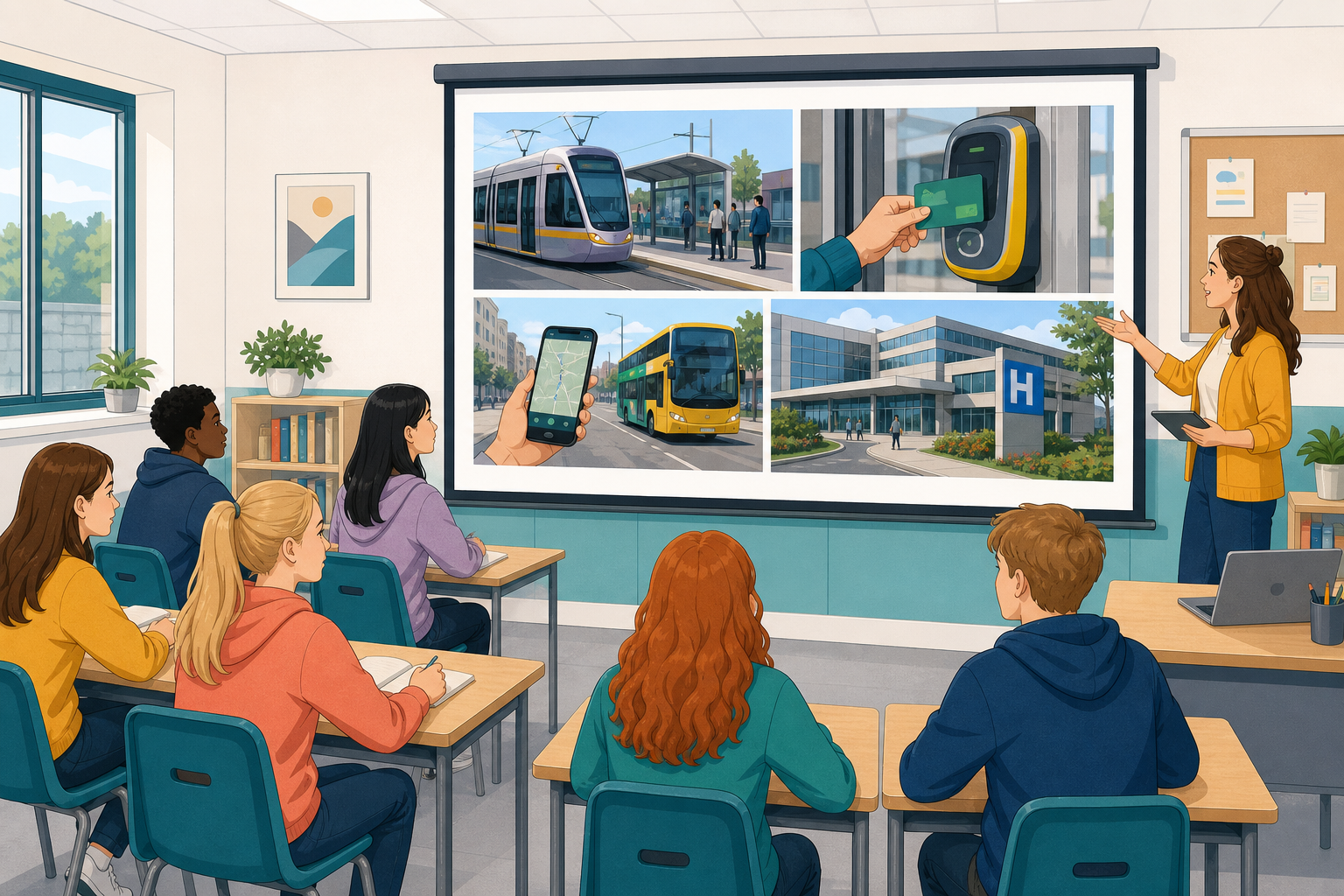
 Earlier you looked inside the machine that runs your game: hardware, software, memory and the CPU. Today we step outside the machine. Where do computers show up in ordinary Irish life, on buses, in hospitals, in the apps you open every day, and what do we gain and give up when we use them?
 A computer is not only the laptop on your desk. It is any device that takes input, follows instructions, and produces output. That includes the phone in your pocket, the card reader on a Luas stop, a hospital scanner, and the server that streams a match to your screen.
Today you will look at three areas of daily life in Ireland:
- Transport: getting people and bikes from A to B
- Health: looking after people and keeping records
- Entertainment: games, streaming, sport and music
For each area you will name what the computer is doing, then weigh one clear benefit against one real cost. A cost is not always money. It can be privacy, fairness, time, or what happens when the system goes down.
Over the next few steps you will meet three areas of Irish life: transport, health and entertainment. Each one comes with examples you can pick from. Aim for at least one solid example in two areas. Stretch to all three if you have time. For each example you pick, answer both questions in your notes:
- What is the computer taking in, what is it doing with that, and what is it sending out?
- Who benefits when it works well?
Transport
- TFI Live and bus arrival boards: your phone or the stop display shows when the next bus is due.
- Leap Card and contactless readers: a tap pays your fare on buses, Luas and trains.
- Or add one you use yourself (booking app, bike share, ticket machine).
Pause: stand and tell your neighbour one input and one output from your transport example.
Health
- Fitness trackers and phone health apps (good default start): a wristband or phone counts steps, heart rate or sleep and shows you the pattern.
- Hospital and GP systems: appointment bookings, patient records and test results are stored and shared between staff who need them.
- Or add one you use yourself (pharmacy app, booking system, medical imaging you have heard of).
Pause: read one health or entertainment example to your partner. They check you named an input, what the system does, and an output.
Unlock the full learning experience
You're previewing this lesson. Get full access to this lesson and hundreds more — each one ready to teach, with interactive activities, printable resources and pupil progress tracking built in.
This lesson is copyright of Coding Ireland 2017 - 2025. Unauthorised use, copying or distribution is not allowed.