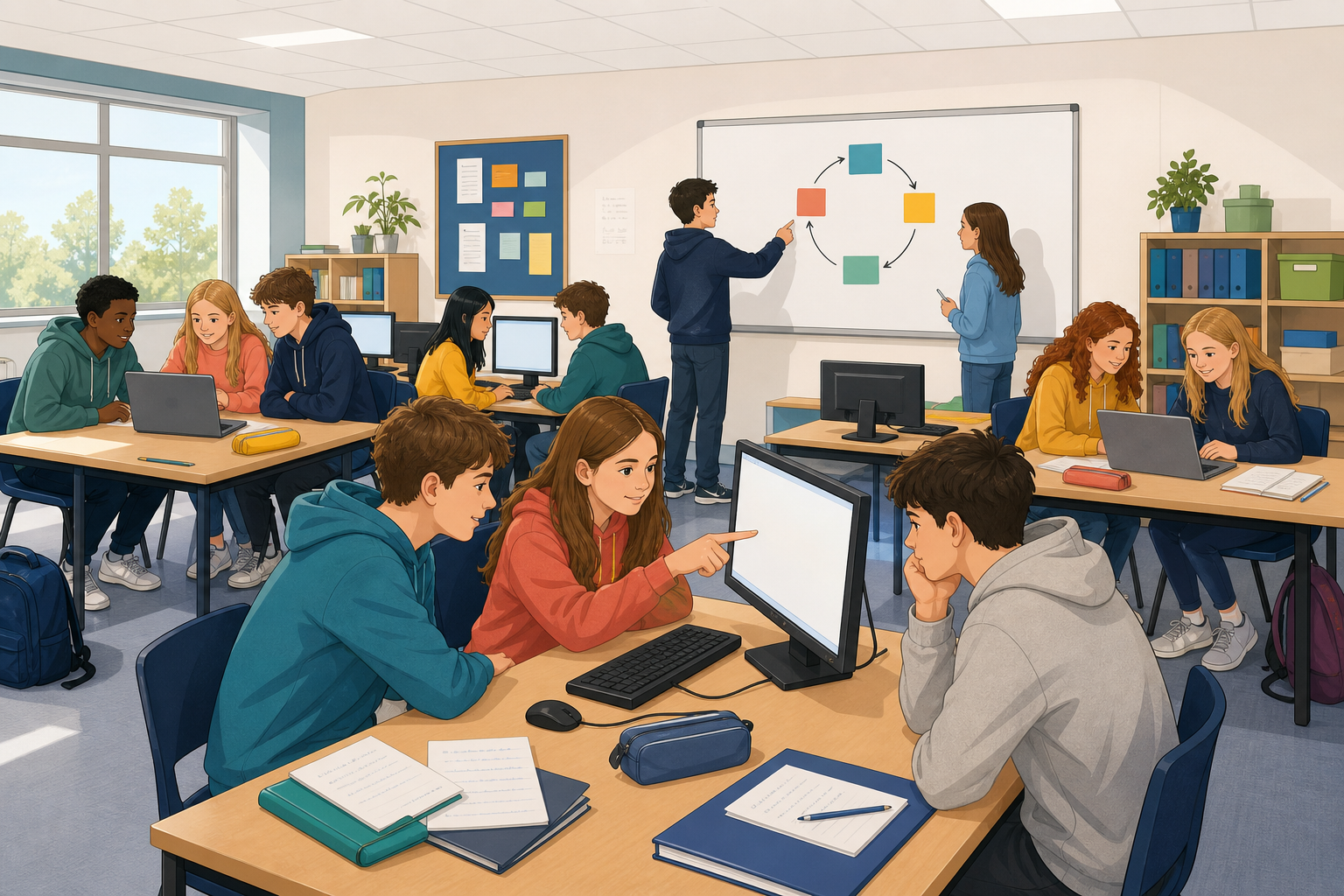
 This is six class periods of steady progress. You are not expected to finish your whole project or portfolio here. Work continues between sessions and after this stretch.
Across these periods you will keep building or curating, test as you go, and leave a clear trail of what you decided and why.
Open the plan and milestones you set earlier, and open the project or portfolio pieces you already have. If something is missing, ask your teacher or rebuild the missing piece from your plan before you push on.
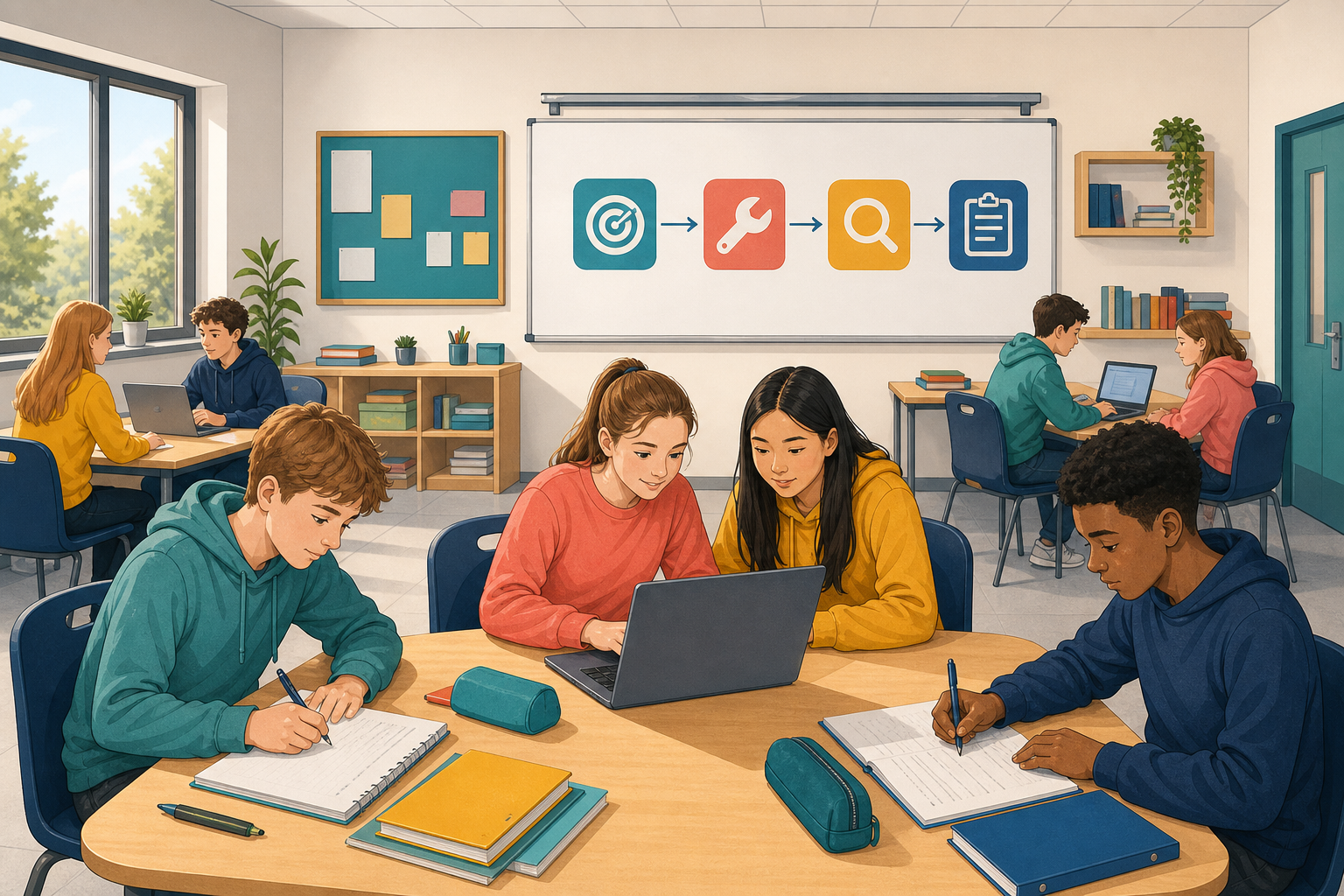 Your job across these periods:
- Build or curate against the milestones you already wrote.
- Test as you go, so problems show up early rather than at the end.
- Keep evidence of what you tried, what broke, what you changed, and why.
Use this evidence frame every time you stop a chunk of work (copy it into your notes):
Date: __ / Did: __ / Tested: __ / Result: pass or fail / Decision: __ because __
Start by writing today's aim in one line, so you know what finished looks like before you open anything, and then reopen your files and get going.
Done for this period:
- one thing works better than when you opened it
- one test result written (pass or fail)
- evidence note someone else could read
- work saved the class way
Start of each period
Write today's aim in one line at the top of your evidence notes, for example "get the login flow working" or "improve the website piece and add a short reflection". If you are in a team, agree who is on build, who is on test and who is on evidence this period before anyone opens a file, and then reopen your work.
During the period
- First, build or curate the next real piece of work against your milestones.
- Then test as you go. After each meaningful change, run or review it. Try the happy path, then try one way to break it (wrong input, missing file, empty list, or a classmate who does not know the controls).
- When something fails, use the debug questions on the board strip.
- After each solid chunk, leave evidence:
- Date: __ / Did: __ / Tested: __ / Result: pass or fail / Decision: __ because __
End of each period
Show one test to a teammate or neighbour so someone other than you has seen it work, and rewrite your one-line aim if the work moved somewhere you did not expect. Teams then rotate the build, test and evidence roles for next time, and everyone saves the class way.
You are not expected to finish the whole project or portfolio in these periods. Steady, tested progress is the goal.
Pause the build. Look only at your milestone sheet and your evidence notes.
- Which milestones are done, partly done, or not started?
- What did testing teach you that planning alone did not?
- What will you protect in the next block of time so the important piece actually moves?
Adjust the plan if you need to. A smaller, honest plan you can finish well beats a huge plan you abandon. Write the adjusted next aim before you go back to the work.
Same loop as before: aim, build or curate, test, evidence, save. Use the board strip and the evidence frame you already know.
Done for this period:
- critical piece moved forward
- one visitor-test note (what confused them)
- evidence frame filled for each solid chunk
- work saved and opens from the shared place
- tomorrow's aim in one line
Start of each period
Reopen your files and write today's one-line aim, and make it the critical piece rather than the easy piece, because that is the one holding everything else up. Teams rotate roles before the building starts.
During the period
- First, chase the critical piece that unblocks everything else.
- Visitor test (once in this stretch). Swap devices with another pair or a portfolio student for about five minutes. Watch where they hesitate. Note one confusion and one change you will make because of it.
- Keep the trail on the usual frame. If you used allowed AI help, note what it did and what you checked yourself.
End of each period
Show one test (or one improved portfolio note) to a neighbour. Save and confirm the file opens from the shared place. Leave tomorrow's aim in one line.
End of this whole block
One decision I changed because of a test (about three minutes): each team or portfolio student names one decision out loud to a neighbour or in a quick whip-around.
You are not expected to finish the whole project or portfolio in these periods. Steady, tested progress you can explain is the goal.
Unlock the full learning experience
You're previewing this lesson. Get full access to this lesson and hundreds more — each one ready to teach, with interactive activities, printable resources and pupil progress tracking built in.
This lesson is copyright of Coding Ireland 2017 - 2025. Unauthorised use, copying or distribution is not allowed.